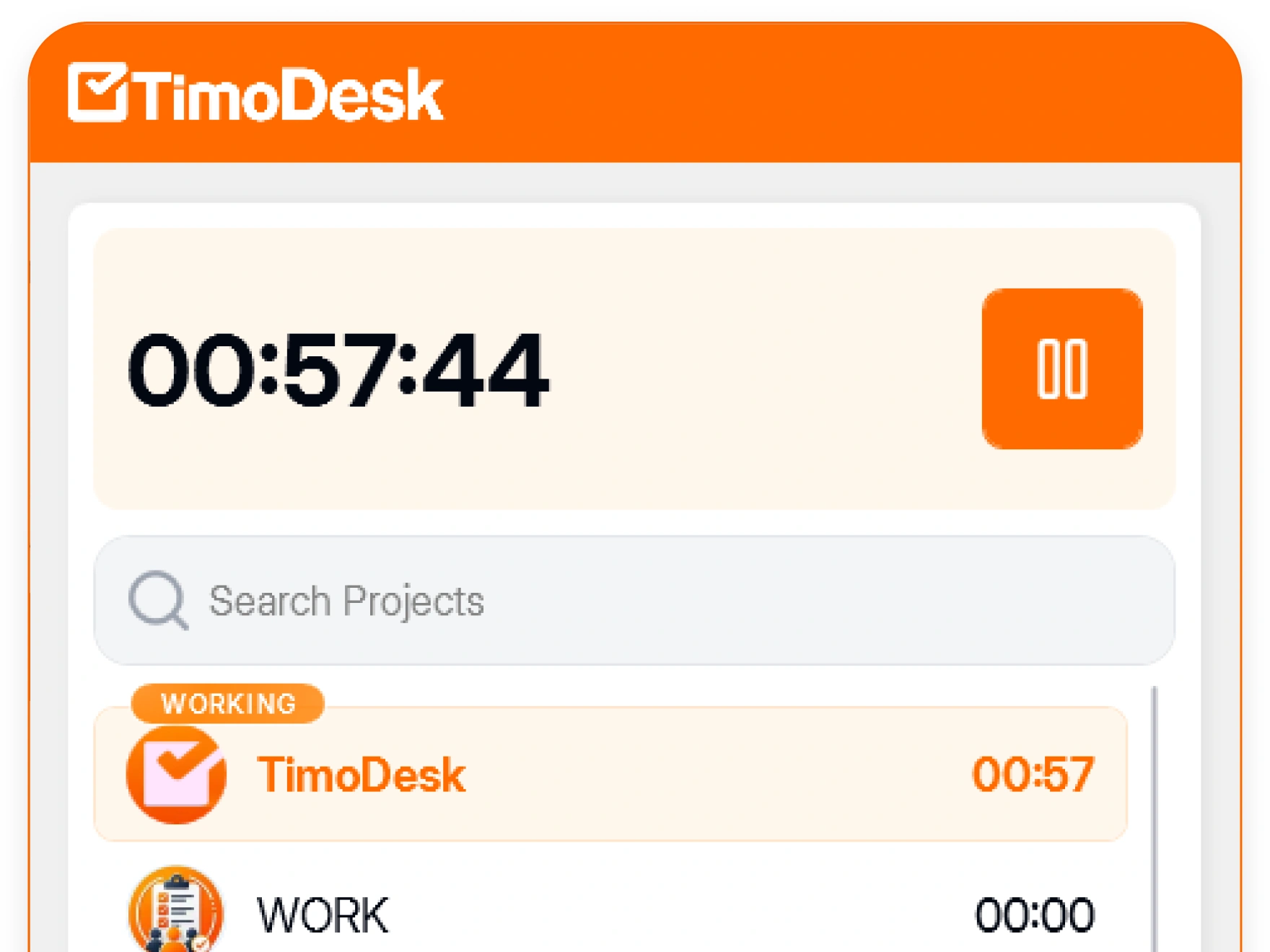
Time tracking your team can trust
TimoDesk is time tracking and employee monitoring software for agencies, staffing firms and remote teams. It records hours, activity and screenshots on Windows, macOS and Linux for $1 per user per month.
Many people distrust time tracking, and they have good reasons.
Many trackers were built to catch people. Their activity scores and dashboards were made for policing, and their pricing was hard to understand. So teams stopped trusting the whole category.
We built TimoDesk to work differently. It runs in the open. The person being tracked knows the timer is on and can open their own data at any time. Nobody can edit a tracked session afterward. The organizer decides if time can be added by hand and who approves it, and it stays marked as manual.
The whole product costs $1 per user per month, on one plan. That covers time tracking, screenshots and reports for every member, plus a kanban board on every project.
When the record is fair, everyone can rely on it: the manager who reads it, the person who did the work, and the client who pays for it.
Time tracking software
What it isHours, activity levels and screenshots, turned into timesheets and reports.
Windows, macOS, Linux
Runs onDesktop apps for tracking, and a web dashboard where managers read the reports.
$1 per user, per month
What it costsOne plan with every feature, and a free trial before you pay anything.
A billing tool
What it is notIt gives you the timesheet for your invoice. It does not send the invoice.
Monitoring you can tell your team about
You should be able to explain every monitoring feature in TimoDesk to your team before it starts. That makes the data useful, because people only trust a record they are allowed to see.
- The person being tracked can always see that tracking is on
- An organizer or manager sets screenshots, and the member is told when they are turned on or off
- Access by role, so a team manager sees only the teams they manage
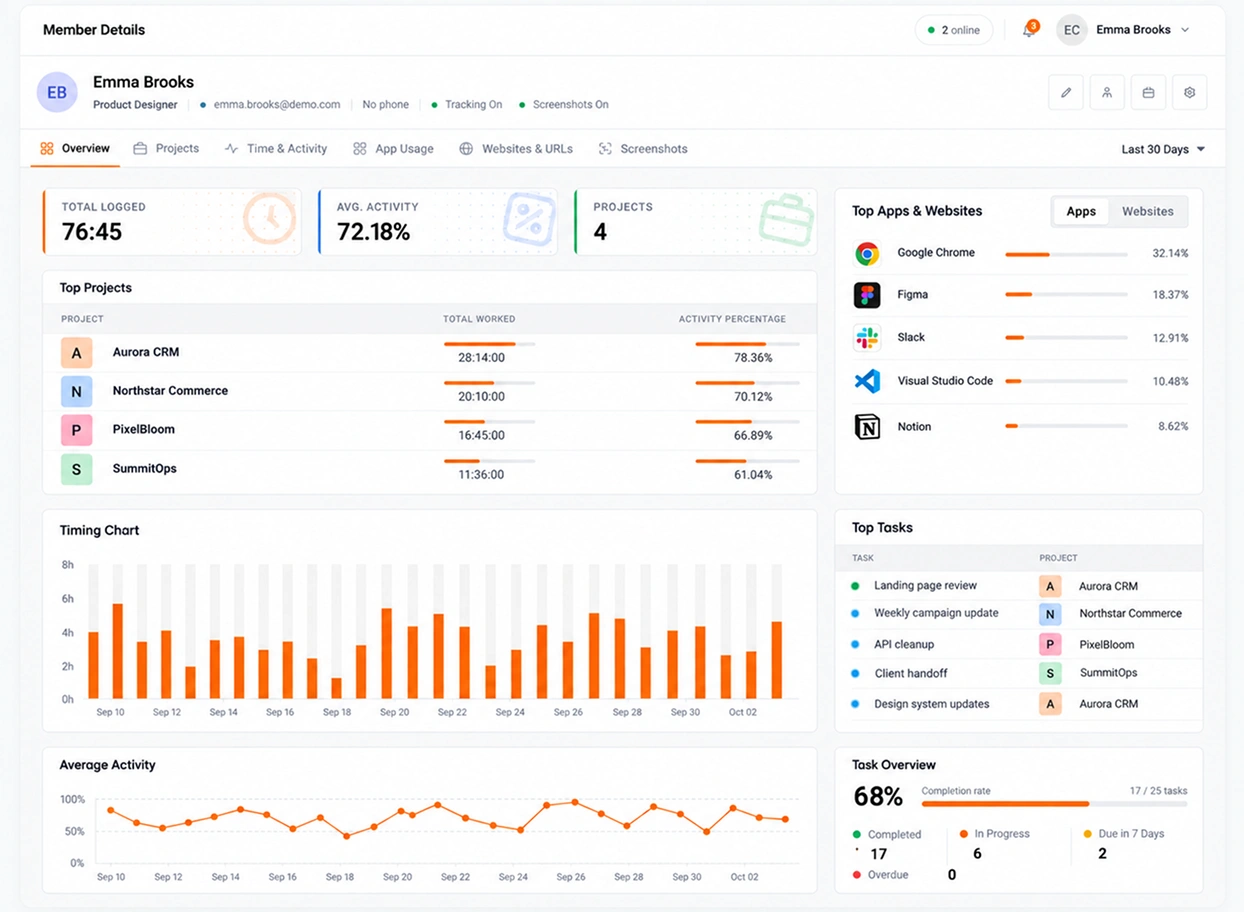
- Members can open their own hours and their own activity
Six rules we build the product by
We check every new feature against these rules. If a feature breaks one of them, we do not build it.
-
Tracking happens in the open
If someone cannot tell that the timer is running, we built it wrong. TimoDesk has no hidden mode, and it never will.
-
The record must be reliable
Billing, payroll and planning all depend on tracked hours. Nobody can edit a tracked session. The organizer decides if time can be added by hand and who approves it. It stays marked as manual, so it is never mixed up with tracked time.
-
One plan, one price
Every feature for $1 per user per month. There is no higher tier to upgrade to, and no feature kept back for a sales call.
-
A number should lead to a decision
Each report is built to answer a question that someone needs to answer. If a chart only looks nice, we do not ship it.
-
Measure the work, not the person
Activity levels come from how often the keyboard and mouse are used, never from what is typed. The numbers are a starting point for a conversation, not a verdict on a person.
-
You can start without a call
Setup takes a few minutes: create the organization, send invitations and install the app. Tracked time shows the same day people start, and the first full-day reports are there the next day. You do not have to talk to us first.
What we will not build
We leave some features out on purpose. Other trackers offer some of the features below. TimoDesk will not.
- A hidden mode You cannot run TimoDesk without the person on the computer knowing it is running.
- Keystroke logging Activity is how often keys and the mouse are used. What someone types is never recorded or stored.
- GPS or geofencing TimoDesk does not follow where anyone works. If you need that, TimoDesk is not the right tool.
- Screen video recording TimoDesk takes screenshots at an interval that people can see for themselves. It does not record a video of someone's whole day.
One product , four different needs
The teams that get the most from TimoDesk have one thing in common: someone else needs to trust their hours.
- 01 Staffing and talent providers You bill clients for remote hours, so you need proof of every one.
- 02 Remote and distributed teams You cannot check on people in person across six time zones.
- 03 Agencies and studios Extra work outside the scope stays hidden until the project has used more hours than planned.
- 04 In-house and hybrid teams People rarely mention an uneven workload until it is already a problem.
About TimoDesk
What TimoDesk is, what it costs, and two things people often think it does.
What is TimoDesk?
TimoDesk is time tracking and employee monitoring software. It records hours, activity levels and screenshots on Windows, macOS and Linux. It turns that data into timesheets and reports your whole team can trust.
How much does TimoDesk cost?
$1 per user per month, on one plan with every feature. There's a 15-day free trial, and you don't need a card to start it.
Who is TimoDesk for?
Remote staffing and talent providers first. It also suits agencies, consultants, software teams, and remote, hybrid or in-house teams: any team that bills, pays or plans from tracked time.
Is TimoDesk a surveillance tool?
No. The person being tracked can always see that tracking is on, and the desktop app tells them when their settings change. Everyone can see their own data.
Can tracked time be edited?
No. Nobody can edit a tracked session. Manual time is off until the organizer turns it on. Then time worked with the timer off can be requested. The organizer chooses who approves it, and it stays marked as manual.
Does TimoDesk send invoices to my clients?
No. TimoDesk is not a billing tool. It gives you the timesheet you build your invoice from. The invoices in your account are for your own TimoDesk plan.
See where your team's hours go
Setup takes a few minutes. Install the desktop app and start a timer. Tracked time shows on the dashboard the same day, and the first full-day reports are ready the next day.
- $1 per user / month
- Windows, macOS and Linux