
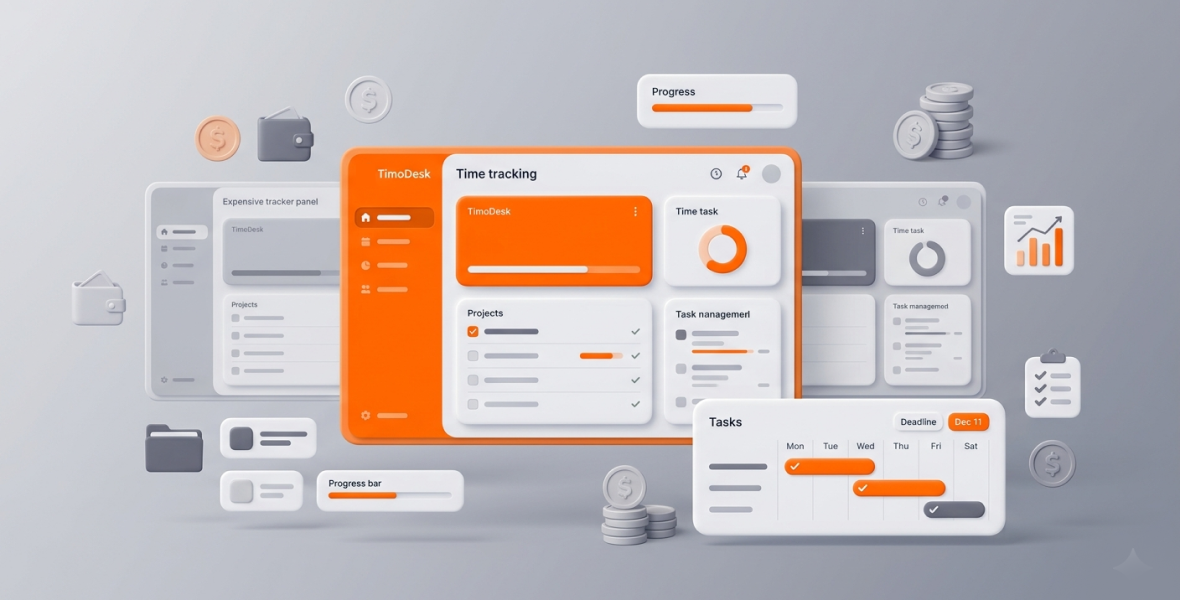
The best budget time tracking software gives you the features small teams really use, such as a timer, idle detection, screenshots, app usage, and reports, at a flat, low price with no tiers to climb. TimoDesk costs $1 per user per month with every feature on one plan. Popular tools like Hubstaff and Time Doctor charge several times more for a plan with similar monitoring features.
Time tracking matters for agencies, staffing providers, remote teams, freelancers, and small businesses. But many tools are expensive. On their published plans, Hubstaff and Time Doctor range from about $5 to $25 per user per month, and the cost grows with every person you add.
TimoDesk is a simpler option. For $1 per user per month, you get time tracking, screenshots, activity levels, app and website usage, projects, and reports in one plan, with no tiers and no hidden fees. You only pay for members who tracked time that month.
What is the problem with expensive time tracking tools?
Monthly costs add up fast
Here are the published prices per user per month, as we checked them in August 2026. The first price is with annual billing, and the price in brackets is with monthly billing.
- Hubstaff: Starter $4.99 ($7), Grow $7.50, Team $10 ($12), Enterprise $25. Paid plans have a 2-seat minimum.
- Time Doctor: Basic $6.67 ($8), Standard $11.67 ($14), Premium $16.70 ($20).
- Toggl Track: Free for a limited number of users, Starter $9, Premium $14. It takes no screenshots and records no activity levels.
For a small agency with 8 people, a plan with similar monitoring features costs about:
- Hubstaff Team: $80 per month on annual billing, or $96 on monthly billing.
- Time Doctor Standard: about $93 per month on annual billing, or $112 on monthly billing.
- TimoDesk: $8 per month.
That gap can fund marketing, hiring, or client work instead. For freelancers and startups, every extra subscription hurts even more.
Too many features you won't use
Large tools add payroll, GPS tracking, shift scheduling, and many integrations. Those are useful for some teams. But if you mainly need to know where the hours went, you pay for features you never touch, and the setup takes longer.
Tiers and upgrade pressure
On tiered tools, some features sit on higher plans. For example, Time Doctor's app and website usage starts on its Standard plan, not Basic. As your needs grow, so does the price per user.
Not built for small budgets
Many trackers were built for large companies first. Small businesses often have no IT team, use many kinds of devices, and need something simple that still gives clear data.
What makes a time tracker truly budget-friendly?
A good budget tracker is not just cheap. It balances price, features, and ease of use.
The core features that matter
- A simple timer with idle detection
- Screenshots for transparency
- App and website usage and activity levels
- Clear reports you can export
- Easy team and project management
Simplicity
A clean interface, fast setup, and a light desktop app that runs well on older laptops.
Clear pricing
One flat rate, no tiers, no hidden fees, no seat minimum, and every feature from day one. The price should grow in a straight line as your team grows.
Fair value
You should get the features you use most, at a price that makes sense for a small team. Try our ROI calculator to compare costs for your own team size.
What is TimoDesk?
TimoDesk is a time tracking and productivity tool for remote, hybrid, and project-based teams. It combines a one-click timer, activity levels, screenshots, projects and tasks, and reports in one desktop app for Windows, macOS, and Linux.
It works well for:
- Agencies managing many clients and billable hours
- Staffing providers who need proof of work for clients
- Remote teams that want visibility without heavy oversight
- Freelancers growing into small teams
- Startups and small businesses on a tight budget
Key points:
- $1 per user per month, every feature included
- Screenshots at an interval you choose, from 3 to 60 minutes
- App and website usage and activity levels
- A live team dashboard and detailed reports
- Offline tracking that syncs later
What features does TimoDesk include?
Time tracking
Pick a task and start the timer with one click. The app runs quietly in the background, removes idle time on its own, and lets you switch tasks fast. Manual time is off until the organizer turns it on, and then each entry goes through approval.
Screenshots
Screenshots give visual proof of work for clients and managers. They start on for new members, and you can switch them on or off for each person. Members can get an alert when one is taken.
Activity and app usage
See active and idle time and which apps and websites take the most hours. Activity levels show the share of tracked time with keyboard or mouse input. TimoDesk never records what anyone types.
Reports
Daily, weekly, and monthly views by project, team, and member. The time and activity report downloads as PDF or CSV, and the monthly timesheet as PDF.
Team and project management
Add as many projects and members as you need. Assign roles, use kanban boards for tasks, and see who is working now.
Light and easy to use
No heavy setup or complex configuration. The app is built to run well on everyday hardware. The documentation walks you through setup.
How does TimoDesk compare with expensive time trackers?
Pricing comparison
| Tool | Entry plan (per user per month) | Plan with similar monitoring | Notes |
|---|---|---|---|
| TimoDesk | $1 | $1 (one plan) | Every feature, no seat minimum, billed monthly after use |
| Hubstaff | $4.99 Starter (annual), $7 monthly | $10 Team (annual), $12 monthly | 2-seat minimum on paid plans |
| Time Doctor | $6.67 Basic (annual), $8 monthly | $11.67 Standard (annual), $14 monthly | App and website usage starts on Standard |
| Toggl Track | $9 Starter | Not offered | No screenshots or activity levels |
Prices are as published by each vendor and checked in August 2026. See the full comparisons: TimoDesk vs Hubstaff, TimoDesk vs Time Doctor, and TimoDesk vs Toggl Track.
Feature comparison
- Timer and idle detection: Standard in all these tools.
- Screenshots: Included in TimoDesk's one plan. Toggl Track does not take screenshots.
- App and website usage: Included in TimoDesk. On Time Doctor it starts on Standard.
- Reports: Included and exportable in TimoDesk at $1.
- Projects: TimoDesk includes kanban boards for every project.
What TimoDesk does not do
To be fair, the bigger tools do some things TimoDesk does not. Hubstaff has GPS tracking, payroll, and shift scheduling. Time Doctor offers video screen recording on its Premium plan. Both have many integrations, and TimoDesk has none yet. TimoDesk also has no mobile app and no free plan. If you need those, the higher price may be worth it.
Value for money
At $1 per user per month, a 10-person team that tracks every month pays $120 a year. The same team on Hubstaff Team pays $1,200 a year on annual billing. The $1,080 difference can pay for other tools, marketing, or extra help.
Who saves the most with TimoDesk?
Agencies managing many clients
An agency can track billable hours per client project with screenshots as proof, and pay $1 per person instead of a higher tier.
Freelancers
A freelance designer can track time per client with a timer instead of manual entries, and share clear reports to back up invoices.
Remote teams
A team spread across time zones gets a live dashboard and activity data, with a light app and a clear tracking policy that keeps trust high. See TimoDesk for remote teams.
Support teams
A support team can see app usage, idle time, and weekly reports for each agent without paying enterprise prices.
What are the benefits of using TimoDesk?
- Saves money: Core monitoring features at a fraction of the usual price.
- More accountability: Open tracking builds ownership, not resentment.
- Better focus: Clear data helps teams spend time on high-value work.
- Simpler management: One dashboard for time, tasks, projects, and reports.
- Easy to scale: Each new user is $1, with no plan to renegotiate.
Why does TimoDesk stand out?
Have a question about fit? Contact us. TimoDesk focuses on the features that give results: time, screenshots, activity, projects, and reports. It has a clean interface, a light app, and one simple price. It does not try to be payroll or GPS software.
Who should use TimoDesk?
- Small businesses and startups that are tired of overpaying
- Agencies that need accurate client billing
- Staffing providers that need proof of work
- Remote teams that want fair, open monitoring
How can you get the most from TimoDesk?
- Pick the right project and task before you start the timer.
- Review reports every week to find bottlenecks and celebrate wins.
- Set clear priorities on tasks.
- Use screenshots to build client trust, not to micromanage.
What is the future of budget time tracking tools?
More teams want simple tools with clear pricing. They don't want to pay for large feature sets they never use. Affordable tools that cover the basics well will keep growing, especially among startups and small teams. Read why teams stop overpaying for time tracking.
Conclusion
An expensive time tracker is not always a better one. For many small teams, the extra cost buys features they never use. TimoDesk gives you time tracking, screenshots, activity data, reports, and projects for $1 per user per month. Start your 15-day free trial, no card needed, and see if one simple plan fits your team. Compare more tools on our alternatives page.
Frequently asked questions
What is the cheapest time tracking software with screenshots?
TimoDesk costs $1 per user per month and includes screenshots on its only plan. Many other tools put screenshots on higher plans or don't offer them.
Does TimoDesk have a free plan?
No. TimoDesk has a 15-day free trial with no card needed. After that, it costs $1 per user per month, billed only for members who tracked time.
Is a $1 time tracker missing features?
It includes time tracking, screenshots, activity levels, app and website usage, projects, and reports. It does not have GPS, payroll, invoicing, integrations, or a mobile app.
Is there a contract or seat minimum?
No. There is no annual contract and no seat minimum. You can stop anytime.
Was this helpful?
Share it with someone who still adds up hours by hand.


