
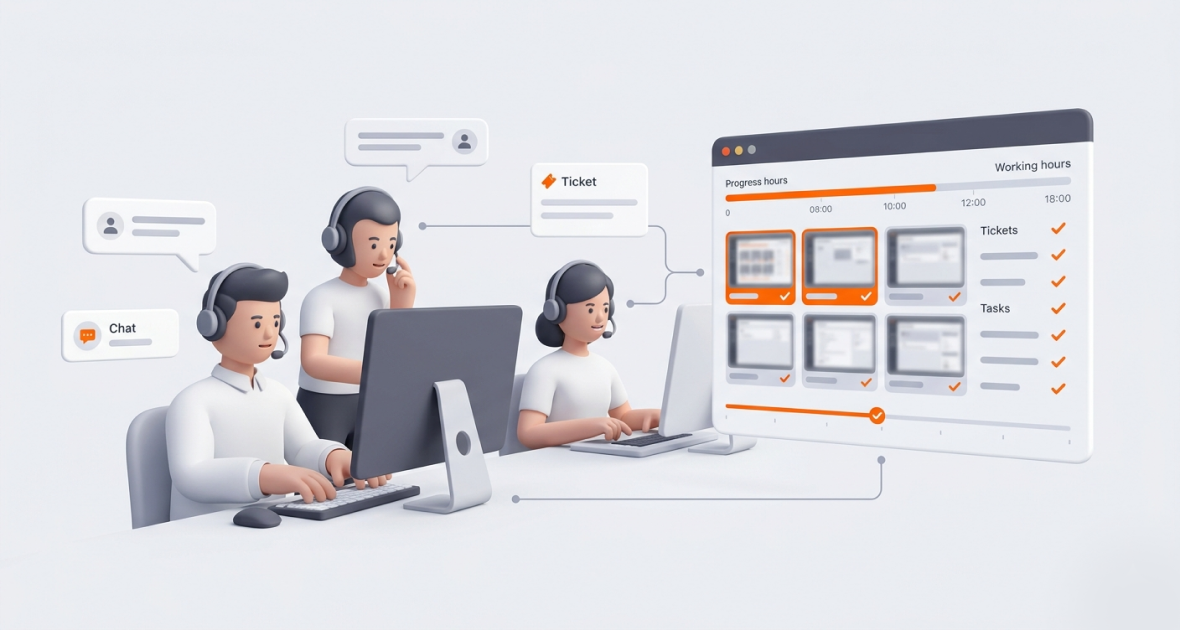
Time tracking and screenshot monitoring help customer support teams see where agent hours go, which ticket types take longest and where SLAs are at risk. Screenshots add proof of work, and activity levels show focus without constant check-ins. Used openly, they help leaders coach agents and balance workloads.
Customer support teams keep businesses running. Remote and hybrid agents handle tickets across chat, email, phone and social channels. Yet many teams have productivity gaps nobody can see. Turnover and burnout are common, and customers expect fast replies.
Missed tickets and slow responses hurt SLA compliance, customer satisfaction and revenue. Without the right tools, managers guess how time is spent.
TimoDesk brings time tracking, screenshots, task management and reports into one desktop app. It costs $1 per user per month, keeps tracking offline and works for small helpdesks and large support centers alike.
Why is tracking customer support teams important?
Good tracking is not about watching every move. It is about running a clear, high-performing support team.
- Faster ticket resolution: Average Handle Time (AHT) and First Contact Resolution (FCR) matter. Tracking time by ticket type shows where delays happen, so managers can act before SLAs slip.
- Balanced workload: Tickets are often getting more complex. Tracking shows overload, uneven shifts and bottlenecks, so you can rebalance early.
- Clear view of performance: Data shows who resolves tickets well. Their habits can guide coaching for others, which can also lower turnover.
- Accountability and trust: In remote teams, visible progress builds accountability. Open data makes conversations easier.
- Fair pay and billing: Accurate hours help with fair pay, bonuses and billing for outsourced support.
What happens to support teams without tracking?
- No view of agent activity: Managers can’t tell if a remote agent is on tickets or distracted. They rely on assumptions.
- Hard-to-manage shifts: Time zones and hybrid schedules make coverage and handoffs hard to see. Gaps show up only when customers complain.
- Slow responses: SLAs are breached quietly. Customers wait, CSAT drops and churn rises.
- Wrong hours: Manual timesheets are error-prone. Billable support contracts lose revenue.
- Weak reports: Scattered data makes weekly reports unreliable. Clients question the value of the work.
These problems add up. Agent stress rises, morale drops and customer loyalty fades.
What is screenshot monitoring for support teams?
Screenshot monitoring takes pictures of an agent’s work screen at set intervals while the timer runs. In support, it shows work in the helpdesk, CRM, chat tools and knowledge base. It is not video, and it does not record what agents type.
How it differs from surveillance:
- Purpose-driven: It shows how tickets are handled and how support tools are used.
- Only during tracked work: Screenshots are taken only while the timer runs. In TimoDesk, screenshots taken while the agent is idle are thrown away.
- Open and fair: Agents are told upfront and can see their own data. It is used for coaching, not punishment.
Screenshots capture the whole screen, and TimoDesk has no blur. Ask agents to close personal apps while tracking, and plan the screenshot settings for any agent whose screen shows sensitive customer data. Screenshots are also helpful as proof of work for outsourced support, and they show training needs, like agents losing time in confusing menus.
How does time tracking help customer support teams?
- Hours per ticket type or client: See the effort behind each ticket queue or customer.
- Accurate logs for pay and billing: Remove guesswork and lost revenue.
- Tasks that take too long: Spot slow processes or knowledge gaps.
- Better workload balance: Move agents to busy periods and prevent burnout.
Combined with screenshots, time tracking becomes a strong coaching tool.
How does TimoDesk help support teams track time and screenshots?
One dashboard
See every agent, task and live activity in one place. Live Now shows who is working right now. The Action Center flags low activity, long workdays and overdue tasks.
Time tracking
Agents start the timer on a task, such as a ticket queue or a client. TimoDesk records active time in the background and removes idle time on its own. The app keeps tracking offline. Manual time is off until the organizer turns it on, and then it needs approval.
Screenshots
Screenshots start on for new members and are switched per agent. Pick an interval from 3 to 60 minutes for the whole team or each agent. An alert can tell agents when a screenshot is taken.
Tasks
Create projects per queue or client and add tasks with priority and due dates. TimoDesk has no helpdesk integration, so tickets stay in your helpdesk. Agents track time on the matching TimoDesk task.
Reports
Run reports by agent, project and date range. See activity levels, app and website usage and hours. Download the time and activity report as PDF or CSV for leaders or clients.
The desktop app runs on Windows, macOS and Linux. There is no mobile app.
How do you set up TimoDesk for a support team?
- Create your account: Start the 15-day free trial. No card is needed.
- Invite agents and set roles: Invite people by email. Give supervisors the team manager or manager role.
- Create projects and tasks: Add a project per queue, channel or client, with tasks inside.
- Set tracking rules: On the Team Tracking Policy page, set screenshot intervals, alerts and idle timeouts. Tell your team how it works.
- Install the app: Agents install the desktop app and start the timer on their task.
- Watch the dashboard: Supervisors check who is working and spot low activity during shifts.
- Review reports: Look at hours, activity and app usage each week.
- Adjust: Rebalance shifts, plan training and refine processes based on the data.
What are the best practices for support time tracking?
- Tell agents about tracking from day one.
- Track ticket work and total hours together for full context.
- Pair screenshots with tasks so they mean something.
- Check dashboards daily to catch SLA risks early.
- Use the data for feedback and training, not punishment.
How do support teams use TimoDesk?
- Remote teams with many client accounts: Agents track time per client project, and screenshots back up client reports.
- Helpdesk agents: IT or SaaS helpdesks track time by queue to see which ticket types take longest.
- SaaS teams across time zones: Live Now and activity levels help keep coverage steady.
- Outsourced support providers: Hours per client project and proof of work make client billing clear. See proof of work with TimoDesk.
What are the benefits of TimoDesk for support teams?
TimoDesk helps support teams improve productivity, accountability and service quality. Managers see agent performance and workload. Open monitoring builds trust with clients and leaders. Data shows training needs and slow workflows, and less manual reporting frees time for real work.
Teams can win back lost time, run more smoothly and serve customers faster.
What mistakes should support teams avoid?
- Not telling agents about screenshots, which destroys trust.
- Ignoring time data in performance reviews.
- Over-monitoring, which lowers morale.
- Keeping time, task and ticket data in separate silos with no shared names.
- Using many unconnected tools instead of one central place.
How can support teams get the best results?
Track all tasks the same way so data is reliable. Compare screenshots and activity with your helpdesk’s resolution data. Adjust workloads and shifts based on real numbers. Recognize top agents in public; the monthly leaderboard can help.
Review reports often. Find bottlenecks, fix processes and keep improving response times.
Conclusion
Running a support team well takes time tracking and careful screenshot use. TimoDesk gives support leaders one place for hours, activity, screenshots and reports, at $1 per user per month.
Start your 15-day free trial today and see where your support hours go.
Frequently asked questions
Is screenshot monitoring ethical for support teams?
Yes, when agents are told clearly and it covers only tracked work time. Screenshots can be switched off per agent, and an alert can show when one is taken.
Does TimoDesk integrate with Zendesk or Freshdesk?
No, TimoDesk has no helpdesk integrations yet. Create projects and tasks in TimoDesk that match your queues or clients. Reports download as PDF or CSV.
How do agents track time across many tickets?
Agents start the timer on a task, such as a queue or client, and switch tasks when their work changes. Idle time is removed on its own.
Can remote support teams be monitored without micromanagement?
Yes. Activity levels, screenshots and reports give you facts, so you need fewer check-ins. Staff see only their own data.
Was this helpful?
Share it with someone who still adds up hours by hand.


