
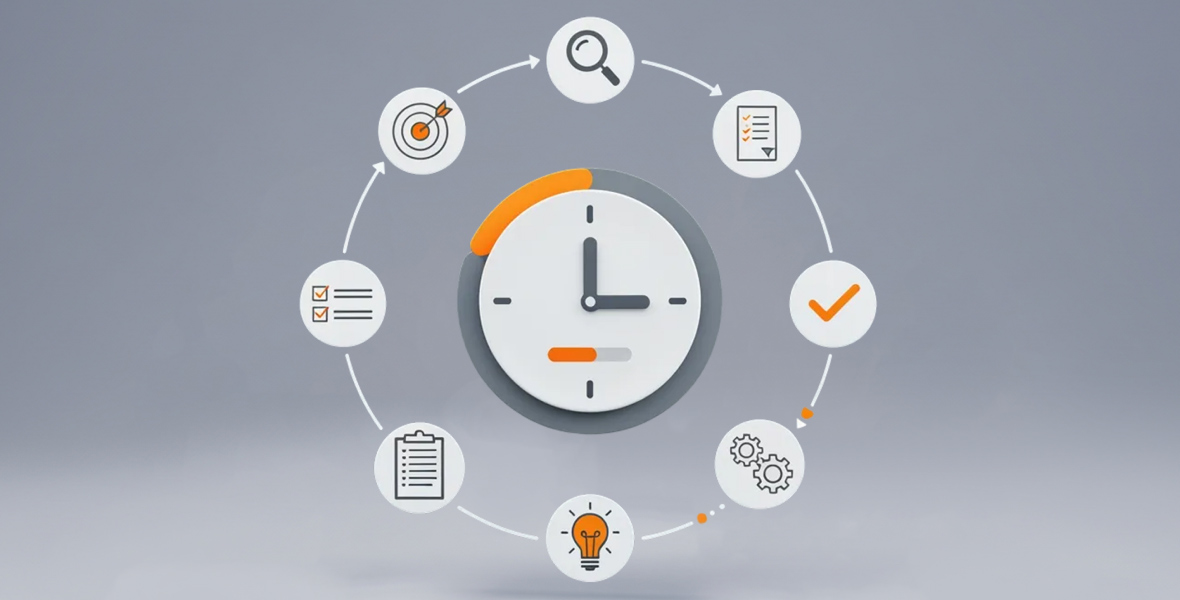
The best time tracking practices are simple: set a clear goal, write a short policy, pick a tool that fits your work, track every day and review the data each week. Use the results to support people, not to punish them. These habits turn time tracking from a chore into a tool that improves daily work.
Below are ten time tracking best practices for individuals and team leaders, with practical tips for each one.
Why should you set clear goals before you track?
Tracking with no purpose gives you random data that nobody uses. A clear goal makes every entry useful.
Decide why you are tracking
Common reasons are to measure productivity, check working hours, review project progress and manage remote teams. Pick one or two to start.
Connect goals to daily tasks
If your goal is to know what each project costs, make sure people track time to the right project and task. Then the monthly report answers your question.
Choose outcomes you can measure
Examples: fewer unplanned tasks, more focused hours or better project estimates. Measurable goals let you rely on data instead of guesses.
How do you create a simple time tracking policy?
A short written policy keeps entries consistent and avoids messy reports later.
- What to track: for example, client work, internal projects and meetings.
- How much detail: enough to be useful, not so much that it slows people down.
- Why you track: say it plainly. People feel more comfortable when they know the purpose.
- Who sees what: explain who can view each person's data.
Keep the policy to one page. Share it before you start tracking, and ask people to read it and raise questions. A policy that people understand is one they will follow. If you use screenshots or activity levels, say so in the policy, and explain what they show and what they do not.
How do you choose a time tracking tool?
Pick a tool that helps people work better, not just one that watches them. Look for these features:
Helpful automation
A timer per task and automatic idle detection cut human error. In TimoDesk, members start the timer on a task, and idle time is removed on its own.
Projects and tasks in one place
When tasks live next to the timer, people track to the right place without switching tools. TimoDesk includes a kanban board, list and calendar view for each project.
Clear reports
Good reports make analysis easy. Look for reports by person, project and date that you can download for billing or payroll.
How do you build consistent tracking habits?
- Track in real time: start the timer when you start a task, not at the end of the day.
- Link tracking to existing routines: review the report in your regular team meetings.
- Review every week: look at where the time went and who may need help.
Habits form faster when tracking takes only a few seconds. Keep the list of projects short and the task names clear, so people can find the right task quickly. Daily summary emails also help, because people see their own hours each day without opening a report.
How should you organize your activities?
Simple categories make the data easy to analyze.
- Use clear names: for example, client work, admin, meetings and project tasks.
- Do not over-split: too many categories confuse people and lead to wrong entries.
- Stay honest: accurate entries matter more than good-looking ones.
How do you use time data to improve your workflow?
Find time leaks
Look for repeated delays, constant interruptions and low-value tasks that eat up hours. Long meetings and status updates are common examples. Once you see them in the data, you can shorten them, combine them or drop them.
Compare estimates with real time
Set an estimate on each task and compare it with the time spent. If tasks often run over, either the estimates or the process need work. TimoDesk flags tasks that go over their estimate.
Use visual reports
Charts and tables show a whole month at a glance. See the reports and analytics TimoDesk offers.
How do you build a supportive tracking culture?
- Support, do not criticize: use data to coach people. Punishing people with it hurts the whole team's motivation.
- Avoid micromanagement: guide people to work better instead of pushing numbers.
- Celebrate progress: recognize strong work in public. A monthly leaderboard can help.
Why should you adjust your approach over time?
- Ask for input: in the first weeks with a new tool, ask how it feels to use.
- Update settings: review projects, idle timeout and screenshot settings as work changes.
- Review every quarter: your work changes, so your tracking should too.
How does time tracking help with billing and planning?
- Match hours to rates: tracked hours make client invoices fair and easy to explain.
- Forecast projects: past data shows how long similar work will take.
- Predict costs: reliable hours make budgets more accurate.
How do you handle common time tracking challenges?
Inaccurate entries
Use a timer instead of memory. If you allow manual time, require approval. In TimoDesk, manual time is off until the organizer turns it on, and then each request goes through approval.
Tracking fatigue
People stop tracking when it feels like extra work. Keep the process light, explain the value and thank people for staying consistent.
Interruptions
Create focus blocks with no meetings or messages. Fewer switches mean better focus and cleaner data.
What simple habits help most?
- Time blocking: plan blocks of time for tasks, then check if you kept to them.
- Small reminders: a note at the start of the day keeps you consistent.
- Small rewards: reward yourself for a full week of tracking.
Final thoughts
Good time tracking starts with a clear goal. If you want to know what each project costs, make sure people track to clear projects and tasks. Follow these time tracking best practices, and your data will start to answer real questions.
If you need a tool, TimoDesk costs $1 per user per month with every feature on one plan. See pricing, or start a 15-day free trial with no card needed.
Frequently asked questions
What is the most important time tracking best practice?
Set a clear goal before you start. A goal tells you what to track and how to use the data.
How often should a team review time data?
Once a week works for most teams. A quick weekly look catches problems early without taking much time.
How detailed should time entries be?
Track time to the project and task. More detail than that usually slows people down without adding much value.
How do you stop time tracking from feeling like micromanagement?
Explain the purpose, share what you track and use the data to help people. Focus on trends, not single minutes.
Was this helpful?
Share it with someone who still adds up hours by hand.


