
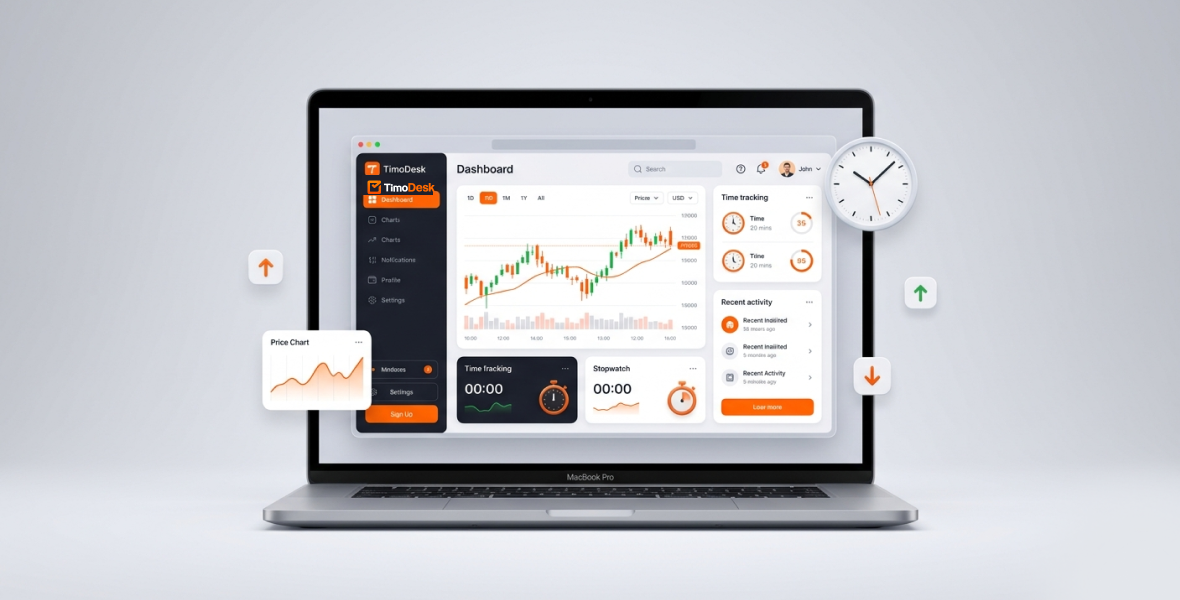
TimoDesk helps Forex traders see where their trading time really goes. You start the timer on a task, such as "London session," and TimoDesk records your active time, the apps and websites you use, and screenshots. Then you review simple reports to find your best hours and cut the distractions that cost you money.
The Forex market moves fast. Daily trading volume is about $9.6 trillion, according to the 2025 BIS Triennial Survey. The market runs 24 hours a day, five days a week. One pip can decide a trade, and one distracted moment can turn a good setup into a loss.
Many traders fight the same problem: distractions. News alerts, social media and random browsing break focus. Overtrading, revenge trading and burnout are common. Broker risk warnings in Europe often say that 70 to 90 percent of retail CFD accounts lose money, and weak discipline is a big part of that.
This guide covers:
- Why time management matters so much in Forex.
- How TimoDesk features fit a trader's day.
- A daily workflow that builds discipline.
- Best practices, privacy, and how to start.
Why does time management matter for Forex traders?
Forex never sleeps. The market moves through four main sessions:
- Sydney: Often quiet, but it sets up Asian moves.
- Asian/Tokyo: Lower volatility. Good for range trading JPY pairs.
- London: The most liquidity for EUR and GBP pairs.
- New York: Overlaps with London for peak volatility.
The London and New York overlap is where most of the action happens. Spreads are tight, moves are big, and emotional mistakes are more likely.
Poor time management leads straight to losses:
- Trading outside your edge, such as forcing trades in thin Asian hours.
- Overtrading during news spikes or slow periods.
- Screen fatigue that leads to impulsive entries.
- No idea whether your analysis time turns into good trades.
Tracking your time helps you match your energy to the best trading windows. It also helps you stick to your session rules and see how your habits affect your P&L.
What problems do Forex traders face every day?
- Distractions during live sessions: Quick checks of social media, news sites or YouTube break focus.
- Overtrading and burnout: Sitting in front of charts for 10 or more hours with no plan.
- No routine: Jumping between sessions with no clear start and stop times.
- Analysis vs execution: No way to compare hours on charts with trades placed.
- No performance data: No clear record of why one session went well and another did not.
- Uneven discipline: Emotions lead to revenge trading or FOMO.
These problems add up. Without a clear view of your own behavior, small leaks can drain an account.
What is TimoDesk?
TimoDesk is a time tracking and productivity tool for remote teams. It also works well for one person, like a trader who wants personal accountability without a complex setup.
- How it works: You start the timer on a task. TimoDesk logs active time, removes idle time, records app and website use, and takes screenshots.
- Platforms: Desktop apps for Windows, macOS and Linux, plus a web dashboard for reports.
- Price: $1 per user per month, with every feature on one plan. No hidden fees. There is a 15-day free trial, and no card is needed.
How does TimoDesk help Forex traders stay focused?
Time tracking on each trading task
Start the timer on your trading task. TimoDesk logs every active minute. If you switch between MT4/MT5, TradingView or your broker's web terminal, the app records which one you used.
Activity levels
Activity levels show the share of your tracked time with mouse or keyboard input. Check them for the London open or the NY overlap. When your activity drops, take a real break instead of forcing trades. What you type is never recorded.
App and website usage
See how much time you spend in TradingView compared with news sites or social media. The app and website usage report helps you spot patterns, like "I lose 45 minutes a day to random browsing."
Idle time removal
If there is no mouse or keyboard input for the idle timeout you set, TimoDesk removes that time. Coffee breaks and time away from the desk do not count. Your hours show real trading focus, not just screen-on time.
Screenshots
Take screenshots of your charts at an interval you choose, from every 3 to every 60 minutes. Review them later to see why a trade worked or failed, without writing notes by hand.
Reports
Your reports show:
- Time spent on each session task (Asian, London, NY).
- Activity levels and trends over time.
- App usage, for example TradingView 3.2 hours and distractions 28 minutes.
- A timeline of your day, with screenshots to review.
How can you turn trading time into measurable performance?
TimoDesk connects screen time with results when you compare it to your trading journal:
- Time vs profit: Compare focused 4-hour London sessions with your winning days.
- Best hours: Your data may show that you trade better at the NY open than late in the Asian session.
- Bad habits: Find and cut the hours each week lost to distractions.
- Your own rules: For example, "No trading after 2 PM EST if my activity drops below 70 percent."
Over a few weeks, you build a personal edge that no strategy tester can give you.
What are the benefits for Forex traders?
- Better focus: Seeing your time and app use makes distractions visible, so you stay sharp during key overlaps.
- More discipline: Tracking by session supports rules like "trade only during the London and NY overlap."
- Real performance data: Facts replace guesses about what moves your equity curve.
- Less emotional trading: Long, low-activity sessions are easy to spot, which helps you avoid FOMO and revenge trades.
- Work-life balance: Knowing your exact screen time helps you avoid 12-hour sessions and burnout.
Who is it for?
- Beginner traders: Build routines from day one.
- Retail and professional traders: Improve personal performance.
- Prop firm traders: Keep clear activity records for funded accounts.
- Trading mentors: Track demo and live sessions for student reviews.
What does a trading day with TimoDesk look like?
- Pre-market: Start the timer on a "Pre-Market Analysis" task. TimoDesk tracks the 45 minutes you spend on the economic calendar and higher timeframes.
- London session: Switch the timer to "London Live Trading." App usage confirms that most of your time is in MT5 or TradingView.
- NY overlap: Your peak focus window. Screenshots capture key setups for later.
- Post-trade review: Open your reports. Look at the timeline, activity levels and screenshots. Write what you learn in your journal.
- Weekly review: Export the time and activity report and compare it with your P&L. If London brings most of your profit in fewer hours, adjust your schedule.
Is TimoDesk better than a trading journal?
It is not a replacement. A journal is still essential, but it is incomplete on its own:
- Memory vs records: A journal depends on memory. TimoDesk records what happened while the timer ran.
- Accuracy: No forgotten entries and less self-reporting bias.
- Best of both: Use TimoDesk for objective data and your journal for emotions and strategy notes.
Best practices
- Track every session the same way, with one task for each major session.
- Keep only trading apps open during live hours.
- Review your reports every Sunday and plan next week.
- Set strict trading windows that match your edge.
Is monitoring necessary for traders?
For a solo trader, this is self-monitoring, not surveillance. You decide whether screenshots are on and how often they are taken. What you type is never recorded. Treat the reports as a coach, not a judge. Most serious traders find this kind of visibility helpful.
Should Forex traders use TimoDesk?
TimoDesk gives Forex traders something no indicator or EA can: a clear view of their own trading behavior. For $1 per month, you get time tracking, app and website usage, screenshots and reports. Many retail traders lose money, and routine matters as much as strategy. TimoDesk helps you build steady focus and improve with real data.
To start, create your free account, download the desktop app, add a project with a task for each session, and start the timer when you open your charts.
Frequently asked questions
Does TimoDesk track my time automatically?
No. You start the timer on a task when you begin trading. After that, TimoDesk runs in the background and removes idle time on its own.
Can TimoDesk block distracting websites?
No. TimoDesk does not block anything. It shows which apps and websites you used and for how long, so you can change your own habits.
Does TimoDesk record what I type?
No. It only measures whether there was keyboard or mouse input, which becomes your activity level. The content you type is never recorded.
How much does TimoDesk cost for one trader?
It costs $1 per user per month, with every feature included. You can try it free for 15 days without a card.
Is there a mobile app?
No. TimoDesk tracks time with desktop apps for Windows, macOS and Linux. You view reports in the web dashboard.
Was this helpful?
Share it with someone who still adds up hours by hand.


