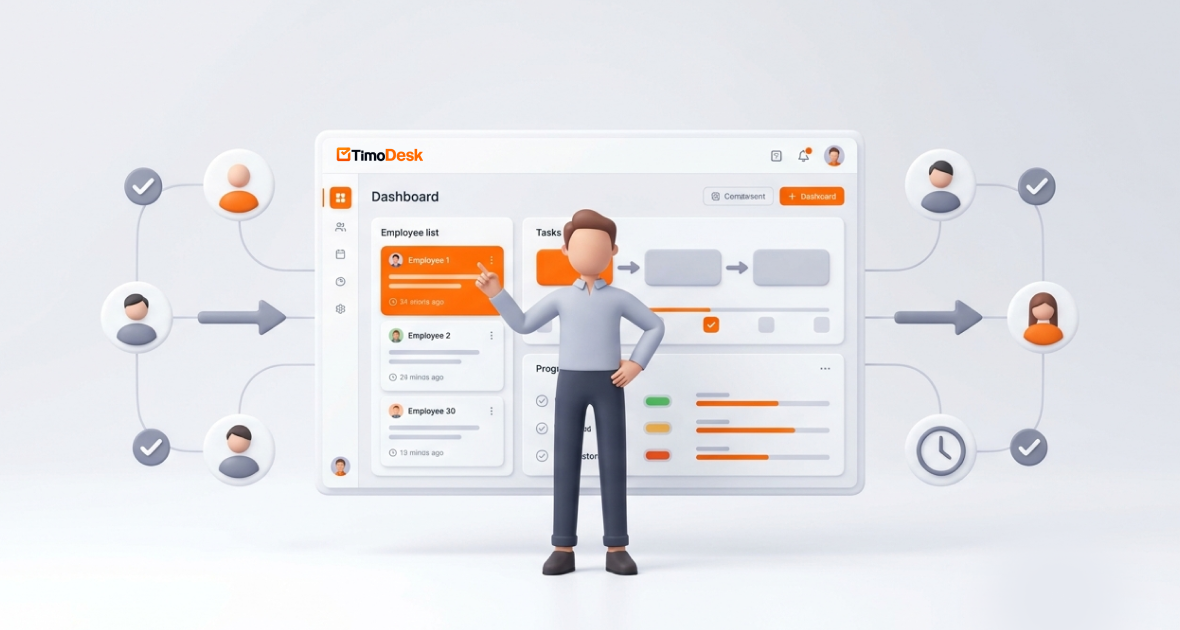

Timodesk vs RescueTime: Which One Improves Productivity More?
In the fast-paced world of 2026, where remote work, hybrid teams, and freelance gigs dominate the professional landscape, effective time tracking isn't just a nice-to-have it's essential for boosting productivity, optimizing workflows, and ensuring profitability. Whether you're a solopreneur juggling multiple clients, a startup founder managing a growing team, or an enterprise leader overseeing global operations, choosing the right time tracking software can make all the difference.
Enter TimoDesk and RescueTime, two powerful contenders in the time tracking and productivity arena. TimoDesk, a rising star focused on affordability and in-depth team monitoring, positions itself as an all-in-one productivity suite with transparent oversight. RescueTime, a veteran in personal productivity, emphasizes automatic background tracking, distraction blocking, and insightful analytics without invasive surveillance. But which one truly improves productivity more for you?
Why Time Tracking Software Matters
Before we jump into the TimoDesk vs RescueTime showdown, let's set the stage. Time tracking software has evolved significantly since the early days of manual spreadsheets. With AI-driven automation, real-time analytics, and remote work tools at an all-time high, these platforms do more than just log hours they provide actionable insights to prevent burnout, improve focus, and drive measurable productivity gains.
According to recent industry reports, businesses and individuals using dedicated time tracking tools see up to a 20-30% increase in productivity. For freelancers, it ensures accurate billing and better work-life balance; for teams, it builds accountability without micromanagement; and for anyone serious about growth, it turns vague "busy" days into data-driven improvements.
Key factors to consider when choosing the best time tracking software include:
- Ease of Use: Intuitive interfaces that minimize learning curves.
- Features: From automatic timers to focus tools, reports, and insights.
- Pricing: Scalable plans that fit budgets from free to enterprise-level.
- Security and Privacy: Especially important in a data-conscious era.
- Support and Updates: Regular enhancements, like TimoDesk's 2026 Linux improvements or RescueTime's evolving focus and timesheet features.
With that in mind, let's explore each tool individually before pitting them head-to-head.
What is TimoDesk? An Overview
TimoDesk is a modern time tracking and productivity management platform designed specifically for global teams. Launched as an affordable alternative to pricier tools, it emphasizes transparency, real-time monitoring, and simplicity. Ideal for remote and hybrid setups, TimoDesk helps businesses track performance, analyze workflows, and optimize time usage without breaking the bank.
Key Highlights of TimoDesk
- Target Audience: Small to medium-sized businesses, freelancers, and agencies needing detailed activity insights.
- Platform Availability: Desktop apps for Windows, macOS, and Linux (with enhanced support), web dashboard, and mobile apps.
- Unique Selling Point: Ultra-low pricing at just $1 per user per month, combined with screenshot monitoring for accountability.
In 2026, TimoDesk rolled out exciting updates, including Live Team Monitor for real-time oversight, URL tracking on Linux, and screenshot capture support on Linux, addressing previous platform limitations and enhancing cross-OS compatibility.
What is RescueTime? An Overview
RescueTime is a leading automatic time tracking and productivity software that runs quietly in the background on your devices. It helps individuals and teams understand exactly how time is spent on apps and websites, delivering personalized insights, goals, alerts, and powerful Focus Sessions to block distractions and boost deep work. Trusted by millions, RescueTime prioritizes self-improvement and habit-building over surveillance.
Key Highlights of RescueTime
- Target Audience: Freelancers, professionals, creative workers, and small teams focused on personal or team productivity gains.
- Platform Availability: Desktop (Windows, macOS, Linux), web dashboard, and mobile support.
- Unique Selling Point: Fully automatic tracking with productivity scoring, distraction blocking, and detailed habit insights no manual timers required.
In 2026, RescueTime refined its plans with enhanced Focus features, timesheets, and team dashboards, continuing its reputation for reliable, privacy-friendly productivity tools.
TimoDesk vs RescueTime - Feature Comparison
Now, the heart of our TimoDesk vs RescueTime comparison features. We'll break this down into categories like time tracking, productivity tools, reporting, integrations, and more. For clarity, here's a side-by-side table summarizing the key differences:
| Feature Category | TimoDesk | RescueTime |
|---|---|---|
| Core Time Tracking | Automatic background tracking, offline sync, task switching, screenshots | Automatic app/website tracking, idle detection, Focus Sessions |
| Monitoring & Accountability | Screenshots, activity levels (keyboard/mouse), app usage | No screenshots; productivity scoring & distraction alerts |
| Reporting & Analytics | Productivity reports, timelines, top/low performers, project breakdowns | Detailed productivity reports, goals & alerts, daily/weekly insights |
| Integrations | Limited (focus on all-in-one suite) | Calendar, Asana, Slack, and select productivity apps |
| Team Management | Live Team Monitor, member analytics, task assignment | Team dashboards, consolidated reports (Team plans) |
| Mobile & Offline Support | Yes, with sync | Strong desktop focus; mobile companion apps |
| Security | Secure data transmission, screenshot privacy | Privacy-first, no invasive monitoring |
| Customization | Basic (projects, tasks) | Advanced goals, categories, and focus rules |
For teams needing accountability and proof of work, TimoDesk is the clear winner with built-in screenshots and real-time monitoring. RescueTime excels in personal productivity and privacy-focused insights, but for managing teams and tracking performance, TimoDesk delivers stronger control and visibility out of the box.
Deep Dive -Time Tracking Capabilities
Time tracking is the foundation, and both tools excel but in very different ways.
- TimoDesk: Uses a desktop app to automatically track active time, app usage, and tasks in the background. It captures screenshots every 10 minutes (configurable) for visual proof of work, which is excellent for client billing or team reviews. Offline mode ensures no data loss, and it syncs seamlessly. For global teams, this means reliable tracking across time zones with built-in accountability.
- RescueTime: Runs passively in the background, automatically logging every minute spent on apps and websites. It assigns productivity scores based on your categories, detects idle time, and offers Focus Sessions that block distracting sites/apps to help you stay in flow. It's less about oversight and more about building better habits.
Winner: TimoDesk for detailed team monitoring; RescueTime for effortless personal focus and habit improvement.
Reporting and Analytics
Insights are what turn data into real productivity gains.
- TimoDesk: Delivers visual reports on activity benchmarks, app analytics, project timings, monthly timesheets, and performer rankings. Screenshots add context for deeper understanding.
- RescueTime: Excels with personalized productivity scores, trend reports, goal tracking, daily highlights, and alerts to prevent burnout. Team plans add consolidated dashboards for managers.
Winner: RescueTime for individual self-awareness; TimoDesk for team-level visibility.
Integrations and Ecosystem
- TimoDesk: Currently focuses on its all-in-one suite rather than heavy third-party integrations ideal if you want everything in one place.
- RescueTime: Offers solid connections with calendars, project tools like Asana, and Slack for seamless workflow.
Team Management and Collaboration
- TimoDesk: Live Team Monitor, real-time activity views, task assignment, and weekly worklogs make it built for remote accountability.
- RescueTime: Team plans provide shared reports and admin tools, but it's lighter on real-time oversight.
Winner: TimoDesk for monitoring depth in teams; RescueTime for collaborative focus without feeling watched.
Usability and User Experience
Both tools are user-friendly, but RescueTime feels lighter and more "set-it-and-forget-it" for individuals. TimoDesk's data-rich dashboard shines for managers but may feel more monitoring-oriented for privacy-sensitive users.
Pricing Comparison
| Plan | TimoDesk | RescueTime |
|---|---|---|
| Free Tier | No free plan, 14-15 day trial | Lite (free) – basic tracking & reports |
| Entry-Level | $1/user/month (all features) | Solo Focus: ~$9–12/month (annual discounts) |
| Mid-Tier | N/A (single plan) | Solo+/Team plans: $12–16/user/month (with timesheets & focus) |
| Enterprise | Scales at $1/user/month | Custom Team+ pricing |
| Billing Options | Monthly/annual | Monthly/annual (savings on annual) |
| Trial | 14-15 days | Free Lite + paid trials available |
Winner: TimoDesk for sheer value and simplicity; RescueTime if you start free and need personal focus tools.
Pros and Cons - TimoDesk vs RescueTime
TimoDesk Pros
- Extremely affordable at $1/user/month.
- Detailed monitoring with screenshots and activity tracking.
- Offline support and automatic sync.
- 2026 updates enhance Linux compatibility.
- Simple, all-in-one pricing with no upsells.
TimoDesk Cons
- Limited integrations.
- Monitoring features may feel invasive to some.
- No free plan beyond trial.
- Basic customization compared to personal tools.
RescueTime Pros
- Truly automatic and effortless tracking.
- Excellent Focus Sessions and distraction blocking.
- Strong free tier for individuals.
- Privacy-focused with actionable productivity insights.
- Great for building long-term habits.
RescueTime Cons
- Higher cost for team/advanced features.
- Lacks deep team monitoring like screenshots.
- More individual than enterprise-scale.
- Desktop-heavy experience.
Who Should Choose TimoDesk?
TimoDesk is the better choice for budget-conscious teams that want detailed oversight and real accountability to drive productivity. If you're managing remote workers, need proof-of-work for clients, or want powerful tracking that scales without complexity, TimoDesk delivers. Ideal for:
- Small agencies and growing startups.
- Freelance teams or creative departments.
- Businesses prioritizing cost and transparency.
User feedback often highlights its impact: "TimoDesk gave us real-time insights and accountability at a price that actually makes sense."
Who Should Choose RescueTime?
RescueTime shines for individuals and small teams focused on self-improvement, distraction-free work, and habit-building. If you want passive tracking that helps you understand (and change) your daily patterns without feeling monitored, RescueTime is ideal. Perfect for:
- Freelancers and solopreneurs.
- Creative professionals seeking deeper focus.
- Anyone prioritizing personal productivity scores and focus tools.
Reviews frequently note: "RescueTime finally showed me where my time was really going and helped me fix it."
Final Verdict
In the battle of TimoDesk vs RescueTime, the right choice depends on your goals but for most teams and businesses seeking maximum productivity improvement at scale, TimoDesk clearly takes the lead. If affordability, detailed monitoring, team accountability, and effortless scaling matter most, TimoDesk is the smarter investment. With its unbeatable $1 per user pricing and powerful 2026 feature updates, it delivers real productivity gains without overspending.
RescueTime remains an outstanding option, especially for individuals or small groups who value automatic insights, distraction blocking, and privacy-first habit building. Its free tier and focus tools make it a favorite for personal growth.
-
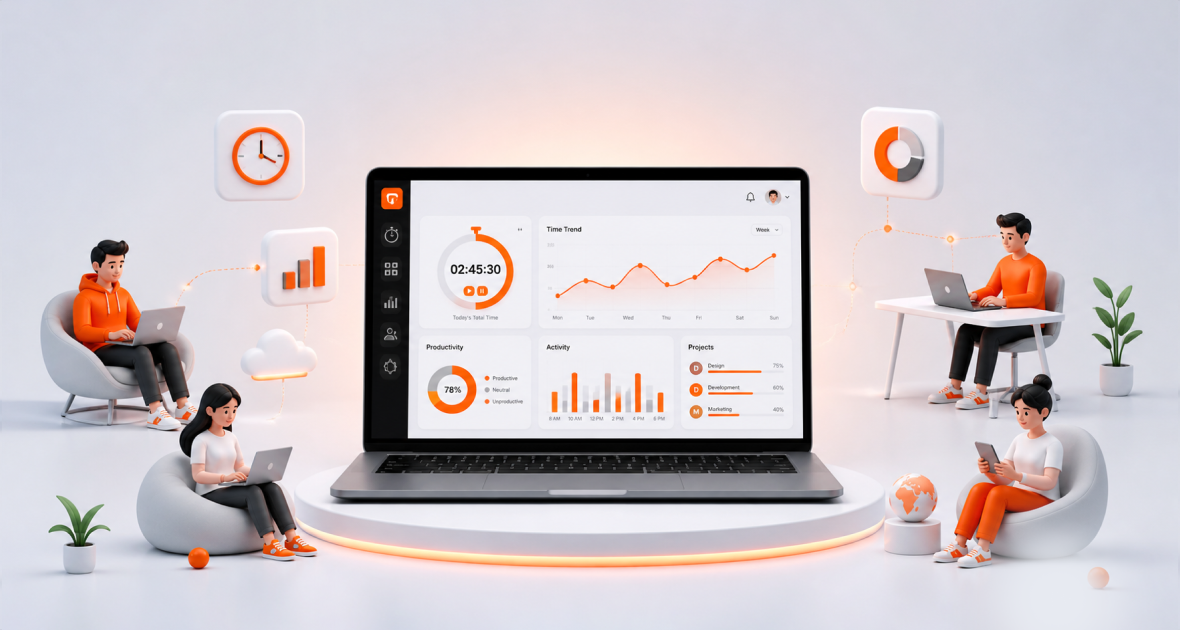
-
TimoDesk vs DeskTime: Best Time Tracking & Screenshot Tool
April 02, 2026 -
-