
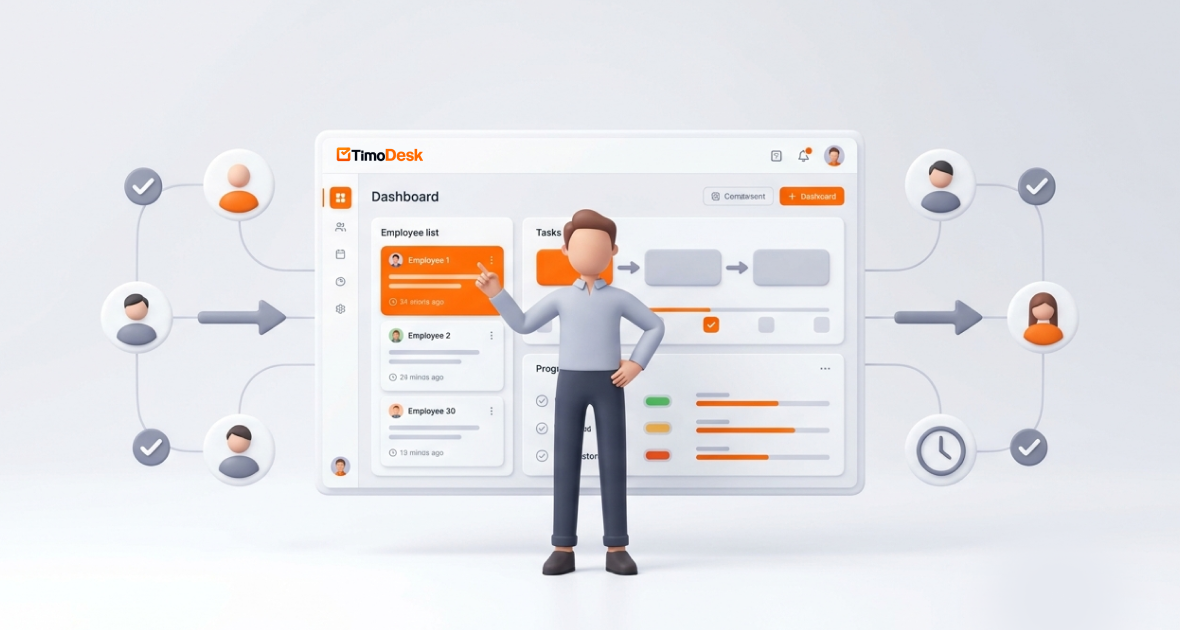
TimoDesk manager access is the set of roles and permissions that let managers see team time, activity and tasks without owning the whole account. In TimoDesk, a manager can invite and approve people, assign work, set tracking options and read every report. Team managers and project leaders get a narrower view of their own teams or projects.
The manager's job has changed. Today's managers coach, plan and remove blockers, often for hybrid, remote and global teams. They must hit goals, care for their people and deliver across time zones without constant check-ins. Without the right tools, they end up with scattered data, late updates and constant firefighting.
This guide explains what manager access is, the problems it solves and how to use it in TimoDesk. TimoDesk costs $1 per user per month, with every feature on one plan. See the pricing page for details.
What is manager access in workforce management tools?
Manager access means role-based permissions that let supervisors oversee team work, assign tasks, follow progress and read reports. They get this without full control over billing and the whole account.
Its goal is good supervision with safe limits. Key duties include:
- Seeing what the team is working on right now
- Assigning tasks and following progress
- Judging performance with data
- Finding and fixing bottlenecks
- Working together through comments and feedback
Structured access matters. Giving everyone full rights creates security risks. Giving managers too little slows them down. The right roles give each person exactly what they need.
What roles does TimoDesk have?
| Role | What they can do |
|---|---|
| Organizer | Owns the organization. Does everything a manager can, and is the only role that changes manual time settings. |
| Manager (shown as "Business Manager") | Invites and approves people, changes roles, sets tracking options and sees all team data. |
| Team manager | Sees the members and data of their own teams. |
| Project leader | A staff member who manages the tasks and members of one project and sees the whole project. |
| Staff | Tracks time and works on tasks. Sees only their own data. |
Learn more about roles on the team members page or in the roles and permissions guide.
What makes employee supervision hard today?
Managers face the same problems in many teams:
- No live view: In remote or hybrid teams, it is hard to know who is working on what. Late updates lead to surprises at deadline time.
- Communication gaps: Scattered emails, chat threads and status meetings cause confusion and slow decisions.
- Hard-to-measure performance: Gut feeling replaces data. It becomes hard to spot top performers or help those who struggle.
- Messy delegation: Tasks sent by email or spreadsheet get lost, and priorities stay unclear.
- Remote and hybrid teams: Time zones, no office and too many tools make steady supervision difficult.
These problems cost teams time, deadlines and good people. A central tool with clear roles fixes most of them.
How does manager access work in TimoDesk?
TimoDesk is a time tracking and productivity tool for remote teams and staffing agencies. It combines time tracking, project and task management, activity levels, screenshots and reports in one workspace. Its manager features give team leads the tools they need for oversight.
There are three ways to add people. You can send an email invitation with a role, and the link expires after 48 hours. You can share an invitation link; people who join by link wait for approval and join as staff. Or you can add a member directly with a password.
Key capabilities for managers include:
- A team dashboard with key figures, a Team Day timeline and Live Now
- The "TimoDesk Live Team Monitor" browser extension
- Task and project assignment with progress tracking
- Time and activity reports you can download as PDF or CSV
- An Action Center that flags problems early
Members run a light desktop app for Windows, macOS or Linux. They start the timer on a task, and the app records time in the background. It keeps tracking offline and syncs when it reconnects. Managers see the results in the browser.
What are the key features of TimoDesk manager access?
Real-time team view
The Live Team Monitor browser extension shows who is online and today's summary in one click. Organizers, managers and team managers can sign in to it; team managers see only their teams. On the dashboard, Live Now shows who is working right now. Read more about the Live Team Monitor.
Task assignment and management
Create projects and tasks, assign them to members, and set priorities, start and due dates and estimates. Tasks can have subtasks, labels and comments with @mentions. Projects have a kanban board, a list view and a calendar view, and boards update live for everyone. Learn more about project management.
Workflow and workload
Each task tracks time against its estimate and is flagged when time goes over. The Time Allocation view shows where team hours go. The Action Center flags overdue tasks, low-activity members, long workdays, tasks over estimate and manual time waiting for approval.
Performance tracking and reports
The time and activity report lets you filter by date range or member and drill down to each project. It downloads as PDF or CSV. You also get app usage and website reports, a Performance Map, top and low performer lists and a monthly leaderboard. See reports and analytics.
Tracking settings
The Team Tracking Policy page shows one grid with organization defaults and per-member settings. Managers can switch tracking and screenshots on or off, set the idle timeout and screenshot interval and turn on screenshot alerts. They can edit many members at once, and changes reach the desktop app right away.
Communication
Task comments with @mentions, task activity history and daily summary emails keep updates in context. Shared boards cut the need for status meetings.
How does TimoDesk simplify employee supervision?
TimoDesk puts live status, task progress, activity levels and reports in one place. Managers no longer need to ask for status updates. Employees know their work is visible through activity data and screenshots, which builds accountability. Screenshots start on for new members and can be switched off per member.
Managers can stop chasing updates and coach based on facts. A typical day might look like this:
- Open the Live Team Monitor extension in the morning to see who is online.
- Assign or reorder tasks on the project board.
- At midday, check the Action Center for low-activity or overdue flags.
- At the end of the week, download reports for one-on-ones.
How does TimoDesk improve workflow management?
Tasks and time tracking live in the same system, so there are no silos. Bottlenecks show up early through task estimates, overdue flags and project timing. Timesheets and daily summaries are built for you, which frees managers for higher-value work.
Shared project boards and live updates make cross-team work easier. Managers can move people to where the work is, based on real workload data.
How do you set up manager access in TimoDesk?
- Create your organization. Sign up for the 15-day free trial; no card is needed. You become the organizer.
- Invite your managers. Send email invitations with the manager or team manager role.
- Add team members. Invite staff by email or invitation link, and group them into teams. Each person installs the desktop app from the download page.
- Set tracking options. Use the Team Tracking Policy page to set screenshots, idle timeout and other options for each member.
- Create projects and tasks. Assign tasks with due dates and priorities. Make a staff member project leader if they should run a project.
- Review reports. Use the dashboard and the time and activity report to spot trends. Download reports for reviews or client talks.
What are the benefits of manager access?
- Higher productivity: Clear data helps balance workloads.
- Accountability: Tracking backed by activity data builds ownership.
- Time saved: Live tools replace hours of manual follow-up.
- Better decisions: Clear numbers support fair reviews and planning.
- Room to grow: At $1 per user per month, cost stays simple as the team grows.
Which teams benefit from manager access?
- IT and software teams track sprints and assign coding tasks with clear time data.
- Marketing and creative agencies manage campaigns and client work, with screenshots as proof.
- Remote and hybrid teams get visibility across time zones.
- Customer support teams follow daily activity to keep service steady.
- Larger companies use central reports for reviews and coordination.
How does TimoDesk compare with traditional management methods?
| Criteria | Emails, spreadsheets and meetings | TimoDesk |
|---|---|---|
| Speed | Slow | Fast, with less manual work |
| Error risk | High | Low |
| Live view | None | Live status and dashboard |
| Data | Spread across tools | One place |
| Insights | Few or none | Reports and performance data |
| Transparency | Low | High |
| Cost | Hidden cost of lost time | $1 per user per month |
What are the best practices for using manager access?
- Set clear roles and duties during onboarding.
- Look at trends, not every minute, to avoid micromanaging.
- Use data for coaching and process changes, not blame.
- Share high-level results with the team.
- Be open about what is tracked and how the data is used.
- Set clear goals, such as task estimates, and review them in reports.
What should you keep in mind?
New managers may need a few days to learn the dashboard. Balance monitoring with trust and focus on outcomes. Share your privacy rules clearly; the security page explains how TimoDesk handles data. TimoDesk has no integrations, but reports download as PDF or CSV for use in other tools. Questions? Contact our support team.
Conclusion
Good manager access is key to modern leadership. It closes visibility gaps, keeps work moving and makes supervision a source of growth, not a chore. TimoDesk manager access gives you live status, task management and clear reports in a light tool. Start your free trial to see it with your own team.
Frequently asked questions
What is manager access in TimoDesk?
It is the manager role and its permissions. Managers can invite and approve people, change roles, set tracking options, assign tasks and see all team reports.
How does TimoDesk help with employee supervision?
It shows live status through Live Now and the Live Team Monitor extension. It also offers time and activity reports, screenshots and an Action Center that flags problems early.
What is the difference between a manager and a team manager?
A manager sees and manages the whole organization. A team manager sees only the members of their own teams.
Can manager access improve workflow?
Yes. Task assignment, progress tracking and overdue flags in one place reduce delays. Managers can adjust work before projects slip.
Is TimoDesk suitable for remote teams?
Yes. The desktop app tracks offline and syncs later, and managers see results in the browser. That suits remote and hybrid teams across time zones.
Was this helpful?
Share it with someone who still adds up hours by hand.


