
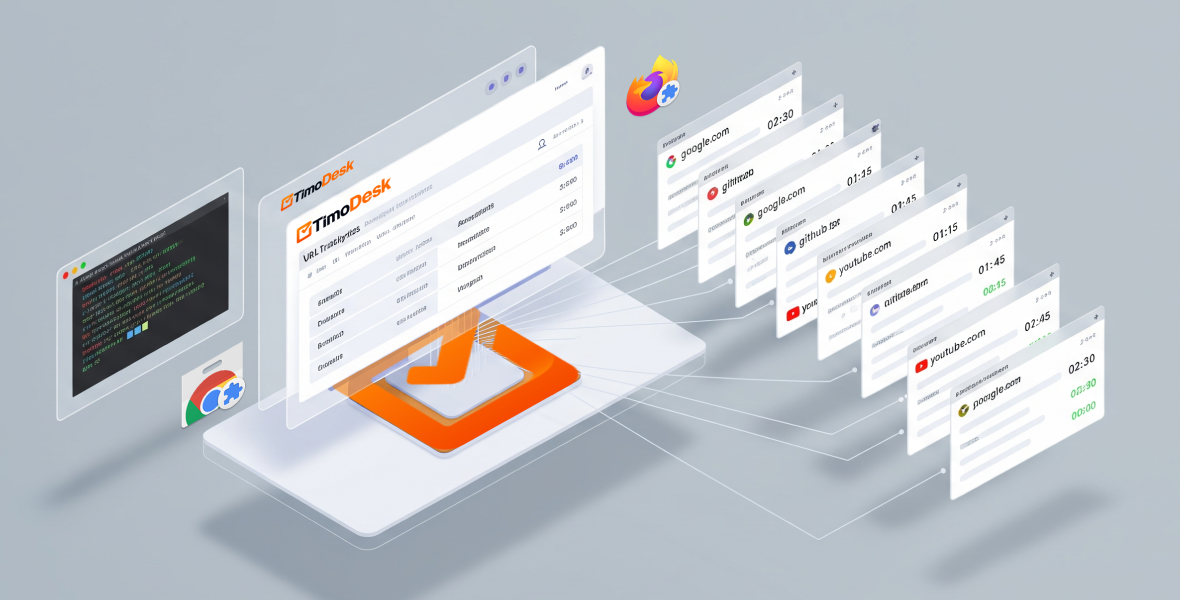
On Windows and macOS, the TimoDesk desktop app tracks browser URLs on its own, with no setup. On Linux, URL tracking works through the official TimoDesk URL Tracker browser extension for Chrome, Chromium-based browsers and Firefox. Either way, TimoDesk records which websites were visited during tracked time, never the content of the pages.
Our goal is simple: give teams accurate, open time and activity tracking on Windows, macOS and Linux, without getting in the way. URL tracking is a big part of that. This post explains how it works on each platform, which browsers we support and why Linux takes a slightly different path.
How does URL tracking work on Windows and macOS?
On Windows and macOS, the TimoDesk desktop app reads what it needs by itself:
- The browser in use
- The website, the page address (URL) and the page title
- When you switch between apps and windows
That means URL tracking needs no setup. There is nothing extra to install or configure. On macOS, the app needs the Accessibility permission for app and website tracking.
Supported browsers (Windows and macOS)
We support all major browsers, including the popular Chromium-based ones:
- Google Chrome and Chromium
- Microsoft Edge
- Brave
- Opera and Opera GX
- Vivaldi
- Mozilla Firefox
- Safari (macOS)
How does TimoDesk keep URL data accurate?
Tracking the wrong thing is worse than tracking nothing. TimoDesk records only real websites and skips the noise:
- Local files and image previews (for example,
report.pdforscreenshot.png) - Internal browser pages, like settings, downloads and extension pages
- Anything that is not a real web address
The result is clean app and website usage reports: real websites and real time, with no junk.
Why is URL tracking different on Linux?
Linux is powerful, but it is also very varied. There are many:
- Desktop environments (GNOME, KDE, XFCE and more)
- Window managers
- Security models
Because of this, Linux has no single, reliable way for a desktop app to read browser URLs. Instead of using something fragile or invasive, we chose a clean approach that you control: a browser extension.
URL tracking on Linux with the official browser extension
On Linux, TimoDesk tracks URLs through a small, official browser extension. It is optional: you only need it if you want browser URLs in your reports.
Supported browsers (Linux)
- Google Chrome and Chromium (plus other Chromium-based browsers, like Brave, Edge, Opera and Vivaldi, with the same extension)
- Mozilla Firefox
Official extensions
- Chrome Web Store: TimoDesk URL Tracker
- Firefox Add-ons: TimoDesk URL Tracker
Once installed, the extension sends the active tab's URL to the TimoDesk desktop app on your computer. Website data is saved with your tracked time, so nothing is recorded while the timer is off. TimoDesk never records the content of a page or your browsing history.
Do you get the same results on every platform?
Yes. Whether your team uses Windows, macOS or Linux, TimoDesk gives you accurate, privacy-friendly URL tracking. It works natively where the operating system allows it, and through a simple extension where it does not. Either way, you set it up once and get back to work. Get the app on the download page.
Frequently asked questions
Do I need the URL Tracker extension on Windows or macOS?
No. On Windows and macOS, the desktop app reads browser URLs itself. The extension is only for Linux.
Does TimoDesk record what I do on a web page?
No. It records the website, the page address, the page title and the browser. It never records the content of the page.
Which browsers work with URL tracking on Linux?
Chrome, Chromium and other Chromium-based browsers like Brave, Edge, Opera and Vivaldi, plus Firefox. Install the TimoDesk URL Tracker extension from the Chrome Web Store or Firefox Add-ons.
Was this helpful?
Share it with someone who still adds up hours by hand.


