
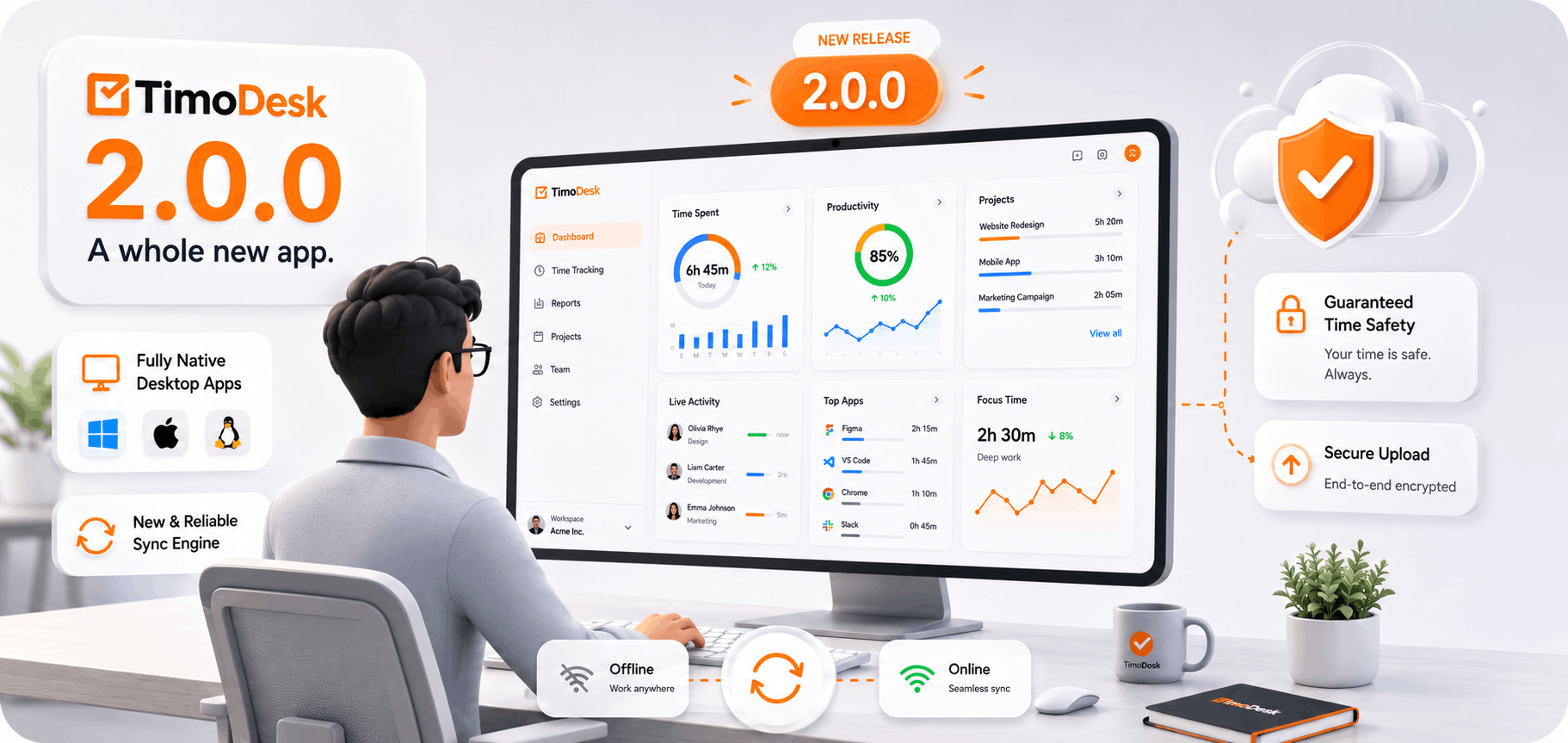
TimoDesk 2.0.0 brings all-new native desktop apps for Windows and Mac. They start faster, use less memory and keep your tracked time safe through restarts, power loss and time offline. The update installs by itself, so there is nothing you need to download.
What is new in TimoDesk 2.0.0?
Version 2.0.0 is the biggest update in TimoDesk's history. It is not a patch. It is a rebuilt desktop app with one main goal: the time you track should never be lost.
Native apps for Windows and Mac
The Windows app is rebuilt as a native app that starts faster, uses less memory and takes up less disk space. The Mac app is rebuilt in Swift, with native notifications and better battery life. Our Linux app completes the family. The interface stays the one you already know.
Fewer sync problems
If you have ever seen sync errors pile up, or been signed out in the middle of your work, this release is for you. The new sync engine is built to keep you signed in and keep time flowing to your dashboard, even when your connection is unstable.
Your tracked time stays safe
This was our top engineering goal. Tracking now continues through restarts, power loss and time offline. Working offline for a few hours? The app saves your time on your computer and sends it when you reconnect, as long as that happens within 30 days. TimoDesk never accepts the same stretch of time twice, so a retry can't double your hours. Learn more about how the desktop app works.
Projects and tasks work offline
Your projects and tasks are available even if the app starts with no connection. So you can pick the right task and start the timer anywhere.
More trustworthy numbers
- Activity levels reflect real keyboard and mouse input. What you type is never recorded.
- The desktop timer stays in step with your web dashboard.
- Idle time is removed the same way on Windows, macOS and Linux.
How do I upgrade to TimoDesk 2.0.0?
You don't need to do anything. The app finds new versions and installs them by itself, even from the sign-in screen. After an update, you may be asked to sign in once, and then everything syncs as usual.
Installing on a new computer? Get the app from our download page. It runs on Windows, macOS (Apple silicon and Intel) and Linux.
If you think any time went missing on an older version, contact support and we will help you look into it.
Frequently asked questions
Do I need to download TimoDesk 2.0.0 myself?
No. The app updates itself the next time it runs. You only need the download page when you install TimoDesk on a new computer.
Will I lose time I tracked offline?
No, as long as you reconnect within 30 days. The app keeps your time on your computer and sends it when you are back online.
Which platforms does TimoDesk 2.0.0 support?
Windows, macOS on both Apple silicon and Intel, and Linux. There is no mobile app.
Was this helpful?
Share it with someone who still adds up hours by hand.


