
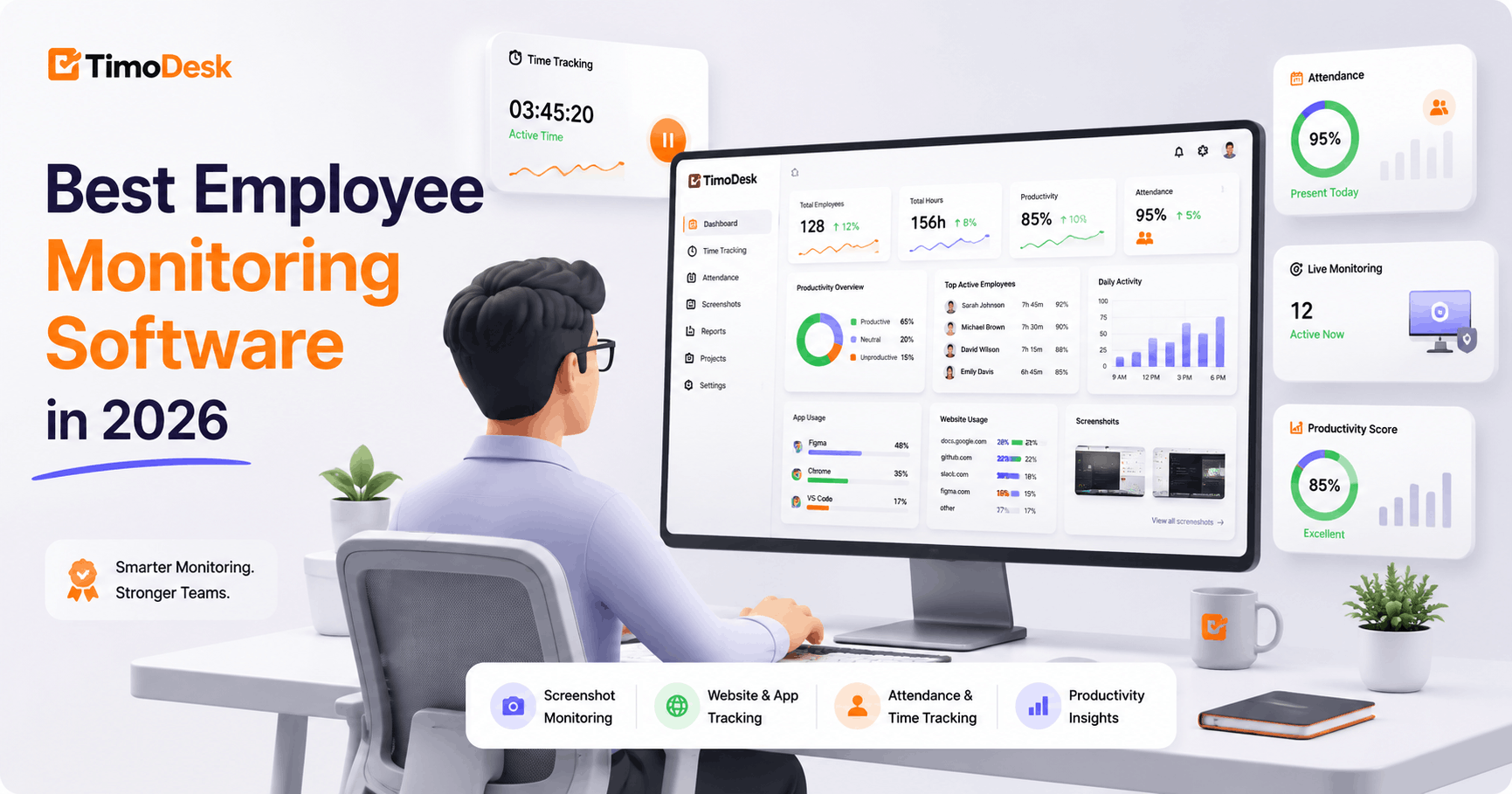
The best employee monitoring software in 2026 depends on your goal. For most startups, agencies and remote teams that need time tracking, screenshots and app and website usage at a low price, TimoDesk is a strong first choice at $1 per user per month. Hubstaff fits teams that need GPS and payroll, while Teramind and Veriato fit enterprises with strict security and compliance needs.
Employee monitoring software helps businesses manage remote, hybrid and office teams. Companies want clear data on work hours, app usage, website activity, project progress and team performance. The best tools do more than record activity. They help teams stay accountable, find productivity problems, bill clients accurately and make better decisions.
This guide compares ten employee monitoring tools for 2026, explains which features matter and shows how to roll monitoring out fairly.
What is employee monitoring software?
Employee monitoring software records and analyzes work activity during working hours. It shows managers how people spend their time, which projects they work on and which apps and websites they use.
A modern monitoring tool may include:
- Time tracking on projects and tasks
- Screenshots
- App usage tracking
- Website and URL tracking
- Idle time detection
- Activity levels
- Productivity reports
- Live team dashboards
- Attendance or scheduling features, in some tools
The goal should not be surveillance. A good tool creates visibility and helps both managers and employees understand how work gets done. See the top benefits of employee monitoring software.
Why do businesses need employee monitoring software in 2026?
Remote and hybrid work changed how companies manage people. Managers can't rely on seeing people at their desks. At the same time, being "online" doesn't always mean real work is happening. Monitoring tools give measurable data without constant manual check-ins.
Accurate work hours
Time tracking records when people work and removes idle time. That creates accurate timesheets and cuts errors from manual records.
Better remote visibility
Managers can see tracked time, projects, tasks, screenshots, apps, websites and daily activity on one dashboard.
Higher productivity
Monitoring data helps you spot distractions, too much idle time, uneven workloads and slow processes.
Accurate client billing
Agencies, outsourcing firms and software teams can link tracked hours to projects and clients. That makes invoices more accurate and gives proof when clients ask questions.
Better project cost control
Project time tracking compares hours against plans, so you can spot projects that take longer than expected and improve future estimates.
Fair accountability
When people know how hours are recorded, they tend to stay focused. Open tracking also protects hard workers by showing the work they finished.
What are the best employee monitoring tools in 2026?
| Software | Best for | Key strength |
|---|---|---|
| TimoDesk | Startups, agencies, remote teams | Low-cost, all-in-one time tracking and monitoring |
| Hubstaff | Remote and field teams | Time tracking, GPS and payroll |
| Time Doctor | Distributed and outsourcing teams | Detailed reports and many integrations |
| Teramind | Security-focused enterprises | User behavior and insider risk monitoring |
| ActivTrak | Workforce analytics | Productivity trends and capacity insights |
| Insightful | Large operations and contact centers | Activity analytics and compliance |
| DeskTime | Small and mid-size businesses | Automatic tracking plus shifts and absences |
| WorkTime | Privacy-minded organizations | Less invasive productivity monitoring |
| Monitask | Small remote teams | Simple screenshots and time tracking |
| Veriato | Enterprise investigations | Behavior analytics and security monitoring |
1. TimoDesk: best overall for growing teams
TimoDesk gives growing teams clear visibility without a complex or costly enterprise system. It combines time tracking, screenshots, app and website usage, activity levels, projects, tasks and reports in one tool. Unlike tools that focus only on surveillance, TimoDesk links activity to projects and tasks, so managers see where time went, not just whether someone was active.
Key TimoDesk features
- Time tracking: people start the timer on a task, and idle time is removed on its own
- Manual time requests with approval, off until the organizer turns them on
- Screenshots every 3 to 60 minutes, switched on or off per member
- App and website usage, including page addresses and titles
- Activity levels from keyboard and mouse input, with no keystroke logging
- Projects with kanban boards, list views and calendar views
- Team dashboard with Live Now, a Team Day timeline and an Action Center
- Reports as PDF or CSV and monthly timesheets as PDF
- Desktop apps for Windows, macOS and Linux
- A read-only client portal for your clients
Why TimoDesk is a strong choice in 2026
Many companies need monitoring but not insider threat tools. TimoDesk focuses on what most teams use every day: time, screenshots, apps, websites, projects, tasks and reports. The dashboard shows tracked time, activity, workload and recent activity at a glance. It costs $1 per user per month, with every feature on one plan.
TimoDesk works well for software companies, marketing and creative agencies, virtual assistant teams, outsourcing companies, remote support teams, consultants and staffing agencies.
Limits to know
TimoDesk has no mobile app, GPS, payroll, attendance management or integrations. If you need those, look at the other tools below.
2. Hubstaff
Hubstaff is a mature time tracking and workforce management tool for remote teams, agencies and field teams. It combines time tracking with screenshots, activity levels, app and URL tracking, payroll, invoicing, scheduling and GPS.
Key Hubstaff features
- Desktop and mobile time tracking
- Screenshots and activity levels
- App and website tracking
- Built-in payroll and invoicing
- Shift scheduling and attendance
- GPS tracking and geofencing
- A large list of integrations
Best for: teams that need GPS for field work, or payroll and scheduling in one system. Compare it in detail on our TimoDesk vs Hubstaff page.
3. Time Doctor
Time Doctor is a well-known productivity platform used by remote teams, outsourcing businesses and virtual assistant companies. It offers detailed analytics and many integrations.
Key Time Doctor features
- Time tracking and screenshots
- App and website tracking, from its Standard plan
- Video screen recording on its Premium plan
- Over 60 integrations with project and payroll tools
- Work-life balance and productivity benchmarking
Best for: established remote teams that need video recording or a tool from its integration list.
4. Teramind
Teramind is an advanced monitoring and user behavior analytics platform. It focuses on data security, compliance, insider risk detection and activity investigation.
Key Teramind features
- Activity monitoring and screen recording
- User behavior analytics
- Policy enforcement and risk alerts
- Insider threat detection and data loss prevention
Best for: enterprises, financial firms and regulated companies with advanced security needs. Teams that mainly need time tracking and screenshots may prefer a simpler tool.
5. ActivTrak
ActivTrak is a workforce analytics platform. It helps companies study work patterns, productivity trends, focus time, technology use and team capacity.
Key ActivTrak features
- Productivity analytics
- App and website usage analysis
- Workload and capacity insights
- Focus time analysis
- Team performance reports
Best for: mid-size and large organizations that want high-level analytics and capacity planning.
6. Insightful
Insightful, formerly known as Workpuls, sells workforce analytics to large contact centers and enterprise operations.
Key Insightful features
- Detailed activity and productivity analytics
- AI process capture and workflow analysis
- On-premise deployment for teams that can't use the cloud
- Published compliance: SOC 2, ISO 27001, HIPAA and GDPR
- Screenshots as a paid add-on to its entry plan
Best for: large operations that need process analytics, on-premise deployment or formal certifications.
7. DeskTime
DeskTime is an automatic time tracker and productivity monitoring tool. It tracks apps, URLs and document titles and gives productivity scores you can adjust for each team.
Key DeskTime features
- Automatic time tracking
- App, URL and document title tracking
- Adjustable productivity scores
- Shift scheduling, an absence calendar and attendance management
- Screenshots on its Premium plan
- Integrations with Jira, Asana, Trello, GitLab and Zapier
Best for: small and mid-size businesses that want scheduling and absence tools next to tracking. See TimoDesk vs DeskTime.
8. WorkTime
WorkTime focuses on privacy-minded monitoring. It provides productivity data without some of the more invasive methods used by security platforms.
Key WorkTime features
- Attendance monitoring
- Productivity tracking
- App and website usage reports
- Active and idle time analysis
Best for: organizations that want less intrusive monitoring. Teams that need screenshots and project tracking should compare features carefully.
9. Monitask
Monitask is a time tracking and screenshot tool for remote teams. It offers a simple way to record work hours, activity, apps and screenshots.
Key Monitask features
- Time tracking
- Screenshots
- App and website tracking
- Activity level reports
- Project tracking
Best for: small teams and freelancers that need basic time tracking with screenshots.
10. Veriato
Veriato is an enterprise monitoring and behavior analytics platform for organizations that need detailed user activity data, security investigations and insider risk detection.
Key Veriato features
- User activity monitoring
- Behavior analytics
- Screen recording
- Risk detection and security alerts
- Investigation and compliance tools
Best for: enterprises, security teams and regulated organizations. Small businesses that need time tracking may find it more than they need.
Which features matter most in employee monitoring software?
- Accurate time tracking: Clear records of when people work and how long, with idle time removed.
- Screenshots: Visual context, with a frequency you can set and a policy you share.
- App usage tracking: Time spent in development tools, design software, chat apps and browsers.
- Website and URL tracking: Work sites, research and time-consuming browsing.
- Idle time detection: Separates active computer use from idle periods.
- Project and task tracking: Links time to projects to measure profit and workload.
- Attendance features, if you need them: Some tools add clock-in, schedules and absences.
- Productivity reports: Daily, weekly and monthly views of hours, idle time, apps and trends.
- Cross-platform support: Windows, macOS and Linux for mixed teams.
- Privacy and access controls: Only the right managers should see monitoring data.
How do you choose the best employee monitoring software?
Define your main goal
Is it time tracking, remote visibility, client billing, project costs, productivity analysis, security or compliance? Your goal decides which tool fits.
Choose only the features you need
A small software agency may need time tracking, screenshots, apps, websites, projects and reports. It probably doesn't need data loss prevention or insider threat detection.
Compare total cost
Don't look only at the starting price. Work out the monthly cost for your team size, the plan you actually need and any add-ons.
Check operating system support
Make sure the app runs on every system your team uses. This matters for software teams that mix Windows, macOS and Linux.
Test the dashboard and reports
Data is only useful if managers can read it. Try the dashboard, timelines, screenshots, app and URL reports and project reports during a trial.
Think about the employee experience
The app should be light and stable. People should know when tracking is on and how their data is used.
How is TimoDesk different from traditional monitoring software?
Traditional surveillance tools often try to collect as much data as possible. That adds complexity and hurts trust. TimoDesk takes a practical approach. It links activity to hours, projects, tasks, apps, websites and screenshots, and only tracks while the timer runs. It helps you answer practical questions:
- How many hours did each person work?
- Which projects got the most time?
- Which apps and websites were used during work?
- How much idle time was removed?
- Who might be overloaded?
- How should tracked hours be billed to clients?
- Which tasks took longer than their estimate?
For most startups and growing companies, these answers matter more than invasive features.
How does employee monitoring work for remote teams?
Remote monitoring needs balance: managers need visibility, and employees need trust and clear rules. With TimoDesk, remote teams can track hours across locations, see time per project and task, spot too much idle time, review app and website usage, bill clients accurately, balance workloads and stay accountable.
How does employee monitoring work for software teams?
Software companies need more than an attendance system. Developers, designers, testers and project managers work across many apps, systems, projects and clients. TimoDesk helps software teams track developer hours, project and task time, app usage, documentation and browser activity, idle periods, daily trends, billable client hours and workload. Because it runs on Windows, macOS and Linux, it fits teams with mixed systems.
How do you implement employee monitoring responsibly?
- Write an employee monitoring policy.
- Explain what data you collect and why you need it.
- Limit tracking to work devices and working hours.
- Give access only to authorized managers.
- Don't collect unneeded personal data.
- Check employment and privacy laws where you operate.
- Let employees report wrong time or activity records.
- Use productivity data as context, not as the only measure.
- Review your policy regularly.
Open monitoring builds trust. Hidden or excessive monitoring does the opposite.
Final verdict
The best employee monitoring software in 2026 gives clear data without making management harder. Hubstaff is strong for GPS and field teams. Time Doctor offers detailed reports and video recording. Teramind and Veriato suit advanced security and compliance. ActivTrak and Insightful focus on analytics. DeskTime adds scheduling and absences.
For startups, software companies, agencies, outsourcing firms and remote teams, TimoDesk offers one of the most practical mixes of low price, time tracking, screenshots, app and website usage, projects and reports. Compare more options on the alternatives page.
How can you start improving team productivity with TimoDesk?
Track work hours, screenshots, apps, websites, projects, tasks and idle time with TimoDesk. Try it free for 15 days, with no card needed.
Frequently asked questions
What is the best employee monitoring software in 2026?
For startups, agencies and remote teams, TimoDesk is a strong pick. It combines time tracking, screenshots, app and website usage, projects and reports for $1 per user per month.
Does TimoDesk take employee screenshots?
Yes. Screenshots start on for new members and can be switched on or off per member, every 3 to 60 minutes. Explain your screenshot policy to your team.
Does TimoDesk support Linux?
Yes. TimoDesk runs on Windows, macOS and Linux, which suits software teams with mixed systems.
Is employee monitoring software legal?
Laws vary by country, state, industry and device ownership. Give clear notice, collect only what you need, protect the data and check local rules first.
What is the difference between time tracking and employee monitoring?
Time tracking records how long someone works. Monitoring adds context such as apps, websites, screenshots and activity levels. TimoDesk combines both.
Was this helpful?
Share it with someone who still adds up hours by hand.


