
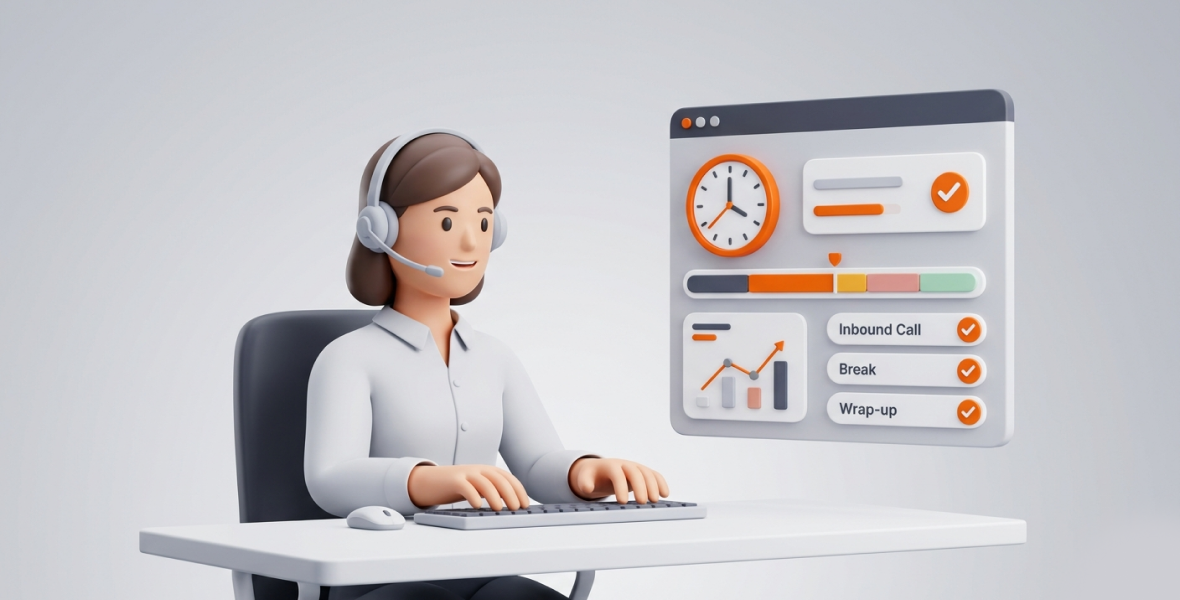
Lightweight time tracking software for call centers records agent work time in the background without slowing down the CRM or dialer. It shows managers who is working, how much idle time builds up, and where the hours go. The best tools are fast to install, easy for agents, and cheap enough to roll out to every seat.
Call centers move fast. Agents answer questions, solve problems, upsell, and handle escalations all day. Managers juggle schedules, performance numbers, and SLAs at the same time. In this kind of work, every minute counts, so accurate time data is not optional.
Yet many call centers still use old, heavy tools. Legacy workforce systems can be slow and hard to deploy to remote or hybrid teams. Idle time between calls, hidden non-call work, and agent burnout all cost money. When nobody measures them, those costs stay hidden.
This guide explains what "lightweight" means, which features matter, and how TimoDesk time tracking fits a call center at $1 per user per month.
What is lightweight time tracking software?
Lightweight software uses few system resources, runs fast, and is simple to use. It avoids heavy databases, busy screens, and constant work that slows a computer down.
Older enterprise tools often need their own servers, long onboarding, and frequent updates. They can use a lot of memory and cause lag on older agent PCs. A lightweight tool installs quickly, runs quietly, and works well on the basic hardware many call centers use.
This matters because agents work in real time. A slow tracker during a live call frustrates the agent and the customer, and it can hurt CSAT scores. Good lightweight tools share these traits:
- Speed: Start and stop in one click, with data synced in real time.
- Simplicity: Agents have little to do beyond starting the timer.
- Easy setup: No complex configuration, so you can deploy to many devices quickly.
- Low system load: Runs in the background without affecting the CRM or dialer.
- Cross-platform support: Works on Windows, macOS, and Linux.
TimoDesk follows this model. An agent starts the timer on a task in the desktop app. The app then tracks active time, apps, and websites in the background and removes idle time on its own. It runs on Windows, macOS (Apple silicon and Intel), and Linux.
Why do call centers need time tracking software?
Call centers run on shifts. Pay, performance, and SLAs all depend on accurate time data. Time tracking helps with:
- Agent work hours: Accurate records mean fair pay, no buddy punching, and correct hours for payroll.
- Productivity: Agents also handle email, chat, after-call work, and training. Tracking shows real output, not just logged hours.
- Remote and hybrid teams: When agents work in different places and time zones, tracking gives managers the same view of everyone.
- SLA performance: Real-time data helps you keep occupancy and service level targets on track.
- Idle time: Too much idle time points to overstaffing or poor forecasting. Tracking shows where it happens.
Without good tracking, call centers risk higher costs, worse customer service, and high turnover.
What makes call center workforce management hard?
- No real-time view of agents: Manual logs and basic punch clocks miss non-call work.
- Idle time between calls: Small gaps of seconds or minutes add up over a shift.
- Hidden non-call tasks: CRM updates, coaching, and compliance work go untracked.
- Wrong staffing levels: Poor data leads to too many or too few agents on a shift.
- Burnout: Long hours and constant pressure hurt morale when nobody sees them.
- Slow legacy software: Heavy tools lag, need long training, and frustrate IT teams.
In a large center, even small problems repeat across hundreds of agents.
Which features should call centers look for?
| Feature | Why it matters in a call center |
|---|---|
| Simple time tracking | One click to start, then quiet tracking in the background. |
| Real-time status | See who is working right now. |
| Idle time detection | Idle time is removed from tracked hours, so totals are honest. |
| App and website usage | See time in the CRM, dialer, and browser. |
| Reports | Spot trends, top performers, and problems early. |
| Cross-platform apps | Cover Windows, macOS, and Linux machines. |
| Low resource use | Keep call quality and system speed high. |
How does TimoDesk work as lightweight software for call centers?
TimoDesk is a simple time tracking and productivity platform for remote, hybrid, and office teams. It combines desktop time tracking with clear reports in a light package.
Once an agent starts the timer, the desktop app runs quietly. It records active time, app usage, and websites with no extra steps. Managers see who is working now on the team dashboard. They can also use the TimoDesk Live Team Monitor browser extension, which shows who is online and today's summary.
Setup is quick. Install the app on agent machines, set your tracking policy once, and agents can start. Each system has a guide for the permissions it needs. You can read how data is protected on the security page.
TimoDesk also includes projects with tasks and kanban boards, activity levels, and screenshots for quality checks. It costs $1 per user per month with every feature on one plan.
What are the core TimoDesk features for call centers?
Time tracking
Agents start the timer on a task, and TimoDesk records their working time from there. Idle time is removed on its own. If the connection drops, the app keeps tracking and syncs when it is back online.
Real-time view of the team
The Live Now view on the dashboard and the Live Team Monitor extension show who is online and working. Managers see team status at a glance, on the floor or remote.
Idle time detection
You set an idle timeout from 3 to 60 minutes. When an agent stops using the keyboard and mouse for that long, the idle time is removed from tracked hours. Activity levels show how much of tracked time had keyboard or mouse input. TimoDesk never records what anyone types.
App and website usage
App and website usage shows time spent in the CRM, dialer, browser, and other tools. For websites, TimoDesk records the site, page address, page title, and browser. It never records page content.
Screenshots
Screenshots help with quality checks and compliance. They start on for new members, and you can switch them on or off for each agent. The interval runs from 3 to 60 minutes.
Reports and the Action Center
Reports cover agent time, activity levels, projects, and daily timelines. The Action Center on the dashboard flags low-activity members, long workdays, and overdue tasks. Agents can see their own data, which builds trust.
How does TimoDesk improve call center efficiency?
- Less idle time: Patterns in the data help you forecast better and balance inbound and outbound work.
- More accountability: Tracked time and activity give everyone the same facts.
- Better coaching: Clear data helps agents improve on their own.
- Faster decisions: Managers use live and past reports instead of guesses.
- Better shift plans: You see how much time agents really spend working.
The value comes from acting on the data. Teams that review it every week find and fix problems sooner.
What are the benefits of lightweight software like TimoDesk?
- Fast performance: No lag during live calls.
- Easy rollout: Deploy to large teams in hours, not weeks.
- Low resource use: Runs well on everyday hardware.
- Easy to scale: No seat minimum and no higher tier to buy.
- Low cost: No expensive, over-built system to pay for.
Can TimoDesk support remote and hybrid call centers?
Yes. Remote support teams face time-zone differences, visibility gaps, and trust concerns. TimoDesk puts remote and on-site agents in one view with the same dashboards and reports. Agents see their own data. Managers see long workdays and low activity flagged in the Action Center, which helps catch burnout risk early.
Where can call centers use it?
- Customer support: Track CRM use and idle gaps.
- Technical support: Track time on ticket queues and non-call tasks.
- Sales teams: See how much time goes to the dialer, CRM, and follow-up.
- Multi-site operations: Use one set of reports across all sites.
- Helpdesks: Support SLA goals by seeing who is working now.
For more ideas, read our guides on call center productivity and screenshot monitoring for call centers.
How does TimoDesk compare with traditional tracking systems?
Traditional systems are often heavy, manual, and error-prone. Paper timesheets often need corrections. TimoDesk is light, cross-platform, and shows data in real time at a fraction of the cost. It is also more flexible, since legacy tools often lock you into rigid workflows.
How do you roll out time tracking in a call center?
- Set clear policies and tell agents what is tracked and why.
- Focus on productivity, not micromanagement, and share data openly.
- Use the data for coaching and process fixes.
- Show agents how to use the tool. A simple tool needs little training.
- Review key numbers such as occupancy, idle time, and AHT on a regular schedule.
What mistakes should you avoid?
- Monitoring too much and losing trust.
- Collecting data but never acting on it.
- Picking slow or complex tools that frustrate agents.
- Tracking things that do not match your KPIs.
- Hiding the tracking from employees, which breeds resentment.
What is next for call center time tracking?
Smarter analytics and better scheduling tools are coming across the industry. Still, the basics matter most: accurate tracked time, clear activity data, and reports managers can act on. TimoDesk focuses on those basics.
How do you get started with TimoDesk?
- Sign up for the 15-day free trial. No card is needed.
- Install the desktop app on agent computers.
- Set the screenshot interval and idle timeout.
- Agents start the timer, and your dashboard fills in right away.
Conclusion
Lightweight time tracking helps call centers cut idle time, see who is working, and make decisions based on data. It does this without slowing down agents during calls. TimoDesk gives you that at $1 per user per month, on Windows, macOS, and Linux. Start your free trial and see where your call center's hours go.
Frequently asked questions
What is the best lightweight time tracking software for call centers?
Look for a tool that runs quietly in the background, removes idle time, and shows who is working now. TimoDesk does this on Windows, macOS, and Linux for $1 per user per month.
Does TimoDesk track time without a timer?
No. Agents start the timer on a task in the desktop app. After that, TimoDesk tracks in the background and removes idle time on its own.
Will a time tracker slow down agent computers?
A lightweight tracker should not. TimoDesk is built to run in the background without getting in the way of the CRM or dialer.
Can managers see who is working right now?
Yes. The Live Now view on the TimoDesk dashboard shows who is working. The Live Team Monitor browser extension shows who is online and today's summary.
Is there a free trial?
Yes. TimoDesk has a 15-day free trial, and no card is needed. After that it costs $1 per user per month, billed only for members who tracked time.
Was this helpful?
Share it with someone who still adds up hours by hand.


