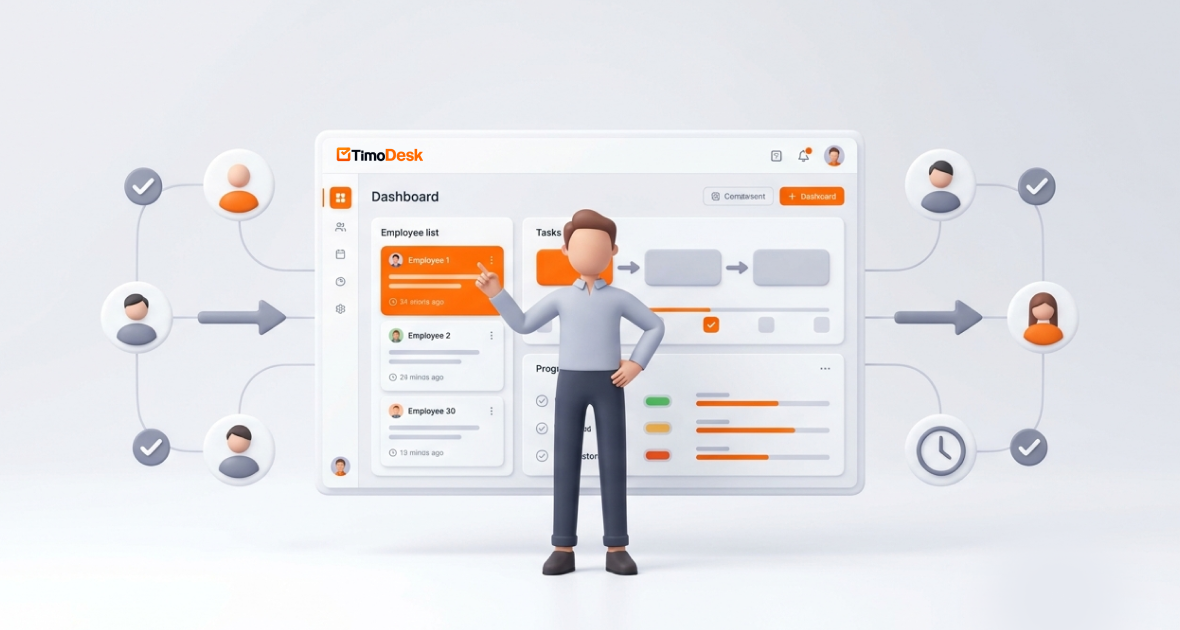

Timodesk for Business Consultants: Turn Billable Hours into Actionable Insights
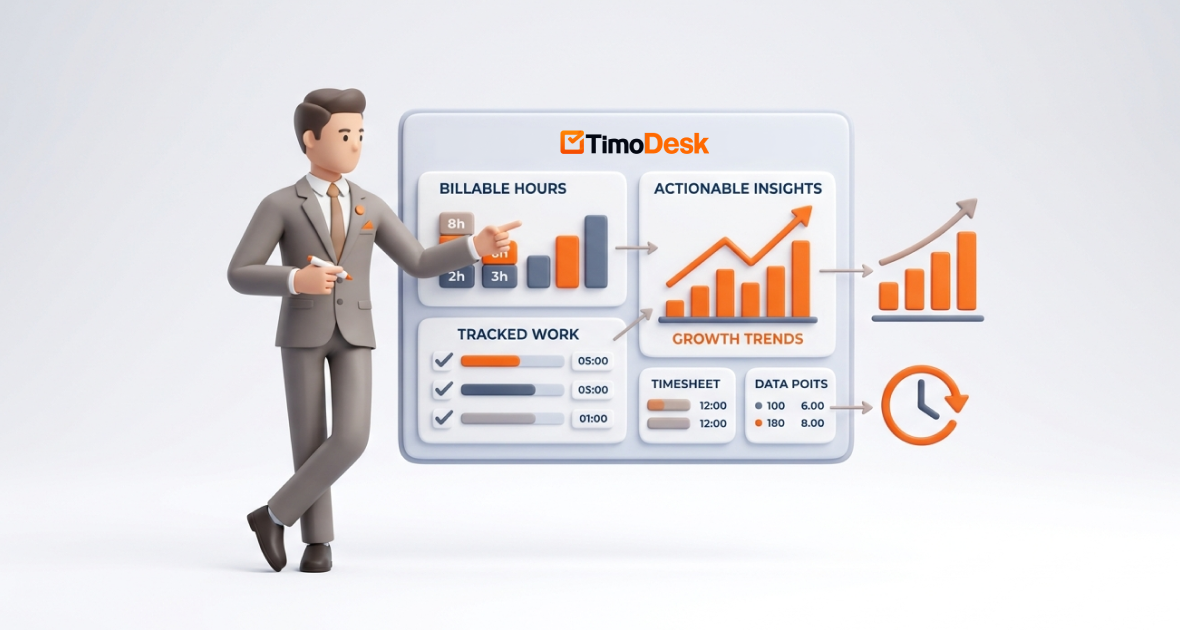
In the consulting industry, time is inventory. Accurate tracking of billable hours directly determines profitability, client satisfaction, and sustainable growth. Yet many consultants struggle to capture every billable minute while turning raw time data into strategic decisions.
Business consultants, whether independent advisors or part of firms, face intense pressure to deliver value across strategy, operations, finance, marketing, IT, and digital transformation. Common billing models (hourly, fixed-fee, or retainer) all rely on precise visibility into time. Poor tracking leads to revenue leakage, underbilling, and missed optimization opportunities.
Timodesk, a smart all-in-one productivity suite designed for global teams, freelancers, and professional services, bridges the gap. It offers automatic background time tracking, project/client organization, detailed productivity analytics, and actionable reports that transform tracked hours into insights for better pricing, resource allocation, and business growth.
Understanding Billable Hours in Consulting
Billable hours represent time spent directly on client deliverables that can be charged. Non-billable hours cover internal tasks like business development, admin, training, or non-chargeable meetings.
Accurate tracking is critical for profitability. Average billable utilization in management consulting hovers around 67-75%, with top performers pushing higher. Yet studies show that 15% or more of chargeable work often goes unbilled due to poor tracking, equating to substantial annual revenue loss. For a consultant billing at €212/hour working a 40-hour week, this leakage can cost around €44,000 per year per advisor. You can review our pricing to see how our tools fit your firm's budget.
Common billing models include:
- Hourly: Straightforward but caps earnings and can disincentivize efficiency.
- Fixed-fee: Rewards outcomes but requires precise scoping and time visibility to remain profitable.
- Retainer-based: Provides steady revenue but demands ongoing value demonstration through efficient time use.
Poor tracking erodes revenue and client trust. Underbilling signals disorganization; while overbilling damages relationships. In contrast, precise data supports transparent invoicing and justifies value-based pricing shifts that many firms are adopting.
Challenges Business Consultants Face
Consultants encounter several persistent hurdles:
Inaccurate or Incomplete Time Tracking: Manual methods or end-of-day logging lead to forgotten entries. Consultants often under-report 10-20% of billable time.
Difficulty Managing Multiple Clients and Projects: Juggling deliverables across strategy sessions, reports, workshops, and follow-ups makes accurate allocation complex.
Lack of Visibility into Productivity: Without analytics, it is hard to distinguish high-value strategic work from low-value admin or inefficiencies.
Time Leakage and Underbilling: Untracked meetings, research, or revisions add up quickly. Firms can lose thousands annually per consultant from leakage.
Manual Reporting Inefficiencies: Generating client reports or profitability analyses from spreadsheets consumes hours that could be billable.
These issues compound in hybrid or remote setups, where self-discipline and visibility are essential. Many consultants work 50+ hours weekly, with significant overtime often going uncompensated or unoptimized. For more technical details on setup, please visit our docs.
The Need for Data-Driven Time Tracking
Basic time logging is no longer enough. Modern consulting demands analytics that reveal patterns, profitability per client/project, and optimization opportunities.
Data-driven tracking improves decision-making by identifying:
- Which clients or project types yield the highest effective hourly rates?
- Time sinks that reduce utilization.
- Opportunities to refine pricing or scope future engagements.
Automated systems reduce admin burden, increase accuracy, and provide real-time insights. This shift helps consultants move from reactive billing to proactive business intelligence, supporting higher utilization, better pricing strategies, and scalable growth.
Introduction to Timodesk
Timodesk is an intuitive productivity platform built for distributed teams and professionals. It combines smart time tracking, project management, activity analysis, and visual reporting in one centralized workspace; ideal for consultants who need to protect billable time while gaining strategic oversight.
Key functionalities include automatic background tracking of active hours and app usage, task/project organization, productivity reports with breakdowns, timesheet generation, and insights that highlight efficiency. It supports both solo users and teams, with offline capability and lightweight performance that will not slow down your workflow.
Unlike basic timers or spreadsheets, Timodesk turns raw time data into actionable intelligence; helping consultants categorize billable vs. non-billable time, analyze client profitability, and optimize operations without heavy manual effort.
Key Features of Timodesk for Business Consultants
Accurate Time Tracking
Timodesk offers automatic background tracking alongside one-click manual options. It intelligently logs active time while distinguishing billable from non-billable activities through project/task assignment. Idle detection and app usage monitoring ensure precision without constant intervention.
Project and Client Management
Organize work by client and project. Assign time directly to specific deliverables (e.g., "Strategy Workshop for Client X" or "Market Analysis Report"). This structure makes multi-client handling seamless and provides clear visibility into workload distribution.
Advanced Reporting and Analytics
Generate visual productivity reports with breakdowns by client, project, day, or activity type. Gain insights into time usage patterns, utilization rates, and profitability indicators. Daily, weekly, and monthly summaries and app usage analytics reveal where time is truly spent.
Invoice and Billing Support
Accurate tracked data feeds into professional timesheets and invoice-ready summaries. Reduce billing errors and disputes by exporting clear, evidence-based records that demonstrate value delivered.
Multi-Client and Multi-Project Handling
Effortlessly switch contexts while the system attributes time correctly. This is especially valuable for consultants managing complex portfolios across industries or service lines.
Additional strengths include offline tracking with auto-sync and activity analysis that supports performance reviews without disrupting deep consultative work. If you have questions, please contact our team.
Turning Billable Hours into Actionable Insights
Timodesk goes beyond tracking to deliver intelligence:
- Analyzing Time Data for Performance Improvement: Spot trends in productive vs. fragmented days and adjust routines accordingly.
- Identifying High-Value vs Low-Value Tasks: Discover which activities drive the most client impact or revenue, allowing you to delegate or eliminate low-ROI work.
- Optimizing Pricing Strategies: Calculate true effective hourly rates per client/project type and shift toward value-based models where data supports higher fees.
- Improving Resource Allocation: For firms, rebalance team workloads based on utilization insights to maximize overall billable capacity.
Real-life example: A strategy consultant using Timodesk noticed that proposal development (non-billable) was consuming 25% of weekly time. By analyzing patterns, they templated reusable sections and delegated research, freeing 8-10 hours monthly for billable client work; directly boosting revenue and reducing burnout.
Step-by-Step Guide: Using Timodesk for Consulting
Setting Up Clients and Projects
Sign up at timodesk.com for a free trial and download the desktop app. Create client folders and sub-projects for specific engagements. Define categories for billable (e.g., workshops, analysis) vs. non-billable activities to structure your workflow.
Tracking Billable Hours
Enable automatic background tracking. Assign active sessions to the relevant client/project as you work. Use one-click options for quick manual adjustments when needed. The system intelligently captures app usage (e.g., presentation tools, research browsers) tied to projects.
Monitoring Productivity
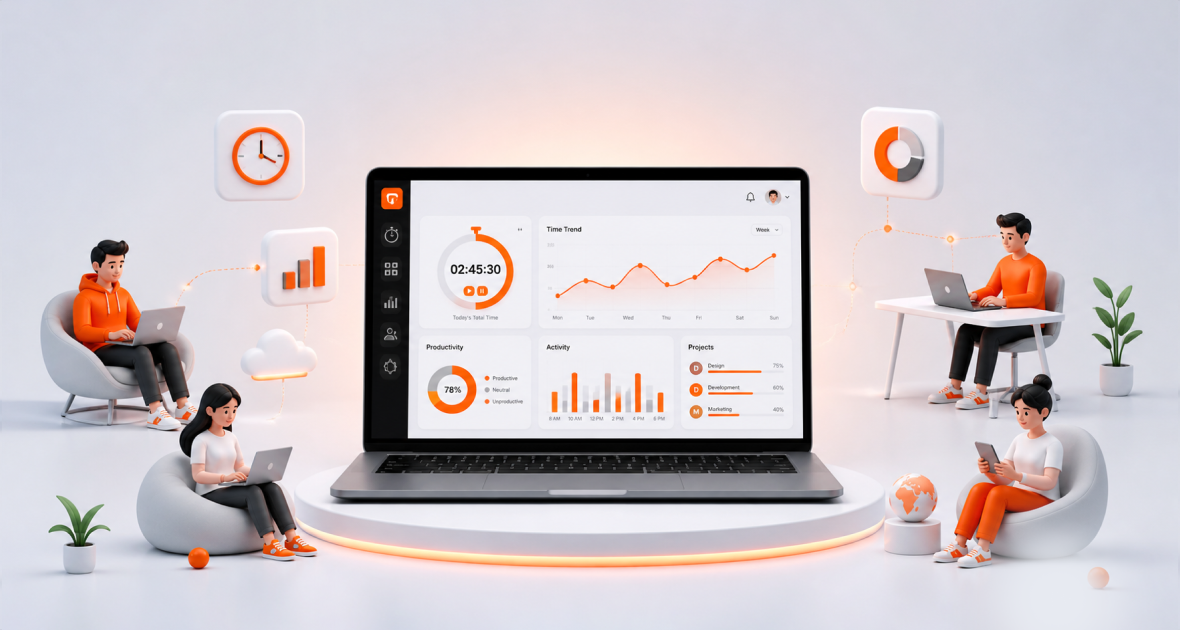
Access the centralized dashboard for real-time views of time allocation, utilization, and activity levels. Filter by client or project to maintain oversight without micromanagement.
Generating Insights and Reports
Review visual productivity reports and analytics. Interpret data to identify inefficiencies, high-performing areas, or underutilized capacity. Export customized summaries for internal reviews or client discussions. Refer to our docs for advanced report customization.
Creating and Managing Invoices
Use tracked data and timesheets to generate accurate invoices. Export professional reports that clearly link hours to deliverables, enhancing transparency and reducing disputes.
Setup typically takes under an hour, with immediate benefits in visibility and reduced admin time.
Benefits of Using Timodesk for Consultants
- Increased Revenue Through Accurate Billing: Capture previously leaked hours and minimize underbilling.
- Better Time Management and Productivity: Insights help focus on high-value work and reduce fragmentation.
- Improved Client Transparency: Share clear, data-backed reports that build trust and justify fees.
- Reduced Administrative Workload: Automation frees hours previously spent on manual logging and reporting.
- Data-Driven Business Growth: Use profitability analytics to refine offerings, pricing, and client selection for long-term scalability.
Benefits for Consulting Firms
Teams gain standardized time tracking, aggregated performance visibility, and better project oversight. Managers can optimize resource allocation, improve utilization rates, and scale operations efficiently. Enhanced data supports client satisfaction through reliable delivery timelines and transparent reporting. For enterprise inquiries, please contact us.
Real-World Use Cases
- Independent Consultants: A solo financial advisor tracks client strategy sessions vs. research time, using insights to raise rates on high-impact retainers.
- Strategy and Management Consulting Firms: Teams monitor utilization across projects to balance workloads and identify training needs.
- Financial and Business Advisors: Accurate tracking supports compliance-heavy reporting while highlighting profitable service lines.
- Marketing and Growth Consultants: Analyze time spent on campaigns vs. client meetings to optimize campaign planning efficiency.
- IT and Digital Transformation Consultants: Correlate hours with deliverables like system audits or implementation phases for precise fixed-fee profitability.
Best Practices for Managing Billable Hours
Managing billable hours effectively requires consistency, clarity, and regular evaluation. Professionals should track time in real-time or use automated tools to minimize missed entries and errors. It is essential to clearly distinguish between billable and non-billable tasks from the outset to avoid confusion later. Weekly report reviews help identify discrepancies early, while data-driven billing rates ensure profitability. Transparent communication with clients about time spent and delivered value builds trust and long-term relationships.
Tips to Maximize Insights with Timodesk
To get the most out of Timodesk, users should actively leverage its analytics features to uncover inefficiencies and improve workflows. Identifying recurring time drains allows teams to automate or delegate low-value tasks. Establishing performance benchmarks based on historical data provides measurable goals for individuals and teams.
Additionally, automating reports and integrating Timodesk with tools like email, calendars, and CRM systems creates a unified ecosystem that enhances visibility and decision-making.
Challenges and Considerations
While time tracking tools like Timodesk offer powerful benefits, users may face a short learning curve when getting started. Focusing on core features initially can ease this transition. Accurate data depends on proper project setup and periodic review of task categorization. It is also important to balance automation with manual control to maintain flexibility.
Lastly, organizations must prioritize data privacy and security by choosing platforms with robust protection and clear sharing controls. To see our different service tiers, visit the pricing page.
Future of Consulting and Time Tracking
AI-driven insights will increasingly predict project timelines, suggest optimizations, and support value-based pricing. Automation in billing and reporting will reduce admin further, while predictive analytics help forecast utilization and revenue. Platforms like Timodesk will evolve to play a central role in this shift, empowering consultants to focus on high-value advisory work rather than administrative overhead.
Conclusion
Billable hours remain the lifeblood of many consulting businesses, but their true power emerges when transformed into actionable insights. Accurate, automated tracking combined with analytics enables higher revenue, smarter decisions, optimized workflows, and stronger client relationships.
Timodesk empowers consultants and firms by delivering reliable time data, powerful reporting, and practical intelligence: all in one intuitive platform. It helps turn every tracked hour into a strategic advantage, supporting profitability and sustainable growth in a competitive landscape.
Ready to optimize your consulting workflow and unlock hidden profitability? Visit Timodesk, download the app, and start your free trial. Experience how effortless tracking and insightful analytics can elevate your practice, recover lost hours, deliver greater value, and build a more data-driven consulting business.
FAQs
What are billable hours in consulting?
Billable hours are time spent on client-specific deliverables that can be invoiced. They contrast with non-billable internal or administrative work and form the basis for revenue in hourly or hybrid billing models.
How can consultants track time effectively?
Use automated tools that run in the background, categorize activities by client/project, review regular reports, and maintain consistent habits. This minimizes leakage and provides actionable visibility.
How does Timodesk help with billing and reporting?
It automatically tracks time, organizes it by client and project, generates visual reports and timesheets, and supports accurate invoice creation; reducing errors and enhancing transparency.
Can Timodesk improve consulting profitability?
Yes. By capturing more billable time, revealing inefficiencies, supporting better pricing, and reducing admin overhead, it directly contributes to higher utilization and revenue.
Is it suitable for solo consultants and firms?
Absolutely. Timodesk works seamlessly for independent professionals managing personal workloads as well as teams needing centralized visibility, standardized processes, and scalable analytics.
-
-
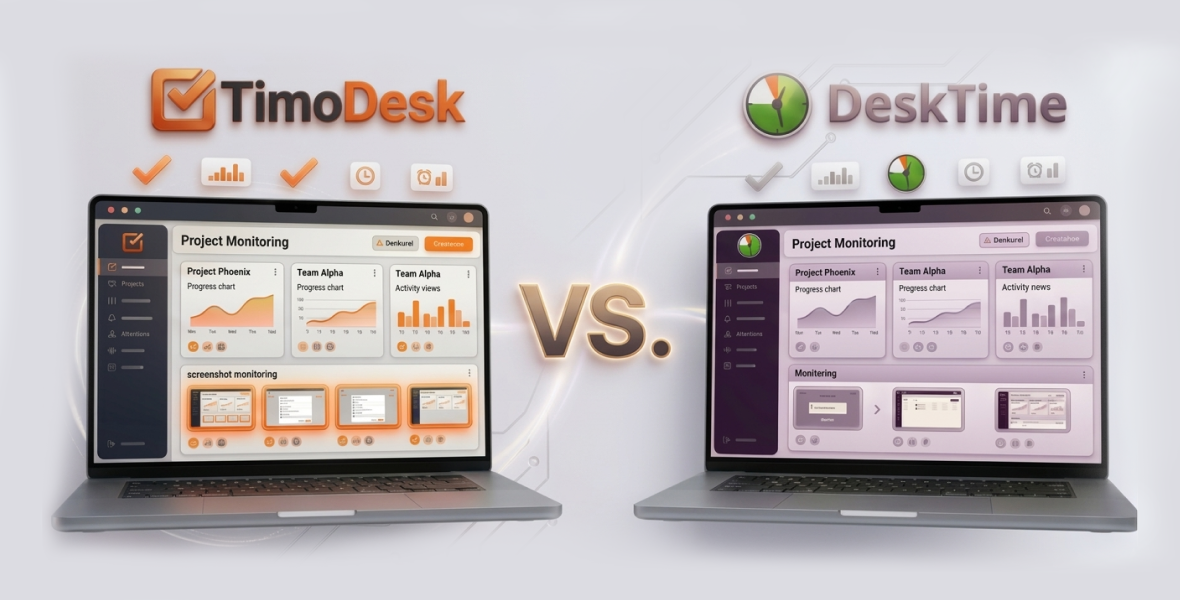
TimoDesk vs DeskTime: Best Time Tracking & Screenshot Tool
April 02, 2026 -

-