Time tracking for in-house teams
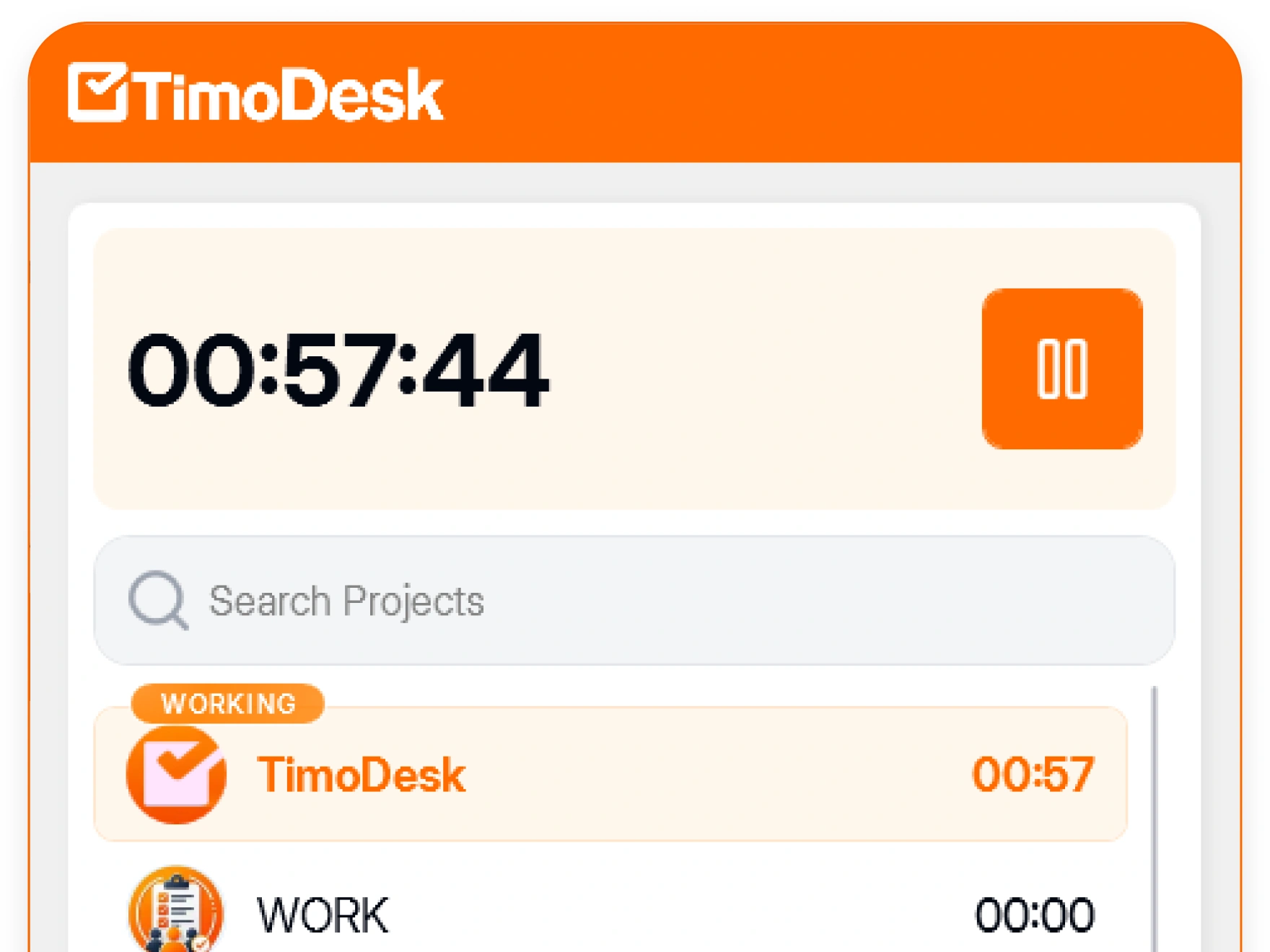
TimoDesk is time tracking software for in-house teams. It turns tracked hours into performance reports, timesheets and a time calendar, so you can see uneven workload while there is still time to fix it.
Overwork rarely gets reported
People heading for burnout rarely say so. People with too little work say even less. Both patterns show up in tracked hours weeks before they lead to a resignation or a hard conversation. Usually, nobody looks at the data. TimoDesk puts it in front of you for $1 per user per month.
Team managers see their teams, not everyone
Roles decide what each person can see, so reporting access does not slowly spread to the whole organization after you start. Four roles give three different views of the same data.
- Organizer and manager Full organization access The whole organization: every project, every member, screenshot settings and billing.
- Team manager Access to their own teams Reports for the teams they manage and the projects those people work on. They do not see other departments.
- Staff Personal access Their own tracked time and activity, their own tasks, and their own timer. Make one a project leader and they also see that project.
Organizers and managers handle invitations, approvals and member status. People get access only when you give it to them.
Workload problems, seen early
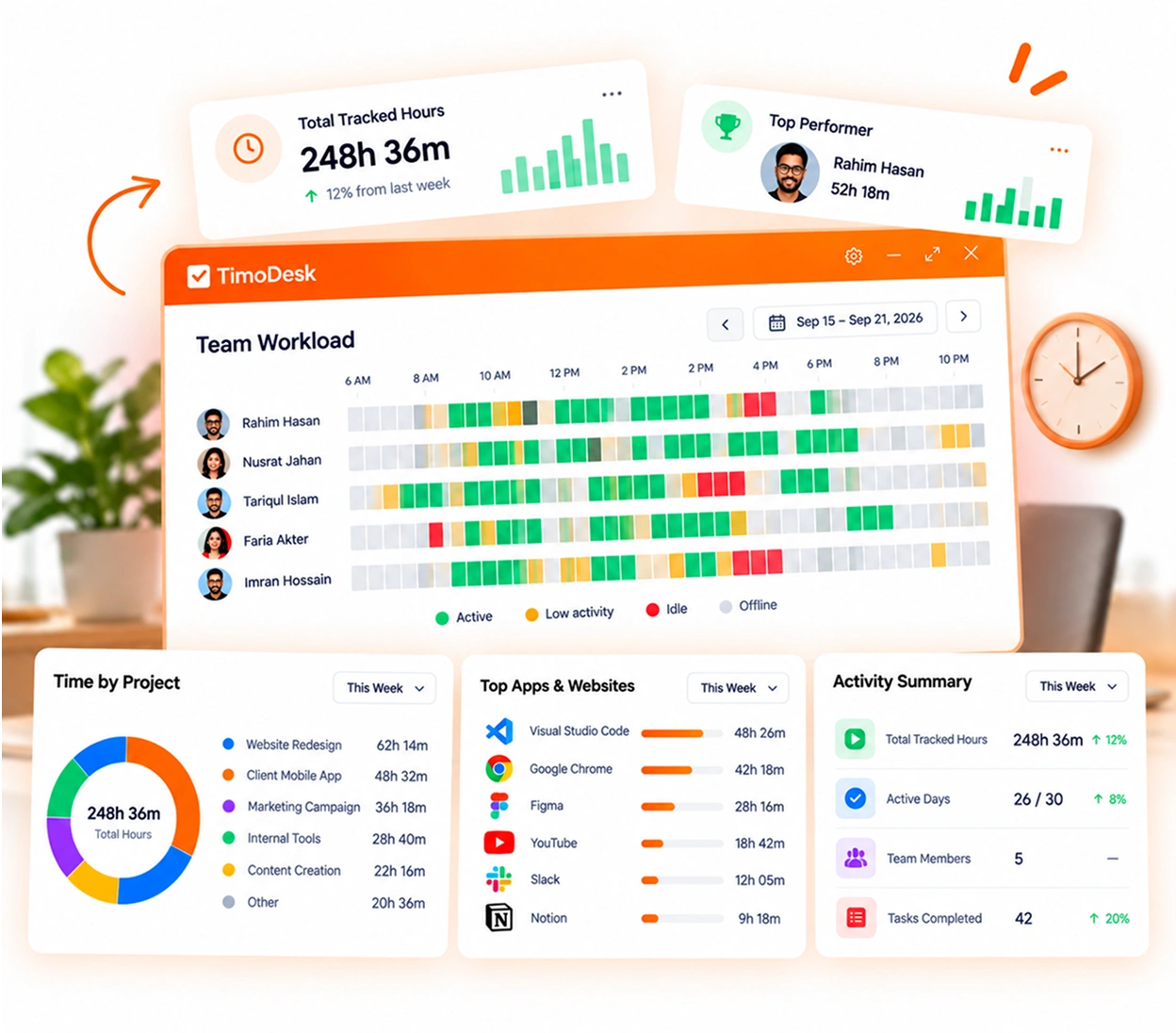
Performance reports and the time calendar turn weeks of tracked time into something you can read in a few minutes. It's built on performance views, activity levels, and team roles.
-
A time calendar that shows long days and weekends See each person's tracked hours for every day of the month.
-
Top performers, low performers and a monthly leaderboard Compare tracked hours and activity across your team.
-
Start time and last activity for today The member list shows when each person started and was last active.
-
Daily and weekly tracked totals Check daily and weekly totals for each member and the whole team.
In-house team time tracking questions
What department heads ask before they start tracking time on their team computers.
Can managers see the whole company?
Yes, with the manager role. Organizers and managers see the whole organization. A team manager sees only the teams they manage. Staff see only their own data, unless you make them leader of a project, and then they also see that project.
Can screenshot settings differ by member?
Yes. Screenshots start on for new members, and an organizer or manager sets the interval and the screenshot alert for one member, or selects many and changes them at once. Members can always see when tracking is on.
Can staff see their own numbers?
Yes. Each member sees their own hours and activity on their dashboard. We recommend it, because tracking feels fair when people can see their own data.
Does TimoDesk track attendance?
Not as a clock-in system. The member list shows when each person started and when they were last active today. Tracked hours show who worked and for how long.
How much does TimoDesk cost for an in-house team?
$1 per user per month, with performance reports and every other feature on one plan. There's no seat minimum and no annual contract.
Time tracking for other teams and needs
Every team gets the same tracking and reports. Pick the page that matches your team or what you need to solve.
- Staffing and talent agencies Proof of work for every hire you place
- Virtual assistant agencies Hours for each client a VA works for
- Agencies and studios Track hours on every client project
- Software and IT teams See where the sprint time went
- Consultants Bill each client from a PDF timesheet of tracked hours
- Remote and distributed See your team's work without a status meeting
- Hybrid teams The same tracking on office days and home days
- Proof of work Show clients what was done, backed by tracked hours
- Productivity and accountability Review conversations based on data both sides can see
- Workload and burnout See who is overworked before they leave
See where your team's hours go
Setup takes a few minutes. Install the desktop app and start a timer. Tracked time shows on the dashboard the same day, and the first full-day reports are ready the next day.
- $1 per user / month
- Windows, macOS and Linux