Work hours calculator
TimoDesk's free work hours and timecard calculator helps employees and managers add up start and finish times, minus unpaid breaks, as daily and weekly totals in hours and decimal. Nothing is uploaded.
| Day | Start | Finish | Break (min) | Total |
|---|---|---|---|---|
| Monday | 0:00 | |||
| Tuesday | 0:00 | |||
| Wednesday | 0:00 | |||
| Thursday | 0:00 | |||
| Friday | 0:00 | |||
| Saturday | 0:00 | |||
| Sunday | 0:00 |
Convert minutes to decimal hours
Payroll systems use decimal hours, but clocks show hours and minutes. Converting one to the other the wrong way is a common cause of pay errors.
-
0:15 = 0.25
A quarter of an hour
-
0:30 = 0.50
Half an hour
-
0:45 = 0.75
Three quarters
-
1:20 = 1.33
Twenty minutes is one third
-
7:30 = 7.50
Not 7.30. This common mistake costs people money.
Divide the minutes by 60. Never treat the colon as a decimal point. The last row shows why this mistake matters.
How to read the results
Four things to know before you copy a total into payroll.
- Overnight shifts If the finish time is earlier than the start time, the calculator treats the shift as crossing midnight. A shift from 10:00 p.m. to 6:00 a.m. counts as 8 hours, not minus 16.
- Unpaid breaks Break minutes come off that day's total. Leave the field at zero if your breaks are paid.
- Copy summary This button copies every day and the weekly total as plain text. You can paste it into an email or a payroll note.
- Nothing leaves your browser There is no submit button and no server call. Your times, rates, and totals are calculated on your own device and are cleared when you close the tab.
Automatic work hours tracking
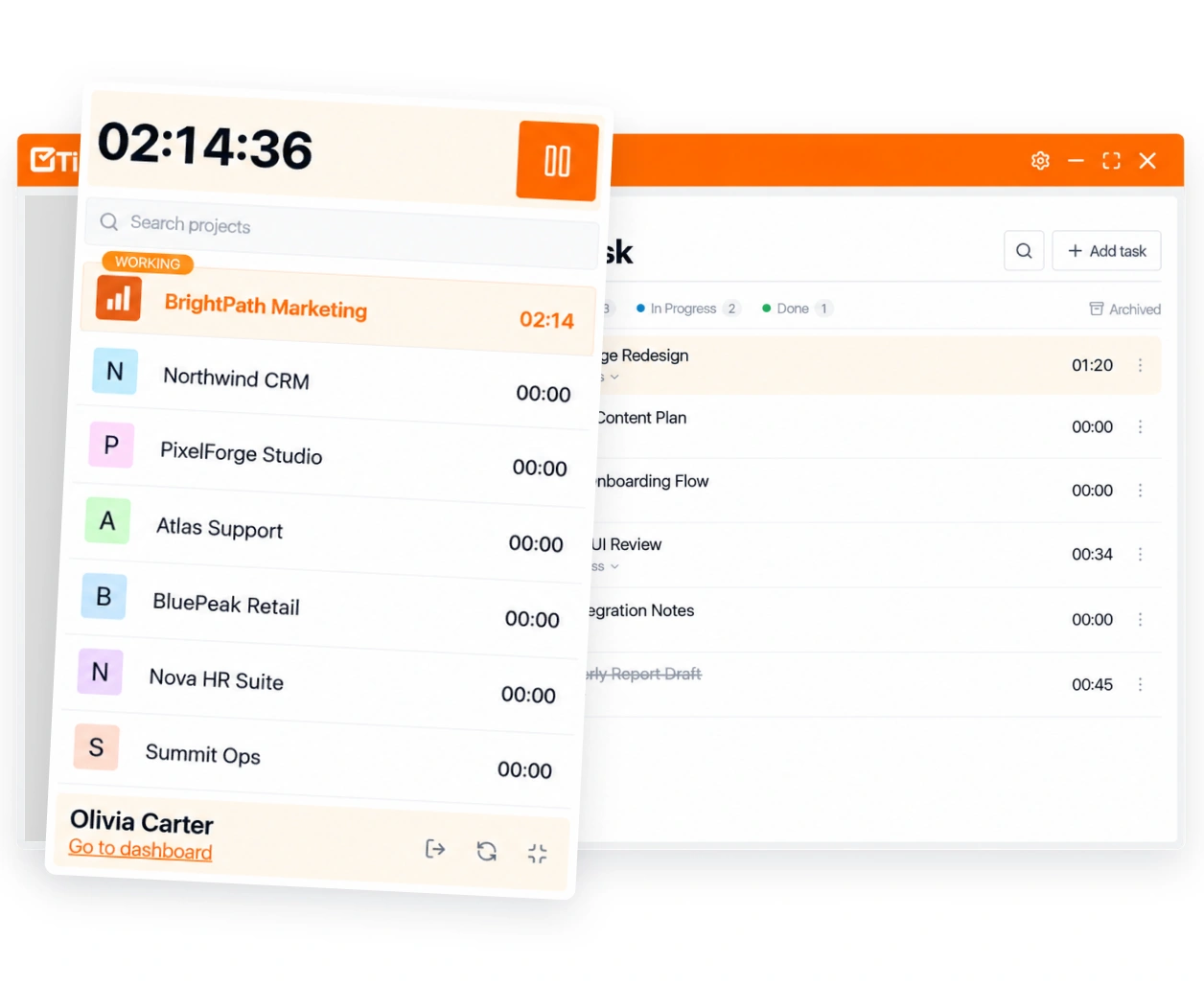
Typing start and finish times into a form works for one week. Doing it for 15 people every week, from memory, leads to payroll disputes. TimoDesk records hours while people work, so nobody has to rebuild them later. They appear in the time calendar and the timesheet exports, already added up.
- Desktop timers on Windows, macOS, and Linux
- Weekly worklogs and monthly timesheets built automatically
- Monthly timesheet PDF export for payroll
- $1 per user per month, every feature included
About counting hours
Timecards, weekly totals, decimal hours, unpaid breaks, and overtime, in plain words.
What is a timecard calculator?
A timecard calculator adds up the hours on a timecard. You enter the start time, finish time, and unpaid break for each day, and it gives daily and weekly totals. This one also shows decimal hours and estimated pay.
How do I calculate hours worked in a week?
Subtract each day's start time from its finish time, take off any unpaid break, and add the days together. For example, 9:00 a.m. to 5:30 p.m. with a 30-minute unpaid lunch is 8 hours. Five of those days make 40 hours.
How do I convert minutes to decimal hours?
Divide the minutes by 60. For example, 15 minutes is 0.25 hours, 20 minutes is about 0.33, and 7 hours 30 minutes is 7.5 hours, not 7.30.
Is an unpaid lunch break counted as hours worked?
No. Enter unpaid break minutes in the Break column, and they come off that day's total. Leave it at zero if your breaks are paid. Which breaks must be paid depends on local law and your employer's policy.
How is overtime calculated?
It depends on where you work. In the US, hours over 40 in a workweek are usually overtime, paid at 1.5 times the regular rate. State and local rules can differ, so check the law that applies to you. This calculator shows the weekly total but doesn't separate overtime.
Can TimoDesk track work hours for my team?
Yes. Your team starts a timer in the TimoDesk desktop app for Windows, macOS, or Linux. The hours go into weekly worklogs and monthly timesheets. You can download the monthly timesheet as a PDF. It costs $1 per user per month, with every feature included.
Start tracking time this week
Create your organization and invite your team today. Tracked time shows on the dashboard the same day, and the first full-day reports are ready the next day. $1 per user per month, with every feature included.
- $1 per user / month
- 15-day free trial, no card
- Stop anytime. No contract.
