Free timesheet template
TimoDesk's free timesheet template helps managers build a weekly, biweekly, or monthly timesheet for their team, then download it as a CSV for Excel, Numbers, or Google Sheets.
Tip: Add or remove names anytime before you download.
| Member | Date | Start | Finish | Break (min) | Hours | Project | Notes |
|---|---|---|---|---|---|---|---|
| Team member | 2026-10-07 | ||||||
| Team member | 2026-10-08 | ||||||
| Team member | 2026-10-09 | ||||||
| Team member | 2026-10-10 | ||||||
| Team member | 2026-10-11 | ||||||
| Team member | 2026-10-12 | ||||||
| Team member | 2026-10-13 |
Showing the first 10 rows. The download contains every row.
Eight columns, two filled in
The template does the slow part: it repeats every name for every date, with no typos. The other columns stay blank, because only the person who did the work can fill them out.
- Member Filled in from the names you enter, repeated for every date.
- Start Blank. The time work started.
- Break (min) Blank. Unpaid minutes to subtract from the day.
- Project Blank. Useful if you bill more than one client.
- Date Filled in for every day in the period you chose.
- Finish Blank. The time work stopped, in the same format as Start.
- Hours Blank. Your spreadsheet can calculate it.
- Notes Blank. For details a number cannot show.
Generated for you Left blank to fill in
Four things to know
Check these before you download, print, or share your timesheet.
- The row count grows quickly Rows are members times days. Three people on a monthly sheet make 90 rows, and ten people make 300. Choose the shortest period your payroll cycle allows.
- You choose the start date The start date is today by default. Each following day counts forward from it, so a period can start in the middle of a month.
- Works in Excel and Google Sheets The download is a plain CSV with a byte order mark, which stops Excel from breaking accented names. Numbers and Google Sheets open it as is.
- Print gives each member a sheet The print button prints only the timesheet, not the page: one sheet for each member with every date filled in, blank columns to write in, a total row and signature lines.
Blank timesheets depend on memory
Most blank timesheets get filled out at the end of the week, for work done days earlier. The numbers are guesses, and the people who sign them know it. TimoDesk builds the same timesheet from hours recorded while the work happened. See how timesheets and exports work, and how staffing agencies use them with clients.
- Monthly timesheets generated per member
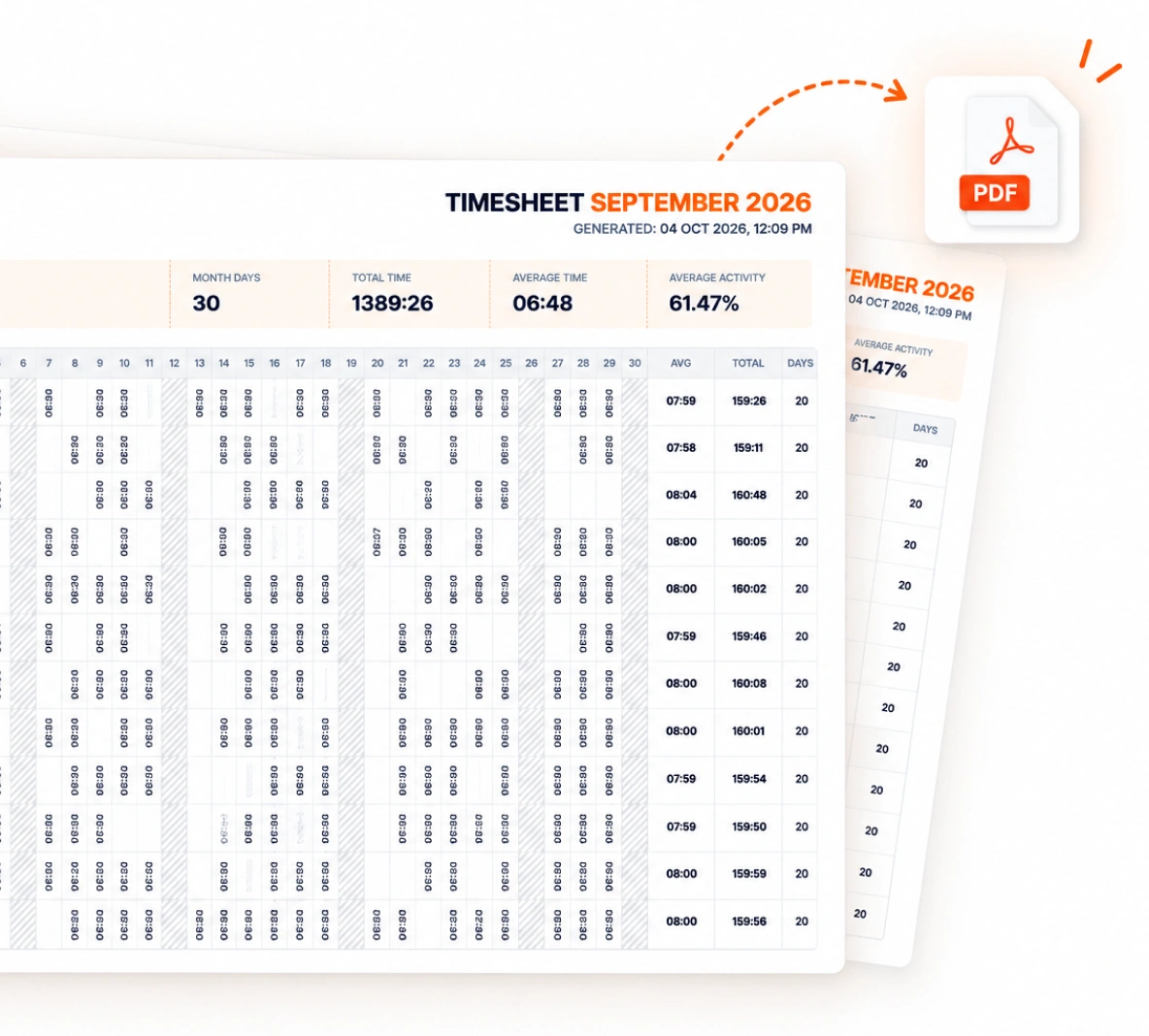
- Monthly timesheet PDF export for payroll and clients
- Tracked sessions can't be edited, and time added by hand stays marked as manual
- $1 per user per month, every feature included
About timesheets
Pay periods, the Hours formula, and which apps open the file.
What's the difference between a weekly and a biweekly timesheet?
A weekly timesheet covers 7 days, and a biweekly timesheet covers 14. Match it to your pay period. If you can choose, pick weekly, because people remember one week more accurately than two.
How do I fill out a timesheet?
Enter each day's start and finish time, the unpaid break minutes, and the hours worked. Add the project if you bill more than one client. Fill it out every day, not at the end of the week from memory.
How do I calculate the Hours column in Excel or Google Sheets?
Subtract Start from Finish and take off the break. In this file, =(D2-C2)*24-E2/60 in cell F2 gives decimal hours for the first row, as long as Start and Finish are entered as times like 9:00.
Can I open the CSV in Excel?
Yes. The file is a plain CSV with a byte order mark, so Excel shows accented names correctly. Numbers and Google Sheets open it too.
Is there a timesheet that fills itself out?
Yes. TimoDesk builds weekly worklogs and monthly timesheets from hours tracked in its desktop app, and you can download the monthly timesheet as a PDF for payroll. It costs $1 per user per month, with every feature included.
Is this timesheet template really free?
Yes. There's no sign-up and no email required. The sheet is built in your browser, so the names you type are not uploaded.
Start tracking time this week
Create your organization and invite your team today. Tracked time shows on the dashboard the same day, and the first full-day reports are ready the next day. $1 per user per month, with every feature included.
- $1 per user / month
- 15-day free trial, no card
- Stop anytime. No contract.
