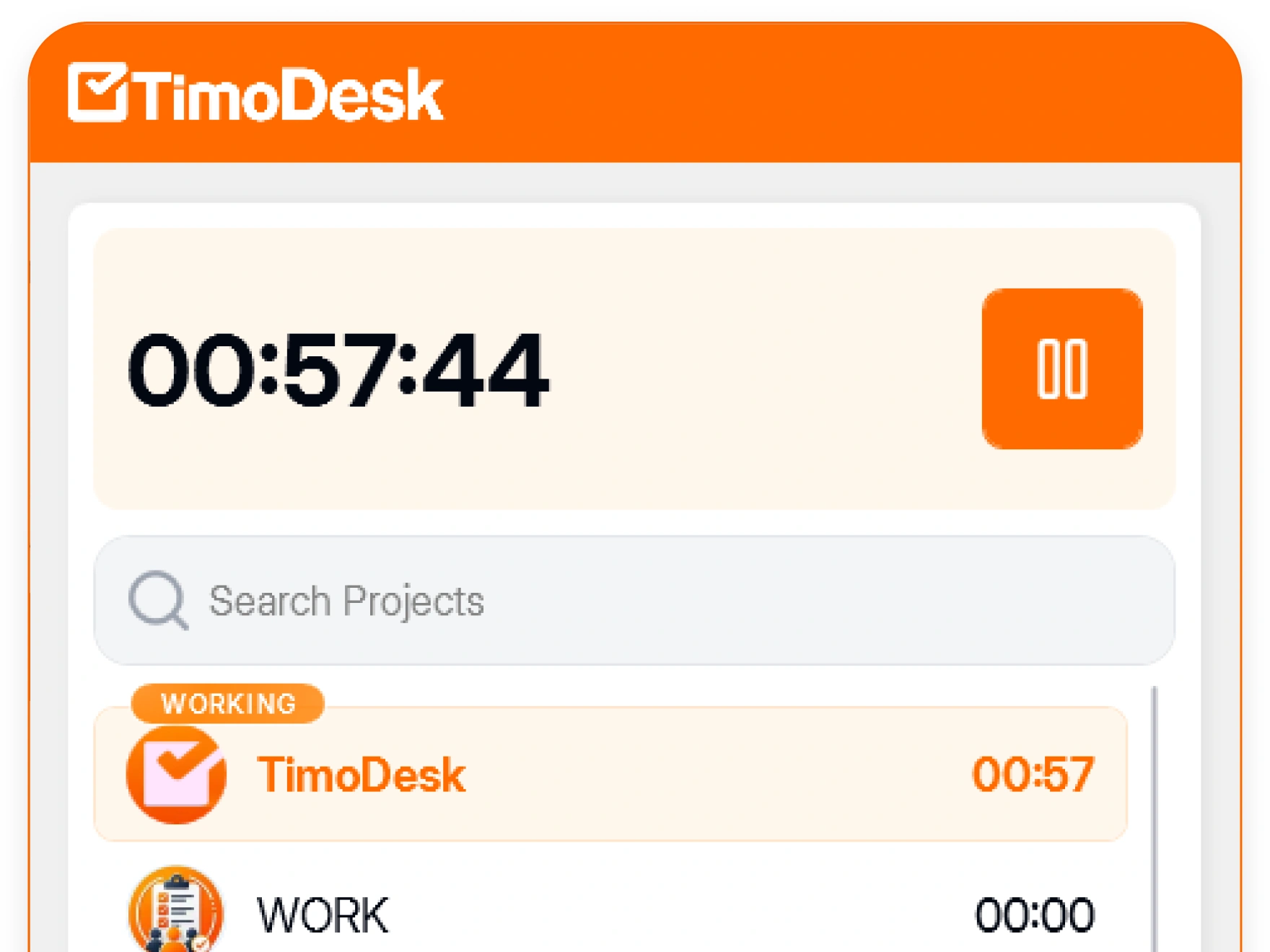
A project
Usually a client or a piece of work, with the members assigned to it. A person can be on as many projects as needed.
TimoDesk project time tracking saves every tracked hour to its project and task. Agencies, consultants and software teams get project totals, hours per member and task analytics automatically.
Forty tracked hours tell you very little until you know which project and which client got them, and whether the project you worry about got any. TimoDesk links every hour to a project for $1 per user per month, built for agencies, consultants and software teams that bill by project. For step-by-step help, see the Project timing guide.
Create a project, add the members who work on it, and split it into tasks. After that, every timer session is saved to a task, and nobody has to sort the hours later.
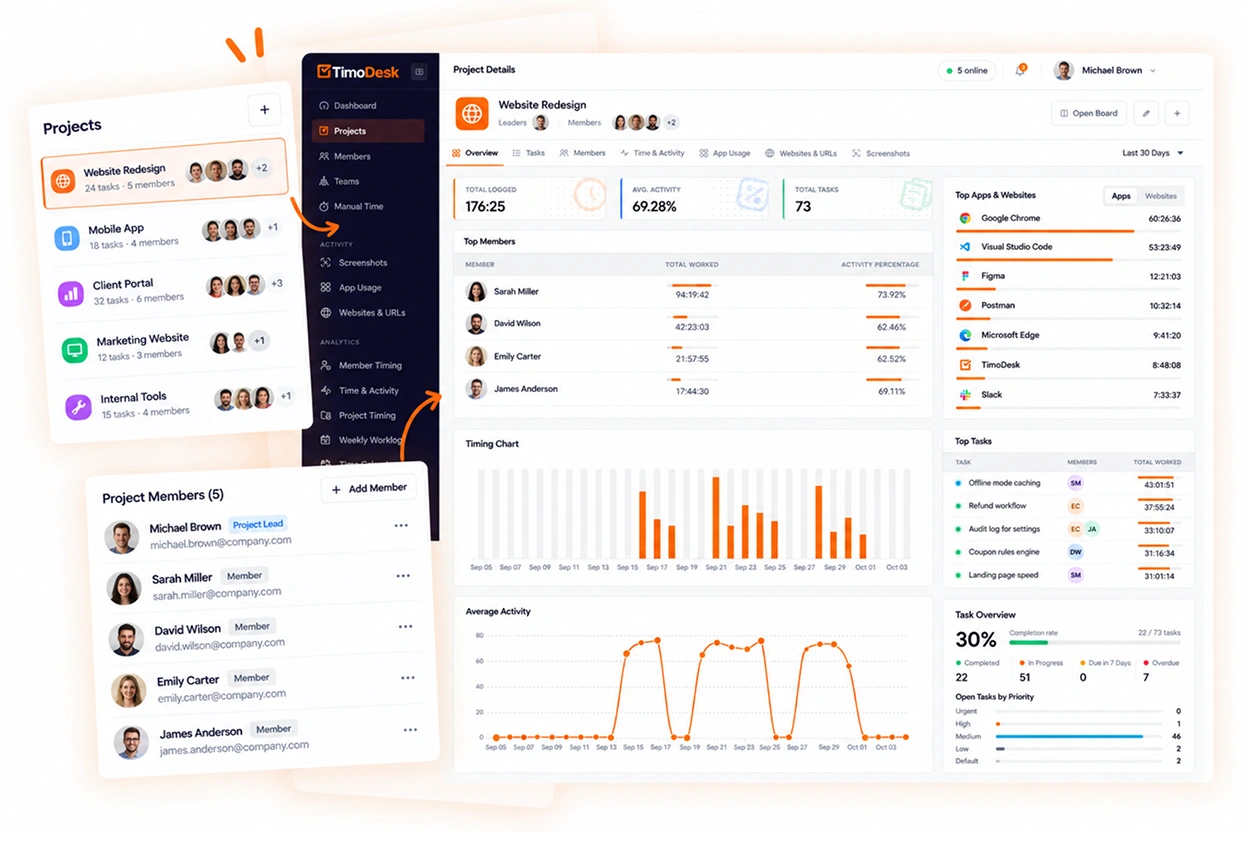
Project timing shows how many hours a project has used while the work is still going. Each task has its own analytics, so one card shows the time, activity, apps, websites and screenshots behind it.
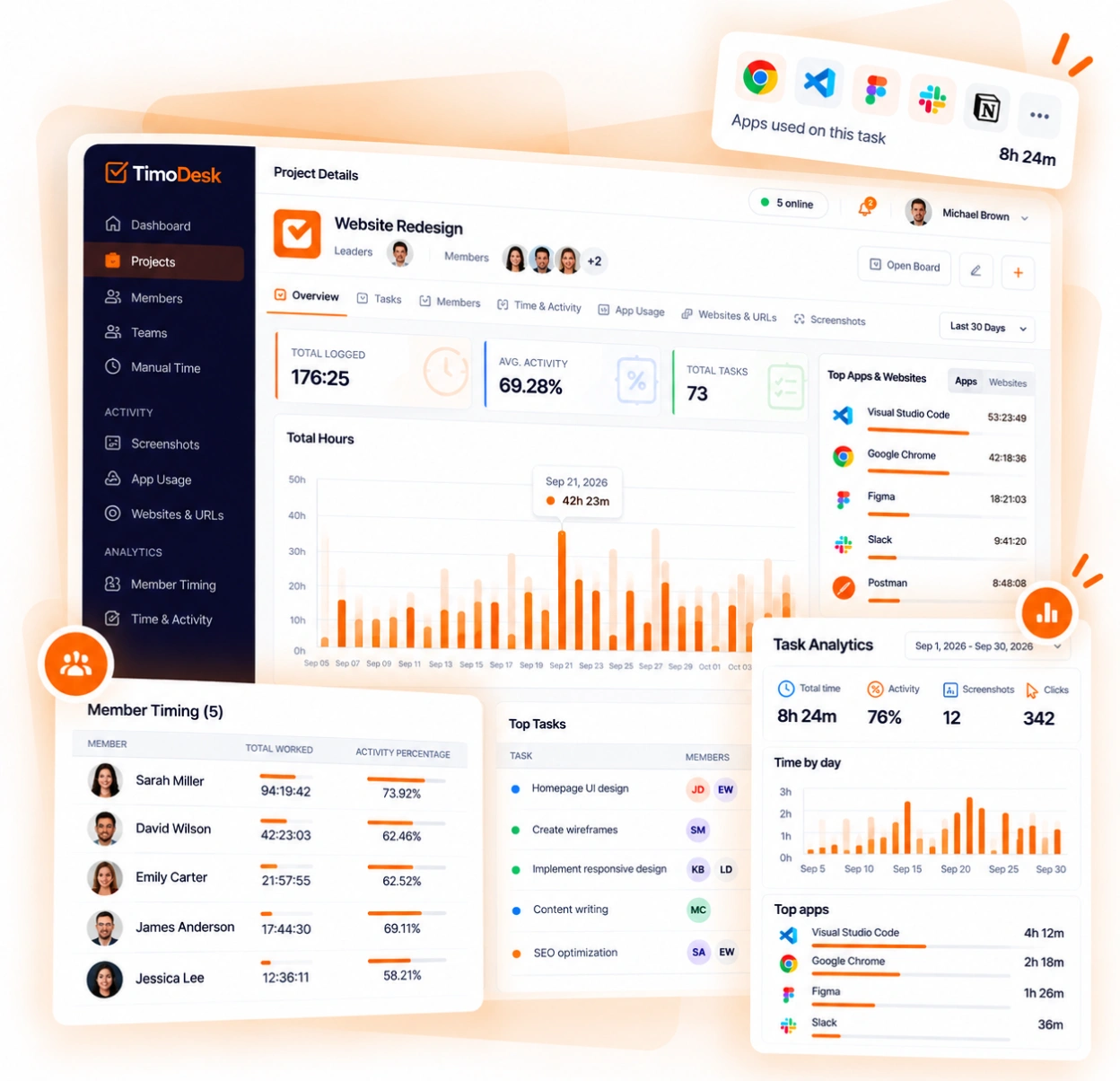
Nothing is sorted later. When a session ends, it is already linked to its project and task, so nobody has to divide hours by hand to get a project total.
Everyone who tracks time, and every project they track it on.
Usually a client or a piece of work, with the members assigned to it. A person can be on as many projects as needed.
The card people work on from the kanban board. Task analytics come from this level, and a My Tasks view lists each person's own tasks.
The timer running, with the activity level recorded at the same time. Every hour in every TimoDesk report starts here.
One thing TimoDesk does not do: track budgets. It reports the hours on a project, but it does not compare them with a budget amount you set. If you need budget alerts, TimoDesk does not have them.
Including one about budgets: TimoDesk does not track them.
A member picks a project and task in the desktop app and starts the timer. Every tracked hour is saved to that task, so project totals and hours per member add up automatically.
On the project's kanban board, which also has list and calendar views. The hours tracked on each card add up to the project totals.
Yes. Create a project for each client. Hours are saved to the task being worked on as well as to the day.
Yes. Every task has its own analytics: time, activity, app usage, websites, screenshots, and the members who worked on it.
No. TimoDesk reports the hours on a project, but it does not store a budget or compare hours against one. If you need budget alerts, check this before you choose TimoDesk.
Yes, as many as you need. Their time splits across the projects automatically, and nobody has to divide it later.
Each feature has its own page that explains what it does and what it doesn't do. All of them are on the same plan.
Setup takes a few minutes. Install the desktop app and start a timer. Tracked time shows on the dashboard the same day, and the first full-day reports are ready the next day.