Time tracking for software teams
TimoDesk is time tracking software for software and IT teams on Windows, macOS and Linux. It records hours against each task and shows app usage, so you can see where the sprint time went: code, review, incidents or meetings.
The estimate was right. The week was not.
Two days of work takes a week, and nobody can say why. The ticket only records the coding. It does not record the code reviews, the failed builds, the incident on Wednesday, or the three meetings that split Thursday into gaps too short for real work. TimoDesk tracks the time on all of that work for $1 per user per month.
The ticket shows only the coding
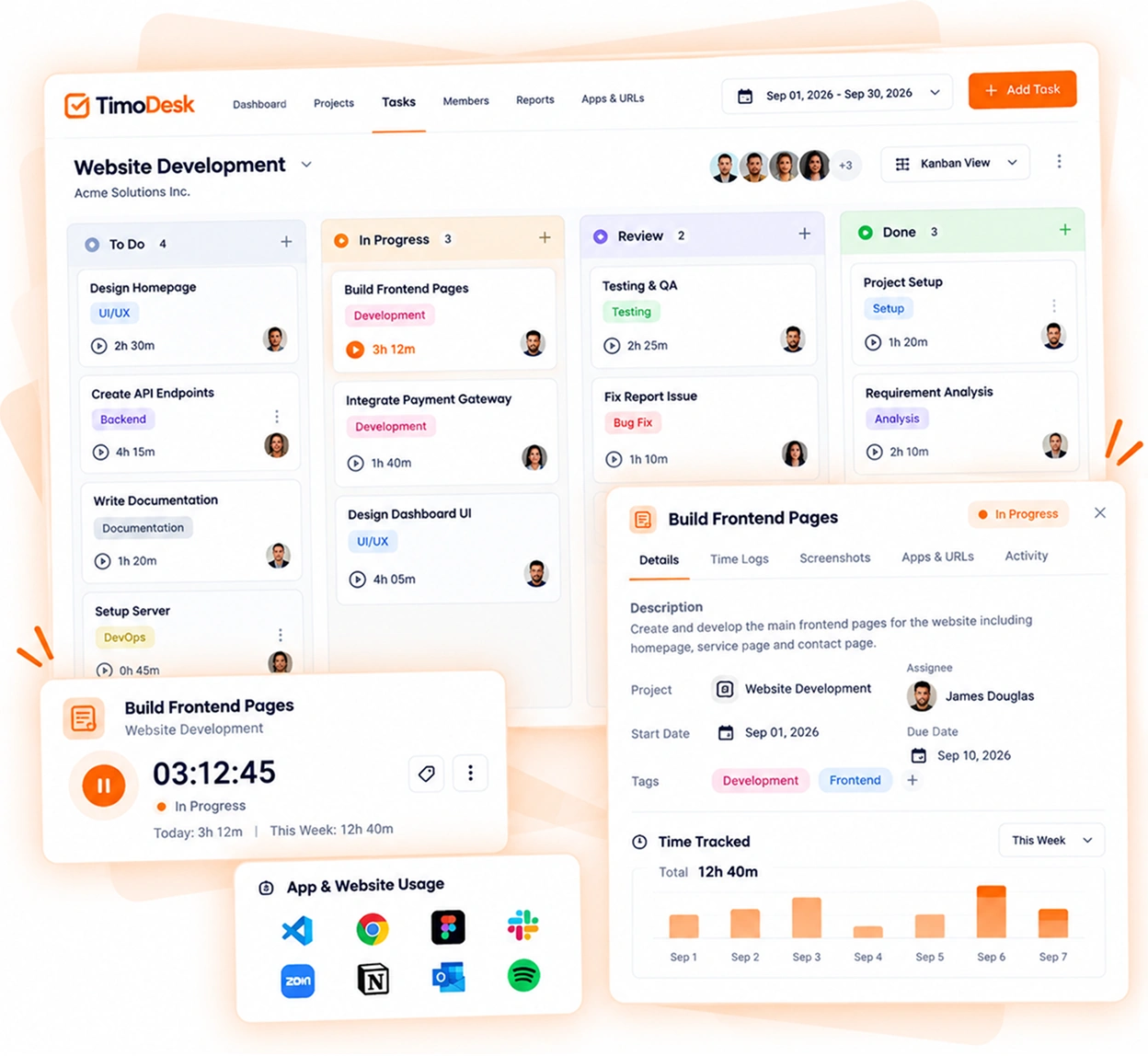
Time is saved on the task being worked on, so a feature shows its real cost, including the work around it.
- The coding
- Code review on three other people's branches
- A build that failed twice before it passed
- Wednesday's incident and the report after it
- Three meetings that everyone had to attend
- The time it takes to focus on the problem again after each one
Hours tracked on the task, not the day
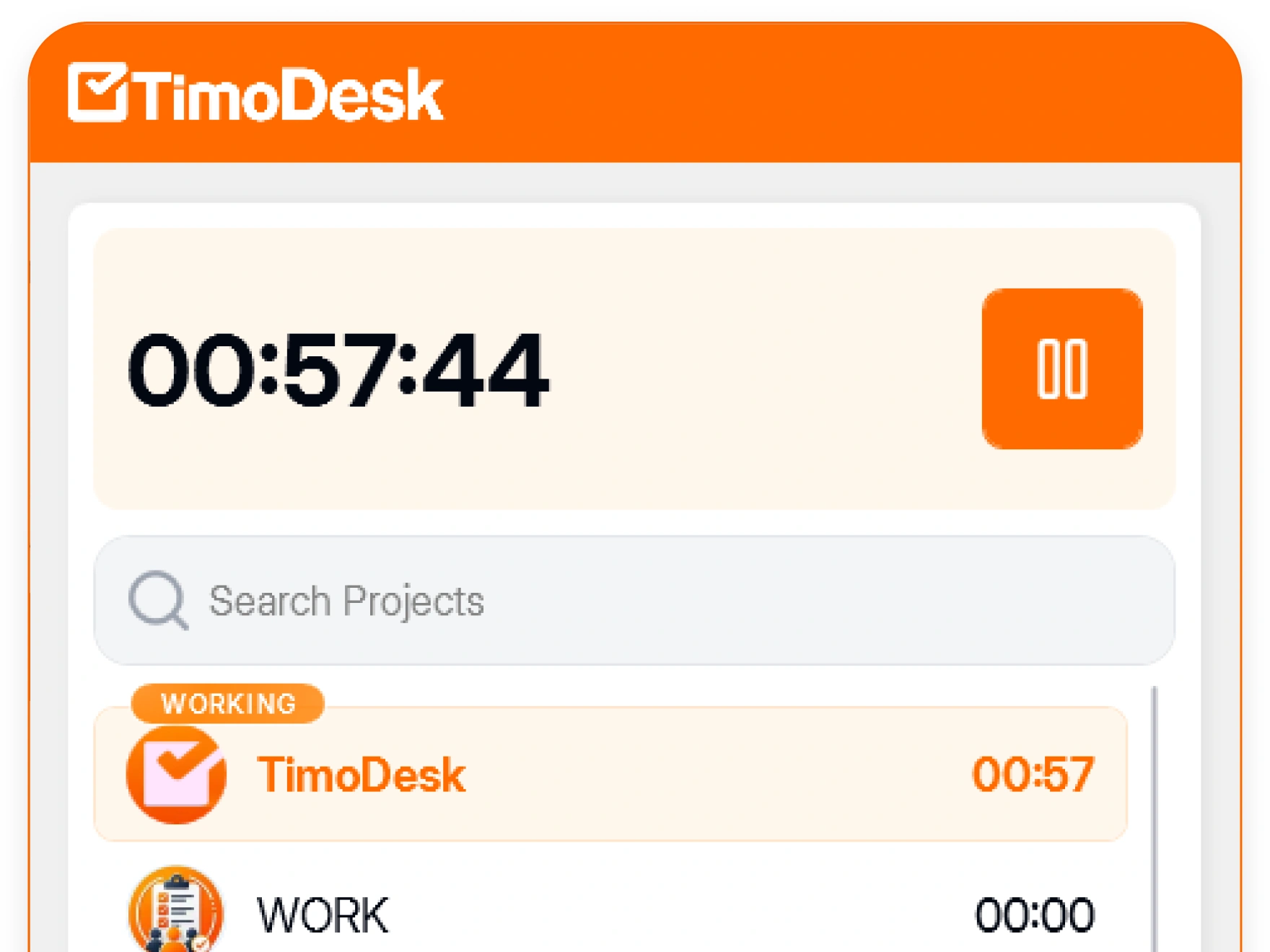
Tasks move across each project's kanban board, and the timer runs on the task itself. The review, the reruns and the incident all land on the feature they belong to. It's built on kanban boards, project time tracking, app and website usage, and the desktop timer.
-
Time tracked against each project and each task Every hour is saved on the project and task it was spent on.
-
App usage for editors, browsers and meeting apps See how much time went into editors, browsers, meeting apps and other tools.
-
Weekly worklogs for each engineer Check each engineer's weekly worklog to see their hours for every day.
-
A My Tasks list for each person Each person sees the tasks they worked on and the time they spent.
Bring numbers to the retro
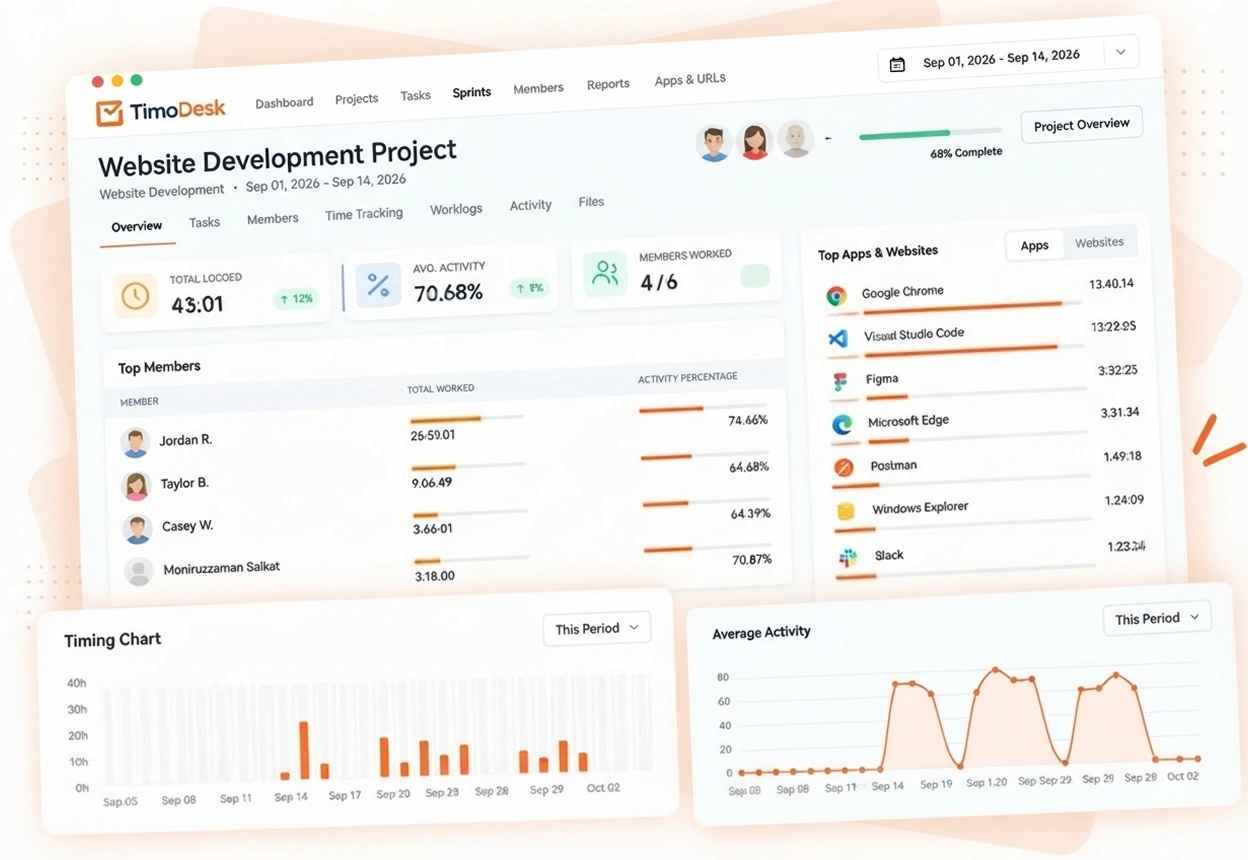
Project timing shows how many hours a feature really used. Weekly worklogs show how each person's hours were spread across the week. Each engineer also sees their own most active day and hour on their dashboard.
- Project timing across the sprint
- Weekly worklogs for each member
- Activity levels next to tracked hours
- Hours per member, to balance the workload
Software team time tracking questions
What engineering teams want to know before anyone installs anything.
Does TimoDesk integrate with Jira or GitHub?
No. TimoDesk has no third-party integrations today. Tasks live on each project's kanban board, with priorities, due dates, time estimates and one or more assignees, and time is tracked on the task. If you need an integration, check this before you commit.
Will developers accept time tracking?
They can see exactly what it records. The app shows when tracking is on, and each developer can view their own hours and activity. Nothing runs in secret, which is usually what engineers object to.
Does TimoDesk run on Linux?
Yes. The desktop app runs on Windows, macOS and Linux. On Linux, website tracking needs the TimoDesk URL Tracker browser extension.
Does TimoDesk record what developers type?
No. Activity measures how often the keyboard and mouse are used, not what is typed. There is no keystroke logging.
How do screenshots work for developers?
Screenshots are taken every 3 to 60 minutes while the timer runs, each one linked to the task being worked on. An organizer or manager sets the interval and the screenshot alert per member, or for everyone at once.
Time tracking for other teams and needs
Every team gets the same tracking and reports. Pick the page that matches your team or what you need to solve.
- Staffing and talent agencies Proof of work for every hire you place
- Virtual assistant agencies Hours for each client a VA works for
- Agencies and studios Track hours on every client project
- Consultants Bill each client from a PDF timesheet of tracked hours
- Remote and distributed See your team's work without a status meeting
- Hybrid teams The same tracking on office days and home days
- In-house teams Spot uneven workload while you can fix it
- Proof of work Show clients what was done, backed by tracked hours
- Productivity and accountability Review conversations based on data both sides can see
- Workload and burnout See who is overworked before they leave
See where your team's hours go
Setup takes a few minutes. Install the desktop app and start a timer. Tracked time shows on the dashboard the same day, and the first full-day reports are ready the next day.
- $1 per user / month
- Windows, macOS and Linux