Track time while the work happens
TimoDesk is time tracking software for staffing agencies and remote teams. Its desktop timer for Windows, macOS and Linux saves each session to a project and task, for $1 per user per month.
People forget what they worked on days ago
Time written down at the end of the week is an estimate, not a measurement: eight hours a day, five days, all round numbers. TimoDesk replaces the estimate with a timer, for $1 per user per month. It's built for staffing agencies, consultants and software teams who bill from real hours. For step-by-step help, see the Desktop app guide.
A timer on each task, not a spreadsheet
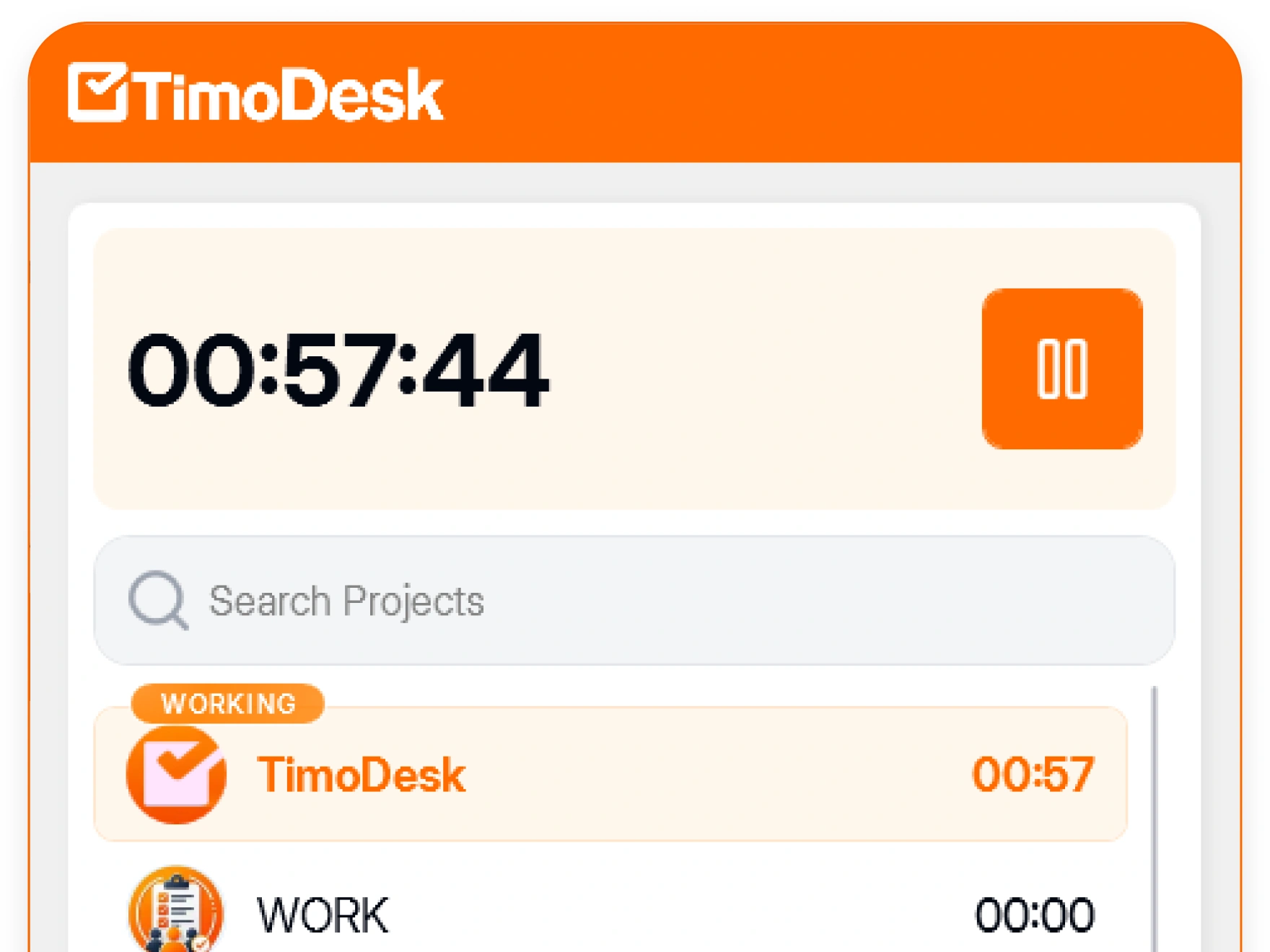
People track time on the computer they work on. The desktop app runs on Windows, macOS and Linux and saves each session to its task. It always shows the person when the timer is running.
- Desktop timers for Windows, macOS, and Linux
- Time saved to the task being worked on
- Active hours and per-day tracked totals
- The person can always see when tracking is on
- Missed time can be requested as manual time
Check the month before you send the invoice
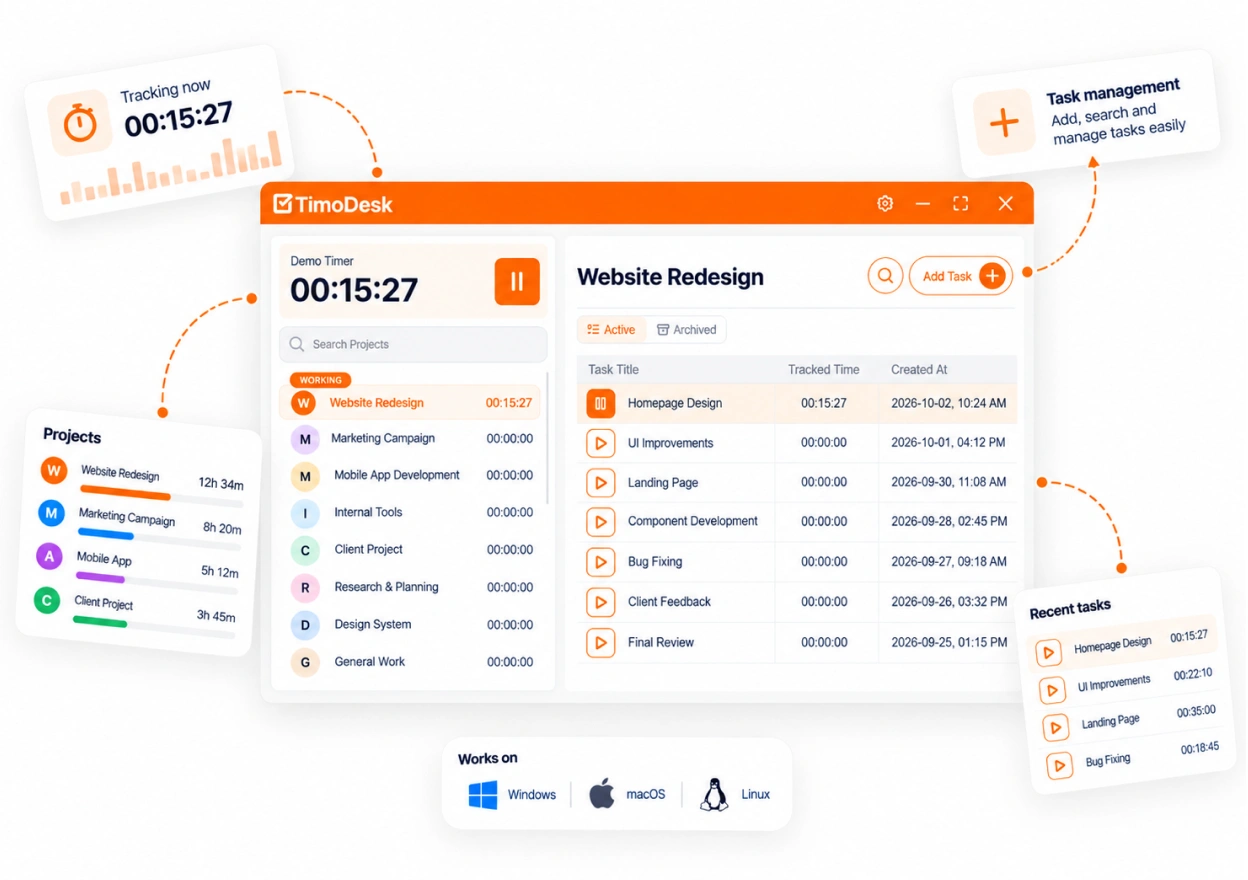
The time calendar shows the month day by day, and weekly worklogs show the detail for each week. You check a record that already exists instead of building one, so the review takes minutes.
- A time calendar showing the month as it was recorded
- Weekly worklogs, per member
- A mini calendar for a quick look at the whole month
- Your own monthly timesheet as a PDF
One week, two records
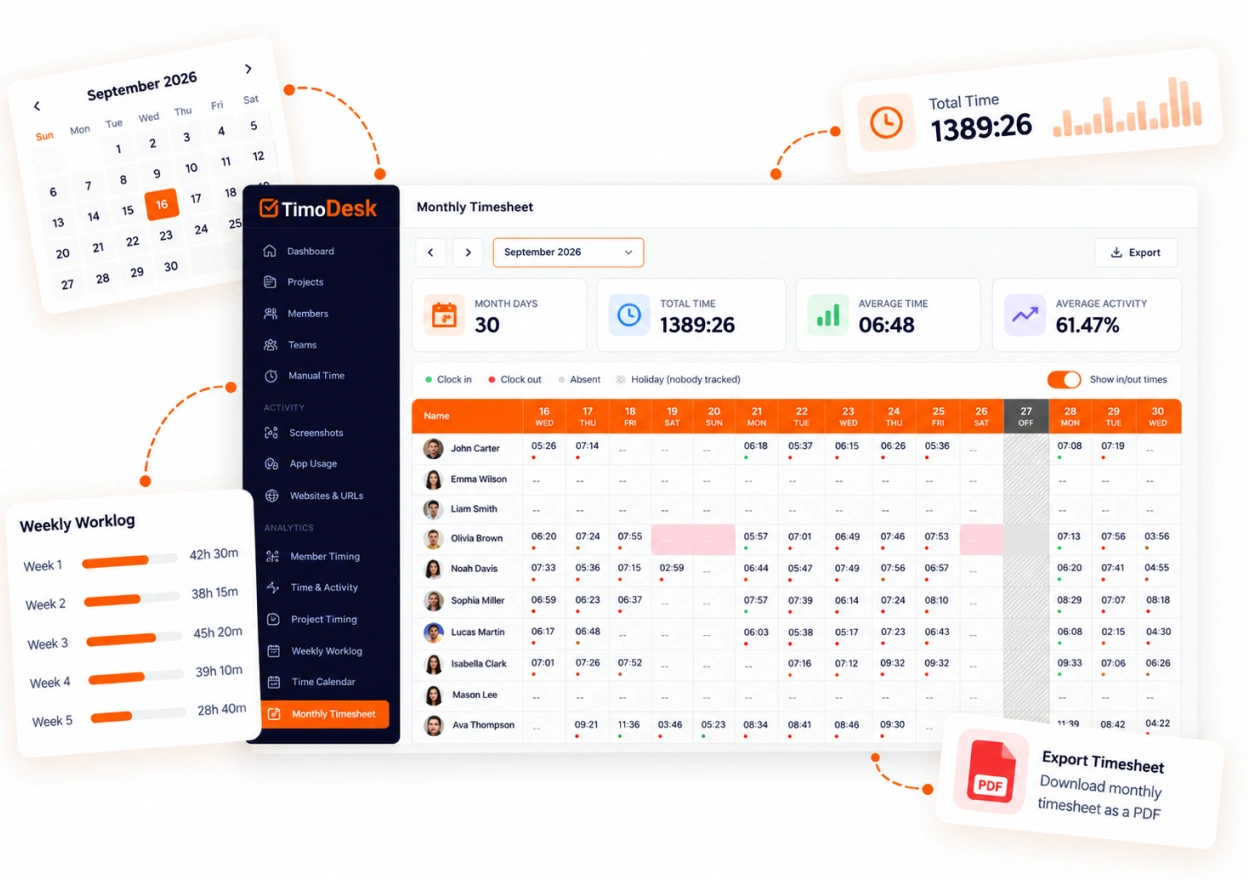
The same five days, first recorded by the timer, then written from memory on Friday afternoon. You can see the difference without reading a number, and so can the client who pays the invoice.
This is an example. The daily pattern changes, but the weekly total often stays the same. So a weekly total alone does not prove much to a client.
About time tracking
What people ask before they install a timer on a team member's computer.
Does TimoDesk time tracking work offline?
Yes. The desktop app keeps tracking without an internet connection. It syncs the time when it reconnects, as long as that happens within 30 days.
Can employees edit their own tracked time?
No. Nobody can edit a tracked session, including the owner. Manual time is off until the organizer turns it on. Then members can request time they worked with the timer off. The organizer chooses who approves it, and it stays marked as manual.
Can we limit manual time entries?
Yes. The organizer can cap one entry at 1, 2, 4 or 8 hours, or set no limit. They can also limit how far back a request can go, from 1 to 30 days. Auto-approval can be on for the whole organization or for one member.
What happens when someone walks away from the computer?
The idle time is removed from their hours. You pick the idle timeout: 3, 5, 10, 15, 20, 30, 45 or 60 minutes with no keyboard or mouse use. Set it for the organization and change it for one member if needed.
Which platforms does the time tracker support?
Windows, macOS (Apple silicon and Intel) and Linux. You read the results in the web dashboard. There is no mobile app.
Is there a limit on tracked hours?
No. Every member can track unlimited hours on the single plan.
More TimoDesk features
Each feature has its own page that explains what it does and what it doesn't do. All of them are on the same plan.
- Project management Kanban boards with time on every card
- Project time tracking Every hour saved to its project and task
- Manual time Request and approve time the app missed
- Team dashboard Your team's day and what needs you
- Time calendar Each member's hours by day, week and month
- Screenshots Screenshots linked to each task
- Activity levels Keyboard and mouse activity, never keystrokes
- App and website usage Which apps and websites were used
- Timesheets and exports Monthly timesheets you can bill from
See where your team's hours go
Setup takes a few minutes. Install the desktop app and start a timer. Tracked time shows on the dashboard the same day, and the first full-day reports are ready the next day.
- $1 per user / month
- Windows, macOS and Linux