Free time tracking tools
Calculators and templates for counting work hours, converting time to decimal, working out overtime and timesheets. Free, no sign-up, and they run in your browser.
-
Calculator
Work hours calculator
Enter a start time, finish time and unpaid break for each day of the week. It gives daily totals, a weekly total in hours and minutes and in decimal, and estimated pay.
Best for: Employees checking a timecard, and managers adding up a week before payroll.
- Overnight shifts handled
- Unpaid breaks taken off
- Copy the week as text
-
Calculator
Decimal hours calculator
Converts hours and minutes to decimal hours and back. Paste a list of times to get each one in decimal and a total, rounded to hundredths or tenths.
Best for: Anyone moving hours from a timecard into payroll, an invoice or a spreadsheet.
- Two-way converter
- Batch mode with a total
- Printable 1 to 60 minute chart
-
Calculator
Overtime calculator
Enter an hourly rate and the hours for each day. It splits the week into regular and overtime hours, at time and a half or double time, with an optional daily limit.
Best for: Hourly workers checking a paycheck, and small employers estimating overtime cost.
- Weekly and daily limits
- Time and a half or double time
- Effective hourly rate
-
Template
Timesheet template
Builds a blank timesheet for a weekly, biweekly or monthly pay period, with your team names and dates filled in, ready to download for Excel or Google Sheets.
Best for: Small teams that record hours on paper or in a spreadsheet today.
- Weekly to monthly periods
- Your names and dates filled in
- Print or download
-
Calculator
Time tracking ROI calculator
Estimates what unrecorded and unbilled hours cost your team in a year, from team size, hourly rate and lost hours, next to the cost of TimoDesk.
Best for: Owners and agency leads deciding whether time tracking is worth paying for.
- Formula shown in full
- Cautious defaults you can change
- Net benefit per year
From hours worked to payroll and billing
Paying people or billing clients for time always goes through the same four steps. Each tool handles one of them, so you can use just the one you need.
- 1 Record Write hours down as they happen, on a timesheet template or with a timer. Timesheet template
- 2 Total Add up each day, take off unpaid breaks, and get the week. Work hours calculator
- 3 Convert Turn hours and minutes into the decimal hours payroll and invoices need. Decimal hours calculator
- 4 Price Split regular and overtime hours and apply the right rate to each. Overtime calculator
Payroll: get the hours right before the money
Most pay errors are not arithmetic errors. They come from hours that were guessed at the end of the week, or from a time like 7:30 typed into payroll as 7.30. Start with a timesheet that people fill in every day, not on Friday afternoon. Total each day with the work hours calculator, which also takes off unpaid breaks and handles shifts that cross midnight.
Payroll systems multiply hours by a rate, so they need decimal hours. The decimal hours calculator converts a week of times in one paste and rounds the total once, the way it should be done. If anyone went over the weekly or daily limit, the overtime calculator splits those hours out and prices them at time and a half or double time.
Billing: every hour on the invoice
For agencies and freelancers, the same steps end on an invoice instead of a payslip. Hours that never make it onto a timesheet never make it onto an invoice either. The ROI calculator puts a yearly figure on that gap, using your own team size, rate and lost hours, and shows every step of the math.
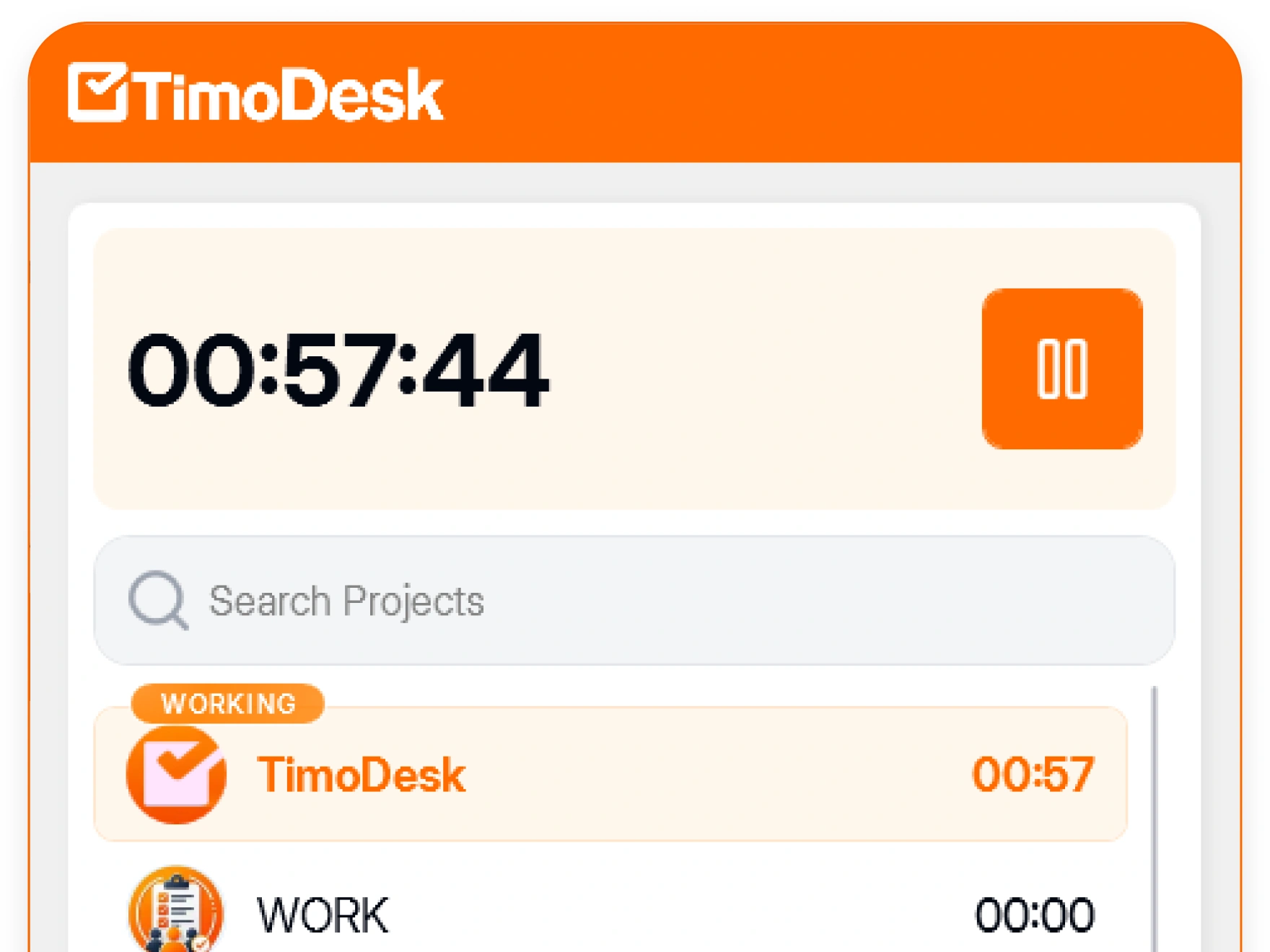
When typing hours into forms every week starts to take real time, that is the point to record them automatically. TimoDesk runs a desktop timer on Windows, macOS and Linux and builds weekly worklogs and monthly timesheets as people work, with PDF export. It is $1 per user per month, and you are only billed for members who tracked time that month.
About the free tools
What they cost, where your data goes, and which one to use for payroll.
Are these tools really free?
Yes. Every tool on this page is free to use, with no sign-up, no email and no limit on how often you use it. They are made by TimoDesk, a paid time tracking app, as a useful way to show what we do.
Is my data saved or sent anywhere?
No. The calculators run in your browser. Some remember your last inputs on your own device so a refresh does not wipe them, but nothing is sent to a server.
Which tool should I use for payroll?
Use the work hours calculator to total each week, the decimal hours calculator to turn the totals into decimals, and the overtime calculator if hours go over your weekly or daily limit.
Do the tools work on a phone?
Yes. Every tool works on phones, tablets and computers, and the inputs are keyboard friendly on desktop.
Can the tools tell me what the law requires?
No. They do the arithmetic. Where a page mentions a rule, such as US federal overtime, it links to the official source. Rules differ by country and state, so check your local law or ask an adviser.
What does TimoDesk do that the tools do not?
TimoDesk records the hours while people work, from a desktop app for Windows, macOS and Linux, and builds weekly worklogs and monthly timesheets with PDF export. It costs $1 per user per month, with a 15-day free trial.
See where your team's hours go
Setup takes a few minutes. Install the desktop app and start a timer. Tracked time shows on the dashboard the same day, and the first full-day reports are ready the next day.
- $1 per user / month
- Windows, macOS and Linux