Employee accountability based on shared data
TimoDesk is employee productivity and accountability software. Managers and staff see the same tracked hours and activity, so performance conversations start from facts, not impressions.
Judging work by impressions
Without data, performance conversations favor the people who are most visible, most vocal or most recently seen. That is unfair to the quiet people doing the work. It also leaves the manager with no facts to explain the decision later. TimoDesk gives everyone the same record for $1 per user per month.
What fair accountability needs
Four things must be true for a shared record to feel fair and not like surveillance. All four are true in TimoDesk by default. You don't have to find a setting to turn them on.
The same numbers for both sides
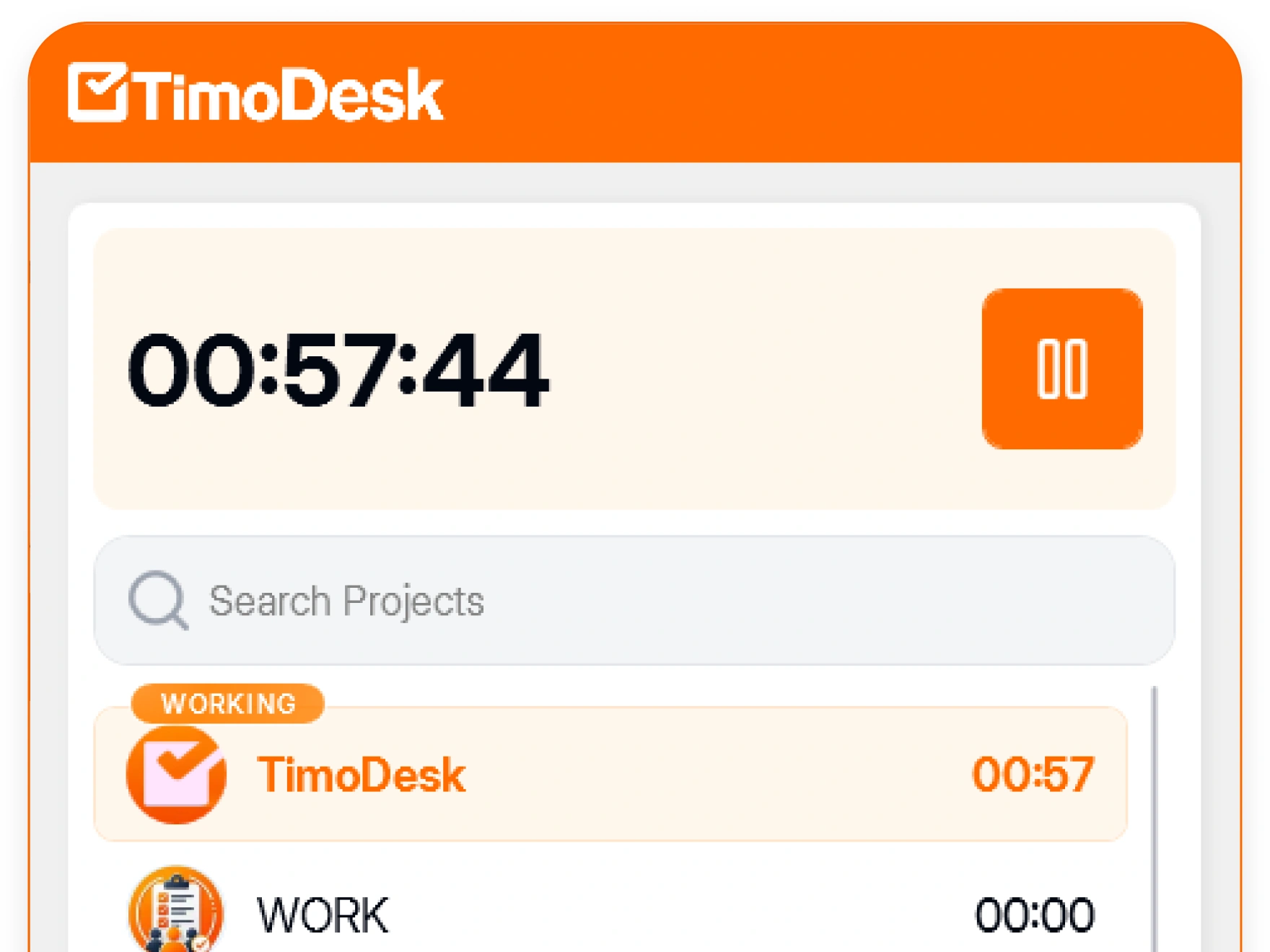
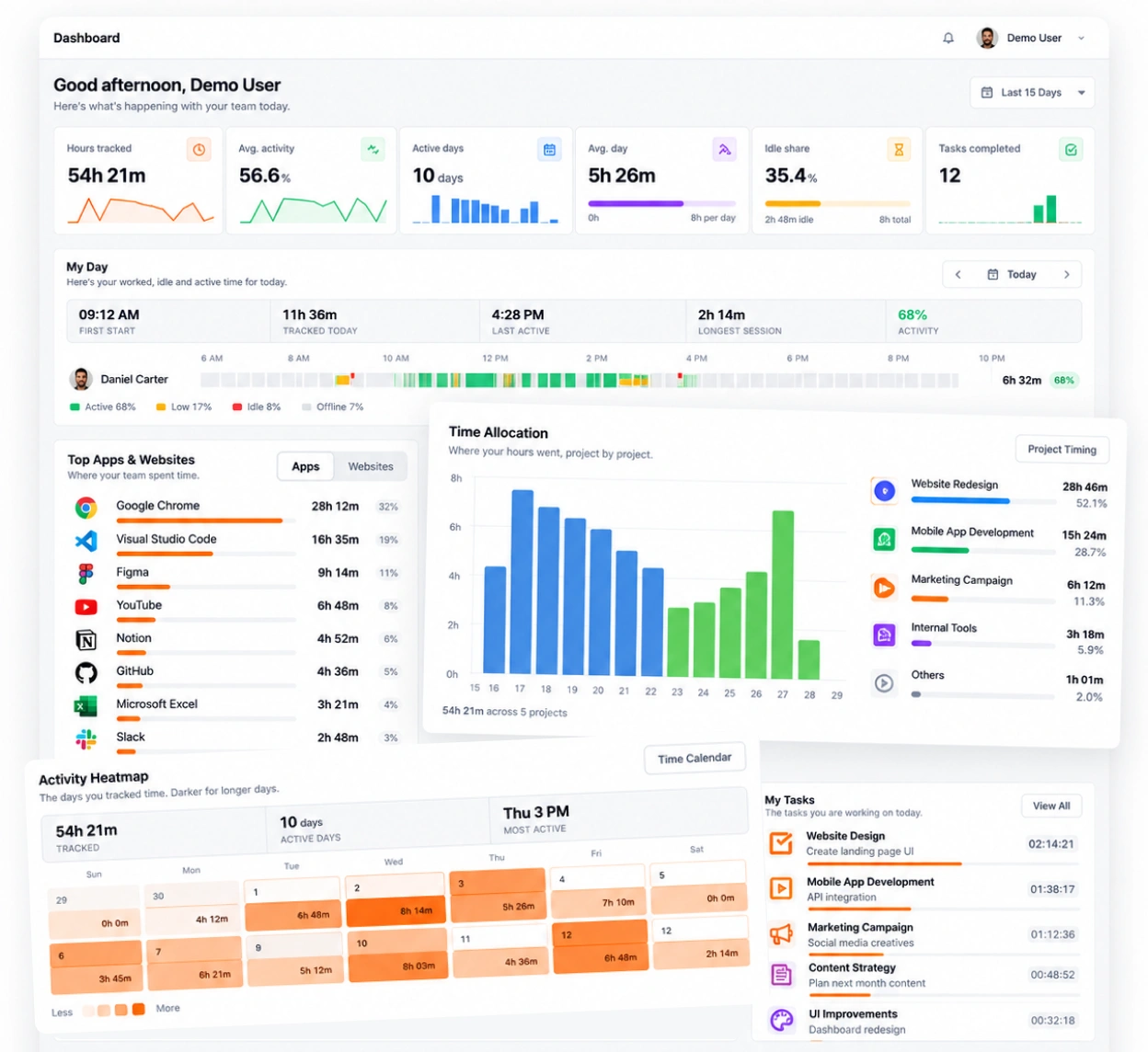
Members see their own tracked time and activity, and they can see when tracking is on. A manager looks at the same record of a person's hours and activity that the person sees, so people find it easier to trust. It's built on activity levels, performance views, and reports and analytics.
-
Members can see their own hours and activity Each member can check their tracked hours and activity at any time.
-
Tracking status the person can always see Members can see whether tracking is on throughout the day.
-
Access to wider reports follows role Top and low performer lists are for organizers, managers and team managers. The monthly leaderboard is for organizers and managers.
-
Screenshot settings for everyone or one member Screenshots start on for new members. Switch them per member, or for many at once.
Recognition based on tracked data
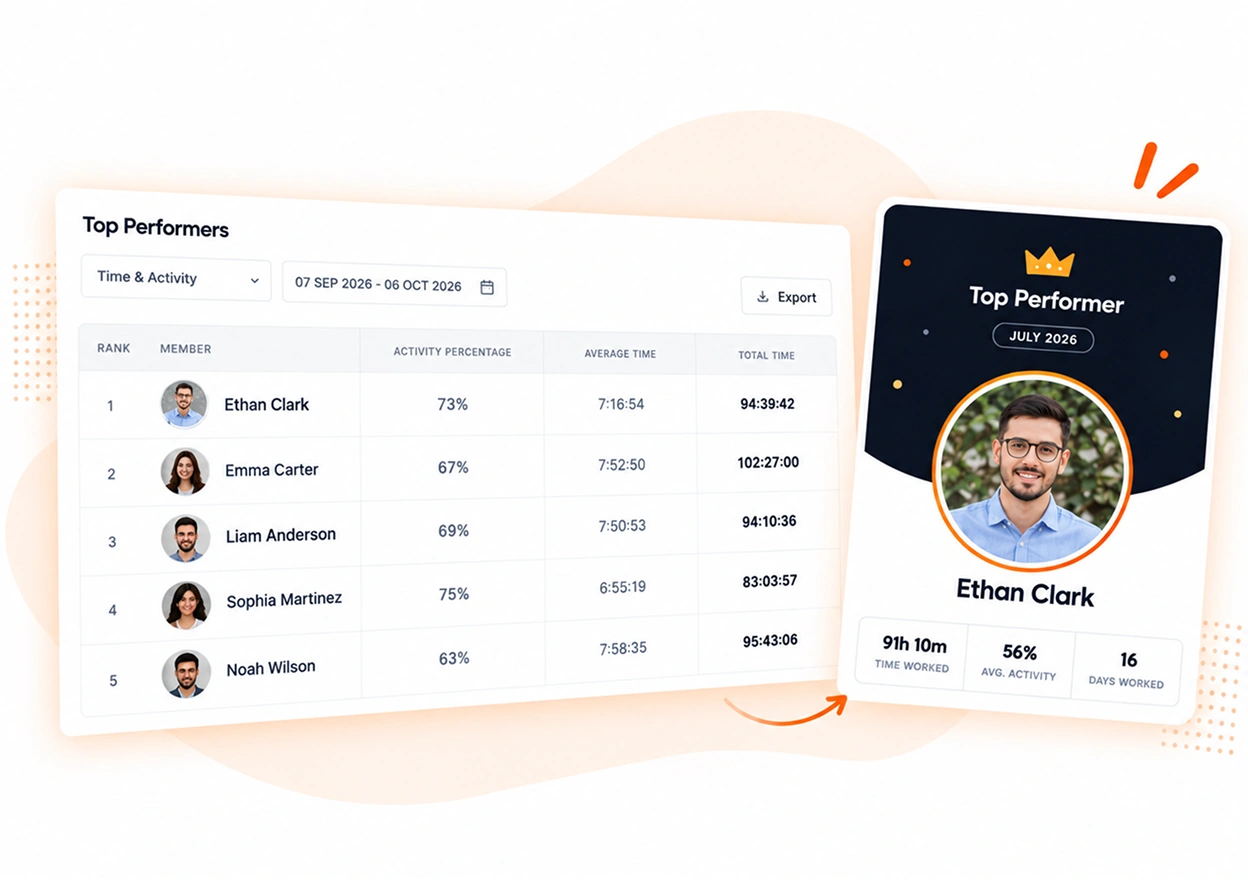
Performance reports rank members across the organization. The monthly leaderboard can produce a Performer of the Month PDF, and you can send the month's top performer a recognition email, so steady work gets noticed.
- Top performers across the organization
- A monthly leaderboard, with a Performer of the Month PDF
- A recognition email for the month's top performer, sent when you choose
- Daily summary emails, so nobody has to ask for updates
Accountability software questions
Fair concerns about measuring people, and what TimoDesk does about each one.
Does an employee leaderboard make people game the numbers?
It can, in any tool that has one. Activity measures how often the keyboard and mouse are used, so treat it as context next to the work delivered. It does not replace your judgment.
Can employees see their own data?
Yes. Members see their own tracked time and activity. That way, both sides share the same record.
Can the whole team see the leaderboard?
No. Only organizers and managers can open it. The only thing sent out is a recognition email to the month's top performer, and a manager has to choose to send it.
Can a team lead see only their own people?
Yes. Give them the team manager role, and they see only the teams they manage. Organizers and managers see the whole organization.
Does productivity software replace one-on-ones?
No. It gives one-on-ones a starting point based on facts. That usually makes them shorter and easier.
Time tracking for other teams and needs
Every team gets the same tracking and reports. Pick the page that matches your team or what you need to solve.
- Staffing and talent agencies Proof of work for every hire you place
- Virtual assistant agencies Hours for each client a VA works for
- Agencies and studios Track hours on every client project
- Software and IT teams See where the sprint time went
- Consultants Bill each client from a PDF timesheet of tracked hours
- Remote and distributed See your team's work without a status meeting
- Hybrid teams The same tracking on office days and home days
- In-house teams Spot uneven workload while you can fix it
- Proof of work Show clients what was done, backed by tracked hours
- Workload and burnout See who is overworked before they leave
See where your team's hours go
Setup takes a few minutes. Install the desktop app and start a timer. Tracked time shows on the dashboard the same day, and the first full-day reports are ready the next day.
- $1 per user / month
- Windows, macOS and Linux