1
hour
a day
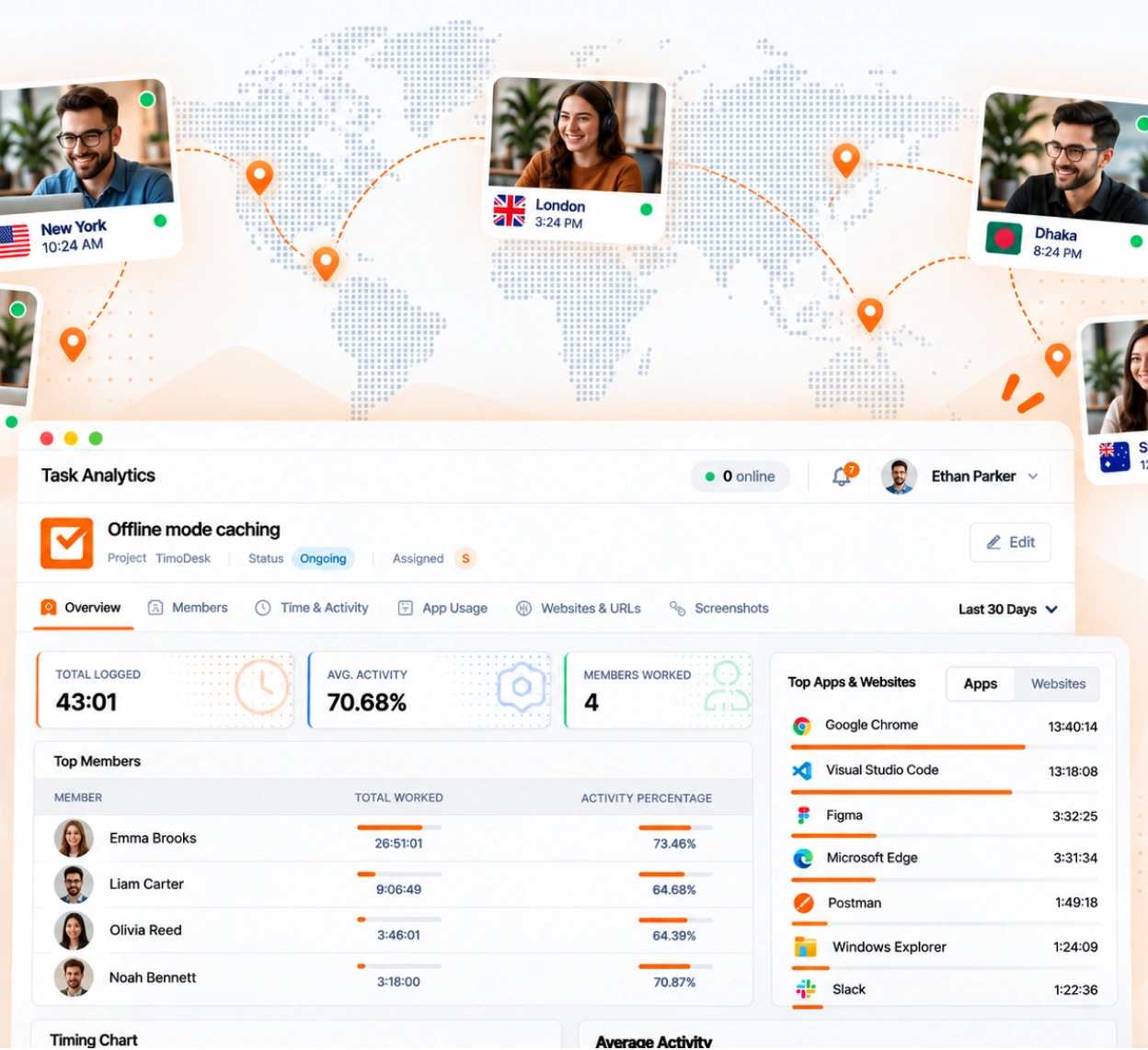
TimoDesk is time tracking software for remote and distributed teams. It records hours and activity in every time zone and emails a daily summary, so you start each day knowing what happened.
Remote teams lose hours just finding out what happened. Status calls are planned around three time zones. Written updates describe work that is already done. A manager hears about a problem the next morning. The information exists, but nobody records it in one shared place. TimoDesk records it for $1 per user per month.
Working hours in different time zones overlap less than most teams plan for. In this example, three offices each work 9 a.m. to 6 p.m. local time, and all three are online together for only one hour, 9 to 10 a.m. in London. Hours are shown in London time. The schedule is a made-up example.
Working hours All three online
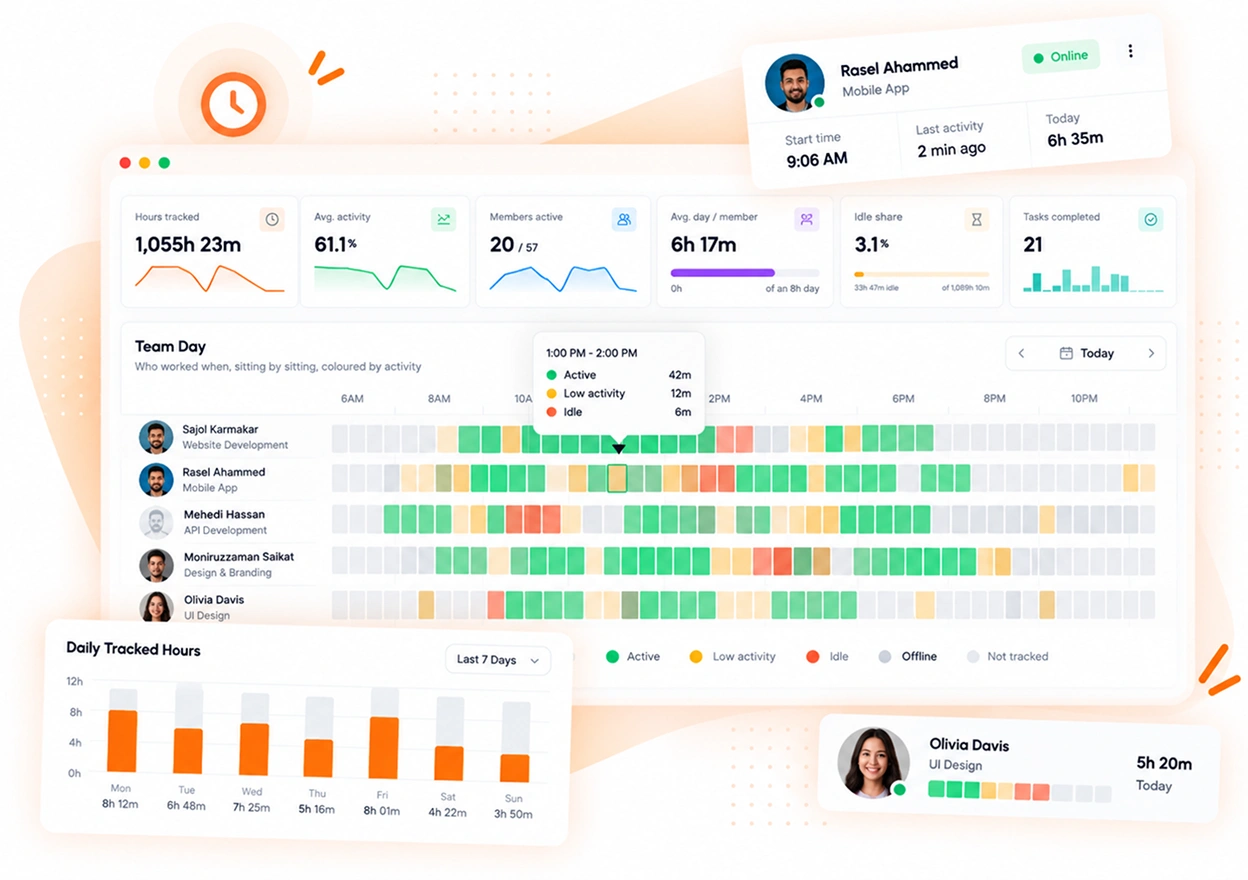
Hours and activity from every location land in one view. Each morning, you can read what happened overnight. It's built on the team dashboard, reports and analytics, the time calendar, and activity levels.
The time calendar shows each person's tracked hours for every day, weekends included. This matters most for people who would never say their hours have grown.
What remote teams ask before they install time tracking on laptops in other countries.
Yes. Hours are tracked for each member and shown in one dashboard, wherever they work. A live list shows who is online and working right now.
No. The desktop app keeps tracking offline and syncs when the computer connects again, within 30 days. Your team can work different hours and still share one record.
Not if you are open about it. People can see when tracking is on and view their own data, and you can turn on an alert that tells them when a screenshot is taken.
Yes. Give them the team manager role, and they see only the teams they manage. Organizers and managers see the whole organization.
Windows, macOS and Linux desktop apps, plus a web dashboard. There is no mobile app.
Every team gets the same tracking and reports. Pick the page that matches your team or what you need to solve.
Create your organization and invite your team today. Tracked time shows on the dashboard the same day, and the first full-day reports are ready the next day. $1 per user per month, with every feature included.
