
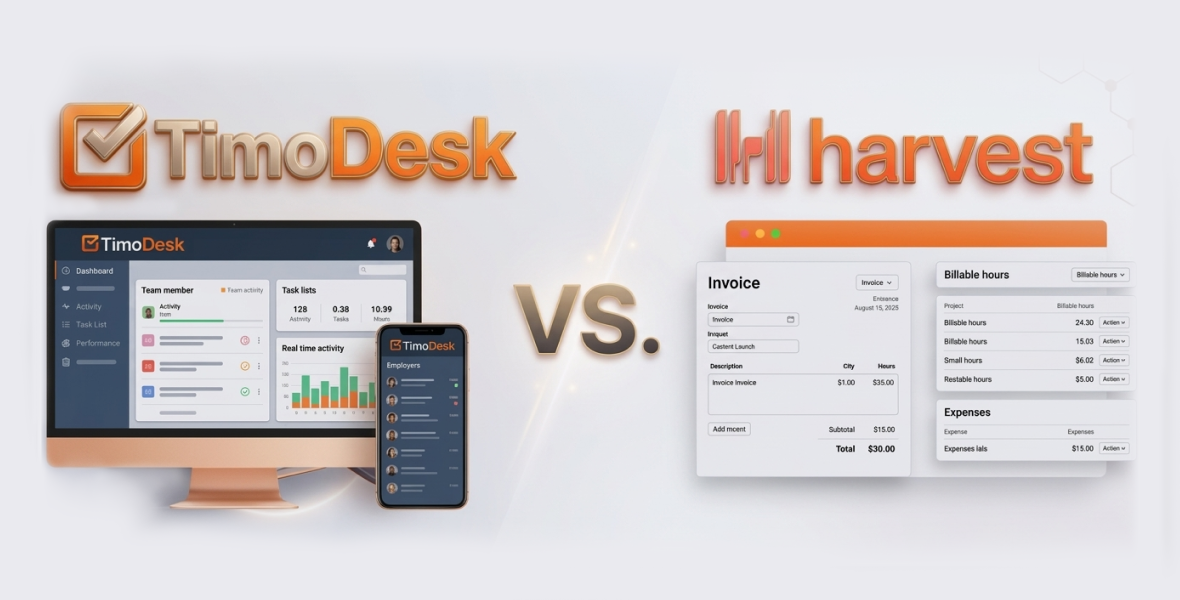
The best Harvest alternative depends on what you need to prove to clients. If you need invoicing, expense tracking and many integrations, Harvest is hard to beat. If you mainly need accurate hours with proof of work, such as screenshots and activity levels, TimoDesk is a low-cost Harvest alternative at $1 per user per month, with every feature on one plan.
Freelancers juggle many clients, and businesses run projects across time zones. A good time and billing tracker helps you capture every billable hour, show clients what they paid for and avoid underbilling. This TimoDesk vs Harvest comparison covers features, pricing, strengths, weaknesses and who each tool suits best.
Why do time and billing trackers matter?
Time and billing tools stop you from losing paid hours. They give you records for invoices, tax time and client talks. Freelancers get paid faster with clear records. Businesses see team performance and project profit.
When you compare tools, check:
- Billing: How easy is it to turn tracked time into an invoice or a client report?
- Ease of use: Busy freelancers need a short learning curve.
- Growth: Will it still work when you add people?
- Cost vs value: Are you paying for features you will use?
- Privacy: How is data handled and stored?
- Proof of work: Can you show clients the work behind the hours?
What is TimoDesk?
TimoDesk is an affordable time tracking and productivity tool for freelancers, remote teams and businesses. You start the timer on a task, and the desktop app records active time, activity levels, apps and websites, and screenshots. Idle time is removed on its own.
Key highlights of TimoDesk
- Who it is for: Freelancers, small businesses, agencies and staffing providers that need low-cost tracking with proof of work.
- Platforms: Desktop apps for Windows, macOS and Linux, plus a web dashboard. The app keeps tracking offline and syncs later.
- Main selling point: Every feature for $1 per user per month, including screenshots for billing accountability.
Why consider TimoDesk as a Harvest alternative?
TimoDesk is a practical Harvest alternative for people who want reliable hours without a high monthly bill. It does not create invoices. Instead, it gives you proof: tracked time per project and task, activity levels, app and website usage and screenshots. You can download the time and activity report as PDF or CSV and send it with your invoice.
If clients sometimes question your hours, this kind of record helps. See how it works as proof of work.
What is Harvest?
Harvest is a well-known time tracking and invoicing tool for freelancers, agencies and businesses. It focuses on easy time entry, expense tracking and professional invoices, so tracked hours turn into revenue quickly.
Key highlights of Harvest
- Who it is for: Freelancers, creative teams and companies that bill clients.
- Platforms: Web, desktop and mobile apps, plus browser extensions.
- Main selling point: A smooth path from time to invoice, with many integrations and profit reports.
What does Harvest do best?
Harvest is strongest at billing. It handles invoices, expenses, billable rates and project budgets in one place. It also connects with many accounting and project tools. It does not take screenshots or measure activity, because it is built around self-reported time.
How do TimoDesk and Harvest compare on features?
Both tools track time for billing. TimoDesk leans toward proof and accountability. Harvest leans toward invoicing and integrations.
| Feature | TimoDesk | Harvest |
|---|---|---|
| Time tracking | Desktop timer on a task, idle time removed, offline sync | Timers and manual entries, expense tracking |
| Proof of work | Screenshots, activity levels, app and website usage | Not built in |
| Reports | Time and activity, timelines, app usage, top performers | Profit, budgets and team capacity |
| Integrations | None yet | Many accounting and project tools |
| Invoicing | Not offered; export reports as PDF or CSV | Built in, with expenses and payments |
| Mobile | No mobile app | Mobile apps |
| Project tools | Kanban, list and calendar views, subtasks, comments | Projects, budgets and rates |
Time tracking
- TimoDesk: Start the timer on a task, and it records active time and apps in the background. Screenshots every 3 to 60 minutes give visual proof for clients. Offline time syncs when you reconnect.
- Harvest: Flexible timers and manual entries, with expenses tracked next to time. Mobile apps let you log time on the go.
Reports
- TimoDesk: Reports on activity, app usage, project time and performance. Freelancers can share the time and activity report with clients. Businesses can see top and low performers.
- Harvest: Reports on profit, budgets vs actual time and team capacity.
Integrations
- TimoDesk: No integrations or public API yet. It works as a standalone tool.
- Harvest: Connects with many accounting, project and CRM tools.
Harvest wins if your billing depends on connected tools.
Team management
- TimoDesk: Roles, a dashboard that shows who is working now, task assignment and per-member tracking settings.
- Harvest: Roles, approvals and capacity planning for agencies that bill clients.
How does pricing compare?
Price matters when margins are thin.
- TimoDesk: $1 per user per month for every feature, with no tiers. You are billed after each month only for members who tracked time. A 10-person team pays $10 a month. There is a 15-day free trial with no card, but no free plan.
- Harvest: Has a limited free plan and a paid plan priced per seat, which costs several times more per user than TimoDesk. Prices change, so check Harvest's own pricing page.
What are the pros and cons of each?
TimoDesk pros
- Very low price at $1 per user per month.
- Screenshots and activity levels as proof for clients.
- Offline tracking that syncs later.
- One plan, with no upsells.
TimoDesk cons
- No integrations yet.
- No invoicing or expense tracking.
- No free plan or mobile app.
Harvest pros
- Strong invoicing and expense tracking.
- Many integrations.
- A free plan to start.
- Profit and budget reports.
Harvest cons
- Costs more per user as the team grows.
- No screenshots or activity data.
- The free plan is limited.
Who should choose TimoDesk?
TimoDesk is best for freelancers and businesses that want low cost and clear proof for clients. Choose it if you need screenshot evidence or tracked time on a budget. It suits:
- Solo freelancers in development or consulting.
- Small agencies with remote staff.
- Budget-conscious startups.
Who should choose Harvest?
Harvest suits freelancers and businesses that need built-in invoicing and connected tools. Choose it if you invoice often, track expenses or rely on accounting software. It suits:
- Creative freelancers with many small projects.
- Agencies that manage budgets and payments.
- Teams that need mobile time entry.
Final verdict
Harvest offers smooth invoicing, many integrations and profit tools. TimoDesk is the better Harvest alternative for freelancers and small teams who care most about cost and proof of work. For $1 per user per month, you get tracked time, screenshots, activity levels, app and website usage and offline sync. If you mainly need reliable hours that clients can trust, download TimoDesk and try it free for 15 days.
Frequently asked questions
Is TimoDesk a good Harvest alternative?
Yes, if you need tracked hours with proof of work at a low price. If you need built-in invoicing and expenses, Harvest is the better fit.
Can TimoDesk create invoices?
No. TimoDesk does not create invoices. You can download the time and activity report as PDF or CSV and attach it to the invoice you send.
Does Harvest take screenshots?
Harvest does not offer screenshots or activity tracking. TimoDesk takes screenshots every 3 to 60 minutes and records activity levels.
How much does TimoDesk cost for a freelancer?
$1 per month for one person, with every feature. You only pay for months in which you tracked time.
Was this helpful?
Share it with someone who still adds up hours by hand.


