
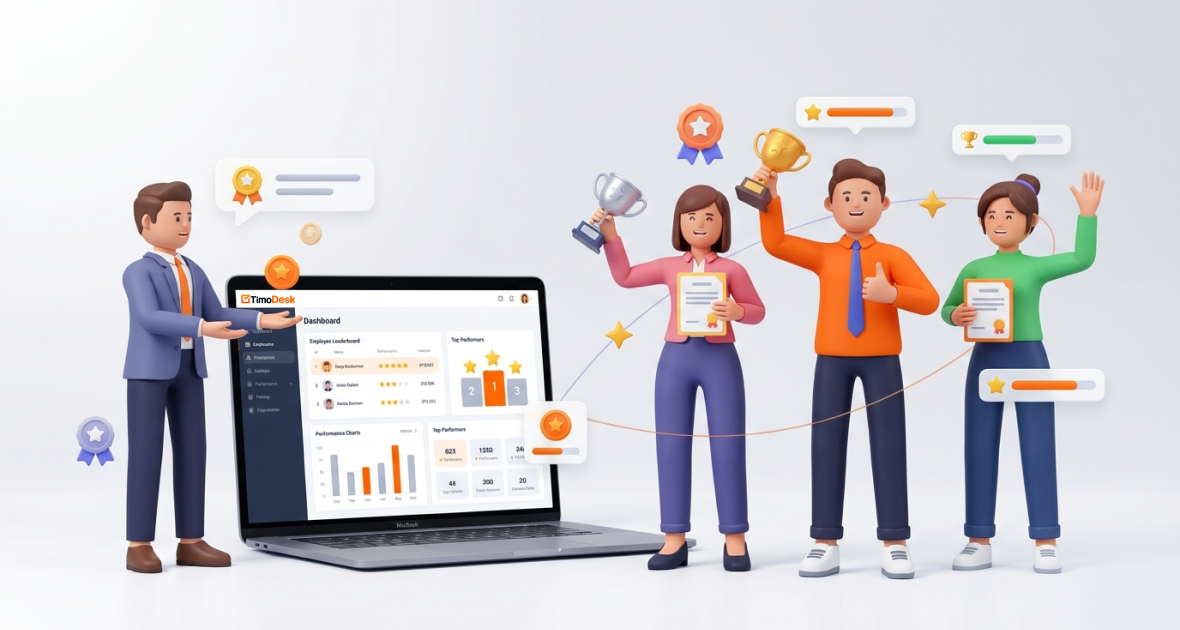
To recognize and reward top-performing employees fairly, base recognition on clear data, like tracked hours, activity, tasks finished on time and work delivered, and add your own judgment. TimoDesk helps with a monthly leaderboard, top and low performer lists, task reports and a “Performer of the Month” PDF. This makes recognition consistent, even in remote and hybrid teams.
Recognition is not just a perk. It shapes motivation, engagement and whether people stay. Gallup research has found that only about one in three U.S. workers strongly agree they received recognition or praise in the past seven days.
Yet spotting top performers is hard when you can’t see people work. TimoDesk combines time tracking, activity levels, screenshots, project tasks and reports. Managers can move from gut feeling to facts, and reward people based on real results.
Why does recognizing top performers matter?
- Higher morale and motivation: People want their work to be seen. Recognition meets that need and pushes people to keep improving.
- Healthy competition and accountability: When recognition follows clear criteria, it sets a good example without making the team cutthroat.
- Lower turnover: People who feel valued are more likely to stay. Replacing an employee is expensive and slow.
- Alignment with goals: Recognizing specific work, like hitting targets or shipping code on time, shows what the company values.
- Better productivity: Regular, specific praise tends to keep teams engaged. In remote teams, where “out of sight, out of mind” is a real risk, data helps keep recognition fair.
What makes it hard to identify top employees?
- Low visibility in remote teams: Managers can’t see daily effort. This leads to proximity bias, where people in the office get more praise even when remote staff do equal or better work.
- Hard-to-measure work: Without one tool, it is hard to count contributions. Manual timesheets are slow and often incomplete.
- Subjective reviews: Manager impressions and self-reports can miss quiet high performers who deliver without self-promotion.
- Different metrics per team: Sales, support, development and marketing measure different things, so rewards can feel unfair.
- Late recognition: Praise that comes months later loses its effect.
These problems lead to disengagement, turnover and lost productivity.
Which performance metrics can you track with TimoDesk?
| Metric | Where it comes from in TimoDesk |
|---|---|
| Tasks finished and deadlines met | Project tasks with due dates, estimates and overdue flags |
| Tracked hours | Time tracked in the desktop app, with idle time removed |
| Activity level | The share of tracked time with keyboard or mouse input |
| Time per client or project | Project time reports |
| Apps and websites used | App and website usage per member, project and task |
| Collaboration | Task comments, @mentions and activity history |
TimoDesk does not give productivity scores or label apps as productive. It does not track attendance or schedules. Hours and activity measure effort, not the quality of the work, so always read them next to what was delivered.
How does TimoDesk help you recognize top employees?
TimoDesk is a time tracking and project tool for remote, hybrid and global teams. Members start the timer on a task in the desktop app. TimoDesk records time and activity, takes screenshots and builds reports.
Team dashboard
The dashboard shows key figures with trends, who is working now, time allocation and a Performance Map. The Action Center flags overdue tasks, low activity and long workdays. Long workdays matter too: recognition should never reward burnout.
Leaderboards and performer lists
The performance leaderboards rank top and low performers by tracked hours and activity for the period you pick. Both lists download as PDF or CSV. The monthly leaderboard shows the member with the most tracked hours each month. You can email them a recognition message or download a “Performer of the Month” PDF. Only organizers and managers see the leaderboard, and team managers see their own teams.
Activity and screenshots
Activity levels show how focused tracked time was. Screenshots, set per member, add proof of work in remote teams. What people type is never recorded.
Projects and tasks
Assign tasks, track progress and see who finishes work on time. Tasks that go over their estimate are flagged. Comments and activity history show who helps others.
TimoDesk costs $1 per user per month, with every feature on one plan. See pricing.
How do you recognize and reward employees with TimoDesk?
- Set up TimoDesk: Start the 15-day free trial, invite your team and have them download the desktop app.
- Define what success means: Create projects and tasks with due dates and estimates. Agree on what good work looks like for each role.
- Set tracking rules: Members start the timer on their tasks. Choose screenshot and idle settings on the Team Tracking Policy page, and explain them to the team.
- Review the dashboard: Check it weekly. Compare members on hours, activity and tasks delivered.
- Use reports: Download top performer lists and task reports. Note specific results, like a project shipped ahead of its due date.
- Reward people: Give bonuses, public praise, extra time off or growth chances. Use the Performer of the Month PDF for monthly recognition.
- Coach others: Share insights to help others improve. Focus on growth, not blame.
Start with one team, learn what works, then roll it out.
What are the best practices for employee recognition?
- Be open about metrics: Explain what TimoDesk tracks and how you use it.
- Celebrate in public: Share wins in team meetings and company updates. Encourage peers to praise each other too.
- Link recognition to growth: Connect high performance to training, mentoring and promotion paths.
- Reward results and behavior: Combine numbers with qualities like teamwork and new ideas.
- Recognize often: Frequent, specific praise works better than a yearly award.
How do different teams use TimoDesk for recognition?
- Remote sales teams: Track time per lead or client project. Recognize reps who move deals forward, using the leaderboard next to your sales numbers.
- Customer support teams: Combine helpdesk resolution data with TimoDesk hours and activity to reward agents who resolve issues well.
- Software teams: Recognize developers who deliver tasks on time and within estimate.
- Marketing agencies: Highlight people with strong project contributions, using project time reports as evidence.
What are the benefits of using TimoDesk for recognition?
- Fair, data-based choices: Less bias, more facts.
- More motivation: Timely recognition backed by evidence feels real.
- More transparency: Clear criteria reduce feelings of favoritism.
- Better retention: People who feel valued tend to stay.
- A stronger culture: Consistent recognition builds a positive, high-performance team.
What mistakes should you avoid?
- Using numbers without context: Hours and activity don’t measure quality. Add qualitative feedback.
- Rewarding by impression only: It brings back the bias you wanted to remove.
- Ignoring smaller contributions: Recognize supporting roles and teamwork too.
- Waiting too long: Recognition loses impact fast.
- Over-monitoring: It breeds distrust. Involve employees in how tracking is set up.
How can you make recognition more effective?
- Use the same metrics across teams where it makes sense.
- Pair recognition with rewards that matter to the person.
- Explain clearly how TimoDesk data feeds into recognition.
- Encourage peer recognition alongside manager praise.
- Check dashboards regularly so you can recognize good work quickly.
Conclusion
Recognizing top-performing employees is one of the strongest ways to raise motivation, productivity and retention. In remote and hybrid teams, a data-based approach makes it fair.
TimoDesk gives you time tracking, activity levels, task reports and leaderboards to find and celebrate real contributors. Start your 15-day free trial today. No card is needed.
Frequently asked questions
Can TimoDesk track remote employee performance accurately?
It tracks hours, activity, app usage and tasks reliably, even offline. Use these as signals of effort and delivery, next to your own view of work quality.
How do I keep recognition fair?
Use clear criteria, combine data with feedback and be open about how you track. Read rankings next to the work delivered.
Can TimoDesk help choose people for bonuses or promotions?
Yes, as one input. Top performer lists, the monthly leaderboard and task reports give evidence, but the decision should also include quality and teamwork.
Does TimoDesk connect to HR or payroll systems?
No, TimoDesk has no integrations. Reports and top performer lists download as PDF or CSV, and the monthly timesheet downloads as PDF.
Was this helpful?
Share it with someone who still adds up hours by hand.


