
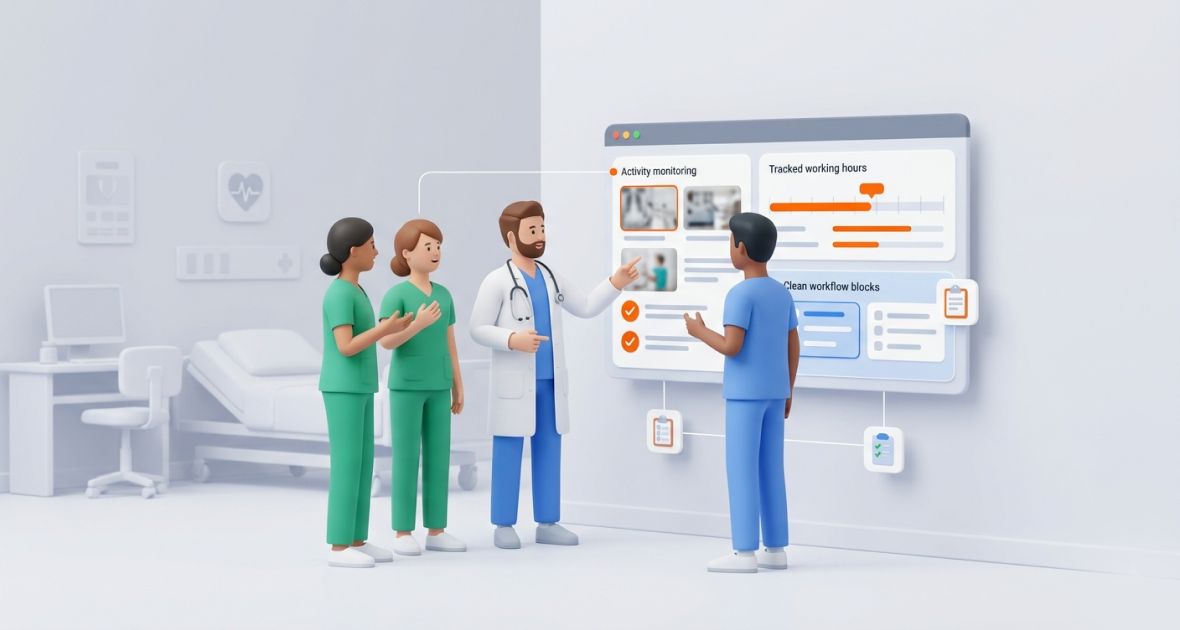
Time and screenshot tracking helps healthcare teams see how computer-based work is spent: billing, records, scheduling and telemedicine admin. It shows hours, workload and proof of work, so leaders can cut overtime and balance staff. It fits staff who work at a computer, and screenshots need care because they capture whatever is on the screen.
Hospitals and clinics face constant pressure. They run around the clock, handle telemedicine and carry heavy admin work with too few staff. Burnout and turnover are high. Late paperwork leads to longer waits, errors and unhappy patients.
Visibility helps. Without clear data on where time goes, administrators struggle to plan, control overtime and protect care quality.
TimoDesk is a lightweight desktop app for time tracking, screenshots, tasks and reports. It costs $1 per user per month, keeps tracking offline and runs on Windows, macOS and Linux. It is a general workforce tool, not a clinical system, so plan carefully before you use it around patient data.
Why does time tracking matter for healthcare teams?
Healthcare needs precision in patient care and in how staff time is used. Here is why time tracking helps:
- Clear hours: Tracked time shows when admin and remote staff were working and on what. Your own scheduling system still handles shifts and rosters.
- Payroll input: Manual timesheets cause errors and disputes. Tracked hours and a monthly timesheet PDF give your payroll team clean numbers to work from.
- Better staffing: Data shows busy periods, quiet periods and bottlenecks in admin work. Leaders can move staff before problems grow.
- Less burnout: Seeing real hours, including hidden admin time, helps leaders spot long days early and balance work.
- Better care: When admin work runs smoothly, clinicians spend more time with patients.
Time tracking is not about watching staff. It is about a more sustainable and patient-centered workplace.
What goes wrong in hospitals and clinics without tracking?
- Remote staff are hard to see: Telemedicine coordinators and off-site admin staff work outside the hospital. Managers can’t confirm time spent on documentation.
- Tasks and reports get delayed: Discharge paperwork, insurance claims and follow-up notes slip. This slows payment and hurts continuity of care.
- Time is poorly spent: Staff may spend too long on low-priority admin. Without data, leaders can’t see it.
- Weak accountability: Paper or disconnected systems make it hard to see who did what and when.
- Hard reviews and payroll: Manual processes raise overtime costs and make reviews feel subjective.
These problems strain budgets and weaken safe, caring healthcare.
What is screenshot monitoring, and why does it matter in healthcare?
Screenshot monitoring takes a picture of a work computer’s screen at set intervals while the timer runs. It is not video and it does not record what anyone types. In healthcare, it can verify time spent on billing portals, scheduling systems and admin work.
There is one big caution. A screenshot captures everything on the screen. If a patient record is open, it will appear in the screenshot. TimoDesk has no blur feature. So:
- Set screenshots per role. Screenshots are set per member, so plan each member's settings around whether their screen shows protected health information (PHI).
- Lean on time and activity data for roles that see PHI. Activity levels show the share of time with keyboard or mouse input, without any screen content.
- Check your own rules first. Talk to your compliance team before you use screenshots in any healthcare setting.
- Be open with staff. Tell them what is tracked and why. TimoDesk can show an alert each time a screenshot is taken.
Used carefully, screenshots give proof of work for admin roles without touching clinical judgment.
How does TimoDesk help healthcare teams?
One dashboard
Administrators and department heads see tasks, projects, hours and activity in one place. Live Now shows who is working right now. The Action Center flags overdue tasks, low activity and long workdays.
Time tracking
Staff start the timer on a task in the desktop app. TimoDesk records active time and removes idle time on its own. The app keeps tracking offline and syncs when it reconnects. TimoDesk does not handle shift schedules, breaks or payroll; it gives you accurate tracked hours to use in those systems.
Screenshots, set per member
Screenshots start on for new members, so review each member's settings before you invite staff, with extra care for roles that see patient data. Pick an interval from 3 to 60 minutes. Only organizers and managers change these settings.
Tasks and projects
Create projects for departments or admin work, like billing cycles or report filing. Assign tasks with due dates and priorities. Keep patient details in your EHR, not in task names or comments.
Reports
Run reports by member, project and date range. See long workdays, task progress and activity. Download the time and activity report as PDF or CSV, and the monthly timesheet as PDF. Learn more about reports.
How do you set up TimoDesk in a hospital or clinic?
- Create your account: Start the 15-day free trial. No card is needed.
- Plan your settings first: Set each role's screenshot settings before anyone starts tracking, with extra care for anyone who views patient data.
- Create projects: Add projects for departments or admin workflows, such as Billing, Records or Telemedicine Admin.
- Invite staff: Invite people by email with a role. Use teams and team managers for each department.
- Install the app: Install the desktop app on work computers. Tell staff how tracking works before they start.
- Watch the dashboard: Department leads check who is working and which tasks are overdue.
- Review reports weekly: Look at long workdays and task progress in leadership meetings.
- Improve workflows: Use what you learn to cut admin load and reduce overtime.
What are the best practices for healthcare teams?
- Track time on every task the same way to build reliable data.
- Be fully open about tracking, and explain the reasons in staff meetings.
- Never take screenshots on screens that show patient data.
- Use dashboards to assign work based on real workload.
- Review reports often to reduce overtime before it hurts care.
Where does TimoDesk fit in healthcare?
- Telemedicine admin teams: Coordinators who schedule visits and handle follow-ups can track time per task. Use time and activity data, not screenshots, if their screens show patient details.
- Billing and records teams: Track time on claims and admin work to cut delays and plan staffing.
- Remote healthcare project teams: Case management or operations staff who work from home stay accountable with tracked time and offline support. See TimoDesk for remote teams.
- Clinic management: Office managers can see admin workload and long days, and balance tasks across staff.
TimoDesk is not suited to bedside staff, because it runs only on computers and has no mobile app.
What are the benefits for hospitals and clinics?
- More accountability: Clear data builds ownership without constant oversight.
- Accurate hours: Tracked time gives payroll and finance reliable numbers.
- Visibility into remote work: Useful for telemedicine admin and hybrid roles.
- Better use of staff: Less admin delay means more time for patients.
- Fewer missed tasks: Due dates and overdue alerts keep work moving.
What mistakes should healthcare teams avoid?
- Not telling staff about tracking, which breaks trust.
- Leaving screenshots on for roles that view patient data.
- Over-monitoring, which makes staff uncomfortable.
- Collecting data but never using it to improve workflows.
- Using many disconnected tools, which adds admin work.
How can you get the best results?
- Set clear expectations and explain the benefits openly.
- Keep patient records in your EHR, and keep TimoDesk for time and tasks.
- Check the dashboard daily.
- Use reports to plan staffing and reduce overtime.
- Focus on better workflows, not on watching individuals. Celebrate team wins.
Conclusion
Time tracking and careful screenshot use help healthcare teams manage admin workload, control overtime and prevent burnout. TimoDesk gives hospitals and clinics a simple, low-cost way to see where computer-based work time goes.
Start your 15-day free trial, plan your screenshot settings first, and see where your team’s admin hours go.
Frequently asked questions
Is screenshot monitoring ethical in healthcare?
It can be, if staff are told clearly and screens with patient data are kept out of captures. TimoDesk has no blur, so plan the screenshot settings for anyone who views PHI with your compliance team first.
Can TimoDesk track remote telemedicine staff?
Yes, for work done on a computer. The desktop app runs on Windows, macOS and Linux and keeps tracking offline. There is no mobile app.
Does TimoDesk handle shifts and payroll?
No. TimoDesk has no shift scheduling, breaks or payroll. It gives you accurate tracked hours and a monthly timesheet PDF to use in those systems.
Can reports be shared with department heads?
Yes. Managers and team managers can view reports in the dashboard. The time and activity report downloads as PDF or CSV for sharing.
Was this helpful?
Share it with someone who still adds up hours by hand.


