
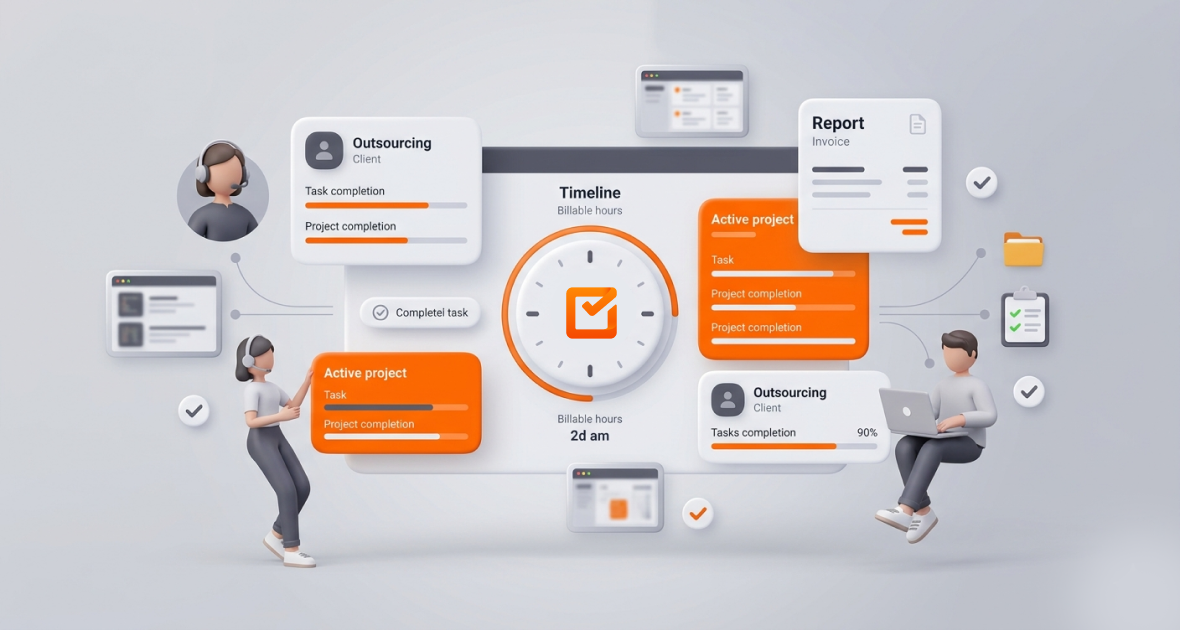
The best time tracking software for outsourcing companies records hours per client and project, proves the work with screenshots and activity levels, and turns it all into reports clients trust. It should be light on the computer, work offline and cost little per person. TimoDesk does this for $1 per user per month, with every feature on one plan.
Outsourcing helps companies cut costs, scale faster and reach global talent. But managing outsourced teams is hard. You need accurate client hours, steady productivity and clear communication, without micromanaging.
Manual timesheets and scattered tools often lead to missed deadlines, billing errors and lost revenue. TimoDesk brings time tracking, screenshots, project management and reports into one place.
Why is time tracking so important for outsourcing companies?
Outsourcing runs on precision. Every project is tied to a client budget, an SLA (service level agreement) and deliverables. Without good time tracking, a talented remote team becomes a black box.
Accurate client billing
Outsourcing firms bill by the hour, by milestone or by retainer. Untracked hours mean lost revenue or disputes. In TimoDesk, people start the timer on a client’s task, so each hour lands on the right project. You can then use that report to bill the client in your own invoicing tool.
Accountability for offshore teams
When people work in the Philippines, Eastern Europe or Latin America, you can’t walk the floor. Activity levels and a live team view show who is working and how projects are moving. This builds ownership, not suspicion.
Productivity without micromanagement
Constant check-ins hurt focus and trust. Background tracking of apps, websites and tasks gives you facts without interrupting people. Staff see only their own data.
Fair performance reviews
Weekly and monthly reports show hours and where they went. This helps you spot top performers, plan training and assign work better.
Better project and resource planning
With many clients and overlapping deadlines, managers need to see which projects are on track and who is overloaded. Time tracking and tasks in one tool remove the need for extra spreadsheets.
What goes wrong without proper time tracking?
Picture a software outsourcing firm with clients in the US, Europe and Australia. Its developers work across many time zones. Without central tracking, deadlines slip and managers lack visibility. Developers forget to start timers or round down their time. Revenue leaks quietly.
- Missed deadlines: When status lives in emails and spreadsheets, small delays grow into big ones. Clients notice and may not renew.
- Lost billable hours: Margins are tight. Manual timesheets are often wrong because people forget entries or under-report.
- Many clients at once: A developer switches between Client A’s app and Client B’s bug fixes. Without clear projects, managers keep asking “What did you work on today?”
- Time zones: A 9 AM stand-up in New York is the middle of the night in Manila. Teams need reports they can read on their own time.
- Timesheet admin: Chasing timesheets eats manager time. Errors lead to pay disputes and wrong client invoices.
Without the right tool, outsourcing companies react to problems instead of preventing them.
What features should outsourcing time tracking software have?
| Feature | Why it matters | In TimoDesk |
|---|---|---|
| Projects and tasks per client | Hours land on the right client | Yes, with a kanban board, list and calendar view |
| Timer with idle detection | Only real work is counted | Yes, idle time is removed on its own |
| Apps, websites and screenshots | Proof of work without check-ins | Yes, screenshots switched per member |
| Live team view | See who is working now | Yes, Live Now on the dashboard |
| Exports | Share hours with clients and finance | Time and activity report as PDF or CSV; monthly timesheet as PDF |
| Offline tracking | No lost hours on weak internet | Yes, syncs when back online within 30 days |
| Integrations | Send data to other tools | Not yet; use the PDF and CSV exports |
TimoDesk does not create client invoices, run payroll or offer AI insights. It gives you accurate hours and proof of work to feed those steps.
Why does TimoDesk work well for outsourcing companies?
One dashboard
See clients, projects, members and tasks in one place. The dashboard shows key figures, who is working now, time allocation and an Action Center. It flags overdue tasks, low activity, long workdays and tasks over estimate.
Accurate time tracking
Once a member starts the timer, the app records active time, apps and websites in the background. Idle time is removed. The app keeps tracking offline, which helps people with unstable internet. Manual time is off unless the organizer turns it on, and then it needs approval.
Activity levels and screenshots
Screenshots start on for new members and can be switched off per member. You pick an interval from 3 to 60 minutes. Activity levels show the share of time with keyboard or mouse input. What people type is never recorded.
Tasks and projects
Assign tasks with priority, due dates, estimates and labels. Boards update live for everyone, so teams on many client projects stay in sync.
Reports
Create daily, weekly or monthly reports with time, activity and app usage. Download them as PDF or CSV to share with clients or use in reviews. If your clients want to see the work themselves, you can give them read-only access to their projects through the client portal.
TimoDesk costs $1 per user per month, billed after each month only for members who tracked time. There is a 15-day free trial with no card needed. See pricing for details.
How do you set up TimoDesk in an outsourcing company?
- Create your account: Sign up for the 15-day free trial.
- Add clients as projects: Create a project per client or engagement, then add tasks.
- Invite your team: Send email invitations with a role, share an invitation link or add members directly.
- Assign tasks and deadlines: Set owners, priorities, due dates and estimates.
- Install the app: Download the desktop app for Windows, macOS or Linux. Members start the timer on their task. Set screenshot intervals and idle timeouts on the Team Tracking Policy page.
- Watch the team live: Managers can use the TimoDesk Live Team Monitor browser extension to see who is online.
- Review reports: Everyone who tracked time gets a daily summary email and a weekly one. Download reports for clients.
- Improve: Use the data to rebalance work and reduce overtime. Check again each month.
What are the best practices for outsourcing companies?
- Track every client and project the same way so nothing is missed.
- Break work into small tasks for better time data.
- Check dashboards often to avoid overloading people.
- Tell your team why you track: fairness and clear billing, not surveillance.
- Use reports to praise good work and coach where needed.
What are the benefits of using TimoDesk?
- Accurate client hours that protect revenue and build client trust.
- Better productivity and accountability based on real data.
- Clear visibility across many projects and time zones.
- Early warnings on overdue tasks and long workdays.
- Easy scaling at the same $1 per user price.
What mistakes should you avoid?
- Not tracking every billable task, which leaks revenue.
- Ignoring activity reports and missing process problems.
- Over-monitoring, which hurts trust.
- Using many tools that don’t share data.
- Collecting time data but never reviewing it.
How do different outsourcing teams use TimoDesk?
- Software outsourcing agencies: Track developer hours per client project and share reports as proof of work.
- Marketing outsourcing teams: Track time per campaign task to keep client work on budget.
- Customer support outsourcers: Use the live view and activity levels to keep coverage steady across time zones.
- Design agencies: Screenshots show the work done on each client brief. See more on TimoDesk for agencies.
Conclusion
Outsourcing success depends on visibility, accuracy and trust. The right time tracking software turns a distributed team into a clear, accountable one. TimoDesk gives you time tracking, screenshots, activity levels, projects and reports in one low-cost tool.
Start your 15-day free trial today. No card is needed.
Frequently asked questions
Can TimoDesk track remote and offshore teams accurately?
Yes. Members start the timer on a task, and the desktop app tracks in the background, removes idle time and works offline. It runs on Windows, macOS and Linux; there is no mobile app.
How do I separate billable and non-billable hours?
Track client work and internal work in separate projects. Reports then show hours per project, which you can use for invoicing.
Does TimoDesk integrate with invoicing or project tools?
No, TimoDesk has no integrations yet. Task management is built in, and reports download as PDF or CSV for your invoicing tool.
Is TimoDesk suitable for large outsourcing companies?
Yes. There is no seat minimum or higher tier, and the price stays $1 per user per month as you grow. Roles like manager and team manager help split the work of running large teams.
Was this helpful?
Share it with someone who still adds up hours by hand.


