A native time tracker for Mac
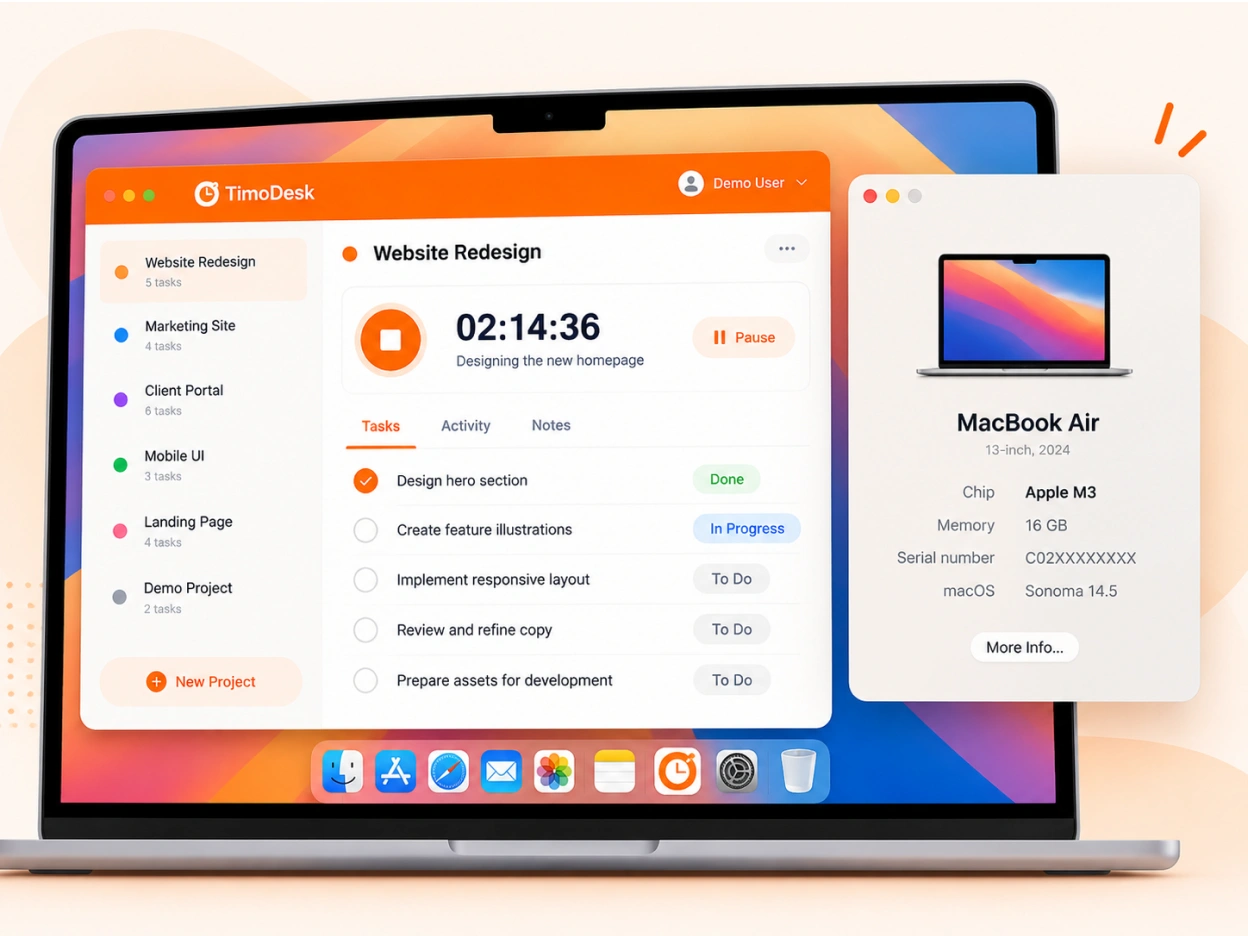
TimoDesk for macOS comes in two builds, one for Apple silicon and one for Intel Macs. It tracks time, activity, apps, websites and screenshots while your timer runs.
macOS
Made for the Mac it runs on
Mac users can tell when an app was not made for their machine. TimoDesk for macOS is written in Swift and comes in two builds, and each one runs natively on its chip. It costs $1 per user per month, the same as on Windows and Linux, and suits consultants and agencies that work on Macs. For step-by-step help, see the Desktop app guide.
Choosing a build
Apple silicon or Intel
Most Macs sold since late 2020 use Apple silicon, the M-series chips. Not sure which one you have? Open the Apple menu and choose About This Mac to see the chip, then download the .dmg for that build.
- One .dmg for Apple silicon and one for Intel
- A native Swift app with native macOS notifications
- Signed, with nothing else to install first
- Updates install on their own, even from the login screen
macOS permissions
Each permission has one job
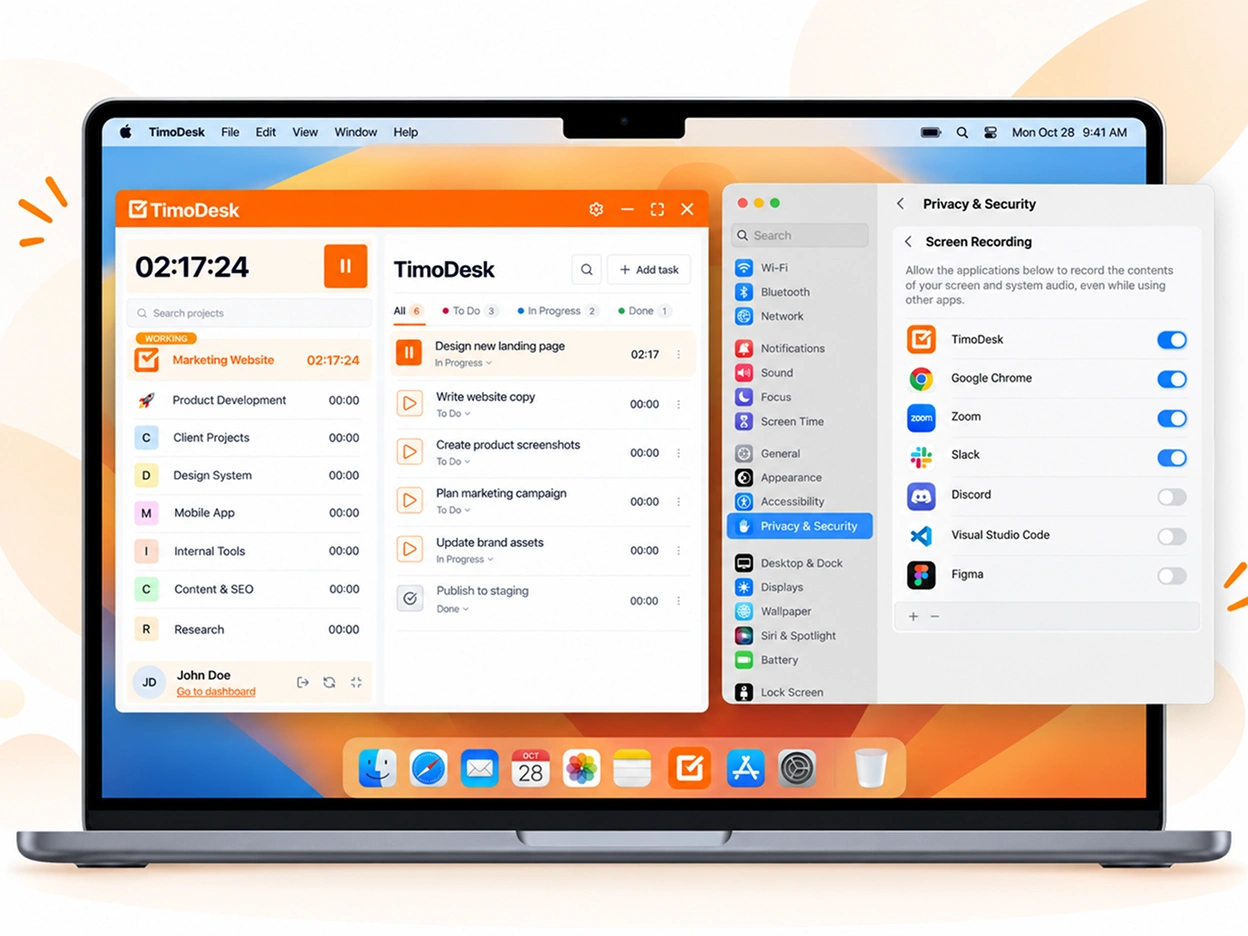
macOS asks before any app can capture the screen or read input. TimoDesk needs three permissions to track, and uses Notifications for its alerts. You allow them once in System Settings.
- Screen Recording, for screenshots
- Input Monitoring, for activity levels
- Accessibility, for app and website tracking
- Notifications, for idle and screenshot alerts
A missing permission is easy to spot
If one is missing, TimoDesk shows a banner that opens the right System Settings
page in one click. If a member turns one off later, organizers and managers get a
notification that says what stopped working.
Questions
Setting up TimoDesk on a Mac
Which build to pick, what macOS asks for, and what happens when a permission is off.
Which Mac build do I need?
Apple silicon if your Mac has an M-series chip, which covers almost every Mac sold since late 2020. Otherwise, choose Intel. To check, open the Apple menu and choose "About This Mac" to see the chip.
What permissions does TimoDesk need on a Mac?
Three: Screen Recording for screenshots, Input Monitoring for activity levels and Accessibility for app and website tracking. Notifications are used for idle and screenshot alerts.
What happens if I turn a permission off?
The part that needs it stops working. Without Screen Recording there are no screenshots, and without Accessibility there is no app or website tracking. Organizers and managers get a notification that says what stopped working.
Do I need a browser extension on a Mac?
No. On macOS, the desktop app reads browser URLs itself once Accessibility is allowed. The TimoDesk Live Team Monitor extension is optional. It lets organizers, managers and team managers see who is online, and it is not part of tracking.
Does the Mac app work offline?
Yes. TimoDesk keeps tracking with no connection and syncs when you are back online, as long as you reconnect within 30 days.
Start tracking time this week
Create your organization and invite your team today. Tracked time shows on the dashboard the same day, and the first full-day reports are ready the next day. $1 per user per month, with every feature included.
- $1 per user / month
- 15-day free trial, no card
- Stop anytime. No contract.
