
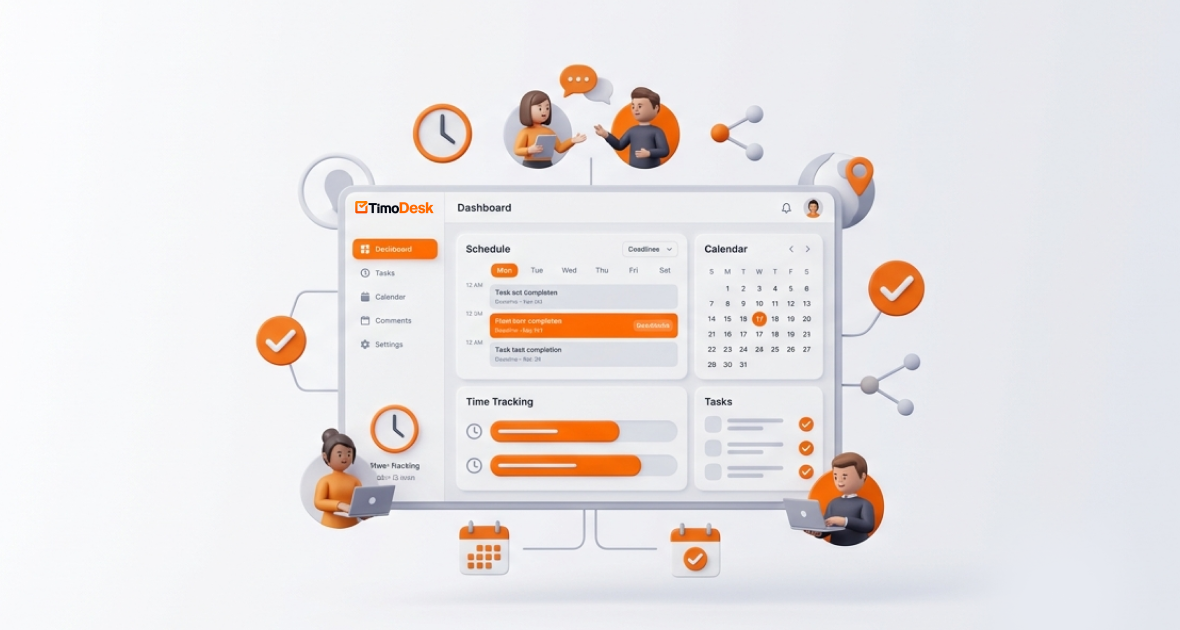
To boost remote productivity with virtual assistants, give them a clear task list, track time on each task, and share simple reports with clients. TimoDesk does this in one place: VAs start a timer on a task, the app records time and activity in the background, and managers see the results in reports. It costs $1 per user per month, with every feature on one plan.
Remote work has put virtual assistants at the center of how many businesses run. Companies hand off admin, marketing, customer support and specialist work to VAs. But remote work brings its own problems: no one in the room, different time zones and plenty of distractions at home.
For VAs with several clients, weak time management leads to missed deadlines, wrong invoices and strained relationships. That is why time tracking and accountability matter so much. This guide explains the challenges and shows how TimoDesk time tracking keeps VAs on track.
Who are virtual assistants, and why does efficiency matter?
Virtual assistants are remote professionals who support businesses, founders and teams. They handle email, calendars, social media, customer service, data entry, content, bookkeeping and specialist tasks like SEO or graphic design. Many work as freelancers or through agencies and serve several clients across time zones.
Time tracking is critical because VAs are often paid by the hour or on a retainer. Accurate logs make billing fair, stop scope creep and show the value of the work. Without them, clients start to question what they pay for, and VAs risk billing too little or too much.
Efficiency also shapes business results. When VAs stay on track, projects move faster and clients stay happy. Businesses can then grow without hiring more office staff.
What challenges do virtual assistants face in remote work?
Remote VAs run into the same obstacles again and again:
- No set routine: Without an office, it is easy to drift into odd hours or put work off.
- Distractions: Home life, social media and chores break up focus during work hours.
- Hard-to-track hours: Juggling clients means constant switching. Manual logs lead to forgotten entries and wrong timesheets.
- Communication gaps: Updates by email or chat often lack context, so priorities get mixed up.
- Too many projects: Unclear priorities cause overload, burnout and missed deadlines.
These problems lower output, hurt trust and limit what a VA can earn. Good systems fix most of them.
Why do VAs need smart time and task tools?
Spreadsheets, notebooks and basic timers fall short in remote work. They are slow, easy to get wrong and give no live view of what is happening.
A good tool runs in the background once the timer starts. It records time against the right task and builds reports you can check. VAs get a clear view of their own day. Managers and clients get transparency without micromanaging.
The right tool helps in three ways. It makes billing accurate, it shows where time goes so you can improve, and it builds trust through reports backed by real activity data.
What is TimoDesk?
TimoDesk is a time tracking and productivity tool for remote and hybrid teams, staffing agencies and freelancers. It combines time tracking, project and task management, activity levels, screenshots and reports in one workspace. The light desktop app runs on Windows, macOS and Linux. It keeps tracking offline and syncs when you reconnect. You can get it from the download page.
Key features for remote teams include:
- Time tracking on tasks, with idle time removed on its own.
- Activity levels, based on whether there was keyboard or mouse input. What you type is never recorded.
- App and website usage for each member.
- Screenshots at an interval from 3 to 60 minutes, switched on or off for each member.
- Reports, a team dashboard and monthly timesheets.
- The "TimoDesk Live Team Monitor" browser extension, which shows managers who is online and today's summary.
TimoDesk costs $1 per user per month, with every feature on one plan. You only pay for members who tracked time that month. See the pricing page for details.
Which TimoDesk features help virtual assistants most?
Time tracking per task
The desktop app logs work hours once you start the timer on a task. It removes idle time based on an idle timeout of 3 to 60 minutes. VAs can set up a project for each client and switch tasks in a click, so tracking time per client is easy. See how to manage multiple clients with TimoDesk. Tasks have start and due dates, which help plan the day.
Task management
VAs can create tasks, set a priority, add start and due dates and an estimate, and move work across a kanban board. TimoDesk flags a task when tracked time goes over its estimate. Project views show exactly where the time goes.
Activity levels and app usage
Activity levels show the share of tracked time with keyboard or mouse input. App and website usage shows which tools were used. Together they give context beyond raw hours. The Live Team Monitor extension lets organizers and managers check who is online without opening the dashboard.
Reports and timesheets
TimoDesk offers time and activity reports, app usage and website reports, and monthly timesheets. The time and activity report downloads as PDF or CSV, and the monthly timesheet downloads as PDF. Everyone who tracked time also gets a daily summary email, plus a weekly one.
Collaboration
Tasks have comments with @mentions and an activity history. Boards update live for everyone. VAs can share reports with clients, and clients can be given their own login to a read-only client portal.
How does TimoDesk keep virtual assistants on schedule?
Clear task lists with due dates stop overload. The team dashboard's Action Center flags overdue tasks, tasks over estimate and long workdays, so problems show up early.
A typical VA workday might look like this:
- The assistant opens the TimoDesk app in the morning and starts the timer on the first client task.
- They switch tasks as they move between clients. Time, activity levels and screenshots are recorded for each task.
- The manager checks the Live Team Monitor extension for a quick status update.
- At the end of the day, the VA stops the timer and gets a daily summary email.
- At month-end, the monthly timesheet is ready to download as PDF, with no manual work.
How do you get started with TimoDesk as a VA?
Set up your account
Sign up for the 15-day free trial; no card is needed. Download the desktop app and sign in; the documentation walks through each step. If you work with an agency, accept its invitation to join the organization.
Create projects and tasks
In the dashboard, create a project for each client. Add tasks with descriptions, priorities and due dates.
Track your time
Start the timer on a task and work as normal. The app runs in the background and logs time against that task.
Review your productivity
Check your reports at any time. Look at activity levels and time breakdowns to find your best focus hours.
Share progress
Export reports or timesheets for clients. Use task comments for updates in context. If you have questions, contact us.
What are the benefits for virtual assistants?
- Better time management: Tracking on each task means no forgotten entries.
- More focus: Activity data helps you see and protect your deep work time.
- Accountability: Logs backed by activity data build client trust.
- Easier client updates: Ready-to-share reports cut back-and-forth.
- Less stress: Clear task views prevent overload.
What are the benefits for employers and managers?
- Visibility: Live status and detailed reports replace guesswork.
- Accurate billing: Exact hours per client, with activity data behind them.
- Easy delegation: Assign tasks and follow progress on the board.
- Trust: Transparency without constant check-ins.
- Better decisions: Data helps with hiring and process changes.
Who uses TimoDesk with virtual assistants?
- Freelance VAs track time across clients for accurate invoices.
- Staffing agencies managing many VAs use the dashboard and Live Team Monitor to oversee remote staff.
- Founders hiring remote assistants see admin and marketing work without constant check-ins.
- Customer support and admin teams use live status to keep work moving.
- E-commerce businesses keep VAs who handle orders, stock or marketing on schedule.
How does TimoDesk compare with traditional VA management?
Spreadsheets and emailed timesheets are slow, often wrong and lack context. Email and separate task lists scatter information across places.
TimoDesk keeps time, tasks and activity in one place. It gives live status, activity data behind every hour and room to grow. At $1 per user per month, it costs less than the errors and lost hours it prevents.
What are the best habits for efficient VAs?
- Set a daily plan and stick to it.
- Work on high-priority, due-soon tasks first.
- Do one task at a time, and switch the timer when you switch tasks.
- Track every work session, so your records stay complete.
- Share reports with clients on a regular schedule.
- Review weekly reports and set goals from your activity data.
- Protect your evenings: watch for long workdays and set clear boundaries.
What should you consider before you start?
New users may need a few days to get used to the desktop app. Tools support good habits, but they don't replace them. Screenshots start on for new members and can be switched off per member, so agree on settings with your team or clients first. Open talk about what is tracked, and why, builds trust. Read more on the security page.
What is the future of remote work for VAs?
The remote workforce keeps growing, and businesses rely more on VAs every year. Simple, accurate tracking will become standard. Tools that combine time, tasks and reports will help VAs show their value and help businesses trust remote support.
Conclusion
Virtual assistants are valuable, but remote work needs structure, accountability and the right tools. TimoDesk helps businesses and freelancers boost remote productivity with task-based time tracking, task management, live status and clear reports. Whether you are a solo VA or a manager of a remote team, it turns scattered work into steady results. Start your free trial today.
Frequently asked questions
How can virtual assistants stay productive remotely?
Use a clear daily plan, track time on each task and share progress often. A tool like TimoDesk combines tasks, time tracking and reports in one place.
What is a good tool for managing virtual assistants?
TimoDesk is a good fit. It offers time tracking, activity levels, screenshots, task boards and reports for $1 per user per month, with every feature on one plan.
Does TimoDesk handle scheduling?
No, TimoDesk has no shift scheduling. It helps VAs plan with task start and due dates, priorities and estimates, and it records time against each task.
Can TimoDesk track multiple clients or projects?
Yes. VAs set up a project for each client and start the timer on the right task. Reports then break time down by project.
Is time tracking necessary for virtual assistants?
Yes, for most VAs. It makes billing accurate, shows value to clients and builds trust in remote work.
Was this helpful?
Share it with someone who still adds up hours by hand.


