
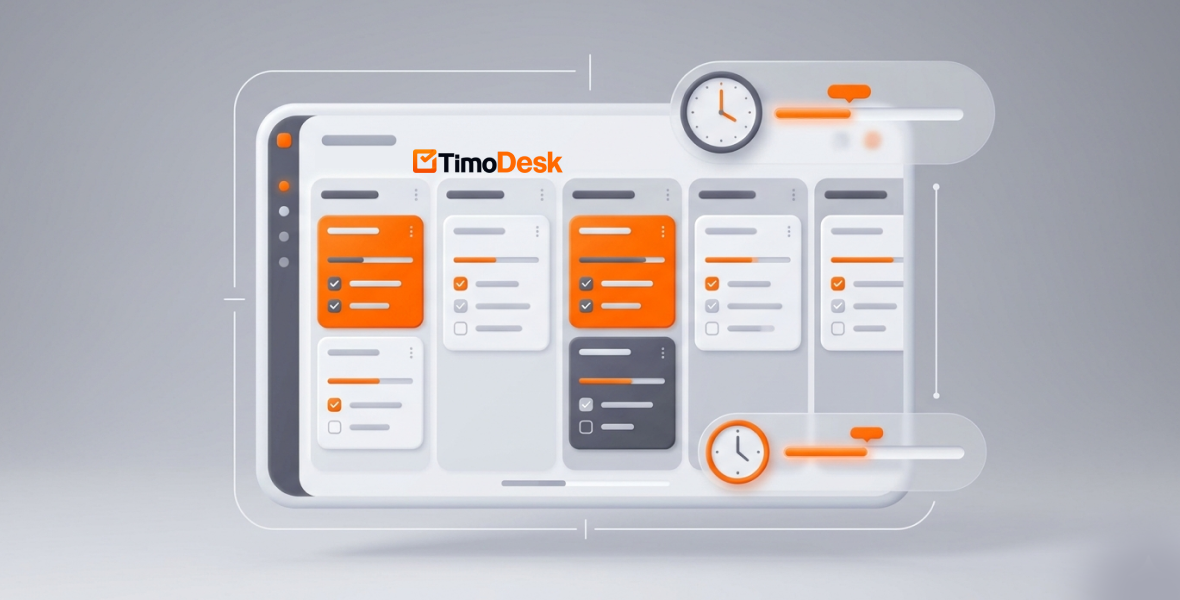
To manage multiple projects without missing deadlines, put every project and task in one place, give each task an owner and a due date, and track time against it so you can see delays early. Review progress daily and rebalance work before someone is overloaded. TimoDesk combines projects, kanban boards, time tracking, and reports in one tool for $1 per user per month.
Most teams run many projects at once: client campaigns, product work, and internal tasks. Staying organized gets hard fast. Missed deadlines, overlapping duties, and poor visibility can turn the workday into chaos.
TimoDesk brings it together. It combines project management, time tracking, activity levels, and reports, so teams see progress across every project. Managers can follow deadlines, spot delays, and keep everyone aligned without constant follow-ups. It costs $1 per user per month, with a 15-day free trial.
Why is managing multiple projects so hard?
Running several projects at once is like spinning plates. One wobble and everything can fall. Here are the most common problems that cause missed deadlines and burnout.
Overlapping deadlines
When a team handles several projects, deadlines collide. A marketing team might launch a campaign for one client, finish work for a second, and write a proposal for a third, all in the same week.
Priorities get mixed up. People jump between projects without clear direction, and switching between complex tasks costs focus. A delay in one project spills into others. Without one central view, managers spend their days fighting fires instead of leading.
Lack of task visibility
You ask for an update and hear "It's almost done" or "I'm working on it." You can't tell where the real delay is. Is a task blocked? Is someone overloaded? Is a key milestone slipping?
Poor visibility is a quiet project killer. People work in silos, progress is hidden, and managers find bottlenecks too late. The result is last-minute rushes, overtime, and unhappy clients.
Miscommunication between teams
Teams often use different channels: chat for one project, email for another, a messaging group for quick updates. Priorities get confused and feedback gets lost. A designer may think a task is low priority while the client is waiting. Miscommunication wastes time and hurts trust.
These problems hit small agencies, startups, and freelancers too, not just big companies. The good news is that the right tool and habits can fix them.
Why does time tracking matter for multiple projects?
Time tracking is not about spying. It gives everyone clarity so they can work smarter. When you see how time is spent across projects, planning gets much easier.
Understanding workload
Time data shows who is overloaded, which projects take more time than expected, and where work slows down. In TimoDesk, people start the timer on a task, and the app tracks time, app usage, and activity levels in the background. They can switch tasks with one click.
This helps prevent burnout. Instead of guessing who has capacity, you decide based on data.
Preventing missed deadlines
Tracking works like an early warning system. When a task takes much longer than its estimate, TimoDesk flags it. The dashboard's Action Center also flags overdue tasks. You can then change priorities or timelines before a deadline slips.
Combining time data with task progress moves you from crisis mode to calm control. Plans become realistic because they are based on real hours.
What is TimoDesk?
A simple tool for projects and time
TimoDesk is a light time tracking and productivity tool for remote teams, agencies, staffing providers, freelancers, and in-house teams. It combines time tracking, project management, screenshots, activity levels, and reports in one dashboard. The desktop app runs on Windows, macOS, and Linux.
Heavy enterprise tools can take weeks to learn. TimoDesk is built to feel natural from day one. The desktop app keeps tracking offline and syncs later. The Live Team Monitor browser extension shows who is online and today's summary.
Key features for managing many projects
- Tasks and subtasks: Create projects, add tasks and subtasks, and assign them to team members.
- Due dates and estimates: Set start and due dates and an estimate. Tasks that go over their estimate are flagged.
- Three views: Work in a kanban board, a list, or a calendar. Boards update live for everyone.
- Priority and labels: Mark priority and add labels so the most urgent work stands out.
- Comments: Discuss tasks with comments and @mentions, so feedback stays with the work.
- Screenshots and activity: Screenshots, activity levels, and app and website usage add context to tracked hours.
- Reports: Project time, member time, weekly worklogs, and time and activity reports.
- Daily summaries: Everyone who tracked time gets a daily summary email, plus a weekly one.
Every feature is on one plan at $1 per user per month.
How do you set up multiple projects in TimoDesk?
Create projects and tasks
Create a project for each client, campaign, or internal initiative. Add the right team members. Inside each project, add tasks and subtasks. For example, a "Website Redesign" project could have tasks like "Homepage mockups," "Content setup," and "SEO fixes."
Assign each task to a person. Team members can switch between projects and tasks with one click, so nobody wonders which project they should be on.
Set due dates and estimates
Give each task a start date, a due date, and an estimate. Use past time data from similar tasks to set realistic estimates. The calendar view shows what is due and when.
Organize people across projects
People can work on one project or many. Roles control what each person sees. Staff see their own data, while organizers and managers see everything. You can also make a staff member a project leader, so they manage the tasks and members of that project.
How do you monitor progress across projects?
Dashboards
The team dashboard shows key figures with trends, a Team Day timeline, who is working now, and how time is split across projects. The Action Center flags overdue tasks, tasks over estimate, and long workdays. No more chasing status updates across tools.
Screenshots and activity
Screenshots are taken at an interval you choose, from 3 to 60 minutes. They start on for new members and can be switched per member. Activity levels show the share of tracked time with keyboard or mouse input. Together with app and website usage, they give context to each hour.
Reports
Reports show time per project and task, workload by member, and trends over time. The time and activity report downloads as PDF or CSV for stakeholders and client reviews. Use reports to plan resources, back up billing, and improve your process.
Which time management techniques help with multiple projects?
Prioritize tasks
Use the Eisenhower Matrix to sort tasks by urgent and important. Set the priority on each TimoDesk task, then work from the kanban board so the most important work is always visible.
Plan realistic deadlines
Always add a buffer for surprises. Use past tracked time to set better estimates. Check member workloads before you take on new projects.
Delegate well
Give each task to the right person based on skills and current workload. Clear ownership plus tracked time creates natural accountability. Check-ins get shorter because the data is already there.
What are the benefits of TimoDesk for multi-project management?
- More visibility across all projects and people.
- Fewer missed deadlines because delays show up early.
- Better resource planning based on real workload data.
- More accountability without a surveillance culture.
- Higher productivity as wasted time becomes visible.
- Easier client reporting with clear time reports.
What does this look like in practice?
Example: an agency with five client projects
Picture a digital marketing agency that keeps missing launch dates because tasks overlap. It creates a project for each client, and the team tracks time against tasks. The dashboard shows that one designer is working on three campaigns at once. The manager moves some tasks to another designer, and launches get back on schedule.
Example: a software team with parallel sprints
Now picture a software team running three sprints at once, with confusion between developers, designers, and QA. Each sprint becomes a project with tasks on a kanban board. Comments and @mentions keep feedback in one place. Tasks over estimate are flagged early, so the team lead can step in before a sprint slips. See more on TimoDesk for software teams.
What are the best practices to avoid missing deadlines?
- Check the dashboard for 10 minutes every morning.
- Keep due dates and priorities up to date.
- Make time tracking part of the daily routine.
- Keep task feedback in comments, not scattered across chat.
- Hold a short weekly review using the reports.
- Celebrate when projects meet their deadlines.
Agencies can also read how to manage multiple clients efficiently.
Conclusion
Managing multiple projects without missing deadlines is about clarity, not working harder. Overlapping deadlines, poor visibility, and miscommunication are common, but you can fix them.
TimoDesk gives you time tracking, project boards, activity data, and reports in one affordable tool. Whether you are a freelancer, a growing agency, or a large remote team, it helps you stay organized and ahead of deadlines. Start your 15-day free trial and see the difference real visibility makes. Need help with setup? Contact us.
Frequently asked questions
How do you manage multiple projects at once?
Keep all projects and tasks in one tool, give each task an owner and a due date, and review progress daily. Track time against tasks so you see delays before they become missed deadlines.
Does TimoDesk have kanban boards?
Yes. Every project has a kanban board, a list view, and a calendar view. Boards update live for everyone on the project.
Can TimoDesk warn me when a task is running late?
Yes. Tasks that go over their time estimate are flagged, and the Action Center on the dashboard lists overdue tasks.
Does TimoDesk integrate with Slack or other tools?
No. TimoDesk has no integrations yet. Use task comments and @mentions to keep project talk in one place.
How much does TimoDesk cost?
$1 per user per month, with every feature on one plan. There is a 15-day free trial, and no card is needed.
Was this helpful?
Share it with someone who still adds up hours by hand.


