
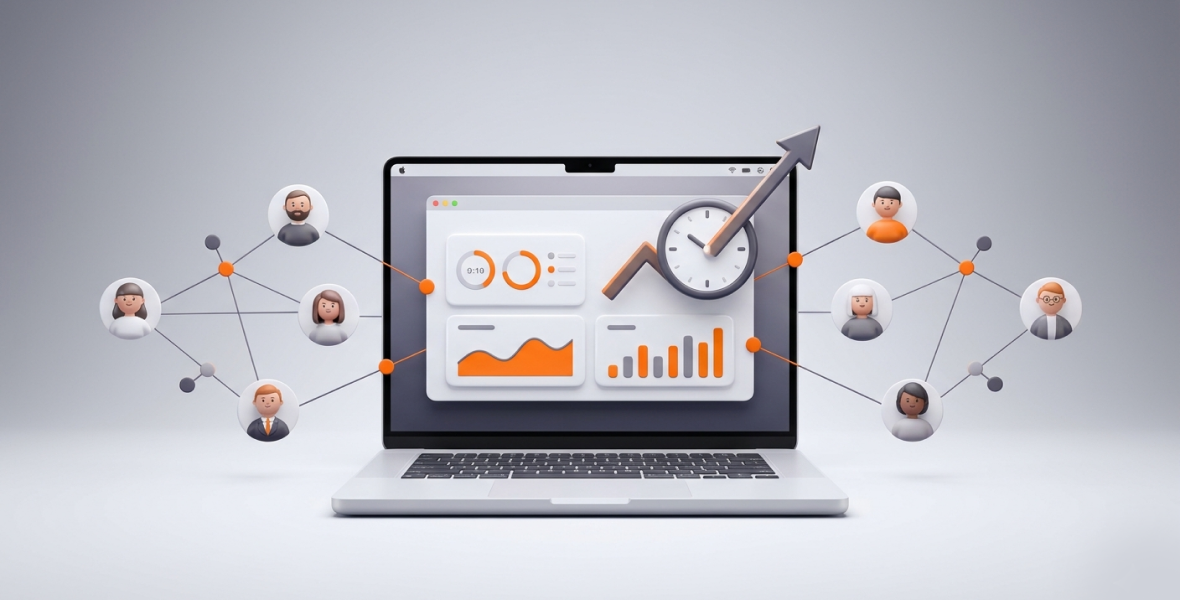
To track the productivity of remote employees, measure results first: finished tasks, met deadlines, and active work time. Then add time tracking, activity levels, and screenshots so you can see how hours turn into output. Share what you track with your team, and review the data each week instead of watching it all day.
Remote work gives businesses flexibility and access to talent around the world. It also makes productivity harder to see. Managers can't always tell whether logged hours turn into results, or whether home distractions slow work down.
Timesheets and random check-ins often fall short. They create friction and give an incomplete picture. A better answer is simple tracking that focuses on outcomes. TimoDesk does this for $1 per user per month, with time tracking, activity levels, screenshots, tasks, and reports in one place.
What does productivity mean for remote employees?
Remote productivity is not about hours at a desk. It is about how well those hours turn into results. It combines efficiency, focus, and output: finished tasks, met deadlines, and real business impact.
Key signs of remote productivity include:
- Task completion: How many tasks are done on time and done well.
- Active work time: Focused hours on real work, not idle time.
- Focus: Steady keyboard and mouse activity, the right tools in use, and little switching between tasks.
"Busy" and "productive" are not the same. Someone can answer messages, sit in meetings, and keep many tabs open without moving key projects forward. TimoDesk helps you see past this. It shows when people work, what they work on, and how active that time was.
Why is remote productivity hard to track?
- No view of daily work: Managers can't see workflows, so progress and bottlenecks are unclear.
- Distractions at home: Family, chores, personal browsing, or noise can break focus without anyone noticing.
- Unstructured work: Without clear tasks and live progress, teams drift and miss deadlines.
- Inconsistent measurement: Self-reported updates are subjective and don't link time to results.
- Communication gaps: Time zones and async work make it hard to agree on priorities.
Without one central system, managers guess. Employees then feel pressure to prove they are working instead of doing their best work.
What is TimoDesk?
TimoDesk is a time tracking and productivity tool for remote, hybrid, and office teams. Once a member starts the timer, it records work data in the background and turns it into clear reports.
- Time tracking: A one-click timer on each task. Idle time is removed on its own. The app keeps tracking offline and syncs when it reconnects.
- Activity monitoring: App and website usage, plus activity levels from keyboard and mouse input. What people type is never recorded.
- Screenshots: Taken at an interval you choose, from 3 to 60 minutes. You switch them on or off per member.
- Task management: Projects with kanban boards, due dates, estimates, assignees, and comments.
- Reports: Timelines, project breakdowns, and daily, weekly, and monthly views.
The desktop app runs on Windows, macOS, and Linux and stays light on system resources. The Live Team Monitor browser extension shows who is online and today's summary. TimoDesk costs $1 per user per month after a 15-day free trial, with every feature on one plan.
It works well for team managers, remote-first companies, agencies, staffing providers, startups, software teams, and support teams.
How does TimoDesk track remote employee productivity?
Time tracking
Members start the timer on a task. TimoDesk then measures hours worked and removes idle time when there is no keyboard or mouse input for longer than your idle timeout. This gives accurate data for billing, payroll, and reviews.
Activity monitoring
See how time is spent. App and website usage shows which apps and sites people use and for how long. Activity levels show the share of tracked time with keyboard or mouse input. You can spot patterns, like constant tool switching or time on non-work sites, and use them for coaching.
Screenshots
Screenshots let managers check that logged time matches the assigned task. Screenshots taken while a member is idle are thrown away. You can also store them in your own Amazon S3 bucket or FTP server. See the screenshots guide.
Task and project tracking
Time, activity, and screenshots are linked to the project and task a member tracked. Assign work, set due dates, and follow progress on live boards. Tasks that go over their estimate are flagged.
Reports and analytics
Daily, weekly, and monthly reports show trends, busy hours, and problem areas. The dashboard's Action Center flags overdue tasks, low-activity members, and long workdays. Leaderboards show your top performers.
How do you set up TimoDesk to track productivity?
- Sign up. Create your organization account. The 15-day trial needs no card.
- Add team members and roles. Invite people by email. They install the desktop app and sign in. Organizers and managers see team data; staff see only their own.
- Set tracking rules. Screenshots start on for new members. Set the interval and idle timeout for everyone or per member, and explain the policy to your team.
- Create tasks and due dates. Build projects, split them into tasks, and assign them.
- Watch live status. Use the dashboard or the Live Team Monitor extension to see who is working now.
- Review reports on a schedule. Check timelines, screenshots, and activity reports each week.
- Improve workflows. Use what you learn to fix processes, give feedback, balance workloads, and celebrate wins.
What are the best practices for tracking remote productivity?
- Focus on outcomes, not just hours logged.
- Set clear goals and KPIs so everyone knows what success looks like.
- Avoid micromanagement. Review data from time to time, not all day.
- Look at screenshots and activity together with task progress.
- Share findings and feedback often, in a helpful way.
How do you track productivity ethically?
- Tell employees what you track and why.
- Get consent where the law requires it, and explain the benefits.
- Use the data for coaching, not punishment.
- Follow privacy and labor laws, such as the GDPR where it applies.
Done ethically, tracking can build trust instead of breaking it. You can read how TimoDesk handles data on the security page.
Who uses remote productivity tracking?
- Agencies: Show clients proof of work with reports and screenshots, so billing is accurate.
- Staffing providers: Give clients clear records of what placed workers did.
- Startups: Find bottlenecks and see when the team does its best work.
- Support teams: Track time on ticket work to improve response times and training.
What are the benefits of tracking productivity with TimoDesk?
- Better visibility: Decisions are based on data, not guesses.
- More accountability: People track their tasks, so less time is wasted.
- Better workflows: Trends show where work slows down.
- Simpler management: Time, screenshots, tasks, and reports live in one tool.
What mistakes should you avoid?
- Monitoring too much, which causes burnout and resentment.
- Ignoring privacy concerns, which damages trust and can cause legal problems.
- Collecting data and never using it.
- Not setting clear goals or giving feedback.
- Relying on one metric, such as screenshots without context.
How can you improve remote employee productivity?
Tracking is only the start. Set realistic daily goals and split big projects into small tasks. Use reports to find when people focus best, and protect that time. Cut meetings that are not needed. Fix the bottlenecks the data shows. Recognize steady high performers so good habits spread. Combined with fair management, tracking helps remote teams stay engaged and focused. For more on what to measure, see our guide to employee productivity metrics.
Conclusion
Tracking remote employee productivity gives managers the visibility they need. It also helps teams focus on what matters: good results.
TimoDesk gives you time tracking, activity levels, screenshots, tasks, and reports in one simple tool. Use the data to support your team and build trust, not to control. Start your 15-day free trial and track productivity the fair way.
Frequently asked questions
Can TimoDesk track productivity automatically?
Partly. Members start the timer on a task. After that, time, activity levels, screenshots, and app usage are recorded in the background, and idle time is removed on its own.
Is TimoDesk suitable for small and large teams?
Yes. There is no seat minimum, and it costs $1 per user per month. It works for a team of 5 or a team of hundreds.
How often should you review productivity reports?
Once a week works for most teams. It is often enough to catch problems early without adding pressure.
Does TimoDesk respect employee privacy?
Yes. It never records what people type or the content of web pages. Staff see their own data, and you set screenshots per member.
Was this helpful?
Share it with someone who still adds up hours by hand.


