10 best Clockify alternatives in 2026, picked by the reason you are leaving
Clockify is free for up to five users, then it climbs a ladder of four paid plans. Screenshots wait on the fourth step. Here is what each step costs, why teams step off, and the best Clockify alternative for each reason.
 The Clockify plan ladder
Per user / month, billed yearly
The Clockify plan ladder
Per user / month, billed yearly
-
- Timer, timesheet and reports
- Auto tracker, private to each user
- Up to 5 users
Free $0 -
- Add time for others
- Required fields and kiosk
- Billable rates
Basic $3.99 $4.99 monthly -
- Timesheet approval
- Lock time and time off
- Invoicing
Standard $5.49 $6.99 monthly -
Screenshots start here
- Screenshots
- Activity monitoring and GPS
- Scheduling and expenses
Pro $7.99 $9.99 monthly -
- Single sign-on
- SCIM provisioning
- Audit log
Enterprise $11.99 $14.99 monthly
 TimoDesk
- Screenshots
- Activity levels
- App and website usage
- Manual time approval
- Kanban boards
- Client portal
The best Clockify alternatives at a glance
The short version. The price next to each tool is the cheapest it charges per user to take screenshots, the feature that sends most teams past Clockify's free plan.
-
1
TimoDeskBest for screenshots without the ladder
$1screenshots included
-
2
 TimeCampBest free plan once you pass five users
$9.99Ultimate
TimeCampBest free plan once you pass five users
$9.99Ultimate
-
3
 Toggl TrackBest for a polished timer and integrations
Noneno screenshots
Toggl TrackBest for a polished timer and integrations
Noneno screenshots
-
4
 ScreenshotMonitorBest free plan that includes screenshots
$4.99Standard, monthly
ScreenshotMonitorBest free plan that includes screenshots
$4.99Standard, monthly
-
5
 HubstaffBest for field teams that need GPS and payroll
$4.99Starter
HubstaffBest for field teams that need GPS and payroll
$4.99Starter
-
6
 TMetricBest mix of billing and light monitoring
$7.50Business
TMetricBest mix of billing and light monitoring
$7.50Business
-
7
 Time DoctorBest for productivity analytics
$6.67Basic
Time DoctorBest for productivity analytics
$6.67Basic
-
8
 My HoursBest simple timer with no monitoring
Noneno screenshots
My HoursBest simple timer with no monitoring
Noneno screenshots
-
9
 HarvestBest for invoicing on every plan
Noneno screenshots
HarvestBest for invoicing on every plan
Noneno screenshots
-
10
 DeskTimeBest automatic tracking with no timer
$9.17Premium
DeskTimeBest automatic tracking with no timer
$9.17Premium
What Clockify does well, and where the ladder starts to cost
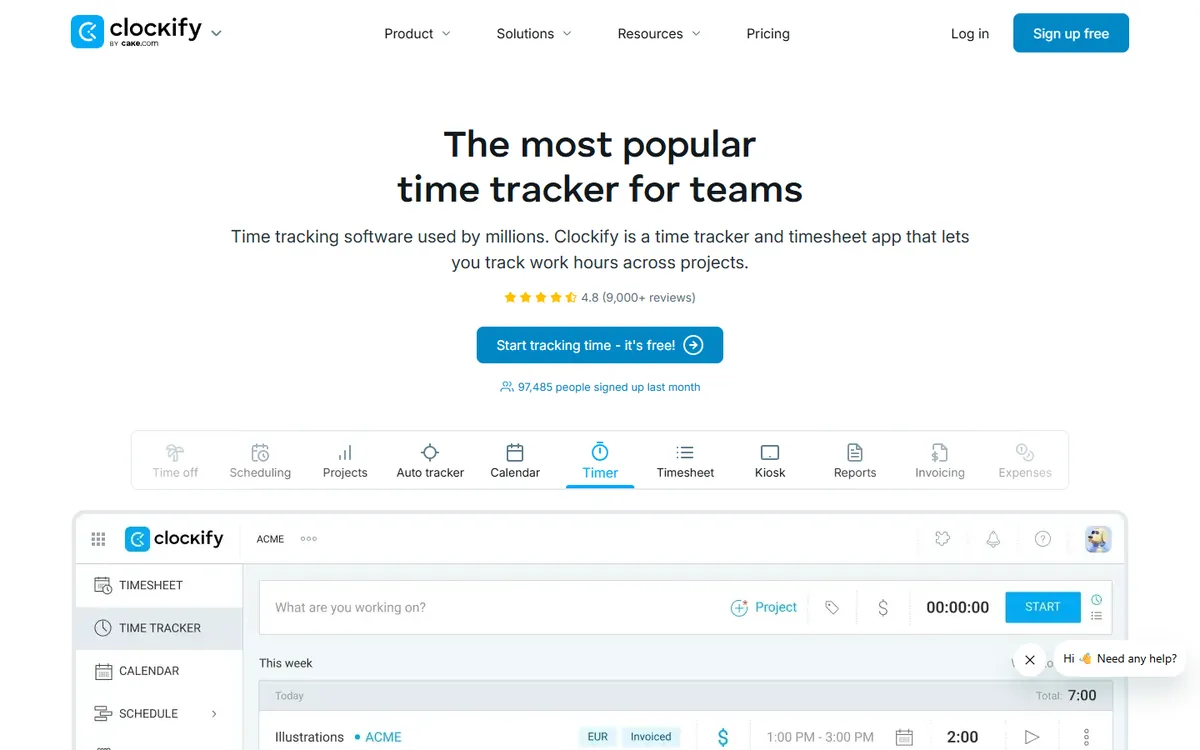
Clockify is one of the best-known free time trackers, and for good reason. The free plan has no time limit, it covers a small team, and it already includes a timer, timesheets, reports and an auto tracker that records the apps and websites each person uses. There are apps for Windows, macOS, Linux, iOS and Android, plus browser extensions. For a freelancer or a team of five that bills by the hour, it is hard to beat free.
The catch is the shape of the pricing. Clockify sells five plans, and each paid step unlocks a handful of features. Adding time for others needs Basic. Approving and locking timesheets, time off and invoicing need Standard. Screenshots, activity monitoring, GPS, scheduling and expenses need Pro. Single sign-on and an audit log need Enterprise. Each plan is cheap on its own. The plan you actually need is often the fourth one.
| Plan | Yearly | Monthly | What it adds |
|---|---|---|---|
| Free | $0 | $0 | Timer, timesheet and reports, Auto tracker, private to each user, Up to 5 users |
| Basic | $3.99 | $4.99 | Add time for others, Required fields and kiosk, Billable rates |
| Standard | $5.49 | $6.99 | Timesheet approval, Lock time and time off, Invoicing |
| Pro | $7.99 | $9.99 | Screenshots, Activity monitoring and GPS, Scheduling and expenses |
| Enterprise | $11.99 | $14.99 | Single sign-on, SCIM provisioning, Audit log |
7-day free trial, no card required. Prices from Clockify's pricing page, checked October 2026. Screenshots are on Pro and Enterprise, per Clockify's own help page.
One detail matters for managers. Clockify's auto tracker, on the free plan, is private: the apps and websites it records are visible to the person who used them, not to their manager. If you need to see what the team worked on, you are looking at Pro, where screenshots and activity monitoring live. For 10 people, Pro on yearly billing comes to $958.80 a year.
Why people leave Clockify, and where to go instead
Clockify rarely fails at tracking time. People leave because the plan they need costs more than they expected, or because the app does more than they want. Find your reason below and jump to the tools that answer it best.
-
You need screenshots, and they sit on Pro
Screenshots arrive on Clockify's fourth tier, Pro, at $7.99 per user. Every plan below it has none.
Best picks -
The team grew past the free plan
Clockify's free plan is listed for up to 5 users. Past that, each seat is a paid seat on the plan you choose.
-
You need approvals without paying for Standard
Approving and locking timesheets starts on Standard at $5.49, and most teams that need it also want screenshots, which means Pro.
-
Five tiers are too many to manage
Each upgrade unlocks a few features. Working out which plan you need, and paying for features you never use, gets old.
Best picks -
You want a simpler, calmer app
Some reviewers find Clockify's navigation crowded once there are many projects. A smaller tool can feel lighter.
Best picks -
Invoicing should not need an upgrade
Clockify invoices start on Standard. If billing is the main job, some tools include it from the first plan.
-
You need GPS and payroll for field staff
Clockify adds GPS on Pro. If you also want payroll, geofencing and shifts in the same tool, look at a workforce platform.
Best picks -
People forget to start the timer
A timer only works if people press it. Automatic tracking removes that habit from the equation.
Best picks
The 10 best Clockify alternatives, reviewed
Each review covers what the tool is, what it does better than Clockify, what it costs and where it falls short. The strip under each one puts it side by side with Clockify on the three things people ask about most.
TimoDesk
Best for screenshots without the ladderLeave Clockify for it if you need to see the work behind the hours and do not want to pay for Pro to get it.
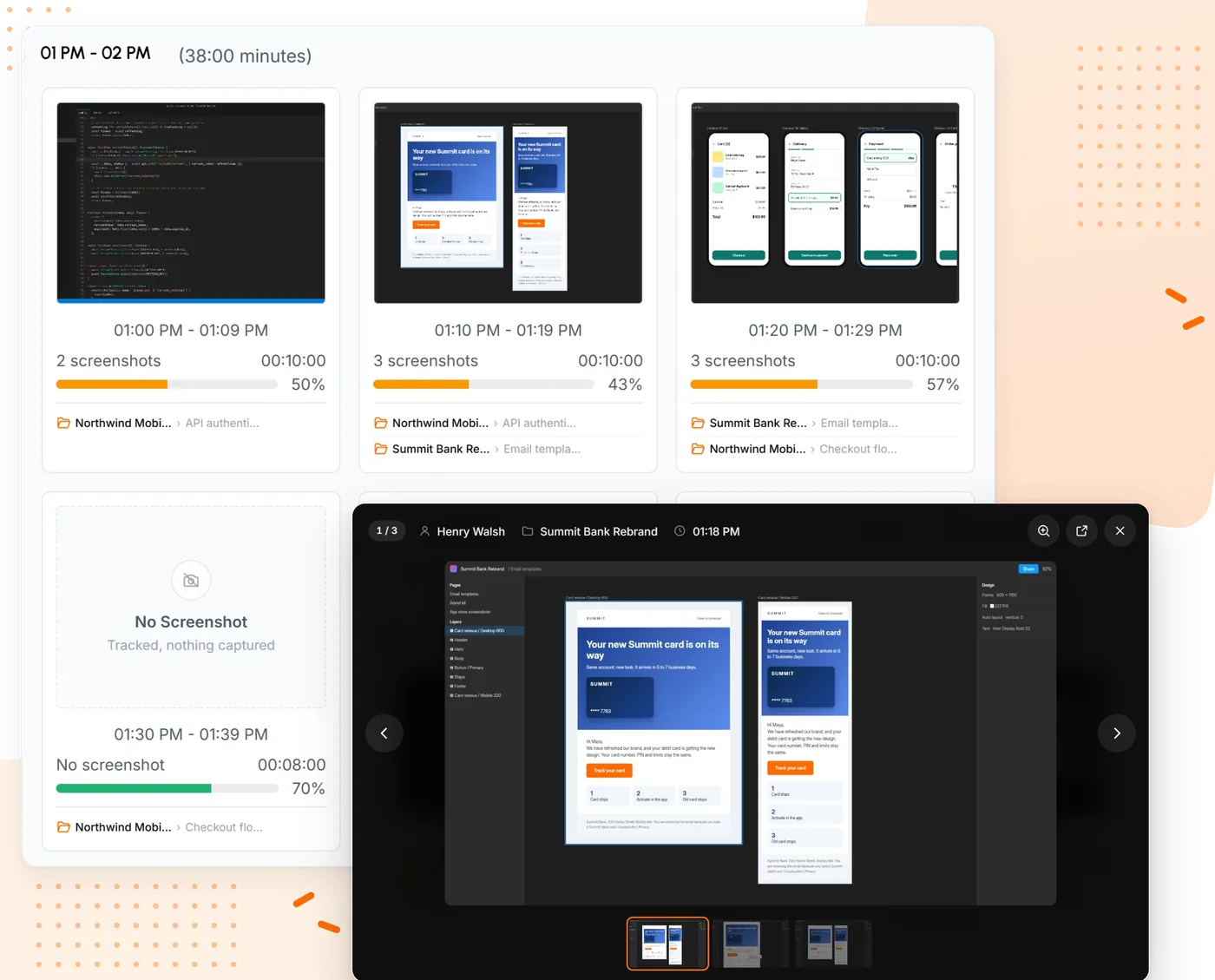
TimoDesk is a desktop time tracker for remote teams and agencies that bill by the hour. We make it, so read this entry with that in mind. It keeps the part of Clockify most people use every day, a timer on a project and task, and puts the proof of work Clockify saves for Pro on its only plan. While the timer runs, the app takes screenshots at an interval you choose, from every 3 to every 60 minutes, records keyboard and mouse activity levels and lists the apps and websites in use.
Everything else is on the same plan too: projects, tasks and kanban boards, manual time requests with approval, monthly timesheets with PDF export, a team dashboard and a client portal. It costs $1 per user per month, about 8 times less than Clockify Pro, and you are billed only for members who tracked time that month. See time tracking with screenshots.
- Screenshots
- Included Clockify: Pro, $7.99
- Free plan
- No, 15-day trial Clockify: up to 5 users
- Time approval
- Included Clockify: Standard, $5.49
Pros
- Screenshots, activity and app usage for $1
- Every feature on one plan, with no user cap
- Nothing is captured when the timer is off
Cons
- No free plan
- No invoicing, integrations or mobile app
- Not for teams that want no monitoring
TimeCamp
Best free plan once you pass five usersLeave Clockify for it if the five-user cap is the only thing pushing you out, and the team wants to stay on a free plan.
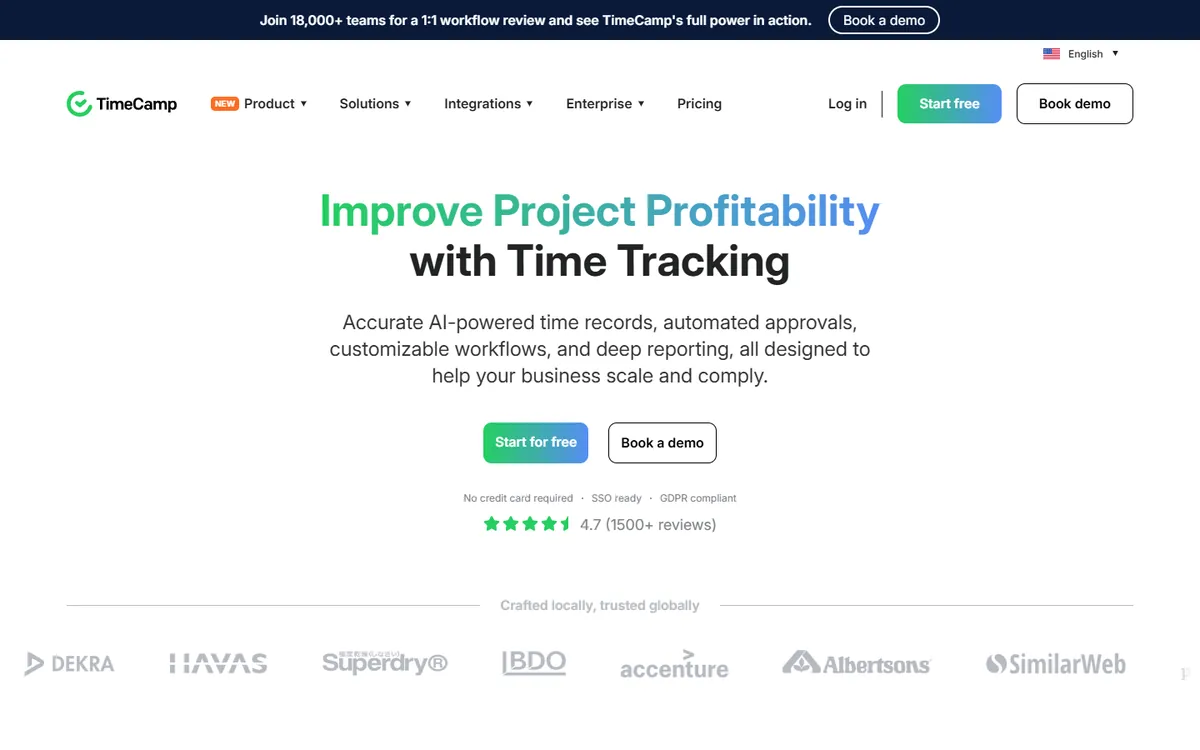
TimeCamp is the closest match to Clockify in spirit: a timer-first tracker with a large free plan, a long list of integrations and paid tiers that add billing and monitoring. The big difference is the cap. TimeCamp's free plan covers unlimited users and projects, so a team of twelve can stay free where Clockify would start charging.
It follows the same ladder logic as Clockify, though. Activity levels and app usage start on Premium, and screenshots and timesheet approval start on Ultimate, which costs more per user than Clockify Pro. If screenshots are the reason you are leaving, TimeCamp moves the problem rather than solving it.
Key features
- A free plan with unlimited users and projects
- Over 100 integrations, including Asana, Jira, Slack, Trello and Zapier
- Invoicing from Starter, plus budgets and estimates on Premium
- A mobile app with GPS location on every plan
- Attendance tracking, SSO and an on-premise option for larger teams
- Screenshots
- Ultimate, $9.99 Clockify: Pro, $7.99
- Free plan
- Unlimited users Clockify: up to 5 users
- Time approval
- From Ultimate Clockify: Standard, $5.49
Pros
- Free for unlimited users and projects
- Over 100 integrations
- Invoicing from the Starter plan
Cons
- Screenshots only on Ultimate
- Ultimate costs more than Clockify Pro
- Five paid and free tiers to compare
- Free $0
- Starter $3.99
- Premium $6.99
- Ultimate $9.99
- Enterprise Custom
Toggl Track
Best for a polished timer and integrationsLeave Clockify for it if Clockify feels busy, you want a cleaner timer, and nobody needs screenshots.
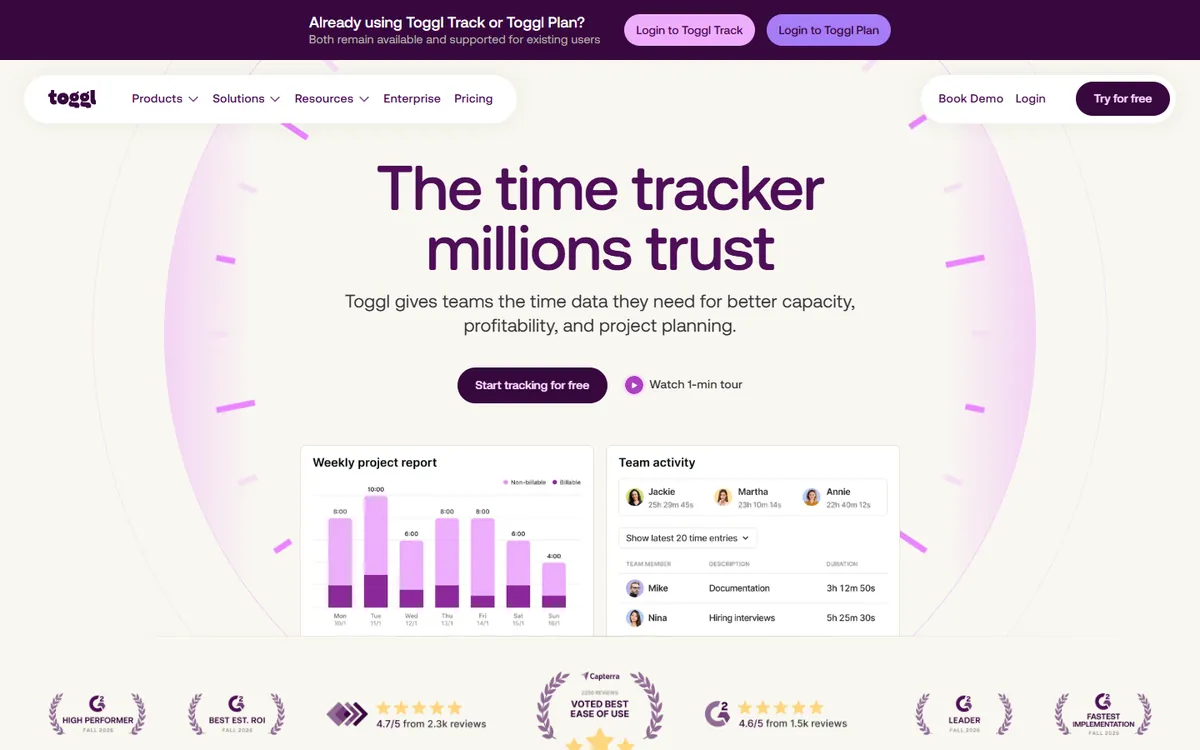
Toggl Track is the tool Clockify is most often compared with. Both are built around a one-click timer, both have a free plan, and both run on Windows, macOS, Linux, the web and phones. Toggl's reports are simpler to read and it connects to over 100 other tools, which is why people who find Clockify cluttered tend to land here.
It costs more. Toggl Starter is $9 per user, more than Clockify Pro, and approving time needs Premium. Toggl also takes no screenshots and records no activity levels on any plan, by design.
Key features
- Over 100 integrations
- A free plan for small teams
- A simple timer with clear, easy reports
- Profitability and billable-rate reports on paid plans
- No monitoring at all, if your team prefers that
- Screenshots
- None Clockify: Pro, $7.99
- Free plan
- Yes, small teams Clockify: up to 5 users
- Time approval
- Premium plan Clockify: Standard, $5.49
Pros
- A clean timer with easy reports
- Over 100 integrations
- A free plan for small teams
Cons
- No screenshots or activity levels
- Starter costs more than Clockify Pro
- Time approval needs Premium
- Free $0
- Starter $9
- Premium $14
- Enterprise Custom
ScreenshotMonitor
Best free plan that includes screenshotsLeave Clockify for it if you are a team of three or fewer and want screenshots without paying for Clockify Pro.
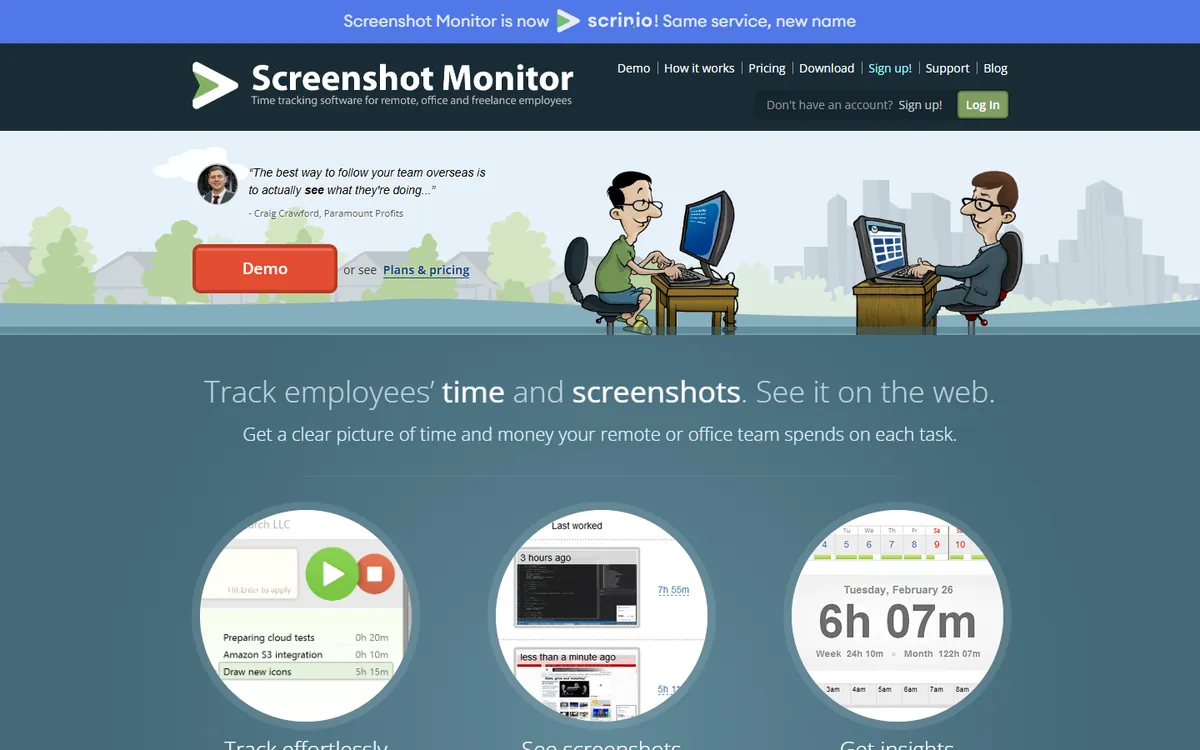
ScreenshotMonitor does one job: a desktop timer that takes screenshots and records activity levels. Its free plan covers up to 3 users and already includes both, which no Clockify plan below Pro does. Paid plans are billed monthly, and the two of them differ mostly in how many screenshots they take and how long they keep them.
The trade-off is scope. There are no kanban boards, manual time handling is basic, and the integrations come down to a web API. It suits small teams that want proof of work and keep projects somewhere else.
Key features
- A free plan for up to 3 users, with screenshots and activity levels
- A web API that sends tracked time and notes to other systems
- Reports emailed on a schedule, and shared with clients by link
- Billing prorated by the week, and owners who don't track are not charged
- A 30-day money-back guarantee, with card, PayPal, wire or check
- Screenshots
- Standard, $4.99 monthly Clockify: Pro, $7.99
- Free plan
- Up to 3 users Clockify: up to 5 users
- Time approval
- Partial Clockify: Standard, $5.49
Pros
- Free for 3 users, screenshots included
- Owners who do not track are not billed
- A 30-day money-back guarantee
Cons
- No kanban boards
- Basic manual time handling
- No yearly price published
- Free $0
- Standard $4.99 monthly
- Professional $6.99 monthly
Hubstaff
Best for field teams that need GPS and payrollLeave Clockify for it if part of the team works away from a desk and you want GPS, geofencing and payroll next to screenshots.
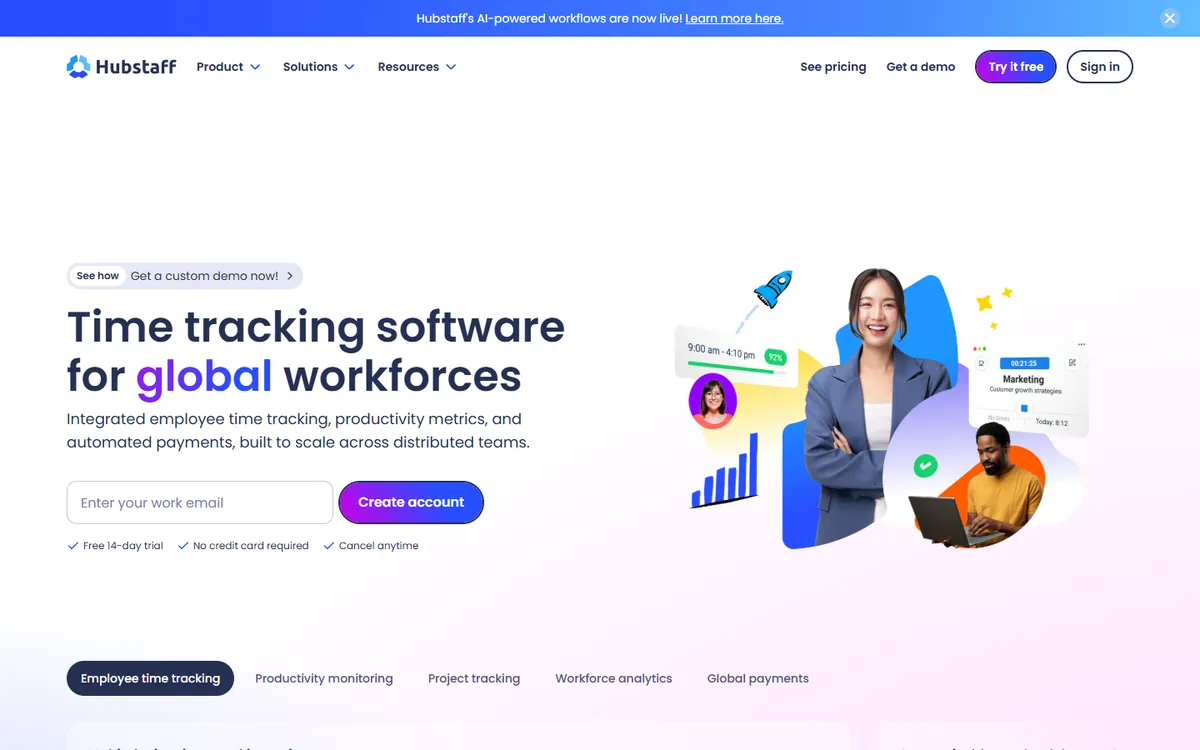
Hubstaff is the monitoring-first tool many teams move to when Clockify stops being enough. Screenshots and activity levels come from its first paid plan, and it adds GPS tracking, geofencing, payroll and shift scheduling for people who work on the road or on site.
It is not cheap once you need the middle features. Kanban boards start on Grow and manual time approval on Team, at $10 per user. Paid plans have a 2-seat minimum and there is no free plan.
Key features
- GPS tracking and geofencing for field teams
- Built-in payroll and automated payments
- Shift scheduling and attendance management
- A large list of integrations with project tools
- A longer history and a larger support team
- Screenshots
- Starter, $4.99 Clockify: Pro, $7.99
- Free plan
- No Clockify: up to 5 users
- Time approval
- Team plan Clockify: Standard, $5.49
Pros
- Screenshots from the first paid plan
- GPS, geofencing and payroll
- A long list of integrations
Cons
- A 2-seat minimum on paid plans
- No free plan
- Approvals need the Team plan
- Starter $4.99
- Grow $7.50
- Team $10
- Enterprise $25
TMetric
Best mix of billing and light monitoringLeave Clockify for it if you use Clockify for billable rates and invoices, and now also want screenshots, for a little less than Pro.
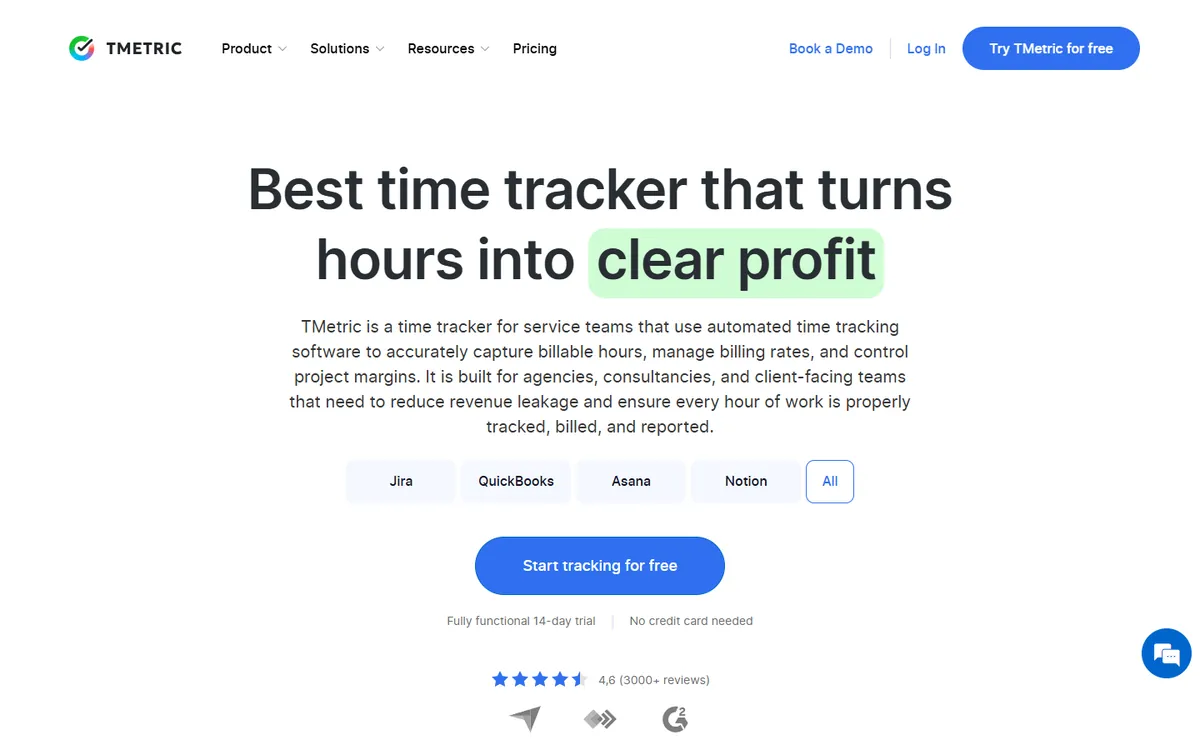
TMetric sits closest to Clockify on features. It has billable rates, invoicing, expenses and budgets from Professional, activity levels from Professional, and screenshots, app usage and timesheet approval on Business. Business costs slightly less per user than Clockify Pro, and it runs on Windows, macOS and Linux.
It also syncs both ways with QuickBooks, Jira, GitLab, Redmine and ClickUp, which helps if your work lives there. The free plan is small, at 2 seats.
Key features
- A free plan for up to 2 seats with unlimited projects
- Client invoicing, billable rates, expenses and budgets from Professional
- Time off and pay calculations on the Business plan
- iOS and Android apps, plus a timer inside over 50 web apps
- Two-way sync with QuickBooks, Jira, GitLab, Redmine and ClickUp
- Screenshots
- Business, $7.50 Clockify: Pro, $7.99
- Free plan
- Up to 2 seats Clockify: up to 5 users
- Time approval
- From Business Clockify: Standard, $5.49
Pros
- Screenshots for less than Clockify Pro
- Invoicing, rates and budgets
- Two-way sync with QuickBooks and Jira
Cons
- Screenshots still need Business
- The free plan covers only 2 seats
- An interface some reviewers call dated
- Free $0
- Professional $5.83
- Business $7.50
- Enterprise Custom
Time Doctor
Best for productivity analyticsLeave Clockify for it if you want screenshots on the entry plan and deeper productivity analytics than Clockify offers.
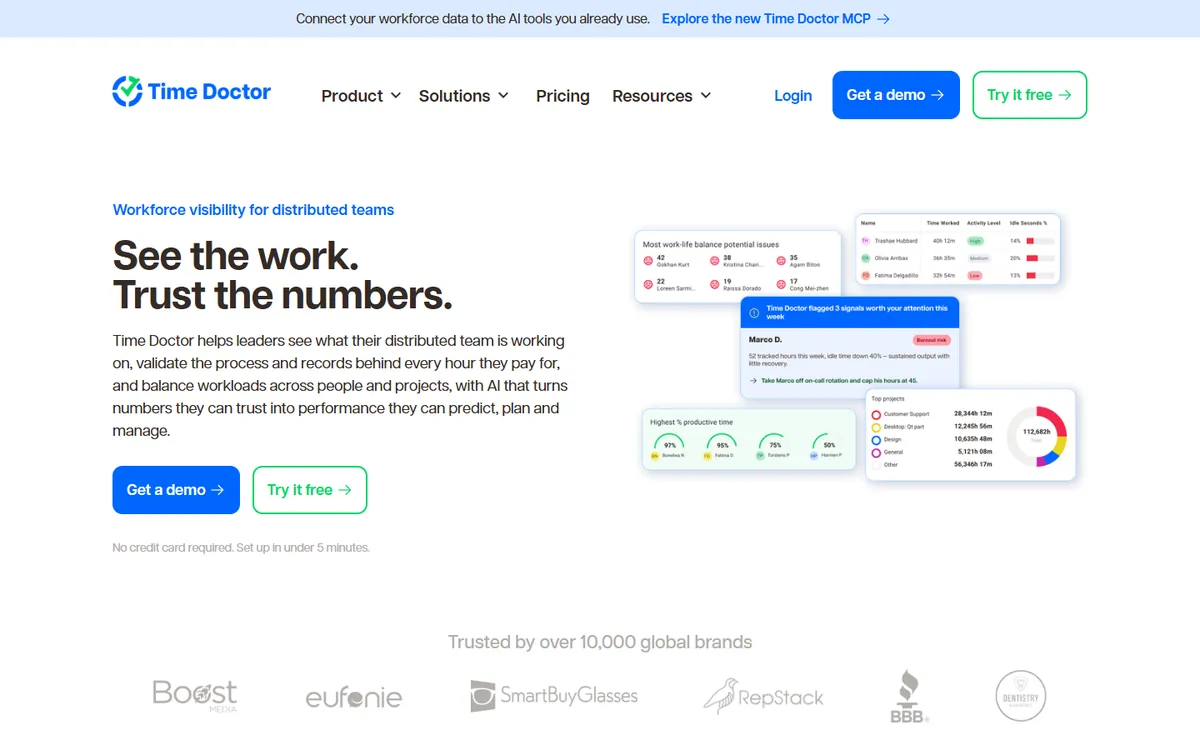
Time Doctor is an employee productivity platform for remote teams. Its Basic plan already tracks time, takes screenshots and measures activity, for less per user than Clockify Pro. Higher tiers add app and website usage, productivity analytics and, on Premium, video recording of the screen.
The ladder problem returns here in a different place: app usage and manual time approval start on Standard, and client access and video on Premium. There is no free plan, only a 14-day trial of Premium.
Key features
- Video screen recording on the Premium tier
- Over 60 integrations with project and payroll tools
- Work-life balance and productivity benchmarking
- Longer data retention on higher tiers
- Experienced support and onboarding for large teams
- Screenshots
- Basic, $6.67 Clockify: Pro, $7.99
- Free plan
- No Clockify: up to 5 users
- Time approval
- From Standard Clockify: Standard, $5.49
Pros
- Screenshots on the entry plan
- Video recording on Premium
- Over 60 integrations
Cons
- No free plan
- App usage starts on Standard
- Client access needs Premium
- Basic $6.67
- Standard $11.67
- Premium $16.67
My Hours
Best simple timer with no monitoringLeave Clockify for it if you like Clockify's free plan but find the app crowded, and your team prefers no monitoring at all.
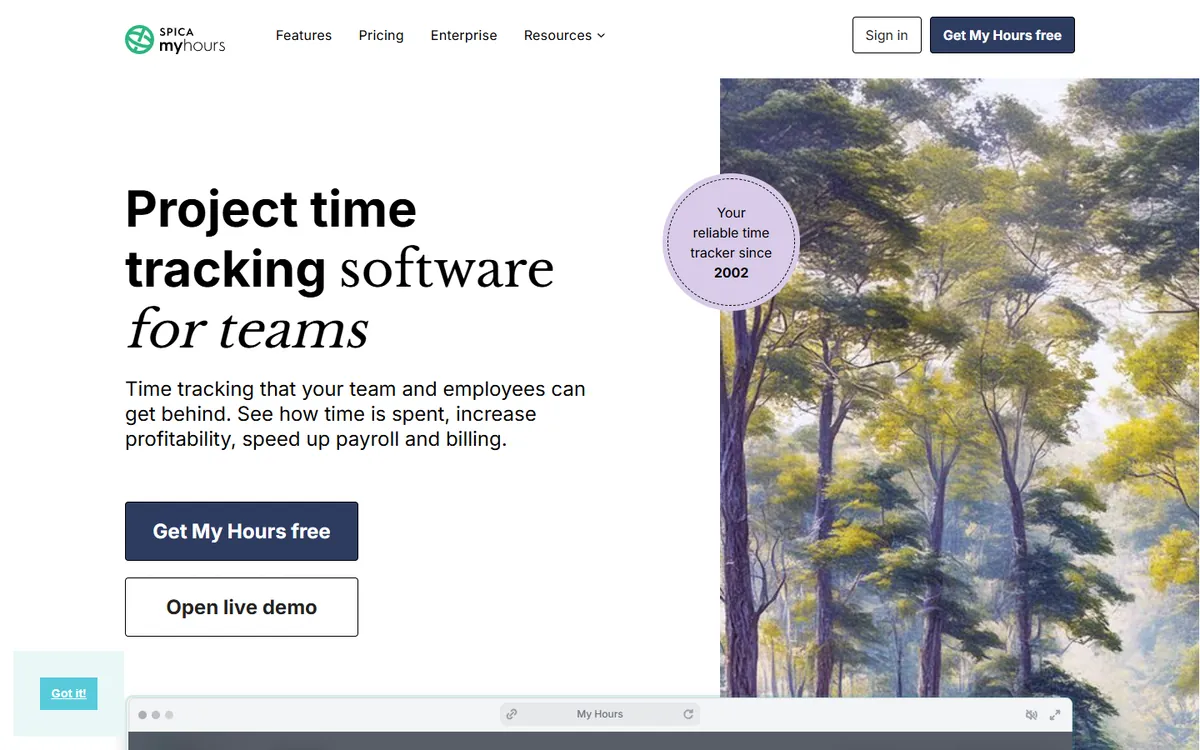
My Hours is a deliberately simple tracker for teams and agencies. Like Clockify, it is free for up to five active users, and archived users are not charged. Basic costs about the same as Clockify Basic, and Pro adds approvals, invoicing and budgets with email alerts.
It is surveillance-free by design and says it will never add screen monitoring. On a computer it runs as a desktop web app rather than a native tracker, with mobile apps and a browser extension on every plan.
Key features
- A free plan for teams of up to 5 users
- Mobile apps and a browser extension on every plan, even Free
- Invoicing of billable time on Pro
- Expense logging, plus budgets with email alerts on Pro
- Over 100 integrations, Zapier, an API and two-way Jira sync
- Screenshots
- None Clockify: Pro, $7.99
- Free plan
- Up to 5 users Clockify: up to 5 users
- Time approval
- Pro plan Clockify: Standard, $5.49
Pros
- Free for up to 5 users
- A short, simple interface
- Over 100 integrations and two-way Jira sync
Cons
- No screenshots or activity, ever
- Approvals and invoicing need Pro
- No native desktop tracker
- Free $0
- Basic $4
- Pro $8
- Enterprise Custom
Harvest
Best for invoicing on every planLeave Clockify for it if you mainly track time to bill clients and are tired of needing Standard for invoices.
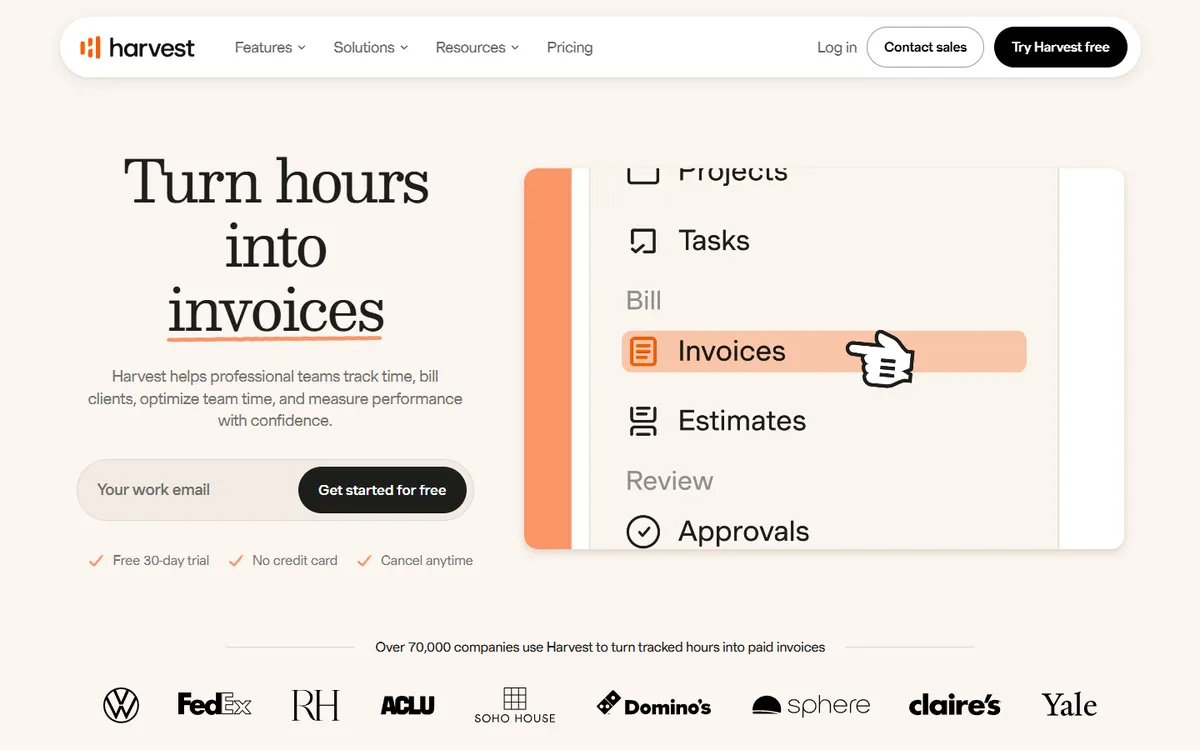
Harvest is a timesheet and invoicing tool. Invoices and expenses come with every plan, even the free one, where Clockify keeps invoicing on Standard. If your workflow is log hours, send invoice, Harvest removes a step and connects to accounting and payment tools on Teams.
It does no monitoring: hours are what people enter. Timesheet approval sits on Enterprise, the free plan is one seat and two projects, and there is no Linux desktop app.
Key features
- Invoicing and expense tracking on every plan, even Free
- Over 50 integrations, plus accounting and payment tools on Teams
- A free plan for one seat and two projects
- Profitability reports and timesheet approval on Enterprise
- A simple timer and timesheet that people fill in themselves
- Screenshots
- None Clockify: Pro, $7.99
- Free plan
- 1 seat Clockify: up to 5 users
- Time approval
- Enterprise Clockify: Standard, $5.49
Pros
- Invoicing and expenses on every plan
- Over 50 integrations
- Simple timesheets people fill in quickly
Cons
- No screenshots or activity levels
- Approval only on Enterprise
- No desktop app for Linux
- Free $0
- Teams $9
- Enterprise $14
- Enterprise Plus Custom
DeskTime
Best automatic tracking with no timerLeave Clockify for it if your team keeps forgetting to start Clockify's timer and you want tracking that starts on its own.
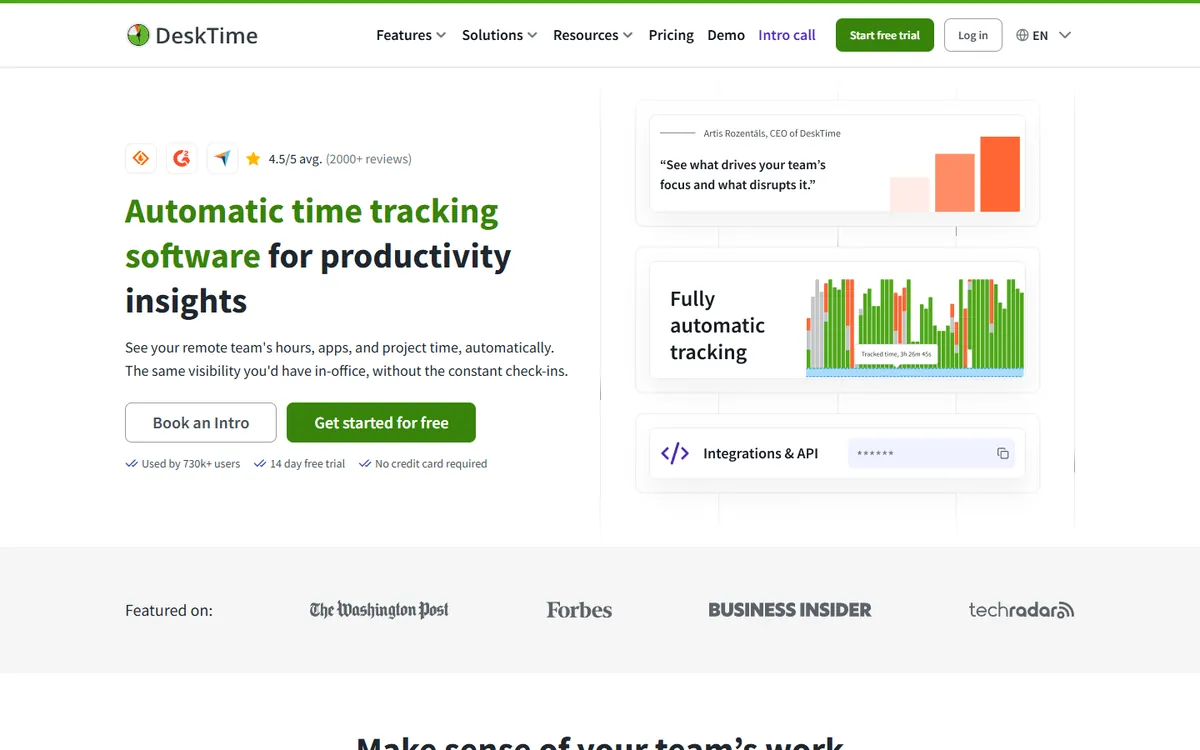
DeskTime tracks automatically from the moment the computer is in use, so there is no timer to forget. It scores apps and websites for productivity, tracks document titles inside desktop apps and handles shifts, absences and attendance.
Screenshots need Premium, which costs a bit more per user than Clockify Pro. There is no free plan, only a 14-day trial, and Enterprise starts at 200 users.
Key features
- Shift scheduling, an absence calendar and attendance management
- Productivity scores you can adjust for each team
- Document title tracking inside desktop apps, on top of app and URL tracking
- AI summaries, IP location and private time on higher plans
- Integrations with Jira, Asana, Trello, GitLab, Zapier and an API
- Screenshots
- Premium, $9.17 Clockify: Pro, $7.99
- Free plan
- No Clockify: up to 5 users
- Time approval
- Included Clockify: Standard, $5.49
Pros
- Automatic tracking with no timer
- Shifts, absences and attendance
- Manual time with approval included
Cons
- Screenshots need Premium
- The free plan is for one user
- Enterprise starts at 200 users
- Pro $6.42
- Premium $9.17
- Enterprise Custom
Cheaper alternatives to Clockify: the cost to unlock screenshots
Most teams that outgrow Clockify's free plan do it for screenshots. This table shows the cheapest plan with screenshots in each tool, what it costs per user, and what 10 people would pay in a year. 5 of them cost less than Clockify Pro.
| Tool | First plan with screenshots | 10 people / year | Against Clockify Pro |
|---|---|---|---|
| TimoDesk |
$1The only plan, per user / month | $120 | $838.80 less a year |
| ScreenshotMonitor |
$4.99Standard, per user / month, billed monthly | $598.80 | $360 less a year |
| Hubstaff |
$4.99Starter, per user / month | $598.80 | $360 less a year |
| Time Doctor |
$6.67Basic, per user / month | $800.40 | $158.40 less a year |
| TMetric |
$7.50Business, per user / month | $900 | $58.80 less a year |
| Clockify |
$7.99Pro, per user / month | $958.80 | The baseline |
| DeskTime |
$9.17Premium, per user / month | $1,100.40 | $141.60 more a year |
| TimeCamp |
$9.99Ultimate, per user / month | $1,198.80 | $240 more a year |
| Toggl Track |
No screenshots on any plan | ||
| My Hours |
No screenshots on any plan | ||
| Harvest |
No screenshots on any plan | ||
Yearly prices from each vendor's pricing page. ScreenshotMonitor publishes monthly prices only, and its free plan also takes screenshots for up to 3 users. Hubstaff has a 2-seat minimum. TimoDesk is billed only for members who tracked time that month.
Clockify vs TimoDesk: which features need which plan
Clockify and TimoDesk overlap on the core job, a timer on a project and task. They differ on where the features sit. The coloured tag shows the Clockify plan where each feature starts. TimoDesk has one plan, so its column is either included or not offered.
Screenshots on a schedule you set
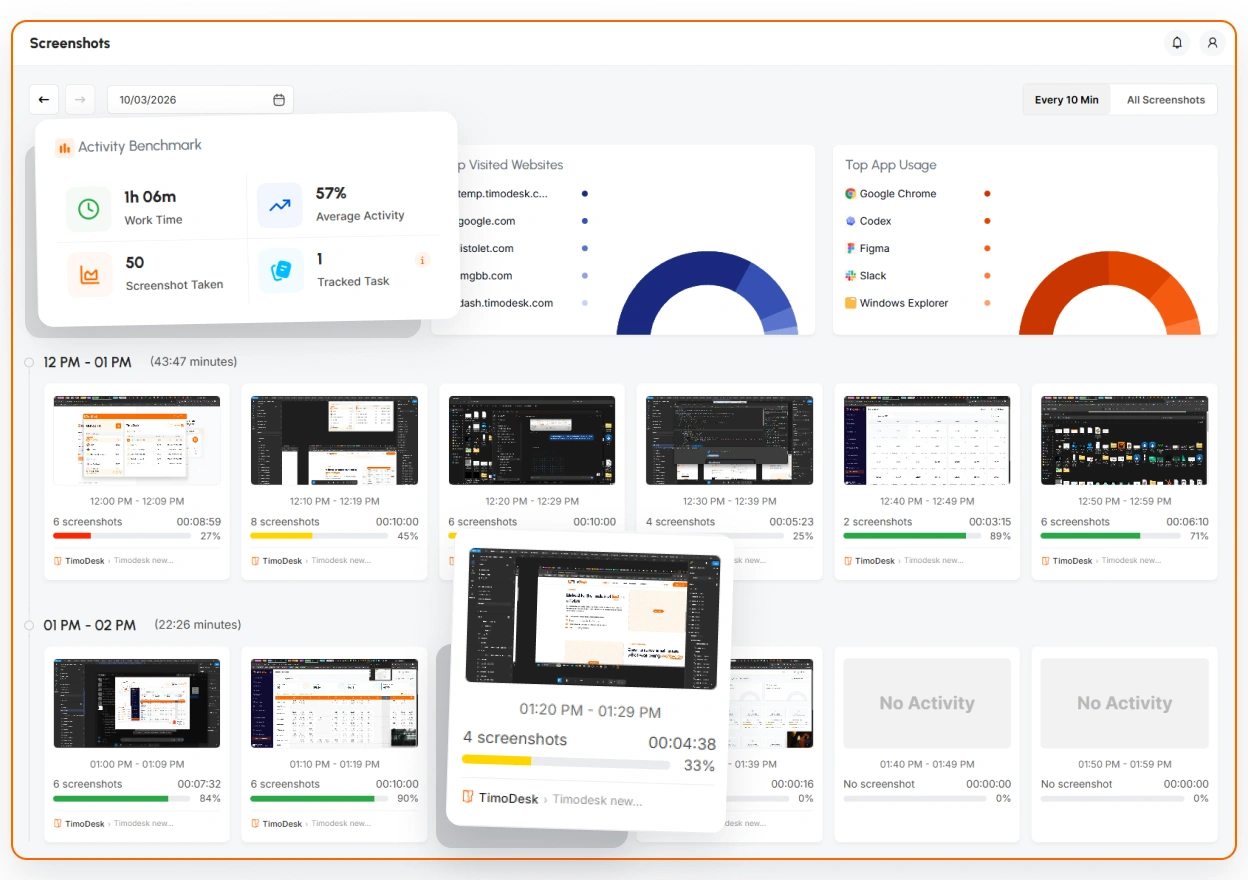
Clockify takes a screenshot at a random moment within each 5-minute interval while the timer runs. In TimoDesk you choose the interval, every 3, 5, 10, 15, 20, 30 or 60 minutes, for the whole organization or for one member, and screenshots are grouped by hour next to the tracked minutes and activity. Members can see their own screenshots, and nothing is captured when the timer is off. You can also send screenshots to your own S3 bucket or FTP server. See screenshots and activity levels.
Approvals without moving to Standard
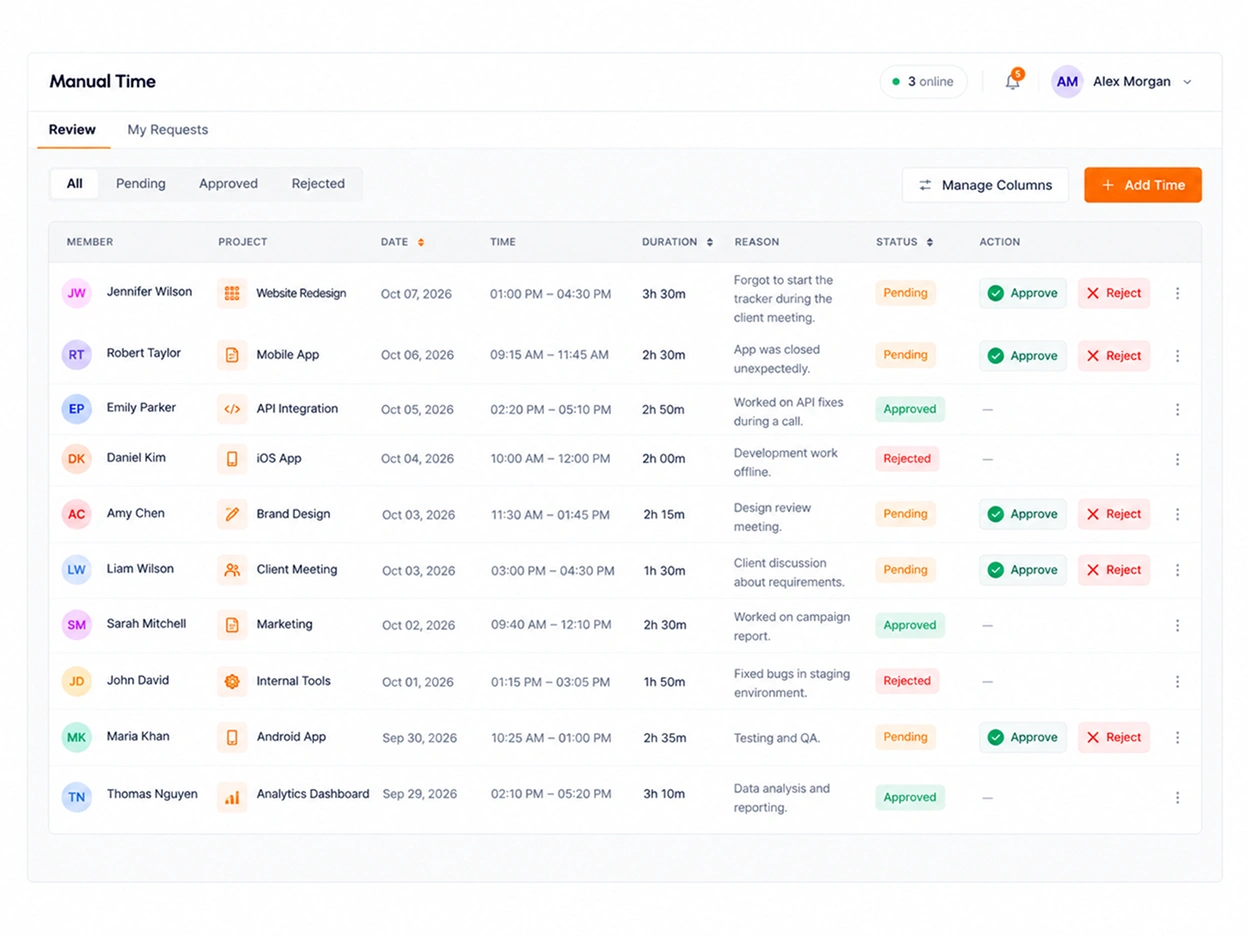
When the app misses time, a member sends a manual time request with the project, the time and a reason, and a reviewer approves or rejects it. Approved time stays marked as manual, so it is easy to tell apart in reports. In Clockify, approval starts on Standard. See manual time.
Boards in the same app as the timer
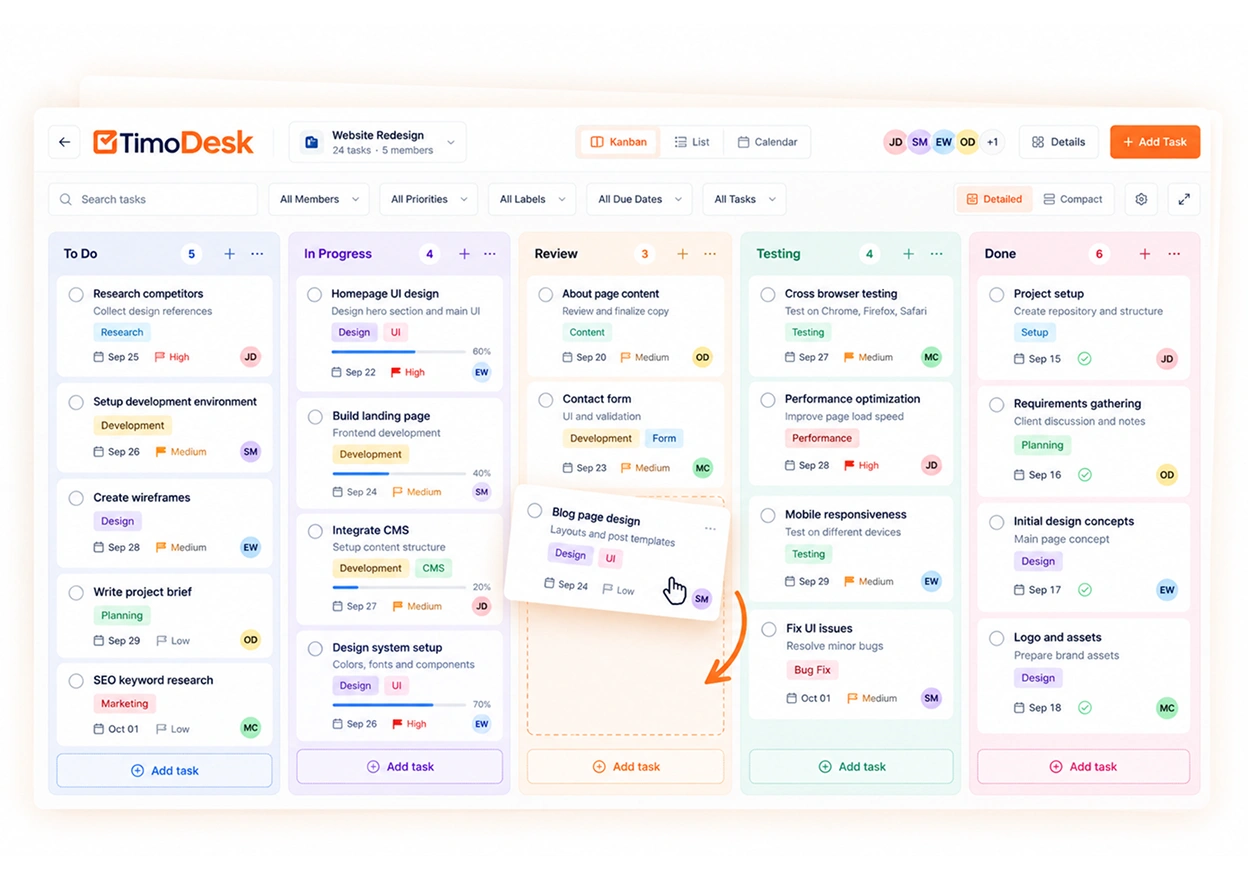
Clockify's kanban boards are a separate product. In TimoDesk every project has a board, a list and a calendar, and the time tracked on each task shows on its card. See project management.
Where Clockify is the better pick
Be honest about what you need. If five users is enough and you do not need screenshots, Clockify's free plan costs nothing and TimoDesk does not have one. If you invoice clients from tracked time, plan schedules, record expenses, track GPS on phones or depend on integrations, Clockify does all of that and TimoDesk does not. TimoDesk is the better fit when the main question is what the team actually worked on, and you want the answer for $1 instead of $7.99.
Is there a free Clockify alternative?
Yes, though none is as complete as Clockify's free plan for five people. If staying free matters most, these are the options on this list, from the most generous.
-
TimeCampNo user cap at all, but no screenshots until Ultimate.
Unlimited users
-
My HoursThe same cap as Clockify, with a simpler app and no monitoring.
Up to 5 users
-
Toggl TrackA polished timer, with no screenshots on any plan.
Small teams
-
ScreenshotMonitorThe only free plan here that takes screenshots.
Up to 3 users
-
TMetricUnlimited projects, with screenshots on Business.
Up to 2 seats
-
HarvestInvoices and expenses even on the free plan.
1 seat, 2 projects
-
DeskTimeAutomatic tracking for one person.
1 user
Free plans as listed on each vendor's pricing page. TimoDesk has no free plan. It has a 15-day trial with every feature and no card, then costs $1 per user per month.
Which Clockify alternative should you choose?
- Stay on Clockify if the free plan covers your team, or if you need invoicing, scheduling, GPS or mobile apps in one tool.
- Choose TimoDesk if you left because of screenshots: they come with activity, app usage and approvals for $1 instead of $7.99.
- Choose TimeCamp to stay free past five users, Toggl Track or My Hours for a calmer timer, and Harvest for invoicing on every plan.
- Choose Hubstaff for field staff with GPS and payroll, and DeskTime if nobody remembers to press start.
Keep comparing
- TimoDesk vs Clockify: every plan and feature, side by side
- More alternatives guides: Hubstaff alternatives, Time Doctor alternatives, Toggl Track alternatives, DeskTime alternatives, ActivTrak alternatives, Teramind alternatives, Insightful alternatives, Harvest alternatives
- TimoDesk pricing: one plan, $1 per user
- All time tracking alternatives: 30 tools on one page
Questions about Clockify alternatives
What teams ask before they step off the Clockify plan ladder.
What is the best alternative to Clockify?
It depends on why you are leaving. For screenshots and activity levels at the lowest price, TimoDesk at $1 per user per month, with every feature on one plan. For a free plan with no user cap, TimeCamp. For a cleaner timer with many integrations, Toggl Track. For GPS and payroll, Hubstaff.
Is there a free Clockify alternative?
Yes. TimeCamp is free for unlimited users, My Hours for up to 5 users, TMetric for 2 seats and Harvest for 1 seat. ScreenshotMonitor is free for up to 3 users and, unlike Clockify's free plan, includes screenshots. TimoDesk has no free plan but offers a 15-day trial with no card.
Which Clockify plan includes screenshots?
Pro and Enterprise. Pro is $7.99 per user per month on annual billing. Clockify takes screenshots at random within each 5-minute interval while the timer runs. The Free, Basic and Standard plans take no screenshots.
Is there a cheaper alternative to Clockify with screenshots?
Yes. 5 of the tools on this page include screenshots for less than Clockify Pro. TimoDesk is the cheapest at $1 per user per month, about 8 times less than Pro, with activity levels, app usage and manual time approval on the same plan.
How many users can use Clockify for free?
Clockify lists its free plan for up to 5 users, with no time limit. A bigger team moves to a paid plan, starting with Basic at $3.99 per user. TimoDesk has no user cap and bills $1 only for members who tracked time that month.
Clockify or Toggl Track: which is better?
For price, Clockify. Its free plan is larger and Basic costs $3.99 against $9 for Toggl Starter. Toggl has cleaner reports and over 100 integrations. Clockify offers screenshots on Pro, and Toggl takes none on any plan.
How do I move from Clockify to TimoDesk?
Start the 15-day trial, invite your team, add your projects and install the desktop app on Windows, macOS or Linux. Run both tools for a week and compare the hours. When they match, cancel Clockify and keep its exports for past records. Tell the team before screenshots start.
Is this comparison biased?
We make TimoDesk, so it is on this list and it comes first. Every price comes from the vendor's own pricing page, and we say plainly where Clockify and the others do more, such as invoicing, mobile apps, GPS and integrations, which TimoDesk does not offer.
Start tracking time this week
Create your organization and invite your team today. Tracked time shows on the dashboard the same day, and the first full-day reports are ready the next day. $1 per user per month, with every feature included.
- $1 per user / month
- 15-day free trial, no card
- Stop anytime. No contract.
