Insightful alternatives, 2026

9 best Insightful alternatives in 2026, priced for the same 20-person team

Insightful, called Workpuls until 2022, is a capable workforce analytics platform. It is also billed a year at a time and built for operations far larger than most teams. This guide puts one 20-person team on every alternative, shows the monthly bill, and checks which tools keep the features you use every day.

  • Updated October 20, 2026
  • Prices from each vendor's own page
  • 19 min read
Insightful 20 seats
Workforce Analytics, 20 × $8
$160
On-demand screenshots, optional
+$80
Screen recording, optional
+$80
Per month$160

Billed annually: $1,920 up front

TimoDesk 20 members
One plan, 20 × $1
$20
Screenshots, apps, projects, client portal
Included
Members who tracked nothing
Not billed
Per month$20

Billed monthly, no annual term

Insightful's yearly-billing price and add-ons from its pricing page, October 2026.
01 · The monthly bill

Cheaper alternatives to Insightful: the same 20-person team on every tool

Each bar is what 20 people cost in one month on the plan that covers screenshots plus app and website usage, which is the core of Insightful Workforce Analytics. Yearly-billing rates where a vendor publishes them, monthly rates where it does not. Click a bar to jump to that tool.

  1. $20/ month TimoDesk One plan, $1 a seat Billed monthly
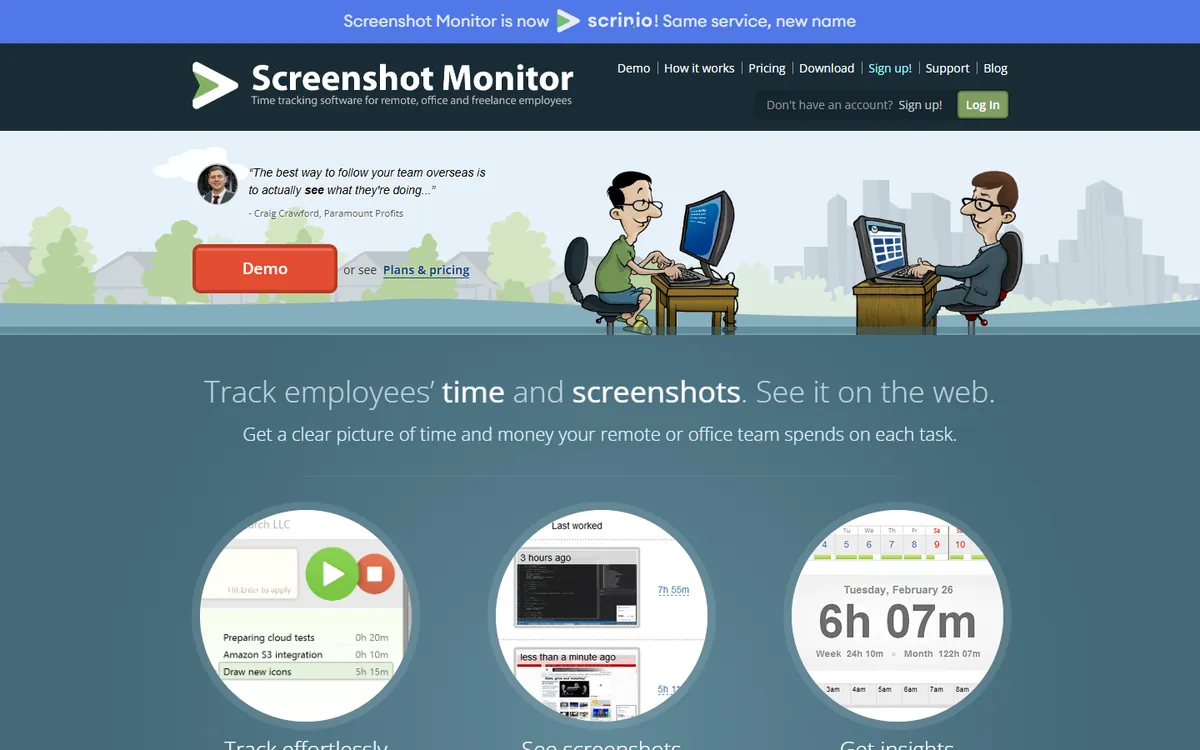
  2. $99.80/ month ScreenshotMonitor Standard, $4.99 a seat Monthly price
  3. $140/ month Workstatus Proof, $7 a seat
  4. $160/ month Insightful Workforce Analytics, $8 a seat Annual billing
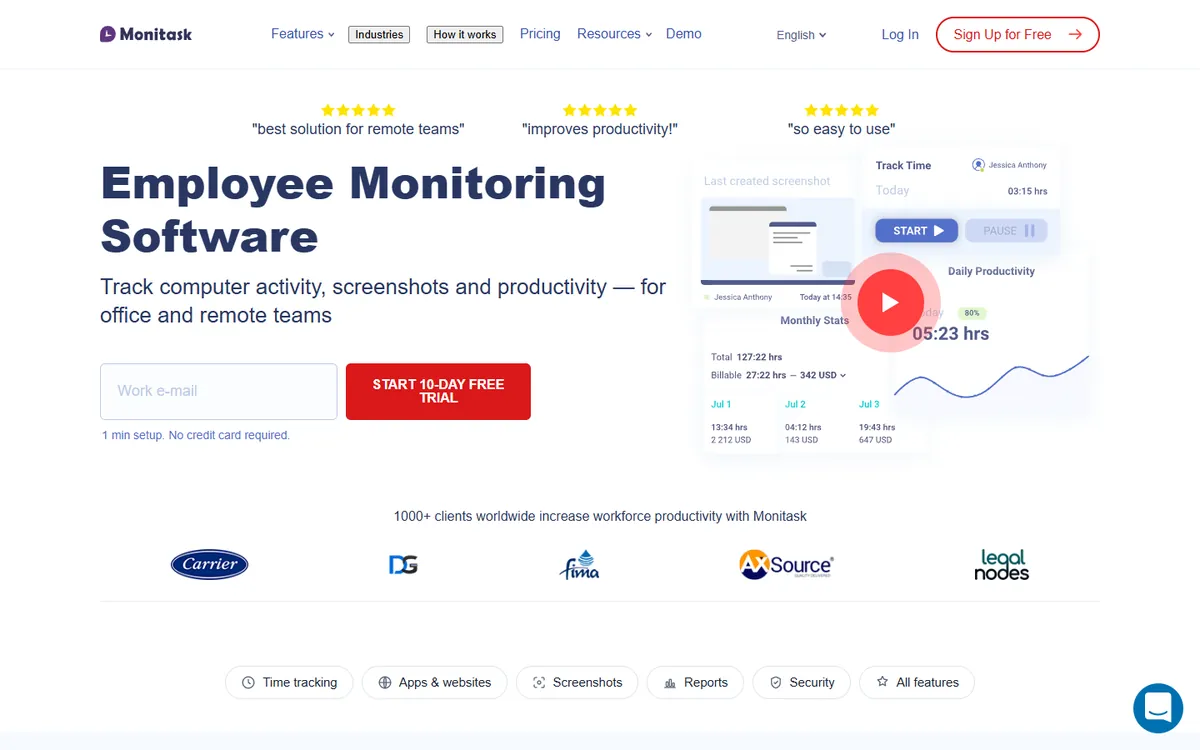
  5. $179.80/ month Monitask Business, $8.99 a seat
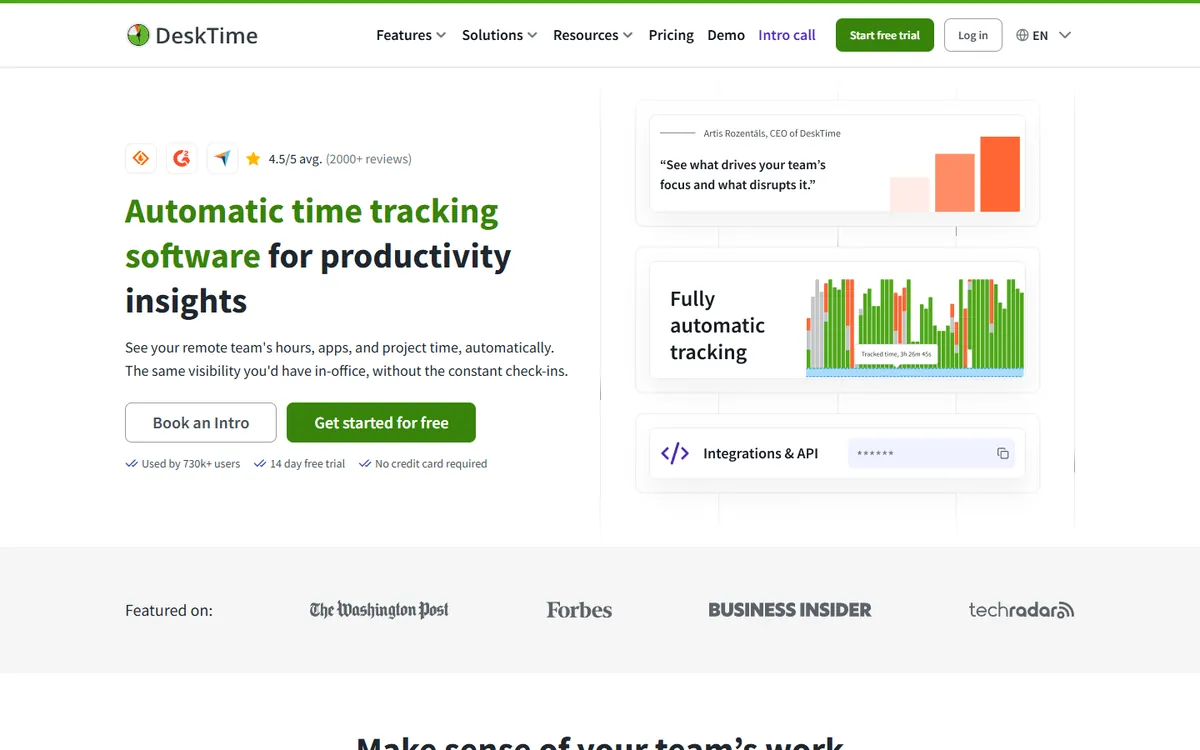
  6. $183.40/ month DeskTime Premium, $9.17 a seat
  7. $200/ month Hubstaff Team, $10 a seat
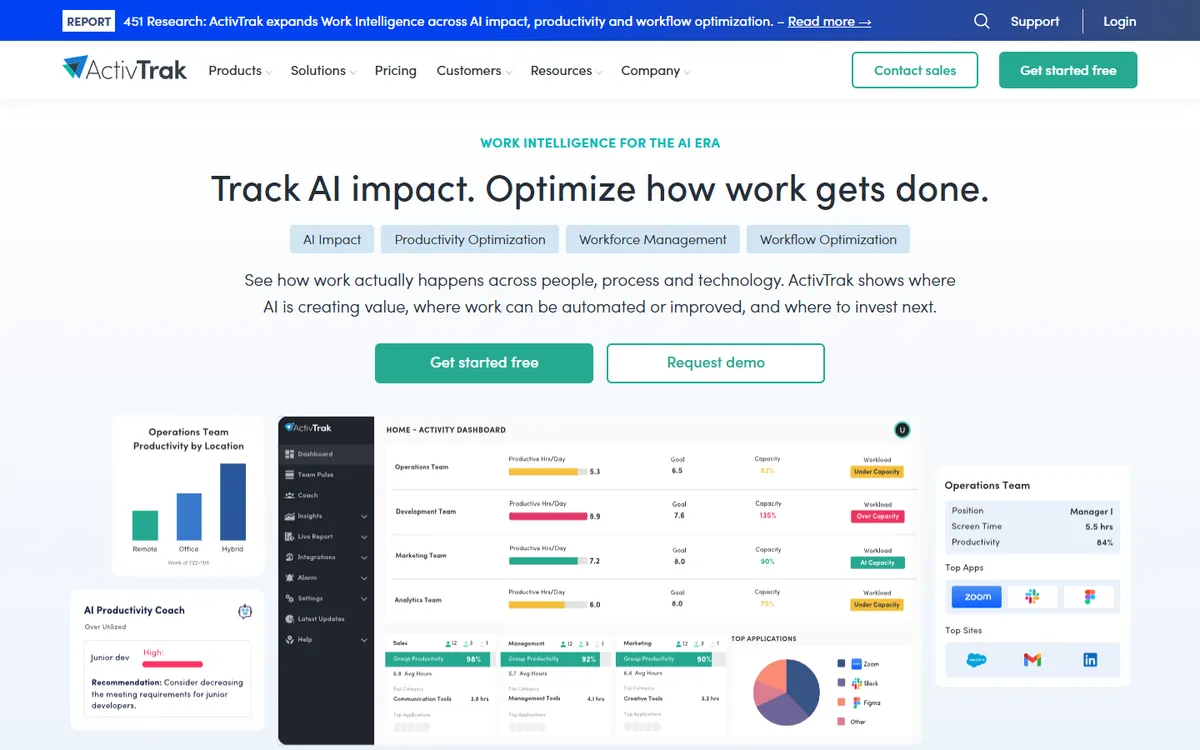
  8. $200/ month ActivTrak Work Activity Tracking, $10 a seat Plus the screen add-on
  9. $233.40/ month Time Doctor Standard, $11.67 a seat
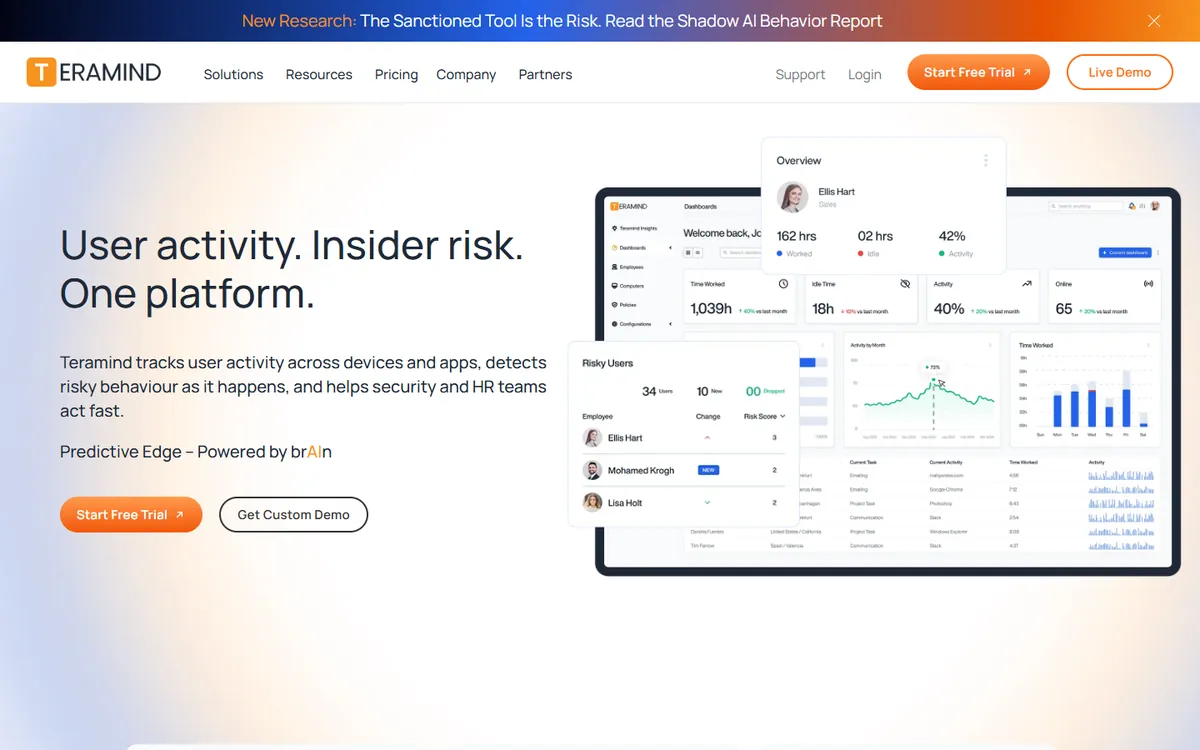
  10. $280/ month Teramind Starter, $14 a seat

ActivTrak's screen captures need its Screen Details add-on, which has no published price, so its real bill with screens is higher. Teramind has a 5-seat minimum and Hubstaff a 2-seat minimum, which do not change a 20-person bill. For a team of 20, TimoDesk costs $1,680 a year less than Insightful Workforce Analytics. See TimoDesk pricing.

02 · The tool you are replacing

What Insightful is, and what each plan costs

Insightful is employee monitoring and workforce analytics software. A small agent on each computer records which apps and websites are in use, how much of the day is active or idle, when people clock in and out, and screenshots at a set interval. Insightful then turns that into reports on productive time, capacity, attendance and, on its newer plans, how work flows between apps.

If the name is new to you, the product is not. It was called Workpuls until April 2022, when the company announced the rebrand. A Workpuls alternative and an Insightful alternative are the same search.

Its buyers are mostly operations leaders in contact centers, outsourcing firms, financial services and other large teams. That shows in the extras: on-premise deployment from 250 seats, published compliance certifications, insider threat detection on Enterprise, and a beta Workflow Optimization plan that maps business processes.

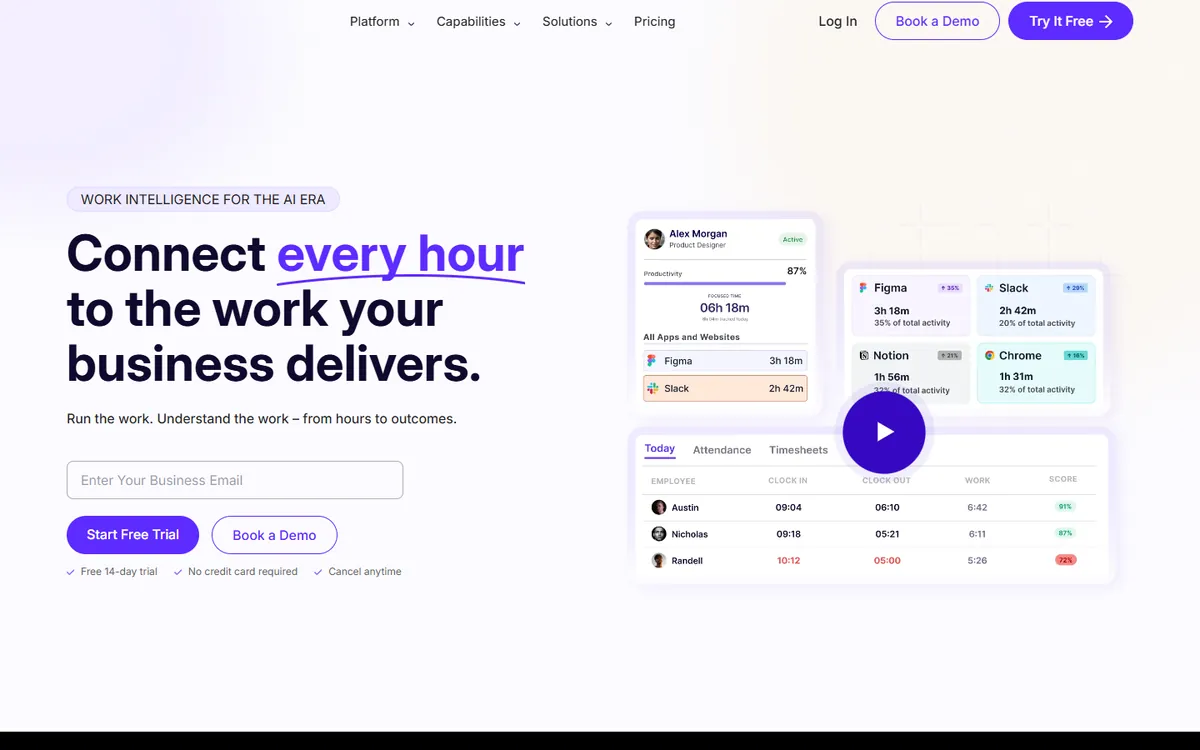
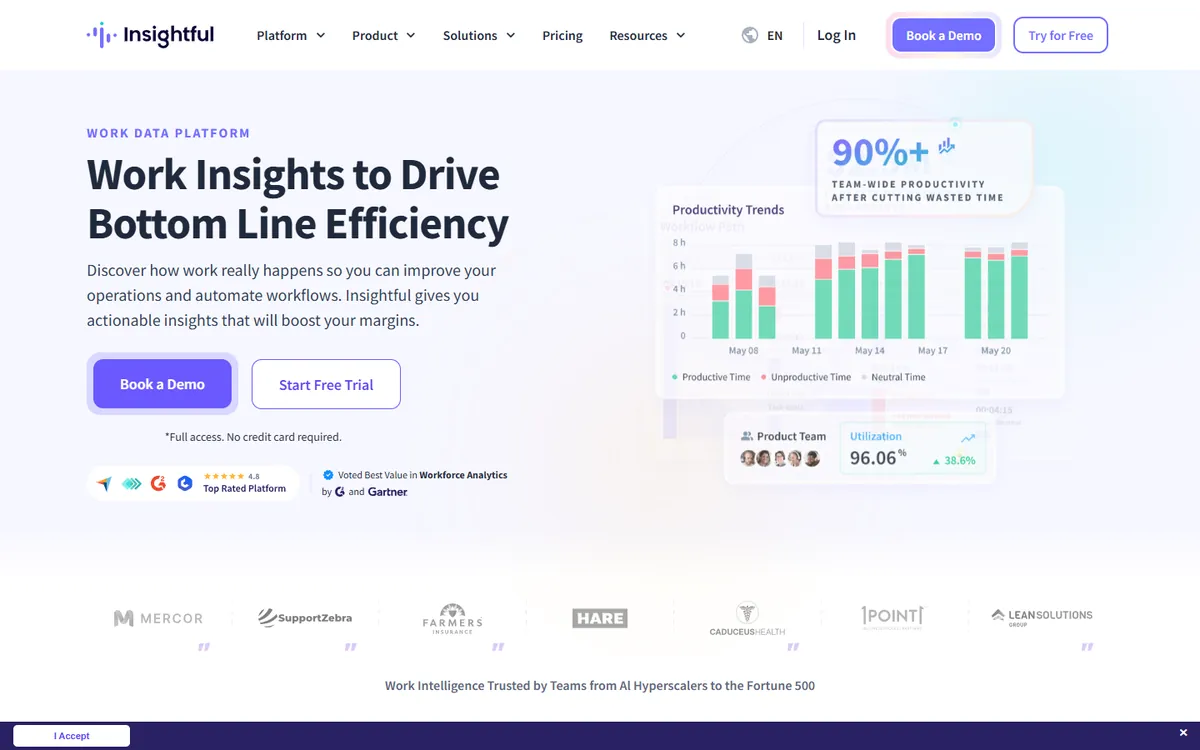
Insightful home page
Insightful's home page. Source: insightful.io, October 2026.
  1. Workforce Analytics $8 per seat / month, billed yearly

    Screenshots, app and website usage, productive time analysis, attendance and time on projects

  2. Workflow Optimization $12 per seat / month, billed yearly

    Workflow mapping and process analysis. In beta, open to selected customers

  3. Combo $16 per seat / month, billed yearly

    Both plans together, plus work location insights, payroll and a dedicated account manager

  4. Enterprise Custom Quoted by sales

    Insider threat detection, audit logs, SSO and a tailored deployment

Paid add-ons, per seat per month
  • On-demand screenshots $4
  • Increased frequency screenshots, up to 120 an hour $3
  • Screen recording $4
  • Workspace Security, insider threat detection and activity logs $4
  • Data warehouse integrations $0.50

No published seat minimum below Enterprise; on-premise starts at 250 seats. 7-day free trial, no card required. Insightful shows yearly prices and says month-to-month billing is available on selected plans, without a published monthly rate. From Insightful's pricing page, checked October 2026.

What Insightful does well

  • Built for contact centers and large enterprise operations
  • AI process capture and workflow analysis, which TimoDesk does not offer
  • On-premise deployment for teams that cannot use cloud software
  • Published compliance: SOC 2, ISO 27001, HIPAA, GDPR
  • Agents for Windows, macOS and Linux that IT can install remotely
03 · Why teams switch

Why teams look for an Insightful alternative

The reasons people shop around are rarely about broken features. They are about fit: the size of the bill, the setup, and how much of the platform a smaller team really uses.

  1. 01

    The yearly bill for a small or changing team

    Workforce Analytics is $8 a seat, billed for the year. Agencies and staffing firms whose headcount moves every month end up paying for seats that sit empty.

  2. 02

    Productivity scores need setup before they mean anything

    Insightful rates time as productive or not based on how each app and site is labelled. Getting that right for every team and role takes time, and until it is done the scores can mislead.

  3. 03

    More analytics than a team lead will open

    Capacity, utilization, engagement, AI adoption and workflow reports are useful at scale. A manager of 15 people who wants to know who worked on what can find it all a lot to wade through.

  4. 04

    The dashboard feels dated to some users

    Tracked staff find it easy to use, but some managers find the admin side clunky compared with newer tools.

  5. 05

    An agent that runs all day needs resources

    On machines that are short of memory, any always-on monitoring agent can slow things down. Worth testing on your oldest laptop with whichever tool you pick.

One more point, from Insightful itself: in August 2026 the company said its Linux app is still in beta. If part of your team runs Linux, check that before you renew.

04 · Before you switch

The switch checklist: what Insightful does that you must not lose

Eight things an Insightful team relies on every day, and which alternative keeps each one. A tick means it is on the plan we priced above or every plan; a plan name means you need that plan or higher; "Not stated" means we could not find it on the vendor's pages.

Screenshots

Captures at a set interval, so you can see the work behind the hours.

  • Insightful
  • TimoDesk
  • Hubstaff
  • Time Doctor
  • DeskTime
  • ActivTrak Paid add-on
  • Monitask
  • Workstatus
  • ScreenshotMonitor
  • Teramind

Activity levels

Keyboard and mouse counts that show active and idle time.

  • Insightful
  • TimoDesk
  • Hubstaff
  • Time Doctor
  • DeskTime
  • ActivTrak Not stated
  • Monitask
  • Workstatus
  • ScreenshotMonitor
  • Teramind Partial

Apps and websites

Which apps and sites took the day, per person and per team.

  • Insightful
  • TimoDesk
  • Hubstaff
  • Time Doctor
  • DeskTime
  • ActivTrak
  • Monitask
  • Workstatus
  • ScreenshotMonitor
  • Teramind

Time on projects and tasks

Hours logged against the work, not only against the person.

  • Insightful
  • TimoDesk
  • Hubstaff
  • Time Doctor
  • DeskTime
  • ActivTrak Not stated
  • Monitask
  • Workstatus
  • ScreenshotMonitor
  • Teramind

Manual time with approval

Offline time people add, checked by a manager before it counts.

  • Insightful
  • TimoDesk
  • Hubstaff
  • Time Doctor
  • DeskTime
  • ActivTrak Not stated
  • Monitask
  • Workstatus
  • ScreenshotMonitor Partial
  • Teramind Not stated

Timesheets and exports

Records you can send to payroll or attach to an invoice.

  • Insightful
  • TimoDesk
  • Hubstaff
  • Time Doctor
  • DeskTime
  • ActivTrak Partial
  • Monitask Partial
  • Workstatus
  • ScreenshotMonitor
  • Teramind Partial

Client access

A login that lets a client check the hours they pay for.

  • Insightful
  • TimoDesk
  • Hubstaff
  • Time Doctor Premium
  • DeskTime Exports only
  • ActivTrak Not stated
  • Monitask
  • Workstatus Coming soon
  • ScreenshotMonitor
  • Teramind Not stated

Windows, macOS and Linux

One agent for every desktop your team works on.

  • Insightful
  • TimoDesk
  • Hubstaff
  • Time Doctor
  • DeskTime
  • ActivTrak Windows, Mac, ChromeOS
  • Monitask
  • Workstatus
  • ScreenshotMonitor
  • Teramind Partial

Two things TimoDesk does not copy

Productivity labels. TimoDesk shows the apps and websites each person used, and activity levels from keyboard and mouse counts, but it does not score apps as productive or unproductive. Attendance and shifts. There is no shift scheduling or clock-in module; time is tracked against projects and tasks while the timer runs. If either of these is central to how you run the team, look at Time Doctor and DeskTime for labels, and DeskTime, Workstatus or Hubstaff for shifts.

What only Insightful and Teramind keep

On-premise hosting, published compliance certifications and insider threat tools. Of the tools on this page, only Teramind offers self-hosted and on-premise installs as well. If those are requirements, read who should stay with Insightful before anything else.

Feature data from each vendor's pricing and help pages, collected in our alternatives table, checked October 2026.

05 · Reviewed one by one

The 9 best Insightful alternatives and competitors in 2026

Each entry shows the bill for 20 people, how many of the eight checklist items it keeps in full, what it is good at and where it falls short. Every entry links to a full side-by-side comparison with TimoDesk.

1

TimoDesk

Best for client work and proof of hours
20 users $20 per month
  • Screenshots
  • Activity levels
  • Apps and websites
  • Time on projects and tasks
  • Manual time with approval
  • Timesheets and exports
  • Client access
  • Windows, macOS and Linux
  • 8 of 8 kept

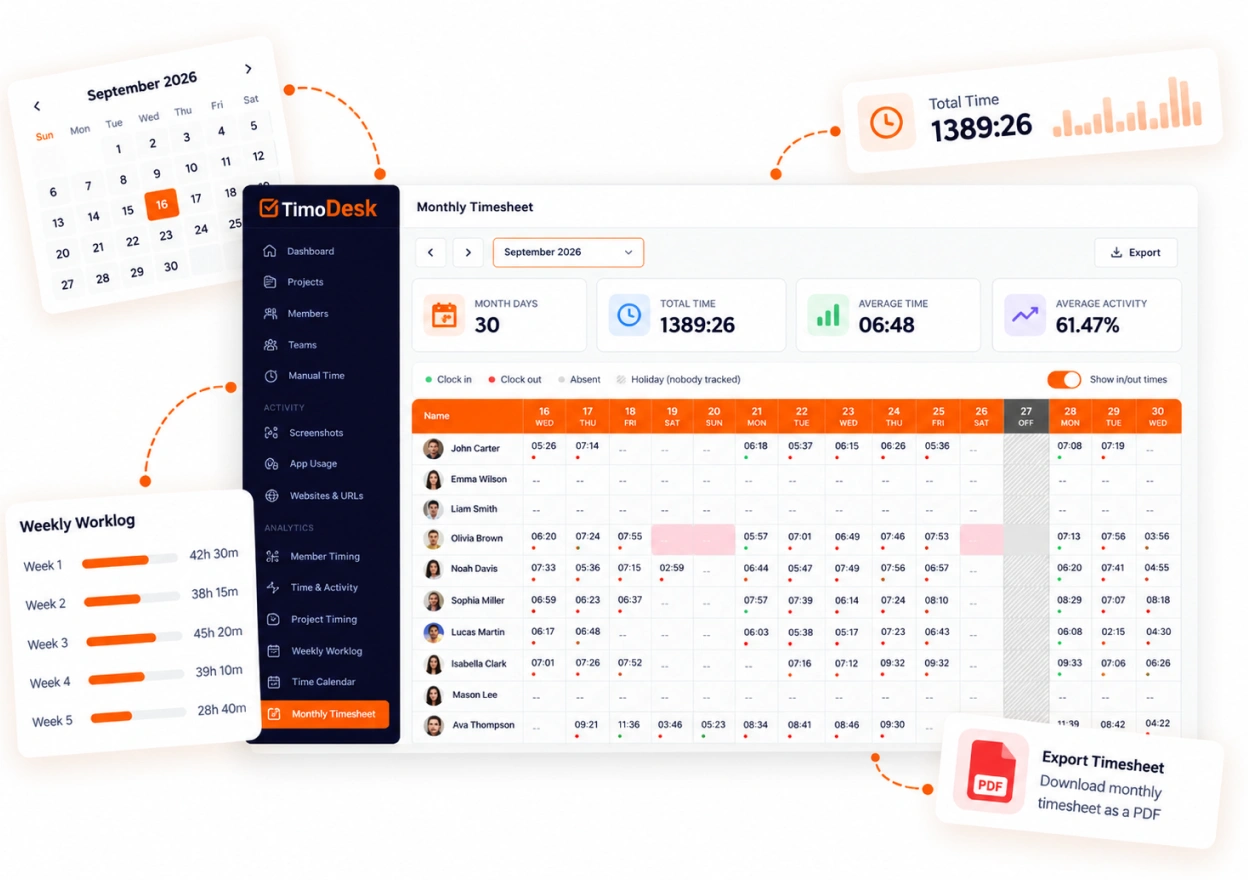
TimoDesk is the time tracker we build, for staffing agencies, outsourcing teams and anyone who bills clients by the hour. People start a timer on a project or task. While it runs, the desktop app for Windows, macOS or Linux takes screenshots at the interval you choose, measures keyboard and mouse activity and records the apps and websites in use. When the timer stops, recording stops.

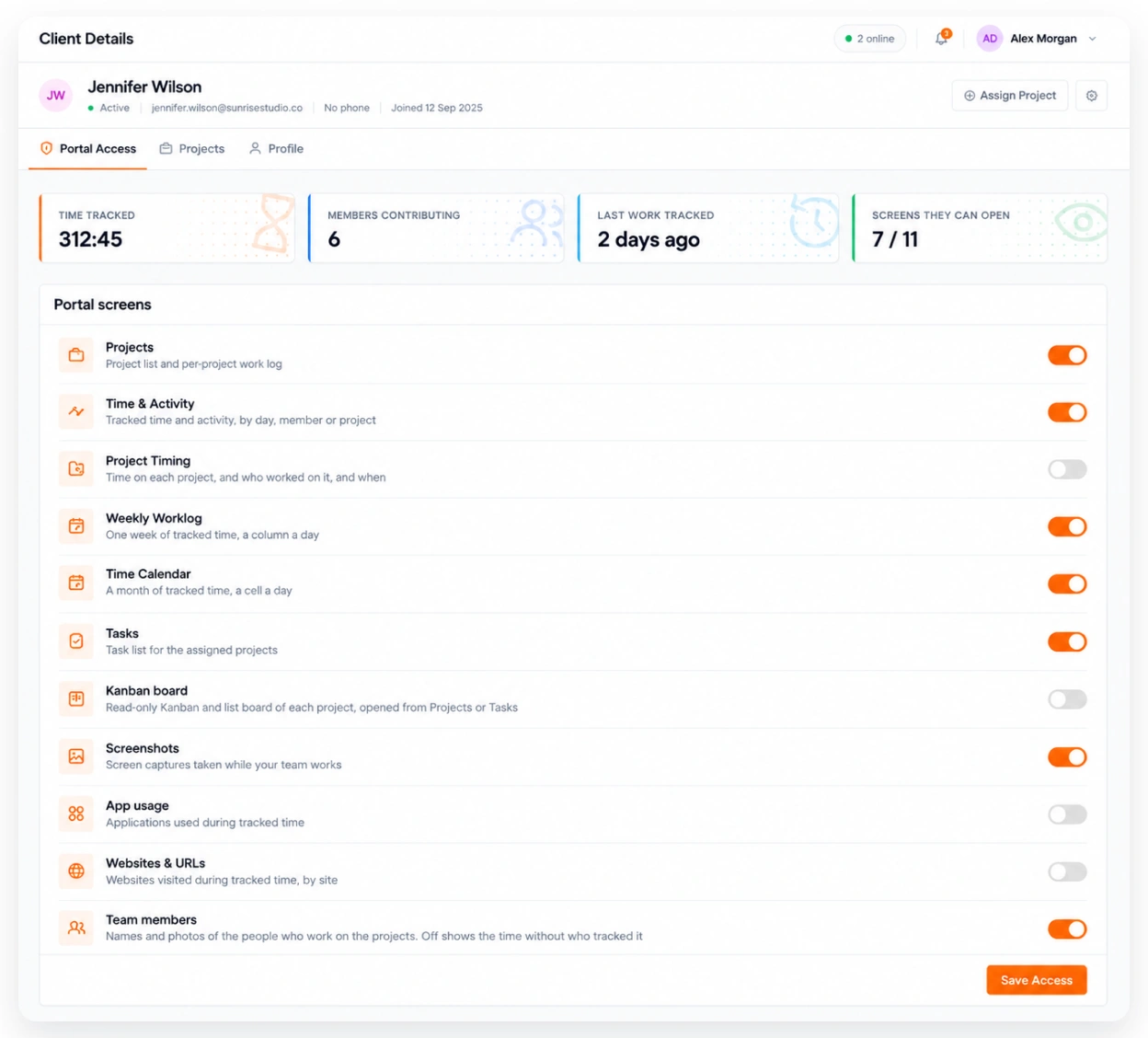
Compared with Insightful, it trades analytics depth for the parts a team lead opens every day: hours by project, proof of work behind each block of time, and a client portal where the client can check those hours for themselves. Every feature is on one plan at $1 per user per month, billed monthly, and only for members who tracked time that month. See time tracking with screenshots, app and website usage and the client portal.

Key features

  • Screenshots every 3 to 60 minutes, set for the team or for each member
  • Activity levels from keyboard and mouse counts, never keystrokes
  • App and website usage for each person and the whole team
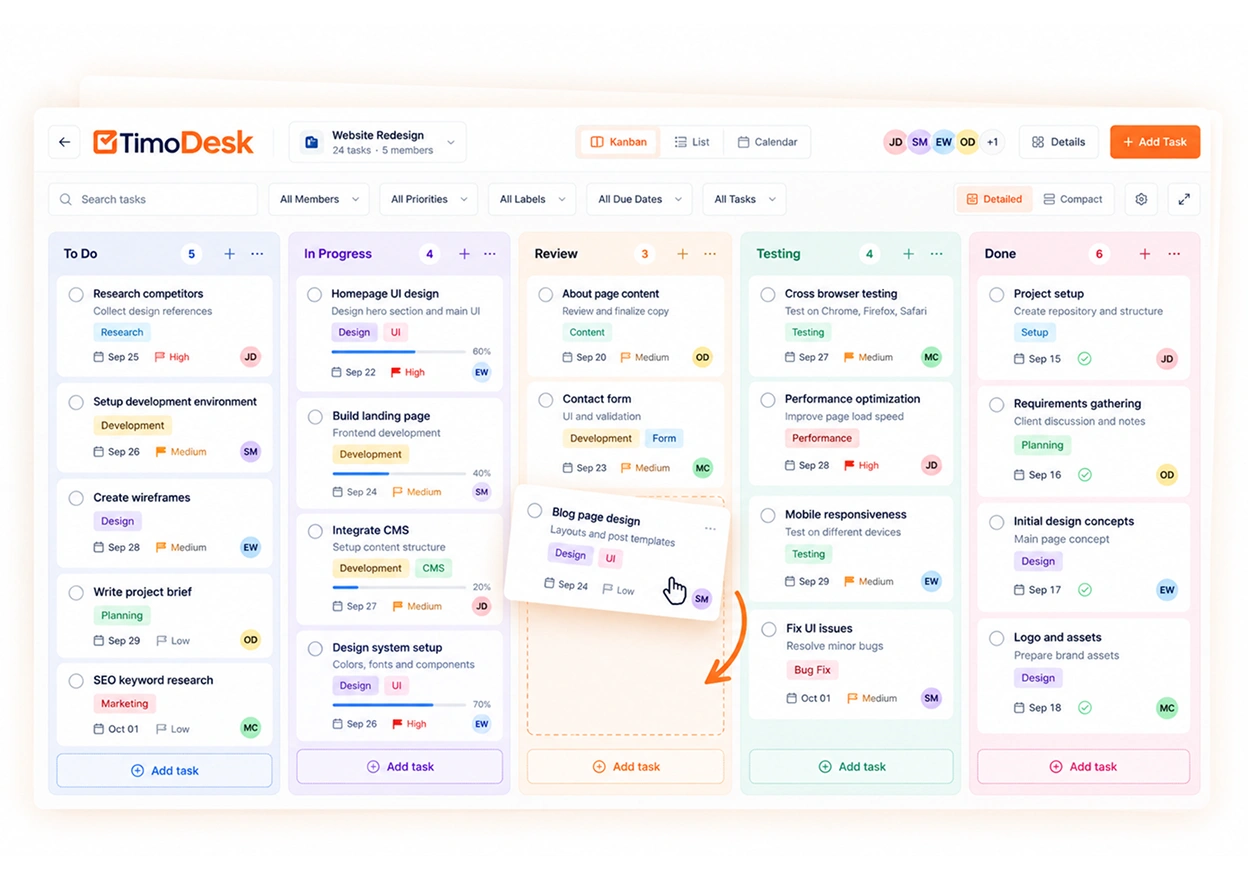
  • Projects, tasks and kanban boards, with time on every card
  • Manual time requests with approval, timesheets and PDF export
  • A client portal and a team dashboard that shows who is online now
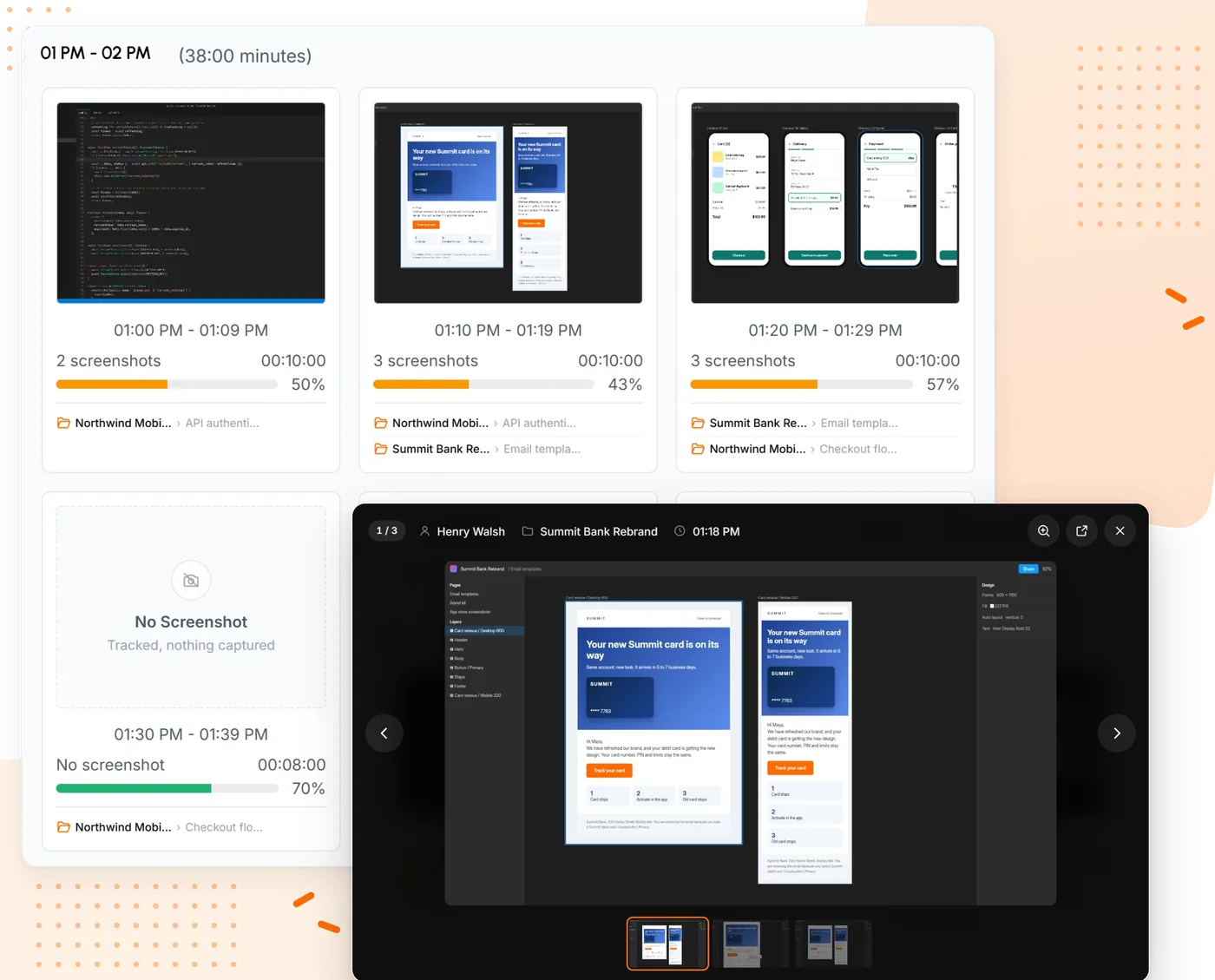
TimoDesk screenshots grouped into 10 minute blocks with tracked minutes and activity
Screenshots grouped by hour, with activity for each block.
  • $1 per user, an eighth of Workforce Analytics
  • Billed monthly, only for members who tracked time
  • Members can see their own screenshots
  • No productivity labels or attendance module
  • No integrations or mobile app yet
  • No free plan, only a 15-day trial
Pricing
  • One plan, every feature $1
15-day trial, no card. No seat minimum.
2

Hubstaff

Best for field and mixed teams
20 users $200 per month
  • Screenshots
  • Activity levels
  • Apps and websites
  • Time on projects and tasks
  • Manual time with approval
  • Timesheets and exports
  • Client access
  • Windows, macOS and Linux
  • 8 of 8 kept

Hubstaff is the tracker most people compare Insightful with first. It takes screenshots, measures keyboard and mouse activity and records apps and websites, then adds what Insightful does not lean into: GPS and geofencing for staff away from a desk, payroll that pays people from tracked hours, and a long list of project tool integrations.

For an Insightful team, the overlap is large. The difference is how the price builds. Starter is cheap, but approving manual time needs Team, kanban boards start on Grow, and every paid plan has a 2-seat minimum. Team is the plan that matches what an Insightful Workforce Analytics customer uses today.

Key features

  • GPS tracking and geofencing for field teams
  • Built-in payroll and automated payments
  • Shift scheduling and attendance management
  • A large list of integrations with project tools
  • A longer history and a larger support team
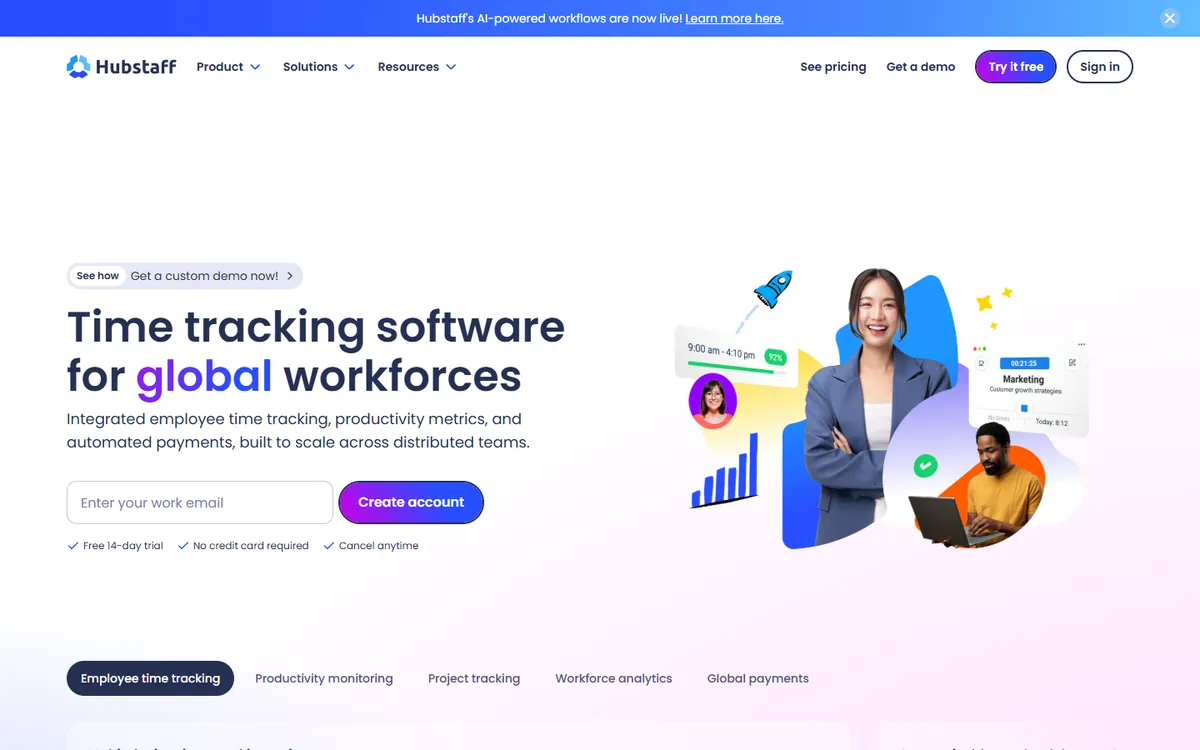
Hubstaff home page
  • Screenshots, activity and app usage on every paid plan
  • GPS, geofencing and payroll for field staff
  • A long list of integrations
  • A 2-seat minimum on paid plans
  • Manual time approval needs Team
  • Kanban boards start on Grow
Pricing per user / month
  • Starter $4.99
  • Grow $7.50
  • Team $10
  • Enterprise $25
14-day free trial, no card required. Source, August 2026.
3

Time Doctor

Best for productivity reports
20 users $233.40 per month
  • Screenshots
  • Activity levels
  • Apps and websites
  • Time on projects and tasks
  • Manual time with approval
  • Timesheets and exports
  • Client access
  • Windows, macOS and Linux
  • 7 of 8 kept

Time Doctor is the closest match to Insightful in spirit. Both rate time as productive or not, both report on work patterns, and both sell to managers who want numbers on focus rather than only hours. Time Doctor adds task-based timers and work-life balance reports.

App and website usage, productivity ratings and manual time approval start on Standard, so that is the plan to compare. Premium adds screen video and client logins. If your team valued Insightful's productivity scoring, this is the alternative that keeps the most of it.

Key features

  • Video screen recording on the Premium tier
  • Over 60 integrations with project and payroll tools
  • Work-life balance and productivity benchmarking
  • Longer data retention on higher tiers
  • Experienced support and onboarding for large teams
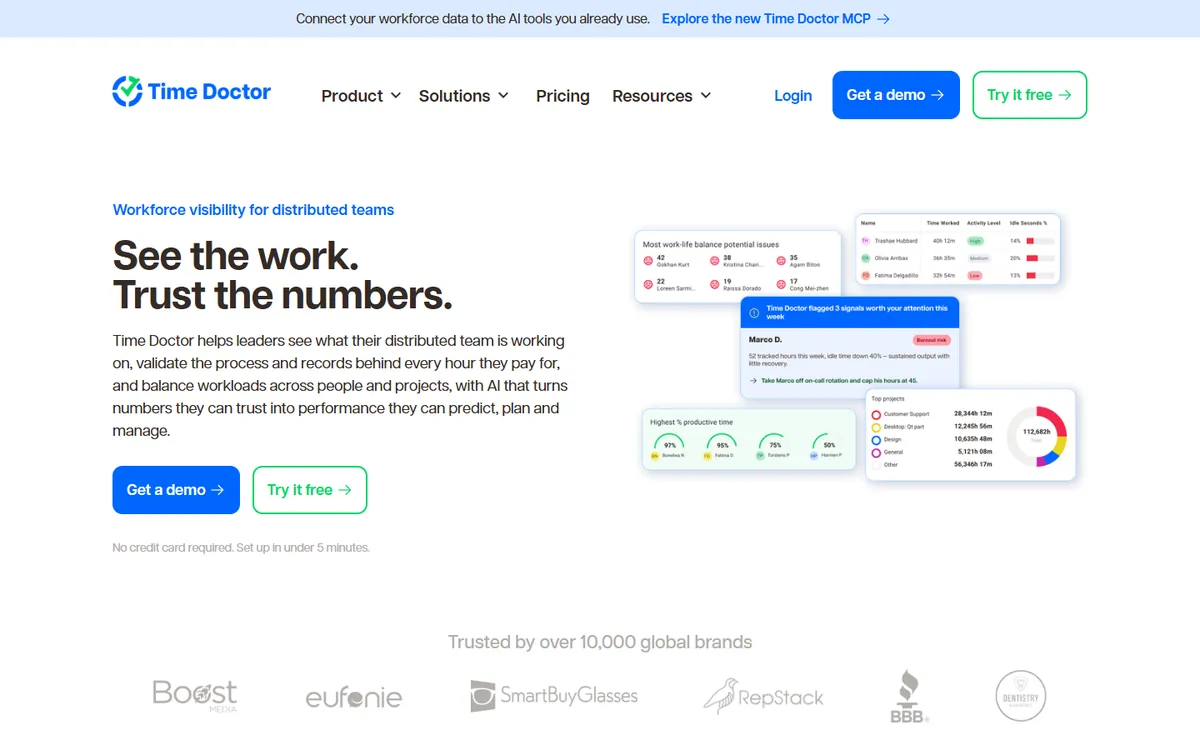
Time Doctor home page
  • Productivity ratings close to Insightful's
  • Over 60 integrations
  • Screen video on Premium if you need it
  • App and website usage needs Standard
  • Client logins only on Premium
  • Costs more per seat than Insightful
Pricing per user / month
  • Basic $6.67
  • Standard $11.67
  • Premium $16.67
14-day free trial of Premium, no card required. Source, August 2026.
4

DeskTime

Best for office attendance
20 users $183.40 per month
  • Screenshots
  • Activity levels
  • Apps and websites
  • Time on projects and tasks
  • Manual time with approval
  • Timesheets and exports
  • Client access
  • Windows, macOS and Linux
  • 7 of 8 kept

DeskTime tracks on its own once its app is running, so nobody has to press a timer. It sorts apps and sites into productive and unproductive, records document titles inside desktop apps and adds shift scheduling and an absence calendar. That makes it the nearest match to Insightful's attendance side.

Screenshots sit on Premium, which is the plan to compare. DeskTime no longer has a free plan, and Enterprise needs 200 users or more. Like Insightful, it expects you to tune the productivity labels for each team before the scores mean much.

Key features

  • Shift scheduling, an absence calendar and attendance management
  • Productivity scores you can adjust for each team
  • Document title tracking inside desktop apps, on top of app and URL tracking
  • AI summaries, IP location and private time on higher plans
  • Integrations with Jira, Asana, Trello, GitLab, Zapier and an API
DeskTime home page
  • Automatic tracking with no timer
  • Shifts, absences and attendance built in
  • Productivity scores you can tune per team
  • Screenshots need Premium
  • Clients get exports, not a login
  • No free plan any more
Pricing per user / month
  • Pro $6.42
  • Premium $9.17
  • Enterprise Custom
14-day free trial. Source, October 2026.
5

ActivTrak

Best for privacy-first analytics
20 users $200 per month, before add-on
  • Screenshots
  • Activity levels
  • Apps and websites
  • Time on projects and tasks
  • Manual time with approval
  • Timesheets and exports
  • Client access
  • Windows, macOS and Linux
  • 1 of 8 kept

ActivTrak and Insightful sell the same idea: measure how work happens from app and website use, then turn it into team productivity reports. ActivTrak puts privacy first. It says it does not log keystrokes, and screen captures come only through its Screen Details add-on.

The catch is the buying model. Every paid plan is billed annually only, and the screen add-on has no published price, so the figure below is the floor, not the bill. There is a free plan for up to 3 workers, which makes it easy to test on a small group first.

Key features

  • A free plan for up to 3 workers
  • A ChromeOS agent for Chromebooks
  • Outlook and Google Calendar integrations that add meetings and time off
  • User provisioning with Microsoft Entra ID and SCIM
  • Work location insights and an AI Insights add-on
ActivTrak home page
  • Free for up to 3 workers
  • Strong team analytics and a ChromeOS agent
  • Calendar data and SCIM provisioning
  • Annual plans only
  • Screenshots need a paid add-on
  • Sites must be labelled productive or not
Pricing per user / month
  • Free $0
  • Work Activity Tracking $10
  • Workforce Management $15
  • Productivity Optimization $17
  • Workflow $21
14-day free trial of the Workforce Management and Productivity Optimization bundle. Source, October 2026.
6

Monitask

Best low-cost monitor with mobile apps
20 users $179.80 per month
  • Screenshots
  • Activity levels
  • Apps and websites
  • Time on projects and tasks
  • Manual time with approval
  • Timesheets and exports
  • Client access
  • Windows, macOS and Linux
  • 7 of 8 kept

Monitask is a plain desktop monitor for Windows, macOS and Linux. People clock in, it takes screenshots and measures activity, and managers see the result on a dashboard. It also has Android and iOS apps, which Insightful users regularly ask for.

Pro already takes screenshots, but app and website usage, client logins and performance reports start on Business, so Business is the fair comparison with Insightful Workforce Analytics. GPS or IP location sits on Business Premium.

Key features

  • Mobile apps for Android and iOS
  • GPS or IP location tracking on Business Premium
  • Integrations with Jira, Asana, Trello and Zapier
  • More screenshots per hour as a paid add-on
  • Search query, full URL and document tracking on Business Premium
Monitask home page
  • Screenshots on the cheapest plan
  • Android and iOS apps
  • Linux as well as Windows and macOS
  • App and website usage needs Business
  • More screenshots per hour cost extra
  • Four tiers to compare
Pricing per user / month
  • Pro $6.49
  • Business $8.99
  • Business Premium $12.99
  • Enterprise $15.99
10-day free trial, no card required. Source, October 2026.
7

Workstatus

Best for shifts and field work
20 users $140 per month
  • Screenshots
  • Activity levels
  • Apps and websites
  • Time on projects and tasks
  • Manual time with approval
  • Timesheets and exports
  • Client access
  • Windows, macOS and Linux
  • 7 of 8 kept

Workstatus covers the same office monitoring as Insightful, with screenshots, activity and app usage, and then reaches out to people in the field with GPS, route history and geofenced clock-in as an add-on. Shift scheduling, leave and overtime are on its entry plan.

That makes it a fair swap for teams that used Insightful mainly for attendance. Proof already has screenshots and app usage. Client access is still listed as coming soon, and invoicing needs the Profit plan.

Key features

  • GPS, route history and geofenced clock-in with a Field Operations add-on
  • Invoicing, retainers and budget against actual on Profit
  • Shift scheduling, leave and overtime on the Proof plan
  • Jira, Asana, ClickUp, Trello and over 25 integrations, plus an API
  • Session replay screen recording as a paid add-on
Workstatus home page
  • Shifts, leave and overtime on the entry plan
  • GPS and geofencing as an add-on
  • Over 25 integrations and an API
  • Client access still coming soon
  • Invoicing needs Profit
  • Some reviewers report bugs
Pricing per user / month
  • Proof $7
  • Profit $13
  • Enterprise Custom
14-day free trial, no card required. Source, October 2026.
8

ScreenshotMonitor

Best free plan with screenshots
20 users $99.80 per month
  • Screenshots
  • Activity levels
  • Apps and websites
  • Time on projects and tasks
  • Manual time with approval
  • Timesheets and exports
  • Client access
  • Windows, macOS and Linux
  • 7 of 8 kept

ScreenshotMonitor does what the name says. People start a timer, it takes screenshots and records activity, apps and websites, and you can share reports with a client by link. Billing is prorated by the week, and owners who do not track are not charged.

It is the only tool here with a free plan that includes screenshots, for up to 3 users. Prices are monthly only, with no annual discount published. It suits small teams who want proof of work without any analytics layer.

Key features

  • A free plan for up to 3 users, with screenshots and activity levels
  • A web API that sends tracked time and notes to other systems
  • Reports emailed on a schedule, and shared with clients by link
  • Billing prorated by the week, and owners who don't track are not charged
  • A 30-day money-back guarantee, with card, PayPal, wire or check
ScreenshotMonitor home page
  • Free for up to 3 users, screenshots included
  • Reports shared with clients by link
  • A 30-day money-back guarantee
  • Manual time approval is basic
  • No kanban boards
  • Monthly prices only, no annual discount
Pricing per user / month
  • Free $0
  • Standard $4.99
  • Professional $6.99
14-day free trial of Professional, no card required. Source, October 2026.
9

Teramind

Best if you need more monitoring, not less
20 users $280 per month
  • Screenshots
  • Activity levels
  • Apps and websites
  • Time on projects and tasks
  • Manual time with approval
  • Timesheets and exports
  • Client access
  • Windows, macOS and Linux
  • 3 of 8 kept

Teramind is on this list for the opposite reason to the rest. If Insightful felt too light, for example because you need full screen video, live view, keystroke logs or data loss rules, Teramind goes further. Starter already records the screen and shows it live.

It costs more per seat than Insightful, every paid plan has a 5-seat minimum, and keystroke logging needs the UAM plan. It runs in the cloud, self-hosted or on premise, which keeps one of Insightful's strengths for regulated teams.

Key features

  • Video recording of screens and live screen view on every plan
  • Keystroke logging and SIEM integration from the UAM plan
  • Data loss prevention rules with automatic blocking on DLP
  • OCR that searches text inside screens and recordings on Enterprise
  • Self-hosted and on-premise options, plus government clouds
Teramind home page
  • Screen video and live view on every plan
  • Keystroke logs and data loss rules on higher plans
  • Self-hosted and on-premise options
  • The most expensive tool here
  • A 5-seat minimum
  • Far more than most teams need
Pricing per user / month
  • Starter $14
  • UAM $28
  • DLP $32
  • Enterprise & Government Custom
7-day free trial on cloud, no card required. Source, October 2026.
06 · Head to head

Insightful vs TimoDesk: analytics platform or time tracker?

The two tools overlap on the basics: screenshots, activity, apps and websites, time on projects. Insightful builds on that with analytics for large operations. TimoDesk builds on it with what client work needs: boards, approvals, timesheets and a portal the client can open.

Feature TimoDesk Insightful
Price per user / month $1 $8 Workforce Analytics
Billing Monthly Yearly; monthly on selected plans
Free trial 15 days, no card 7 days, no card
Who you pay for Members who tracked time that month Every tracked employee
Interval screenshots
On-demand screenshots Paid add-on
Screen recording Paid add-on
Activity levels
App and website usage
Productivity labels
Attendance and shift scheduling
Time on projects and tasks
Kanban project boards Optimization
Manual time with approval
Client access
Linux app Beta
Workflow and process mapping Workflow Optimization, beta
On-premise hosting From 250 seats
Integrations Not yet

Where Insightful wins

  • Productive time analysis with app and site labels
  • Attendance, shift scheduling and schedule adherence
  • On-demand screenshots and screen recording as add-ons
  • On-premise hosting, compliance and insider threat tools
  • Project tool and data warehouse integrations

Where TimoDesk wins

  • $1 a user, billed monthly, no annual term
  • Kanban boards with time on every card
  • A client portal you switch on screen by screen
  • Desktop apps for Windows, macOS and Linux
  • Nothing recorded while the timer is off

Insightful plan details from its pricing page, October 2026. Linux beta status from Insightful's own statement, August 2026.

Moving from Insightful to TimoDesk in a week

  1. Check your renewal date. Insightful bills by the year, so plan the move to finish before the term renews.
  2. Export what you must keep. Download the attendance, timesheet and productivity reports you need for payroll or audits.
  3. Start the trial. It runs 15 days with no card. Create your projects and tasks, then invite the team.
  4. Set the rules. Choose a screenshot interval for the team or per member, and decide which screens each client can see.
  5. Run both for a few days, compare the hours, then remove the Insightful agent from every computer.
07 · An honest check

Who should stay with Insightful

A cheaper tool is only cheaper if it does the job. For some teams Insightful is still the right answer, and switching would cost more in lost data than it saves in seats.

  • You run a large operation

    Contact centers, outsourcing floors and back offices with hundreds of seats get the most from capacity, utilization and team benchmarks. That is what Insightful is built for.

  • Data must stay on your network

    Insightful can be installed on premise from 250 seats. Among the alternatives here, only Teramind offers the same.

  • Auditors ask for certifications

    Insightful publishes SOC 2, ISO 27001, HIPAA and GDPR compliance. If procurement needs those documents, check each alternative before you shortlist it.

  • Productivity scores drive decisions

    If your managers act on productive time and labelled apps every week, and the labels are already tuned, starting over elsewhere has a real cost.

  • You want process mapping

    Workflow Optimization maps how work moves between apps. None of the alternatives on this page does that.

  • Attendance is the main job

    Clock-in, breaks, shifts and schedule adherence sit on the same plan as monitoring. DeskTime and Workstatus are the closest swaps if you still want to move.

Switch if your team is under a few hundred people, you mostly open Insightful to see hours, screenshots and apps, and you would rather pay by the month for the people who actually worked.

The short version

Which Insightful alternative should you choose?

  • Stay with Insightful if you need on-premise hosting, compliance documents, process mapping or tuned productivity scores across a large operation.
  • To keep productivity scoring, Time Doctor is the closest match and ActivTrak the privacy-first one.
  • For attendance and shifts, DeskTime and Workstatus. For field staff, Hubstaff.
  • For hours, proof of work and a client view, TimoDesk does it for $1 per user per month, billed monthly.

Keep comparing

FAQ

Questions about Insightful alternatives

What people ask before they move away from Insightful.

What is the best alternative to Insightful?

It depends on what you used Insightful for. For productivity scoring, Time Doctor and ActivTrak come closest. For attendance and shifts, DeskTime and Workstatus. For field staff, Hubstaff. For tracked hours with screenshots, app usage and a client portal at the lowest price, TimoDesk at $1 per user per month.

Is there a cheaper alternative to Insightful?

Yes. Insightful Workforce Analytics is $8 per seat per month on annual billing, so a 20-person team pays $1,920 a year up front. TimoDesk costs $20 a month for the same team, billed monthly. ScreenshotMonitor, Hubstaff Starter and Workstatus Proof also cost less per seat.

Is Insightful the same as Workpuls?

Yes. Workpuls rebranded as Insightful in April 2022. It is the same product under a new name, so people searching for a Workpuls alternative are looking at the same tool this page covers.

Does Insightful include screenshots?

Interval screenshots are included in Workforce Analytics, according to Insightful's pricing page in October 2026. On-demand screenshots cost $4 per seat per month extra, and screen recording $4. TimoDesk includes screenshots on its only plan and does not record video.

Which Insightful alternative has a free plan?

ScreenshotMonitor is free for up to 3 users with screenshots. ActivTrak is free for up to 3 workers, but screen captures need a paid add-on. TimoDesk, Hubstaff, Time Doctor, DeskTime, Monitask, Workstatus and Teramind have trials, not free plans. TimoDesk's trial runs 15 days with no card.

Does TimoDesk label apps as productive or unproductive like Insightful?

No. TimoDesk shows which apps and websites each person used and for how long, and activity levels from keyboard and mouse counts, but it does not score apps as productive. If productivity labelling is the main reason you use Insightful, Time Doctor, DeskTime or ActivTrak keep it.

How do I move my team from Insightful to TimoDesk?

Start the 15-day trial, which needs no card. Create your projects, invite the team and install the desktop app for Windows, macOS or Linux. Run both tools for a week, export the Insightful reports you need to keep, then remove the Insightful agent before your annual term renews.

Is this comparison biased?

We make TimoDesk, so it is on this list. Every competitor price comes from the vendor's own pricing page, and the page says plainly when Insightful or another tool is the better choice.

Still have a question? Book a call. We'll show you TimoDesk with your own setup and answer any question this list doesn't cover. Talk to our team

Start tracking time this week

Create your organization and invite your team today. Tracked time shows on the dashboard the same day, and the first full-day reports are ready the next day. $1 per user per month, with every feature included.

  • $1 per user / month
  • 15-day free trial, no card
  • Stop anytime. No contract.
Need help? Book a one-hour TimoDesk demo Book a meeting