The best Hubstaff alternatives
- TimoDesk for proof of work at the lowest price
- Time Doctor for video screen recording
- DeskTime for shifts and absences
- Insightful for large, regulated operations
- Clockify for a free start
- Monitask for mobile apps
- Workstatus for field and shift teams
- ScreenshotMonitor for teams of three or fewer
- Toggl Track for teams that work on trust
Hubstaff is one of the most complete time trackers you can buy. It tracks time, takes screenshots, follows field staff with GPS and runs payroll. For a lot of teams, that is exactly the problem: they pay for a workforce platform when what they need is to see where the hours went.
This page is for those teams. Each alternative below gets an honest section with what it does well, where it falls short and what you really pay for screenshots and activity levels, the features most people use Hubstaff for. If you already know you need GPS and payroll, skip to the verdict. Hubstaff may still be your best choice.
Which Hubstaff alternative fits your team?
Answer three questions. Your best matches update as you go.
- Pick an answer to see your matches.
Hubstaff at a glance
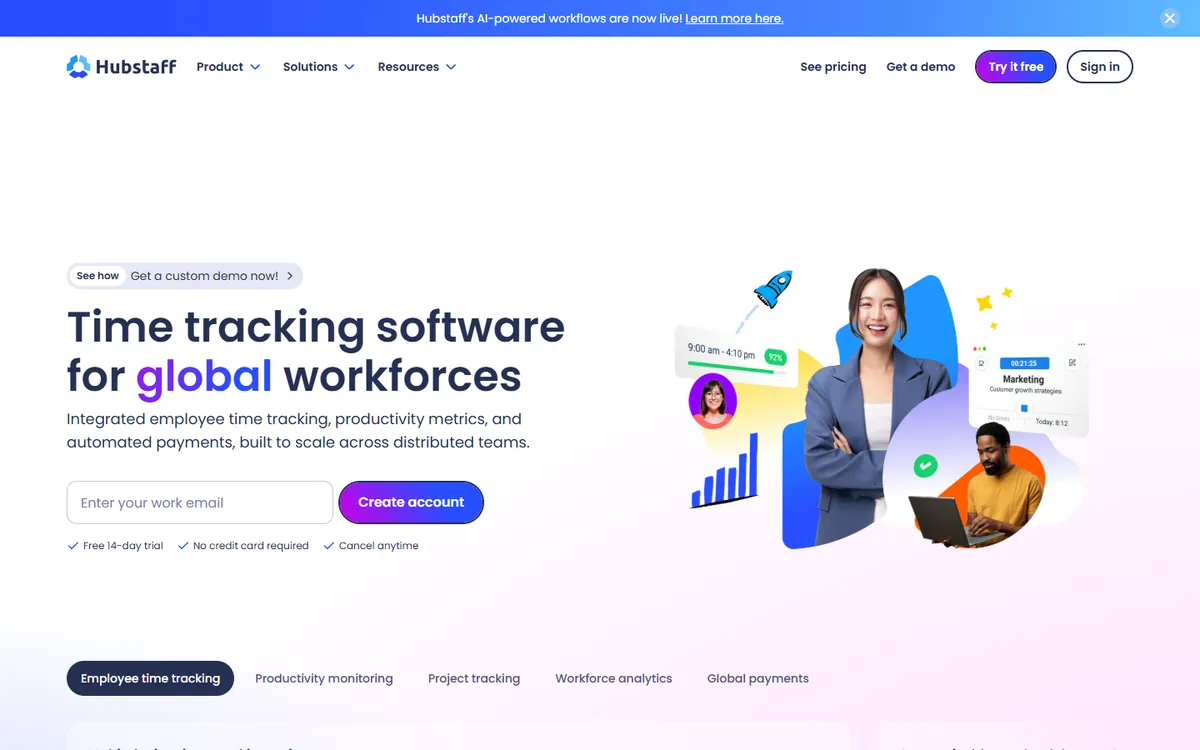
Hubstaff is time tracking and workforce management software for remote and field teams. On top of the timer, screenshots and activity levels, it adds GPS and geofencing, built-in payroll, shift scheduling and a long list of integrations. It has a 2-seat minimum on paid plans and a 14-day free trial, no card required.
| Plan | Billed yearly | Billed monthly |
|---|---|---|
| Starter | $4.99 | $7 |
| Grow | $7.50 | Not published |
| Team The plan most teams compare | $10 | $12 |
| Enterprise | $25 | Not published |
The features most teams use every day are spread across those tiers. Kanban boards start on Grow, approving manual time needs the Team plan, and performance reports sit on higher tiers. That is why we compare every alternative with Hubstaff Team at $10, not with Starter at $4.99.
Why teams look for a Hubstaff alternative
The same few reasons come up again and again from teams that moved to us.
1. The price climbs with every feature you need
Starter at $4.99 looks cheap. Once you need boards, manual time approval or better reports, you are on Team at $10, and for 10 people that is $1,200 a year.
2. You pay for every seat, used or not
Hubstaff bills each seat you hold, with a 2-seat minimum on paid plans. A founder tracking one contractor still pays for two, and people on leave still count.
3. Field features an office team never uses
GPS, geofencing, payroll and shift scheduling are worth the money for field crews. A remote design team or a support desk pays for that product and never opens it.
4. More product than the team wants to learn
A large product means more settings, more menus and more for new staff to learn. Teams that only need a timer, screenshots and a timesheet often prefer something simpler.
How we compared these tools
We make TimoDesk, so read this page with that in mind. These are the rules we used to keep the rest fair.
- Real prices. Every price comes from the vendor's own pricing page, at yearly billing where they publish it.
- Like for like. We compare the lowest plan with screenshots and activity levels, not the entry plan.
- Their strengths too. Each tool gets its own pros and cons, including where it beats TimoDesk.
- Kept current. We check prices again whenever a vendor changes its plans.
- Sources linked. Every price links to the page we took it from, so you can check it.
Hubstaff alternatives compared
The price is the plan that matches Hubstaff Team. The yearly column is that price for 10 users.
| Tool | Best for | Matching plan | 10 users / year | Screenshots |
|---|---|---|---|---|
 TimoDesk TimoDesk |
Proof of work at the lowest price | $1 Every feature | $120 | |
 Time Doctor Time Doctor |
Video screen recording | $11.67 Standard | $1,400.40 | |
 DeskTime DeskTime |
Shifts and absences | $9.17 Premium | $1,100.40 | Premium plan |
 Insightful Insightful |
Large, regulated operations | $8 Workforce Analytics | $960 | |
 Clockify Clockify |
A free start | $7.99 Pro | $958.80 | Pro plan |
 Monitask Monitask |
Mobile apps | $6.49 Pro | $778.80 | |
 Workstatus Workstatus |
Field and shift teams | $7 Proof | $840 | |
 ScreenshotMonitor ScreenshotMonitor |
Teams of three or fewer | $4.99 Standard | $598.80 | |
 Toggl Track Toggl Track |
Teams that work on trust | No screenshots | No matching plan | |
 Hubstaff Hubstaff |
GPS, payroll and field teams | $10 Team | $1,200 |
TimoDesk
Best for proof of work at the lowest priceTimoDesk is a desktop time tracker for Windows, macOS and Linux with screenshots, activity levels, app and website usage, projects and a client portal. Everything is on one plan at $1 per user per month, about 10 times less than Hubstaff Team. Here is what you get for that.
Screenshots and activity at the base price
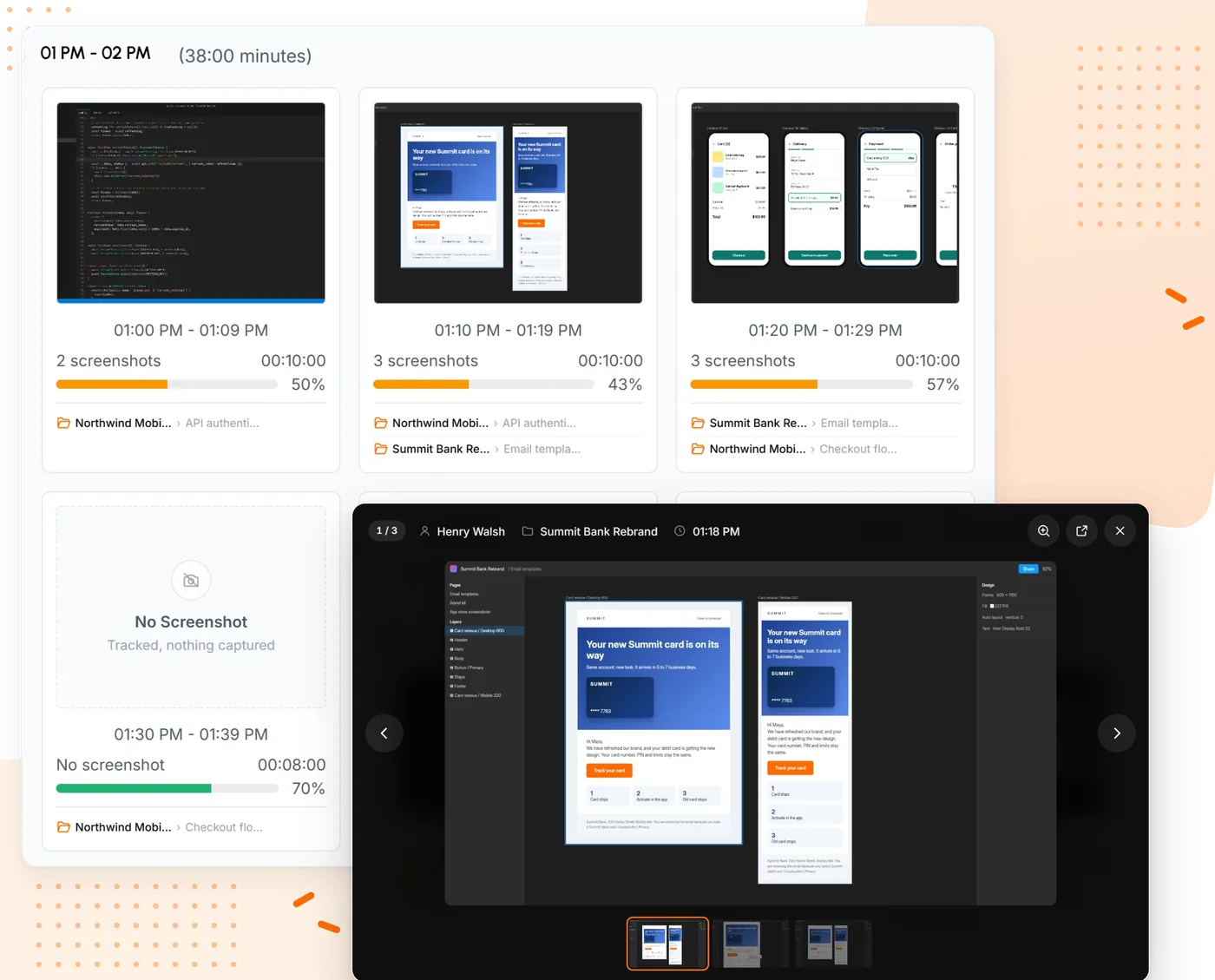
Pick a screenshot interval from 3 to 60 minutes for the whole team or for one person. Captures land in 10 minute blocks with the tracked minutes, an activity bar and the task they belong to. Captures from idle stretches are dropped on the computer before upload, so nobody reviews an empty desk. More on screenshots and activity levels.
Projects with a board, a list and a calendar
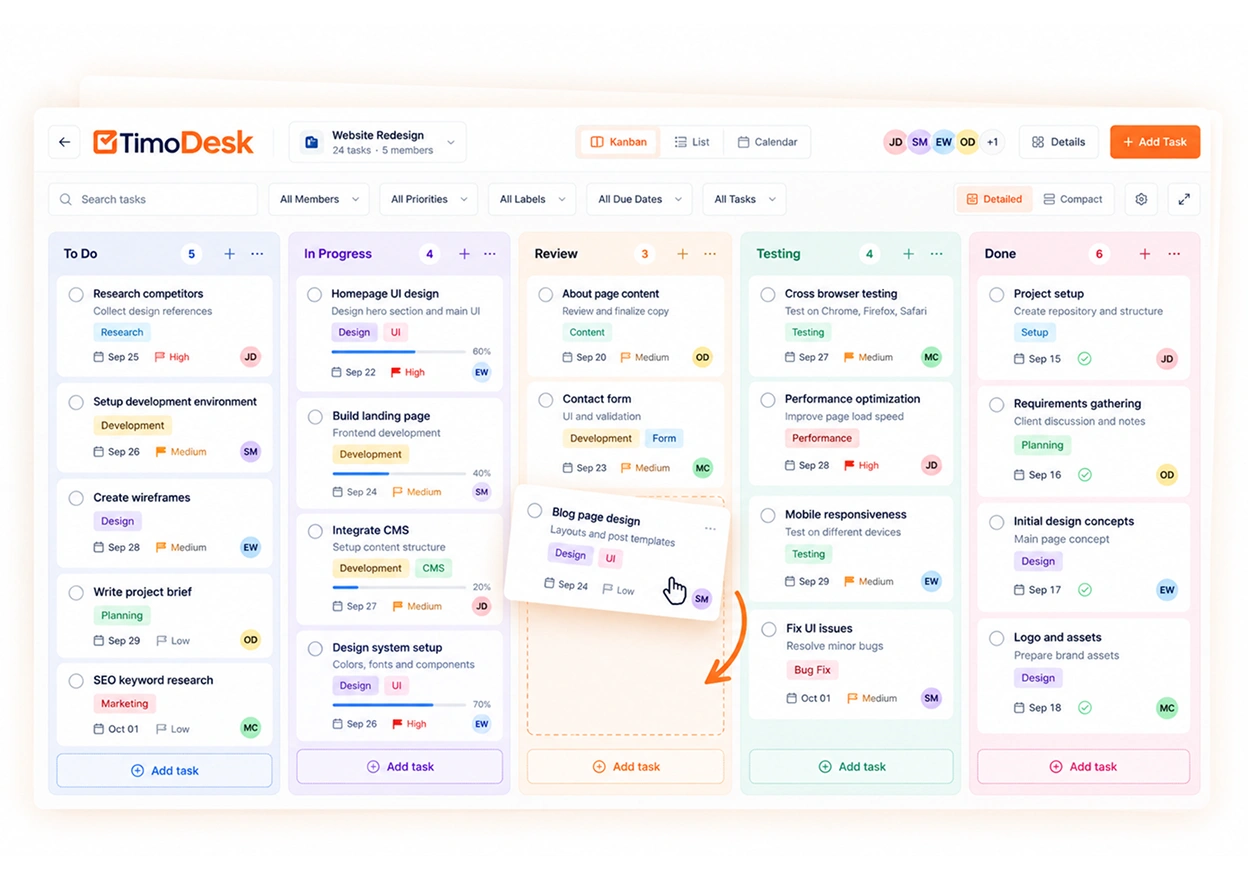
On Hubstaff, boards start on Grow. In TimoDesk every project has a kanban board with columns you add, rename, color and reorder, plus a list and a calendar of the same tasks. The timer runs on the card, so the hours sit next to the estimate. See project management.
Manual time, with approval
A member asks for time they forgot to track, with the project, the start and end time and a reason. A manager approves or rejects it, or you approve requests automatically. Hubstaff keeps this on the Team plan. See manual time.
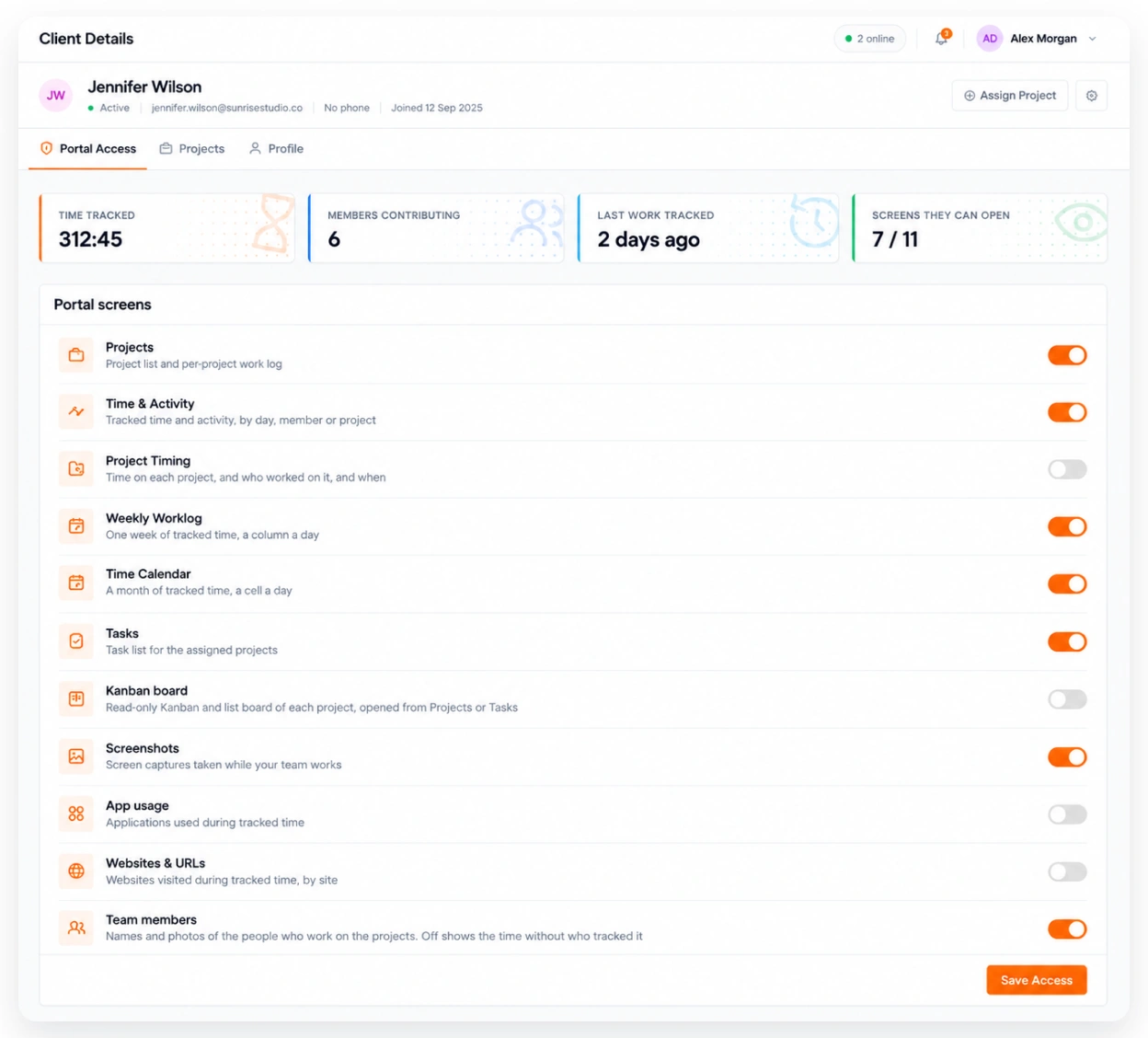
A client portal for agencies
Each person at a client gets a view-only login to the projects you assign them, and you decide whether they see screenshots. It is the quickest way to answer "what did we pay for?" See the client portal.
Billing that follows real use
TimoDesk bills after the month ends, $1 for each member who tracked time. Someone invited who never started a timer costs nothing, and there is no seat minimum or yearly contract. See pricing.
Pros
- Every feature on one $1 plan
- Billed only for members who tracked time
- Apps for Windows, macOS and Linux
- Client portal included
Cons
- No GPS, payroll or mobile app
- No invoicing or integrations
- No free plan, only a 15-day trial
Time Doctor
Best for video screen recording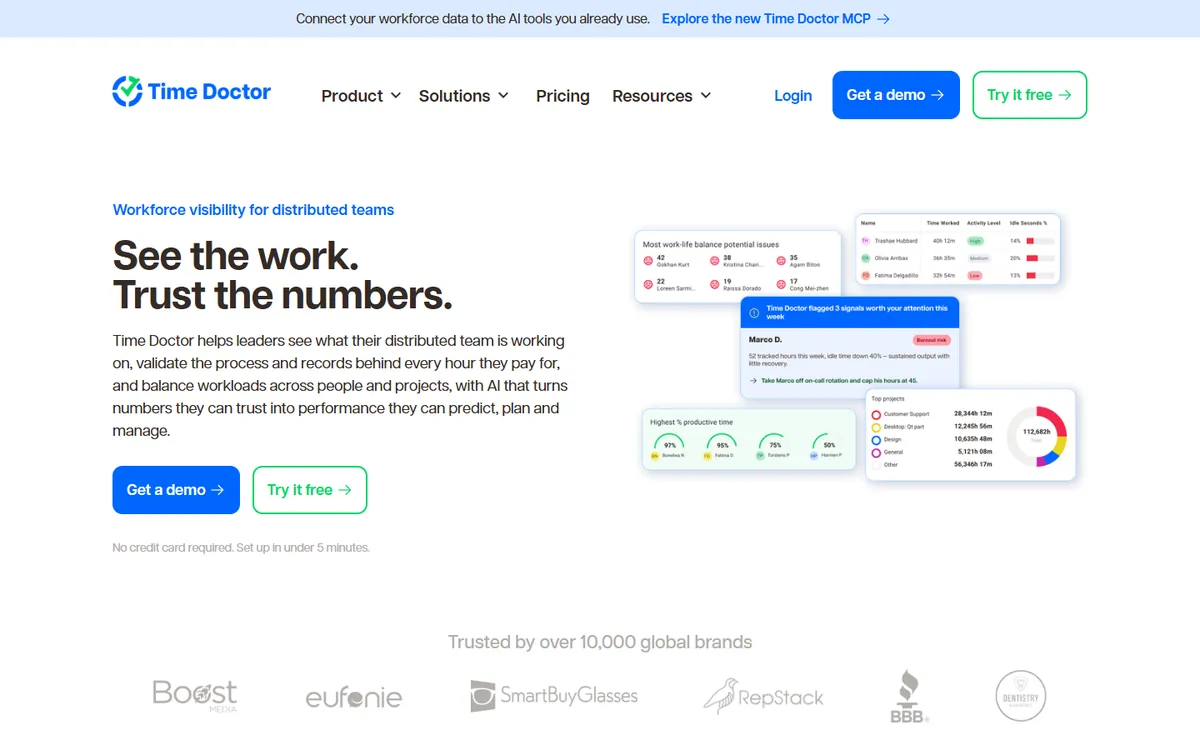
Time Doctor is one of the oldest names in this category and the closest swap for Hubstaff on the monitoring side. It tracks time against projects and tasks, takes screenshots and adds productivity analytics on top.
The difference is video. Time Doctor Premium records the screen, which Hubstaff does not do on any plan. Together with Insightful, it is one of two tools on this list where the plan that matches Hubstaff Team costs more, because app and website usage starts on Standard.
Key features
- Video screen recording on the Premium tier
- Over 60 integrations with project and payroll tools
- Work-life balance and productivity benchmarking
- Longer data retention on higher tiers
- Experienced support and onboarding for large teams
Pros
- Records screen video, which Hubstaff cannot
- Over 60 integrations with project and payroll tools
- Mature onboarding and support for large teams
Cons
- App and website usage needs Standard, not Basic
- Video recording needs Premium
- No free plan
| Plan | Billed yearly | Billed monthly |
|---|---|---|
| Basic | $6.67 | $8 |
| Standard Matches Hubstaff Team | $11.67 | $14 |
| Premium | $16.67 | $20 |
14-day free trial of Premium, no card required. Prices from Time Doctor's pricing page, checked August 2026.
DeskTime
Best for shifts and absences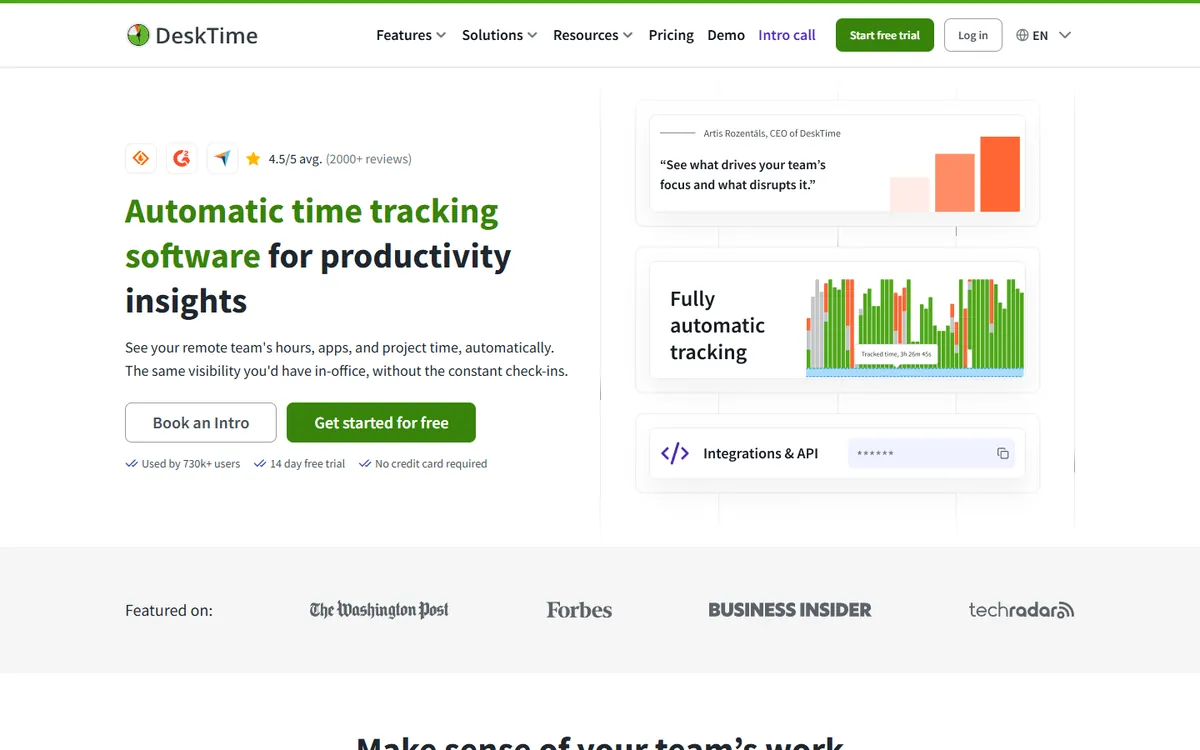
DeskTime tracks automatically, with no timer for staff to remember. It scores apps and websites for productivity, and on top of tracking it runs shift scheduling, an absence calendar and attendance. That makes it a good fit for office and hybrid teams that work in shifts.
Screenshots are the catch. They sit on Premium, so the plan that matches Hubstaff Team is only slightly cheaper than Hubstaff itself.
Key features
- Shift scheduling, an absence calendar and attendance management
- Productivity scores you can adjust for each team
- Document title tracking inside desktop apps, on top of app and URL tracking
- AI summaries, IP location and private time on higher plans
- Integrations with Jira, Asana, Trello, GitLab, Zapier and an API
Pros
- Shifts, absences and attendance in the same tool
- Fully automatic tracking with no timer to start
- Productivity scores you can adjust per team
Cons
- Screenshots need the Premium plan
- Enterprise is only for 200 users or more
- The matching plan saves little against Hubstaff Team
| Plan | Billed yearly | Billed monthly |
|---|---|---|
| Pro | $6.42 | Not published |
| Premium Matches Hubstaff Team | $9.17 | Not published |
| Enterprise | Custom | Custom |
14-day free trial. Prices from DeskTime's pricing page, checked October 2026.
Insightful
Best for large, regulated operations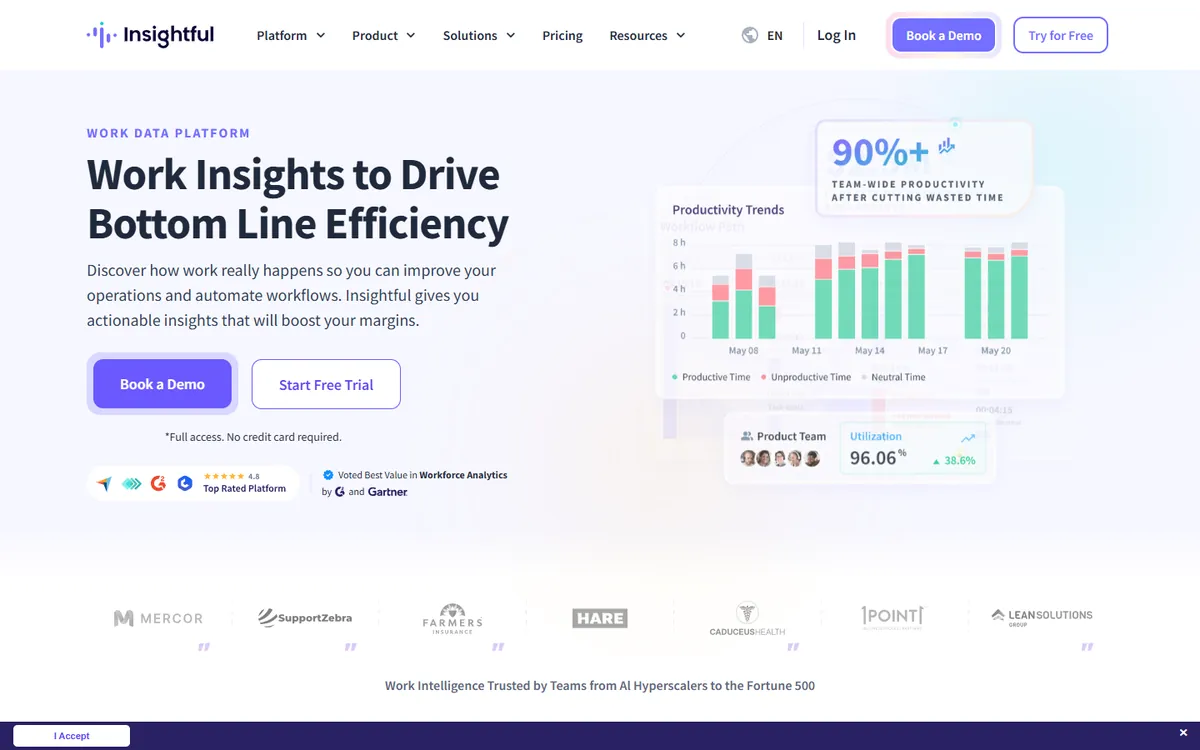
Insightful is built for scale: contact centers, outsourcing firms and enterprise operations. It adds process capture and workflow analysis on top of monitoring, offers on-premise hosting and publishes SOC 2, ISO 27001, HIPAA and GDPR compliance.
For a team that only needs proof of hours, it is more platform than you need. On-demand screenshots and screen recording are paid add-ons on top of the analytics plan.
Key features
- Built for contact centers and large enterprise operations
- AI process capture and workflow analysis, which TimoDesk does not offer
- On-premise deployment for teams that cannot use cloud software
- Published compliance: SOC 2, ISO 27001, HIPAA, GDPR
- Agents for Windows, macOS and Linux that IT can install remotely
Pros
- On-premise deployment for teams that cannot use the cloud
- Published compliance certifications
- Process and workflow analytics no other tool here offers
Cons
- Screenshots cost extra on top of the plan
- A short 7-day trial
- Heavy for a small team that just needs hours and proof
| Plan | Billed yearly | Billed monthly |
|---|---|---|
| Workforce Analytics Matches Hubstaff Team | $8 | Not published |
| Workflow Optimization | $12 | Not published |
| Combo | $16 | Not published |
| Enterprise | Custom | Custom |
7-day free trial, no card required. Prices from Insightful's pricing page, checked October 2026.
Clockify
Best for a free start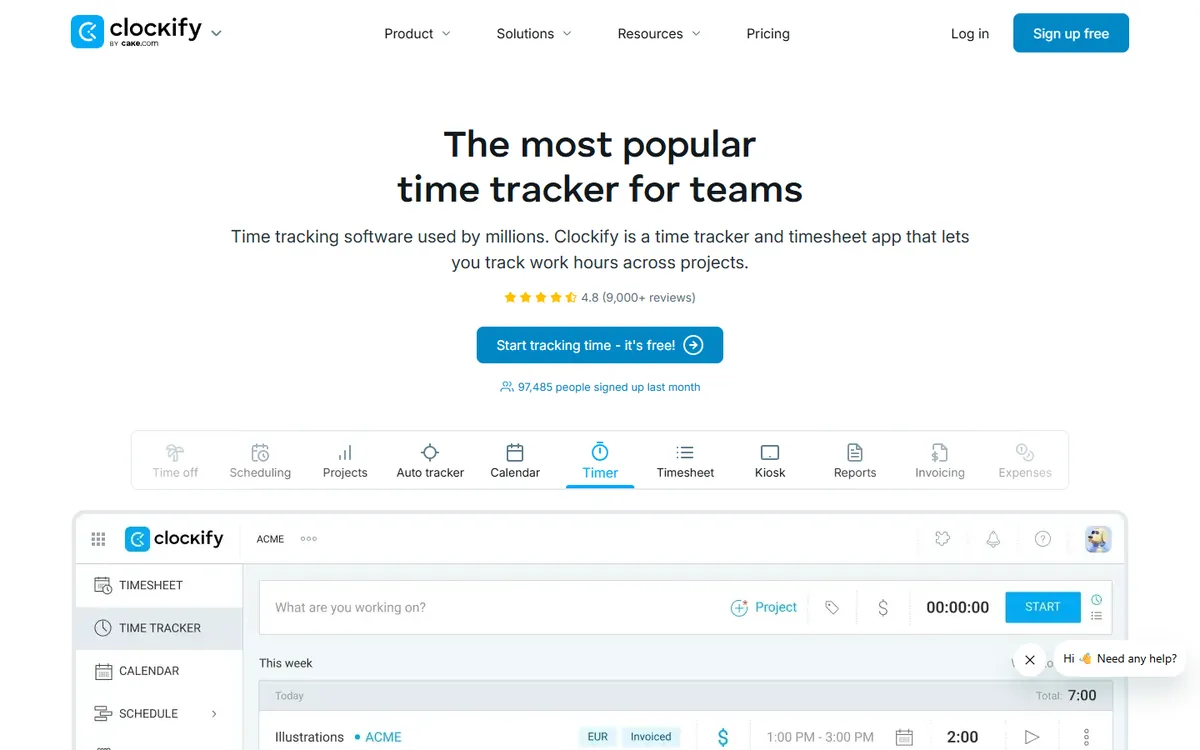
Clockify is the best-known free time tracker. Its free plan has no time limit and covers up to five users, and its paid plans grow into a wider suite with invoicing, scheduling, GPS and payroll.
For Hubstaff users the gap is monitoring. Screenshots arrive only on Pro, so the free version is a timer, not proof of work.
Key features
- A free plan for up to five users, with no time limit
- Automatic app and website tracking on every plan, including free
- A wider product with invoicing, scheduling, GPS and payroll
- Desktop apps for Windows, macOS and Linux, plus iOS, Android and browser extensions
- Higher plans to move up to if you need enterprise controls
Pros
- A free plan with no time limit
- Automatic app and website tracking even on the free plan
- Apps for desktop, mobile and the browser
Cons
- Screenshots start on Pro
- Kanban boards live in a separate app
- Manual time approval starts on Standard
| Plan | Billed yearly | Billed monthly |
|---|---|---|
| Free | $0 | $0 |
| Basic | $3.99 | $4.99 |
| Standard | $5.49 | $6.99 |
| Pro Matches Hubstaff Team | $7.99 | $9.99 |
| Enterprise | $11.99 | $14.99 |
7-day free trial, no card required. Prices from Clockify's pricing page, checked August 2026.
Monitask
Best for mobile apps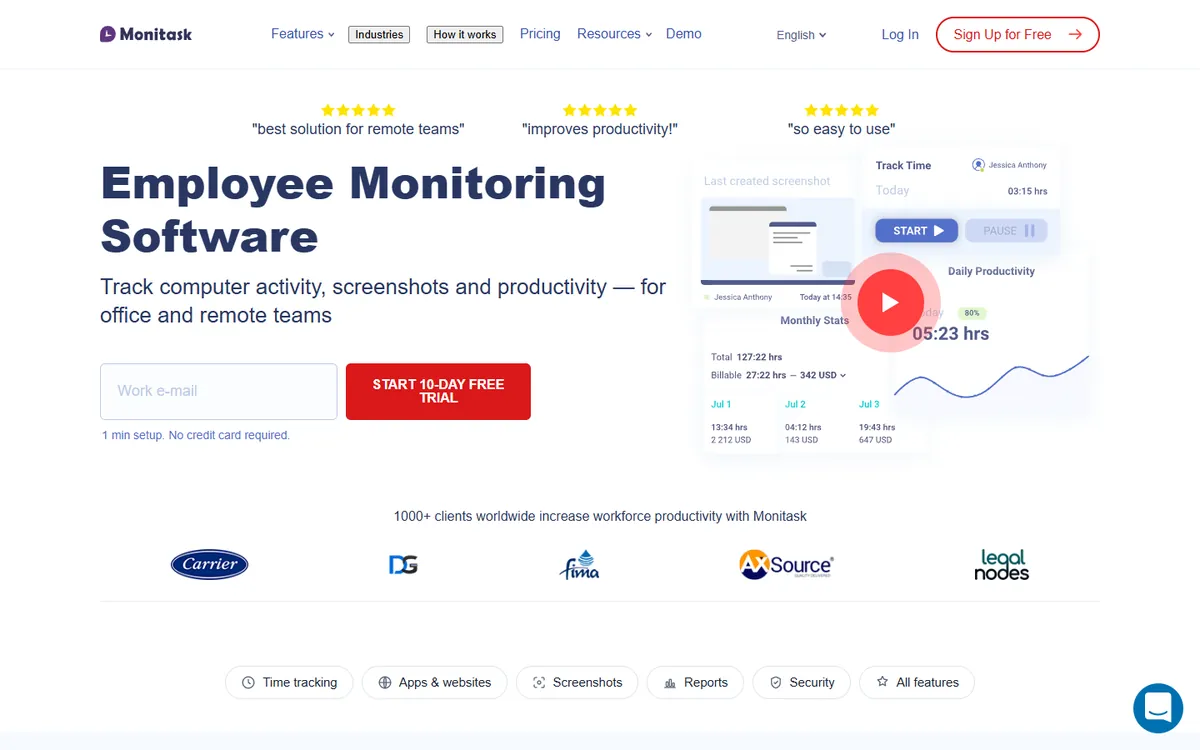
Monitask is a straightforward monitoring tool built around screenshots and activity levels, closer to Hubstaff in spirit than most. It has apps for Android and iOS and location tracking on its top plan.
App and website usage starts on Business, so many teams that come from Hubstaff end up one tier above Pro.
Key features
- Mobile apps for Android and iOS
- GPS or IP location tracking on Business Premium
- Integrations with Jira, Asana, Trello and Zapier
- More screenshots per hour as a paid add-on
- Search query, full URL and document tracking on Business Premium
Pros
- Screenshots and activity from the Pro plan
- Android and iOS apps
- Integrations with Jira, Asana, Trello and Zapier
Cons
- App and website usage starts on Business
- GPS only on Business Premium
- More screenshots per hour cost extra
| Plan | Billed yearly | Billed monthly |
|---|---|---|
| Pro Matches Hubstaff Team | $6.49 | $7.99 |
| Business | $8.99 | $10.99 |
| Business Premium | $12.99 | $15.99 |
| Enterprise | $15.99 | $19.99 |
10-day free trial, no card required. Prices from Monitask's pricing page, checked October 2026.
Workstatus
Best for field and shift teams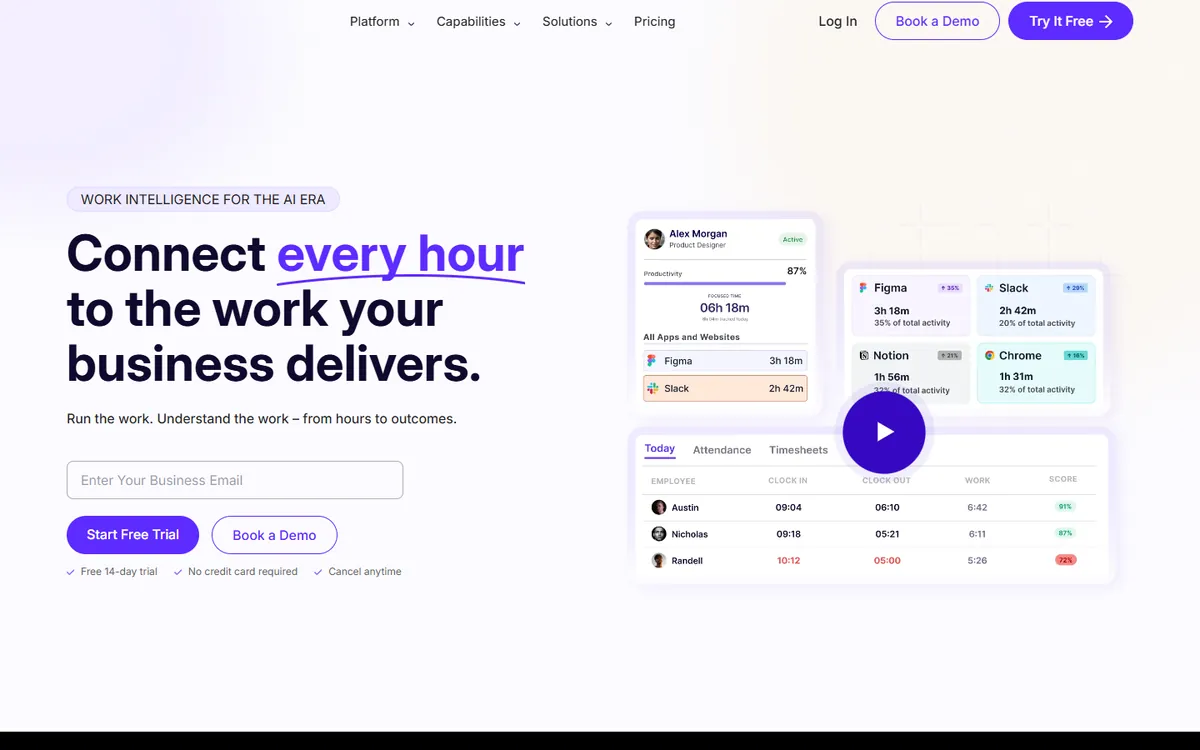
Workstatus calls itself work intelligence for service businesses. Its Proof plan covers time, screenshots and activity together with shift scheduling, leave and overtime. Add-ons bring GPS, geofenced clock-in and session replay.
If you liked Hubstaff's field features but want a lower base price, it is the closest match on this list.
Key features
- GPS, route history and geofenced clock-in with a Field Operations add-on
- Invoicing, retainers and budget against actual on Profit
- Shift scheduling, leave and overtime on the Proof plan
- Jira, Asana, ClickUp, Trello and over 25 integrations, plus an API
- Session replay screen recording as a paid add-on
Pros
- Shifts, leave and overtime on the base plan
- GPS and geofenced clock-in as an add-on
- Over 25 integrations and an API
Cons
- GPS and session replay are paid add-ons
- Invoicing needs the Profit plan
- Client access is listed as coming soon
| Plan | Billed yearly | Billed monthly |
|---|---|---|
| Proof Matches Hubstaff Team | $7 | $9 |
| Profit | $13 | $16 |
| Enterprise | Custom | Custom |
14-day free trial, no card required. Prices from Workstatus's pricing page, checked October 2026.
ScreenshotMonitor
Best for teams of three or fewer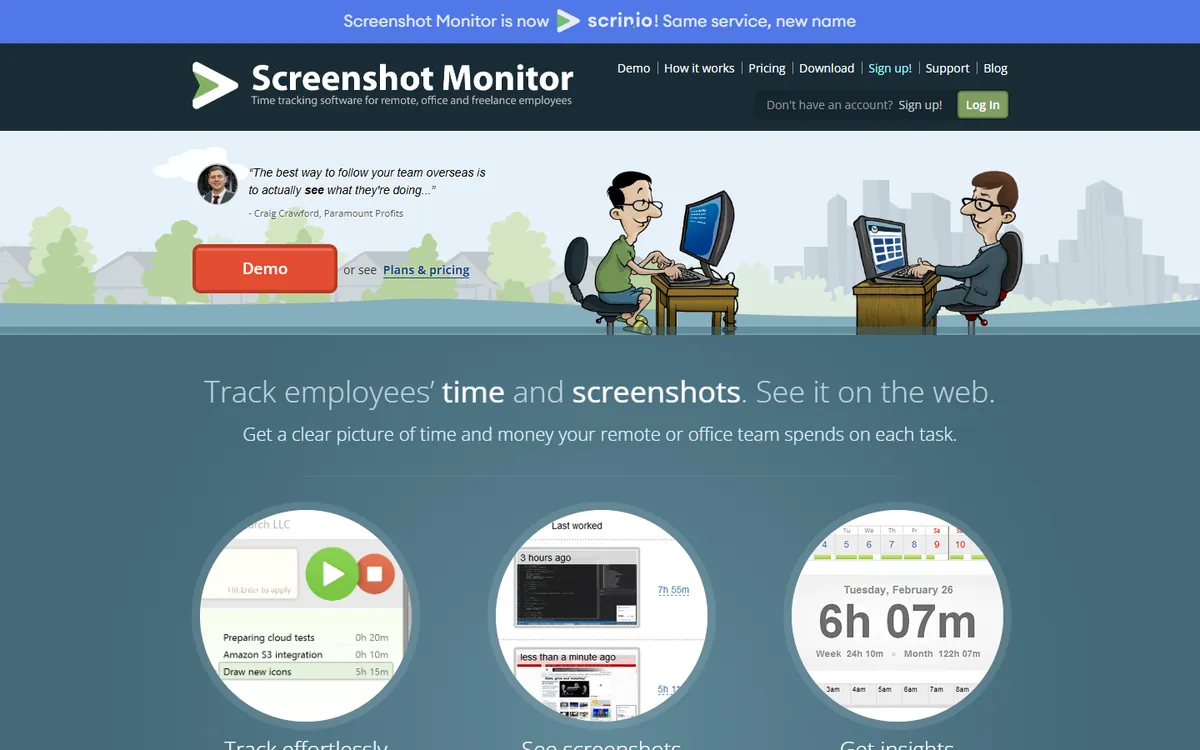
ScreenshotMonitor, which now also runs under the name Scrinio, is a lean screenshot and time tracker. Its free plan covers up to 3 users with screenshots and activity levels, which none of the larger tools offer.
It is light on project work. There are no kanban boards, and manual time handling is basic.
Key features
- A free plan for up to 3 users, with screenshots and activity levels
- A web API that sends tracked time and notes to other systems
- Reports emailed on a schedule, and shared with clients by link
- Billing prorated by the week, and owners who don't track are not charged
- A 30-day money-back guarantee, with card, PayPal, wire or check
Pros
- Free for up to 3 users, screenshots included
- Owners who do not track time are not charged
- A 30-day money-back guarantee
Cons
- No kanban boards
- Basic manual time approval
- Paid plans are priced monthly only
| Plan | Billed yearly | Billed monthly |
|---|---|---|
| Free | $0 | $0 |
| Standard Matches Hubstaff Team | Not published | $4.99 |
| Professional | Not published | $6.99 |
14-day free trial of Professional, no card required. Prices from ScreenshotMonitor's pricing page, checked October 2026.
Toggl Track
Best for teams that work on trust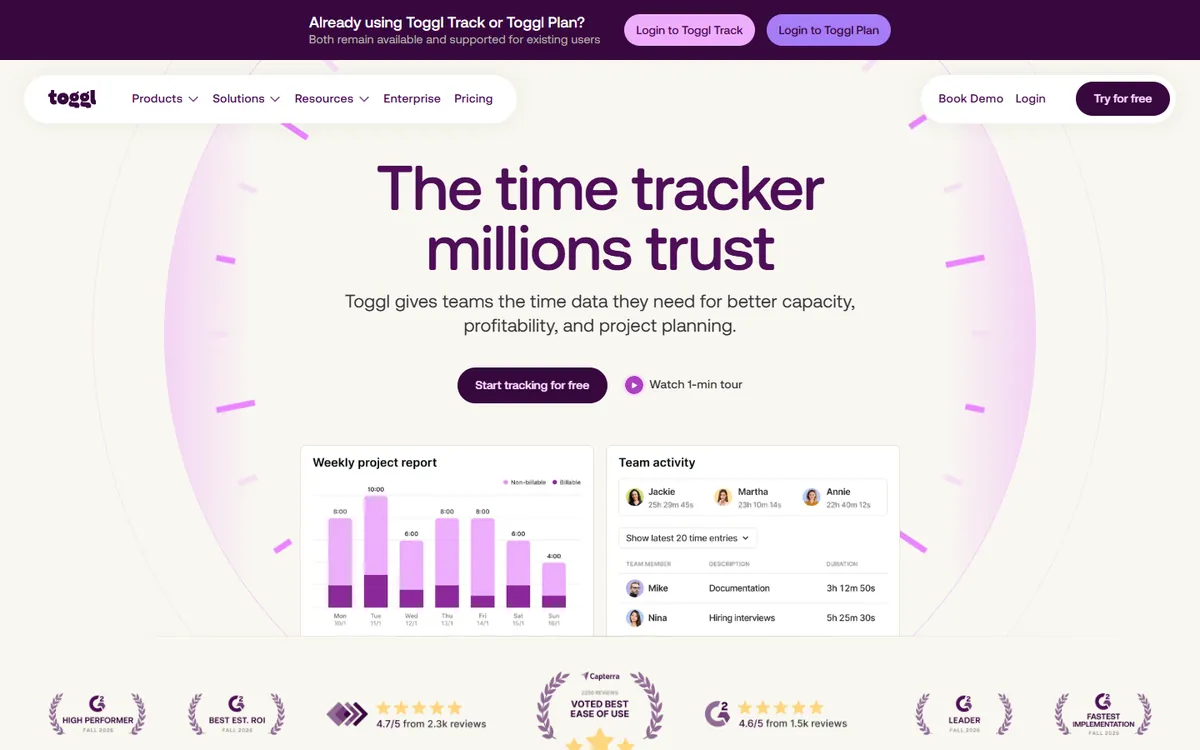
Toggl Track is the opposite of Hubstaff on monitoring. There are no screenshots and no activity levels, just a clean timer, clear reports and over 100 integrations. Staff tend to like it for exactly that reason.
Pick it when trust is the point. It cannot show a client or a finance team the work behind the hours.
Key features
- Over 100 integrations
- A free plan for small teams
- A simple timer with clear, easy reports
- Profitability and billable-rate reports on paid plans
- No monitoring at all, if your team prefers that
Pros
- Over 100 integrations
- A free plan for small teams
- Simple enough that staff actually use it
Cons
- No screenshots or activity levels on any plan
- Manual time approval needs Premium
- Starter costs nearly as much as Hubstaff Team
| Plan | Billed yearly | Billed monthly |
|---|---|---|
| Free | $0 | $0 |
| Starter | $9 | $9 |
| Premium | $14 | $14 |
| Enterprise | Custom | Custom |
30-day trial, no card required. Prices from Toggl Track's pricing page, checked August 2026.
TimoDesk vs Hubstaff, head to head
If you are choosing between the two, these are the rows that decide it.
| Feature | TimoDesk |
Hubstaff |
|---|---|---|
| Price for screenshots and activity | $1 per user | $10 per user on Team |
| 10 users for a year | $120 | $1,200 |
| Billed for | Members who tracked time | Every seat you hold |
| Seat minimum | None | 2-seat minimum on paid plans |
| Kanban boards | Grow + | |
| Manual time approval | Team plan | |
| Client access | ||
| GPS and geofencing | ||
| Built-in payroll | ||
| Invoicing | ||
| Integrations | Extensive | |
| Desktop apps | Windows, macOS, Linux | Windows, macOS, Linux |
| Free trial | 15 days, no card needed | 14-day free trial, no card required |
Which Hubstaff alternative should you choose?
- Stay with Hubstaff if you need GPS, payroll and shift scheduling in one system. For field teams it is worth the price.
- Choose TimoDesk if you need screenshots, activity levels, projects and client access, and want to pay $1 instead of $10.
- Choose Time Doctor for video recording, DeskTime for shifts and absences, or Insightful for compliance and on-premise hosting.
- Choose Toggl Track or Clockify if you do not want monitoring at all.
Keep comparing
- TimoDesk vs Hubstaff: every plan and feature, side by side
- More alternatives guides: Time Doctor alternatives, Toggl Track alternatives, Clockify alternatives, DeskTime alternatives, ActivTrak alternatives, Teramind alternatives, Insightful alternatives, Harvest alternatives
- All time tracking alternatives: 30 tools on one page
- Time tracker with screenshots: how screenshot tracking works
