
Agency or studio
5 to 50 people, several retainersClients pay by the hour and sometimes ask what an hour bought. You need hours you can defend, per project, without chasing timesheets.
Best pickHarvest makes it easy to turn hours into invoices. What it cannot do is show a client the work inside those hours. This guide sorts the alternatives by who you are and what your clients ask for, and says plainly when Harvest is still the right tool.
| Item | Hours | Amount |
|---|---|---|
| Brand workshop | 6.00 | $570.00 |
| Homepage build | 14.50 | $1,377.50 |
| QA and launch | 3.25 | $308.75 |
| Total at $95 / hour | 23.75 | $2,256.25 |
Client: "What happened in those 14.5 hours?"
Harvest is one of the best-known time trackers for service businesses such as agencies, studios and consultancies. People start a timer or type their hours into a weekly timesheet, add expenses, and at the end of the month the agency turns those entries into a client invoice. Invoicing and expenses come with every plan, even Free, and Teams connects to accounting and payment tools.
That loop, from hours to invoice to payment, is the reason agencies and freelancers pick it. It is also where Harvest stops. It takes no screenshots and records no activity levels or app usage, so every hour on an invoice is an hour someone entered or remembered to time.
| Plan | Yearly | Monthly |
|---|---|---|
| Free | $0 | $0 |
| Teams | $9 | $11 |
| Enterprise | $14 | $17.50 |
| Enterprise Plus | Custom | Custom |
30-day free trial, no card required. Prices from Harvest's pricing page, checked October 2026.
Most Harvest users like the product. The people who leave usually hit one of five walls, and each one points to a different kind of alternative.
Teams is $9 per seat on yearly billing and $11 monthly. For a freelancer that is fine; for a studio of 15 it is a real line in the budget, and approvals need Enterprise at $14.
Every new hire is another full seat, and the features that larger teams want, like timesheet approval and profitability reports, sit on the higher plan.
A timer is only as accurate as the person running it. Forgotten timers get trimmed by guesswork, and missed ones get rebuilt on Friday.
When a client queries a line, all you can show is the same number again. There is no client login to the work itself.
Harvest stays lean on purpose. Teams that want project boards, deeper reports or monitoring end up adding other tools around it.
We make TimoDesk, and TimoDesk has no invoicing. It does not create invoices, track expenses or take payments, and it has no integrations yet. If the job you hired Harvest for is "send the invoice", moving to TimoDesk alone would make your month end harder, not easier.
Stay with Harvest, or move to another tool with invoicing, if:
If you want proof of work and invoices in one tool, look at TMetric or Hubstaff. If you want proof at the lowest price and are happy to invoice from your accounting tool, read on for TimoDesk.
An agency, a freelancer, a consultancy and a remote staffing firm all use Harvest, for different reasons. Find your row, then jump to the full review.
Clients pay by the hour and sometimes ask what an hour bought. You need hours you can defend, per project, without chasing timesheets.
Best pickYou track your own hours and turn them into invoices. Nobody is checking your screen, but the free plan has to fit your client list.
Best pickRates differ by person and client, budgets matter more than screenshots, and timesheets have to be complete before month end.
Best pickThe client pays for hours worked by people they cannot see. They want proof, and your staff want to know exactly what is recorded.
Best pickEach review covers what the tool is, what it does well, what it costs and how it handles the two things Harvest users care about most: billing clients and showing them the work. The tag under each name says what it adds or removes compared with Harvest.
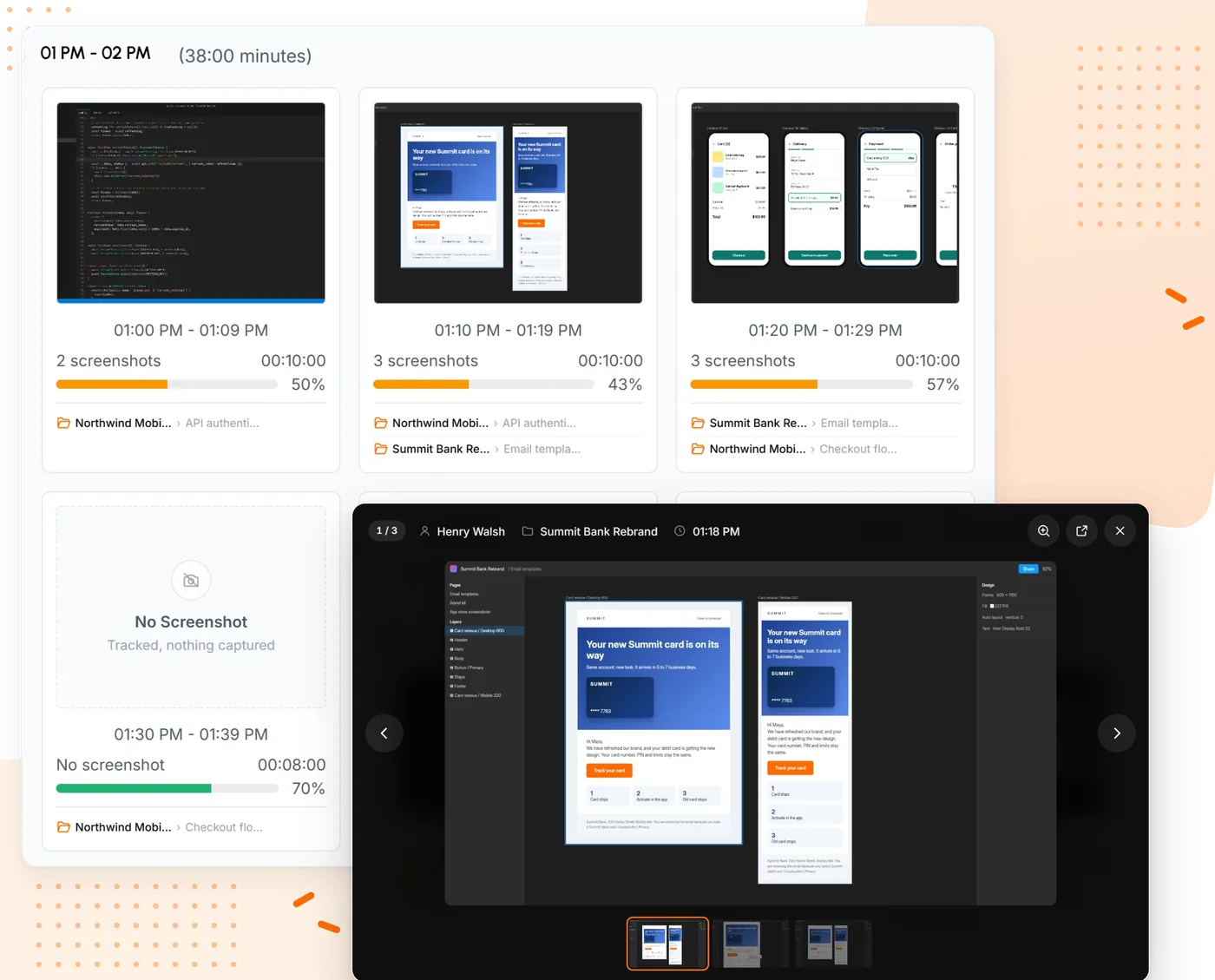
TimoDesk is a time tracker for teams that have to stand behind their hours. People start a timer on a project and task in the desktop app for Windows, macOS or Linux. While it runs, TimoDesk takes screenshots at an interval you choose, from 3 to 60 minutes, measures keyboard and mouse activity levels (never keystrokes), and records the apps and websites in use. Nothing is captured when the timer is off, and every member can see their own screenshots.
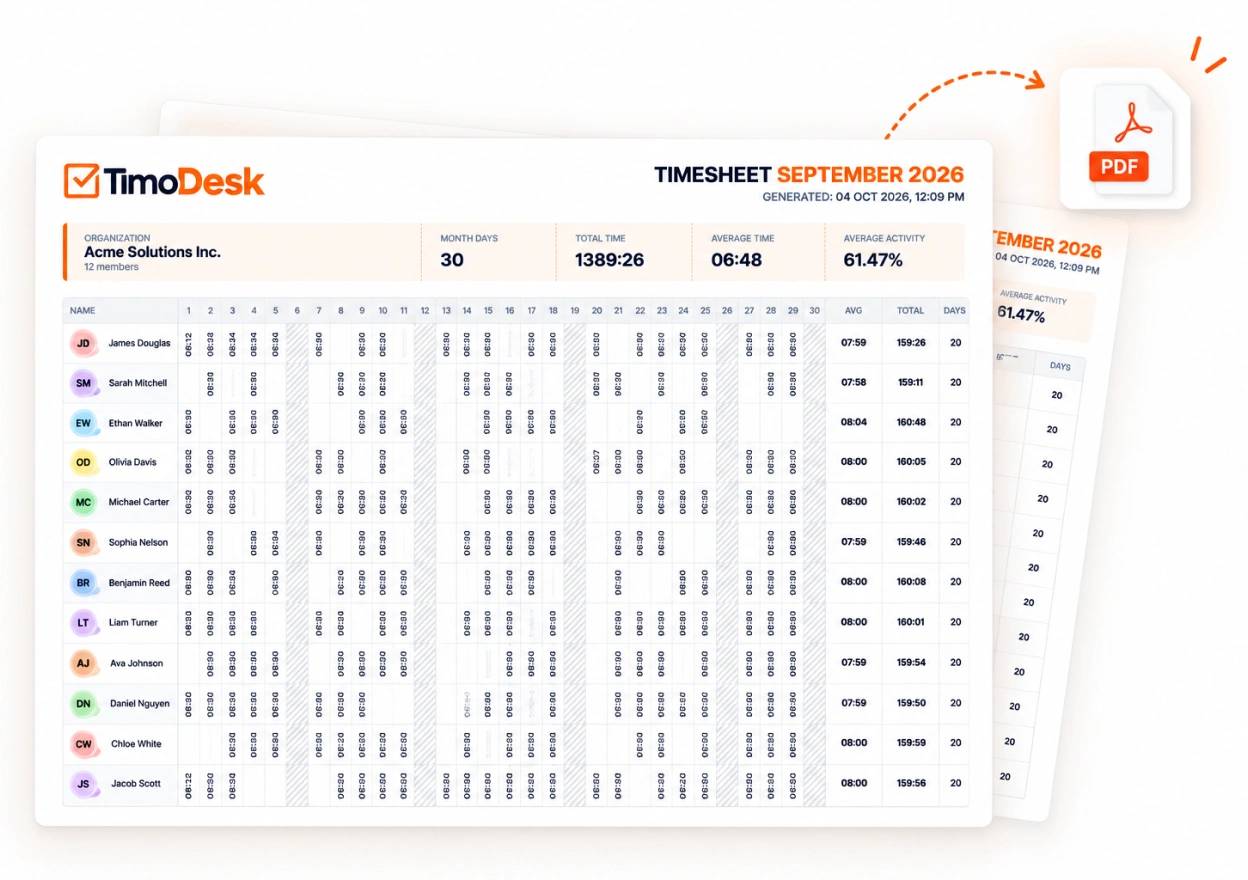
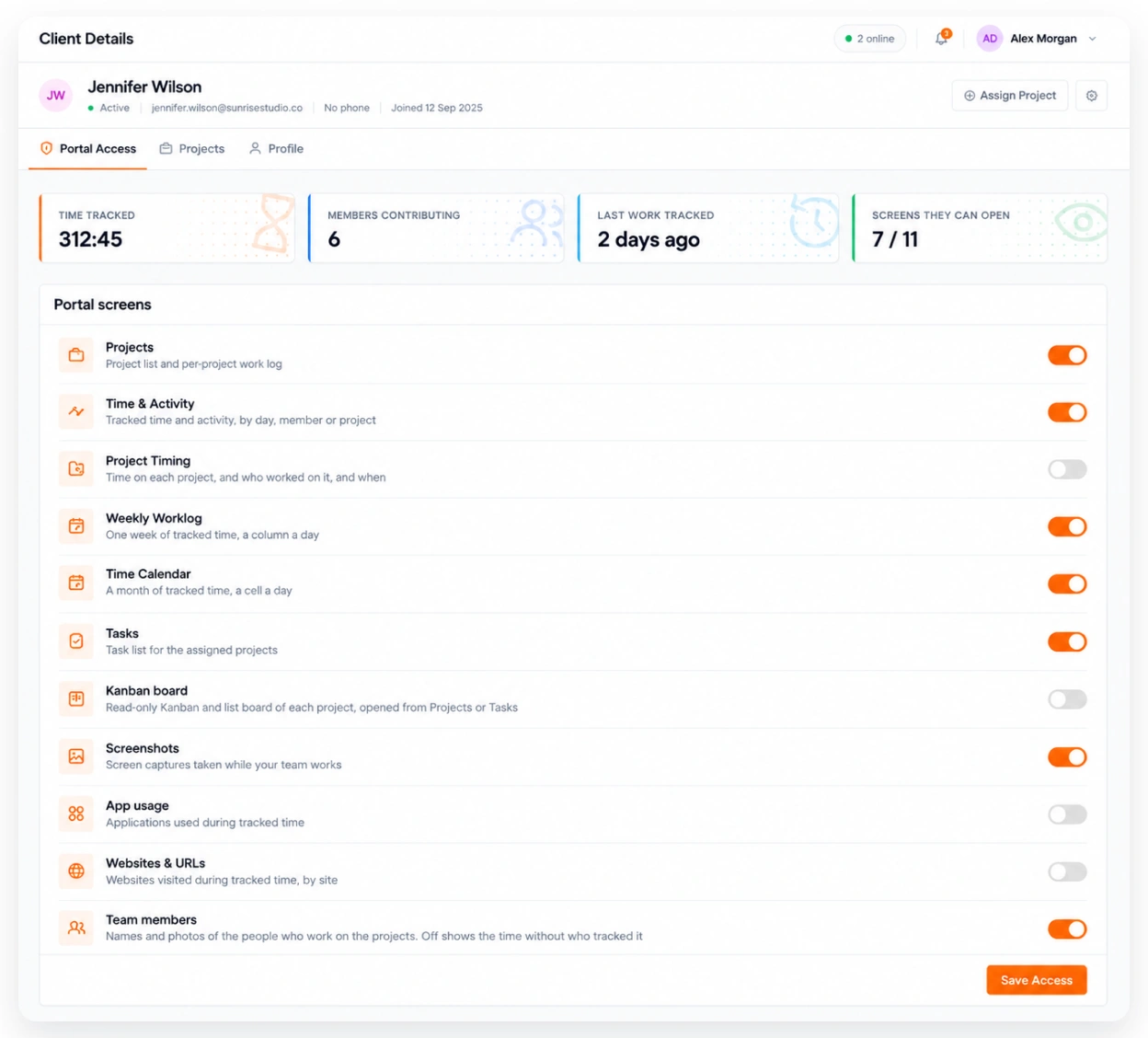
For agencies, the useful part is the client portal. Each client gets a read-only login that shows only their projects: hours, activity, timesheets and reports, plus screenshots if you switch them on. It costs $1 per user per month against $9 for Harvest Teams. What it does not do is invoice: you take the timesheet PDF or report CSV into the tool you bill from.
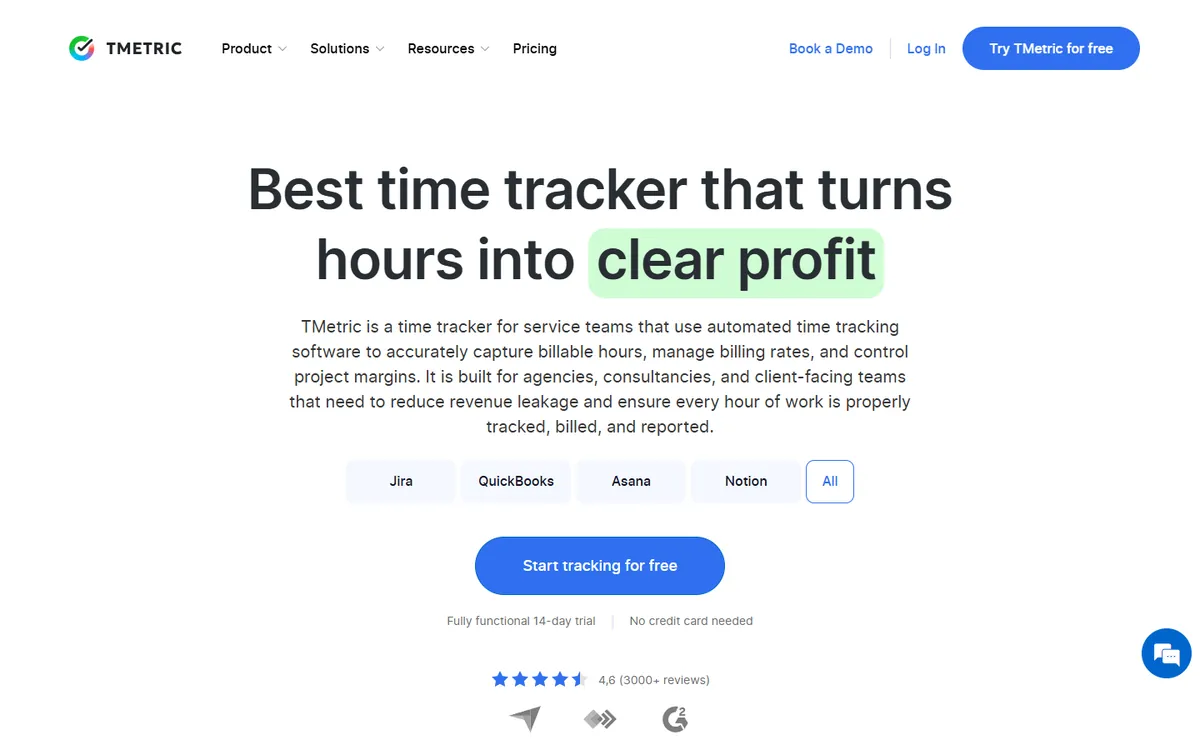
TMetric is the closest thing to Harvest with proof of work added on. Client invoicing, billable rates, expenses and budgets start on Professional at $5.83. Business at $7.50 adds screenshots, app usage, client logins and timesheet approval.
That makes it the one tool here that can send the invoice and show the work behind it, for less than Harvest Teams. It also syncs both ways with QuickBooks, Jira, GitLab, Redmine and ClickUp, which helps if your books or your tickets live there.
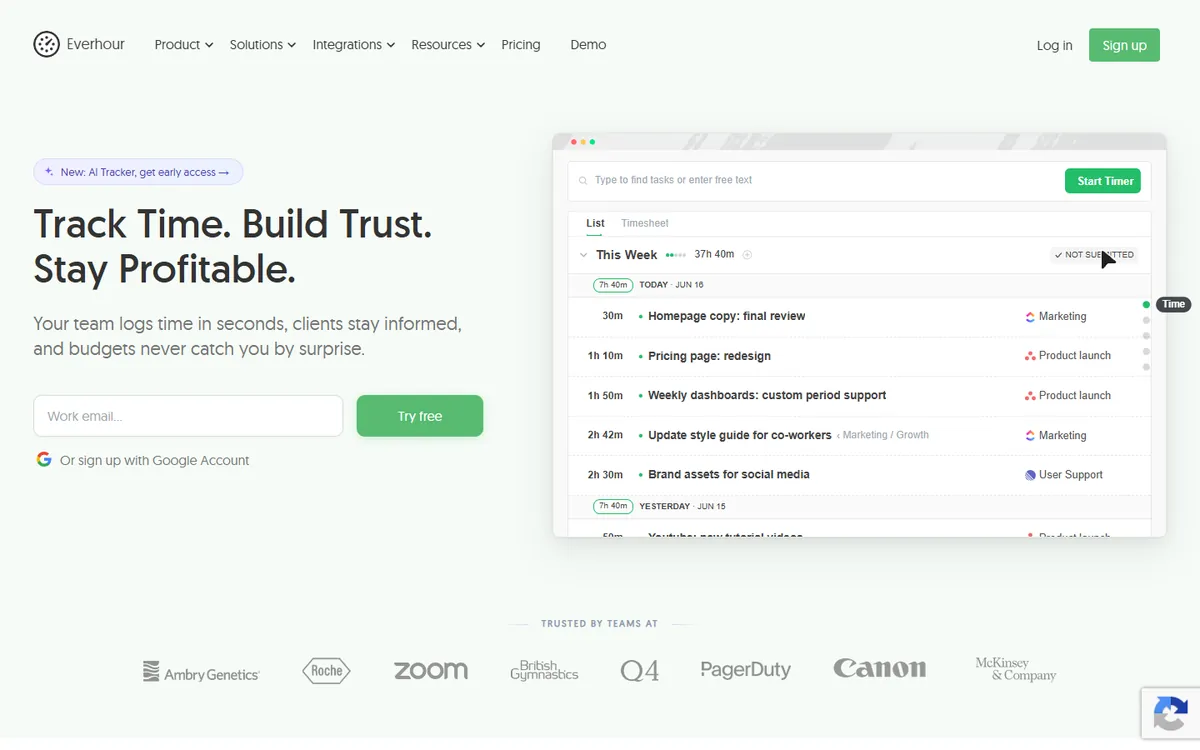
Everhour feels like Harvest moved inside your project tool. Its timer sits in over 40 apps such as Asana, Jira, Trello, ClickUp and GitHub, so people log time on the task they are already looking at. The Team plan bundles invoicing, budgets, expenses and time off.
Team also takes a random screenshot about every 10 minutes, but it records no activity levels or app usage. It has a 5-seat minimum, so a studio of three pays for five.
Toggl Track is the tool most often weighed against Harvest. Both are clean timers that people start and stop themselves, both charge $9 per seat on the first paid plan, and neither does any monitoring. Toggl leans toward reporting, with billable-rate and profitability reports on paid plans and over 100 integrations.
Its invoicing is lighter than Harvest's, so teams that send every invoice from Harvest notice the gap. If you want a timer with sharper reports and you invoice somewhere else, it is the most natural swap.
Clockify is the cheapest way to keep a Harvest-style setup of clients, projects and invoices. The free plan covers up to five users with no time limit, which is more room than Harvest Free's single seat, and the first paid plan is $3.99.
Paid plans grow into a wide product with invoicing, scheduling, GPS and payroll. If clients later ask for proof, screenshots are on Pro at $7.99.
My Hours is close to Harvest in spirit: simple time tracking for teams and agencies, organised by client and project. It is free for up to five active users, Basic is $4, and archived users are not charged.
Invoicing, budgets with email alerts and approvals sit on Pro at $8, still below Harvest Teams. It is surveillance-free by design and says it will never take screenshots.
TimeCamp is free for unlimited users and projects, so it is the easiest Harvest alternative to trial with everyone at once. Invoicing starts on Starter at $3.99, and budgets and estimates come with Premium.
It can add proof later as well. Activity levels, app usage and client access start on Premium, and screenshots with timesheet approval on Ultimate at $9.99, just above Harvest Teams.
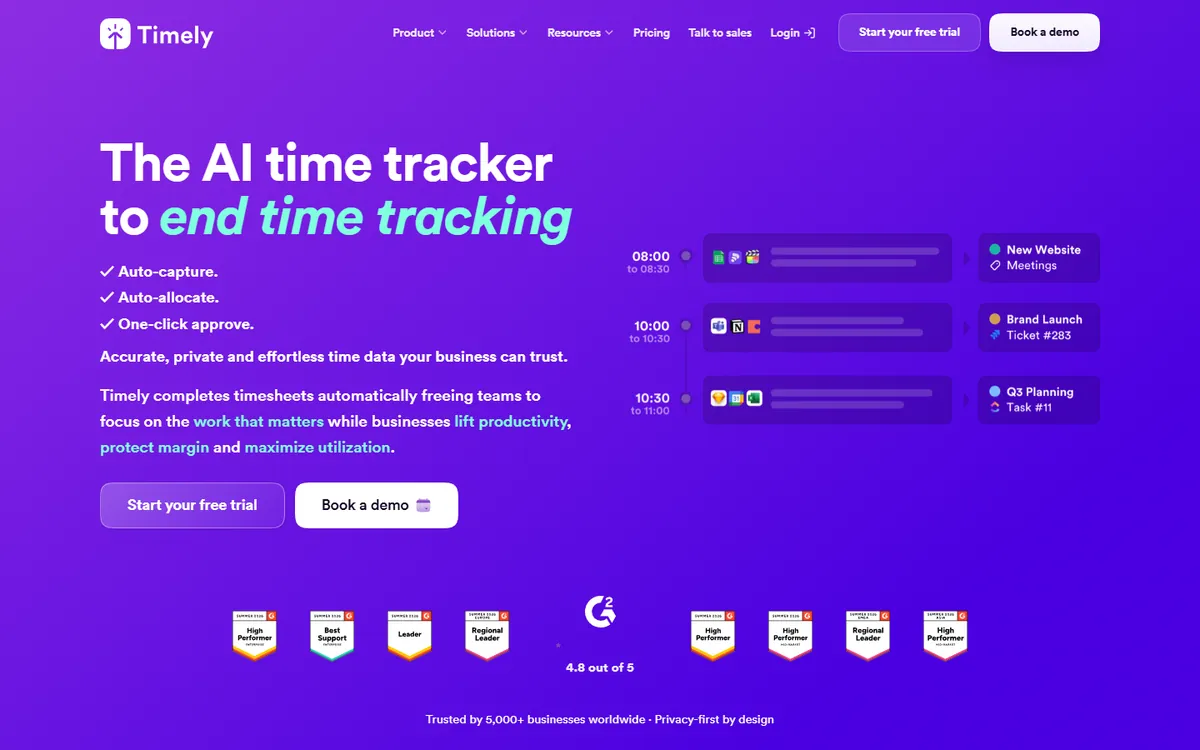
Timely suits consultants who bill by the hour but rebuild their week from memory on Friday. Its Memory app records the apps, websites and documents each person uses, keeps that private to them, and drafts the timesheet with AI for them to approve.
Client reports can be shared by a private link, with live branded reports on Unlimited. It never takes screenshots, there is no free plan, and Starter is capped at 5 users and 20 projects.
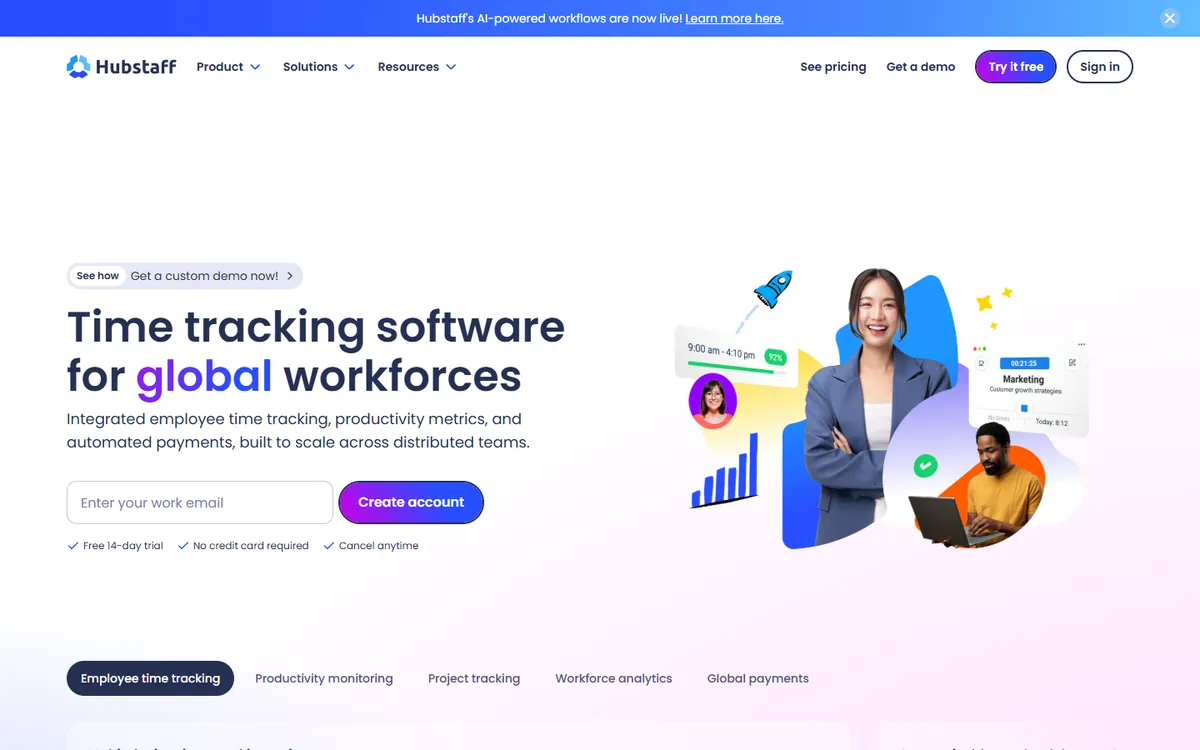
Hubstaff covers both halves of this page. It tracks time with screenshots and activity levels, and it can also invoice clients and pay staff. GPS, geofencing and shift scheduling make it a fit for staffing firms whose people are not always at a desk.
Team, the plan most agencies compare, is $10 per seat, a little above Harvest Teams, with a 2-seat minimum and no free plan.
For a business that bills by the hour, two questions decide the tool: can it send the invoice, and can the client check the hours? The first three columns answer the first question; the proof column counts the four things a client could check behind an hour: screenshots, activity levels, app usage and a client login. A plan name means the feature starts on that plan.
| Tool | From | Invoicing | Free plan | Approvals | Screenshots | Client access | Proof |
|---|---|---|---|---|---|---|---|
| $9 | 1 seat | Enterprise | Invoices only | ||||
| $1 | |||||||
| $5.83 | Professional + | Up to 2 seats | Business + | Business + | Business + | ||
| $8.50 | Team plan | Up to 5 seats | Team plan | Team plan | Partial | ||
| $9 | Partial | Premium plan | Partial | ||||
| $3.99 | Up to 5 | Standard + | Pro plan | Partial | |||
| $4 | Pro plan | Up to 5 users | Pro plan | Partial | |||
| $3.99 | Starter + | Unlimited users | Ultimate + | Ultimate + | Premium + | ||
| $9 | Partial | Premium + | |||||
| $4.99 | Team plan |
Proof squares, in order: screenshots, activity levels, app and website usage, client access. Full means available on some plan, half means partial. "From" is the cheapest paid plan, per user per month on yearly billing, from each vendor's pricing page.
Read across and the trade-off is clear. Harvest, Toggl Track, My Hours and Timely are strong at the money side and show a client nothing beyond the hours. TimoDesk is the opposite: full proof and no invoicing. TMetric Business and Hubstaff Team are the two that do both, at $7.50 and $10 per seat.
Yes, and several are more generous than Harvest Free's one seat and two projects. TimeCamp is free for unlimited users, Clockify and My Hours for up to five users, Everhour for up to five seats and TMetric for two. None of these free plans include screenshots. TimoDesk has no free plan; it has a 15-day trial with no card, then $1 per user, billed only for members who tracked time that month.
On price per seat, everything on this list except Hubstaff Team and TimeCamp Ultimate costs less than Harvest Teams at $9. Clockify and TimeCamp start at $3.99, My Hours at $4 and TimoDesk at $1. The cheapest option that also sends invoices is Clockify or TimeCamp; the cheapest that also shows the work is TimoDesk.
These two are not really substitutes. Harvest is built to get you paid; TimoDesk is built to show what the hours were. Here is where each one wins.
| Team | Harvest Teams | Harvest Enterprise | TimoDesk |
|---|---|---|---|
| 5 people | $540 | $840 | $60 |
| 10 people | $1,080 | $1,680 | $120 |
| 25 people | $2,700 | $4,200 | $300 |
Per seat price times 12 months, on yearly billing. TimoDesk charges only for members who tracked time in a month, so a quiet month can cost less.
The gap in price is large, but it is not the whole story. With Harvest, the invoice is done when the month closes. With TimoDesk, you still need somewhere to raise it. For a team of ten, the yearly difference between Harvest Teams and TimoDesk is $960, which pays for most invoicing tools several times over. Whether that is worth it depends on how often your clients ask what they are paying for. The full feature table is on the TimoDesk vs Harvest page.
If you move from Harvest to TimoDesk, the month end changes shape. Here is the flow agencies use, with no invoicing inside TimoDesk.
What agencies and freelancers ask before they move away from Harvest.
It depends on why you are leaving. If you want invoicing and proof of work in one tool, TMetric Business does both for $7.50 per seat. If clients question your hours and you can invoice elsewhere, TimoDesk adds screenshots, activity levels and a client portal for $1. For a free timer, Clockify covers up to 5 users.
Yes. TimeCamp is free for unlimited users, Clockify and My Hours for up to 5 users, Everhour for up to 5 seats and TMetric for 2 seats. Harvest Free itself covers 1 seat and 2 projects. TimoDesk has no free plan, only a 15-day trial without a card.
Harvest Teams is $9 per seat per month on yearly billing. Clockify and TimeCamp start at $3.99, My Hours at $4, and TimoDesk is $1 with screenshots and activity included. Of those, TimoDesk is the only one with no invoicing.
No. Harvest records the hours people enter or time with its timer. It takes no screenshots and records no activity levels or app usage on any plan. TimoDesk, Hubstaff, TMetric Business, TimeCamp Ultimate and Everhour Team all take screenshots.
No. TimoDesk has no invoicing or expense tracking. It records the hours with screenshots and activity, exports timesheets as PDF and reports as CSV, and gives clients a read-only portal. If sending invoices from your time tracker is the main need, Harvest or TMetric is the better pick.
They are close. Both are self-reported timers with no monitoring and the same $9 first paid plan. Harvest is stronger at invoicing and expenses; Toggl has more integrations, a Linux app and sharper billable-rate reports.
In Harvest, clients receive the invoice. TimoDesk gives each client a login that shows only their projects: hours, activity, timesheets and reports, and screenshots only if you switch them on. TMetric Business has client logins, and Timely shares client reports by private link.
We make TimoDesk, so it is on this list. Every price comes from the vendor's own pricing page and links to its source, and we say plainly where Harvest or another tool is the better pick, starting with invoicing.
Create your organization and invite your team today. Tracked time shows on the dashboard the same day, and the first full-day reports are ready the next day. $1 per user per month, with every feature included.