10 best ActivTrak alternatives in 2026: when you need time tracking, not only analytics
ActivTrak tells a manager how productive the day was. It does not tell a client which project the
hours went to, and its screenshots cost extra. Here are 10 alternatives sorted by the job
you need done, with prices from each vendor and the cases where ActivTrak is still
the better buy.
Updated October 19, 2026
Prices from vendor pricing pages
16 min read
One Tuesday, two lenses9:00 to 17:00
What an analytics tool shows a manager
Productive 5h 12m
Unproductive 1h 41m
Undefined 1h 07m
Answers: was the team focused?
What a time tracker records
Client A, homepage 3h 12m
Client B, ads 2h 34m
Internal 1h 46m
Answers: which client pays for which hour, and where is the proof?
An illustration of the two approaches, not real data. Ticks are screenshots.
01 · The tool you are replacing
What ActivTrak is, and what it is not
ActivTrak is workforce analytics software. A small agent on each computer records which apps
and websites are in use, then ActivTrak sorts that time into productive, unproductive and
undefined, and builds dashboards on top: productivity trends, schedule adherence, goals by team,
and on its higher plans workload balance, burnout signals and focus time. It is designed for HR,
operations and IT leaders who want to understand how a company works.
What it is not is a project timer. People do not press start on a client task, and the plans
ActivTrak publishes do not list projects, tasks, manual time requests or client access. That one
design choice explains most of the searches for an ActivTrak alternative.
activtrak.com
ActivTrak's home page. Source: activtrak.com, October 2026.
Category
Workforce and productivity analytics
Entry paid plan
$10 per worker / month, Work Activity Tracking
Billing
Annual only
Screenshots
Screen Details add-on, price not published
Free plan
Up to 3 workers
Platforms
Windows, Mac, ChromeOS
Trial
14 days of the Workforce Management and Productivity Optimization bundle
Where ActivTrak is strong
A free plan for up to 3 workers
A ChromeOS agent for Chromebooks
Outlook and Google Calendar integrations that add meetings and time off
User provisioning with Microsoft Entra ID and SCIM
Work location insights and an AI Insights add-on
Compliance alarms, website blocking, and SOC 2 Type 2, HIPAA and GDPR listed on its plan table
ActivTrak pricing
Every paid plan is billed annually and priced per worker. Each step up adds analytics rather than
tracking: the $10 plan covers time, attendance and app usage, while goals, workload
and burnout insights wait for Productivity Optimization at $17.
Free$0
Up to 3 workers
Basic activity, 30 days of history
Work Activity Tracking$10
per worker / month, yearly
Time, attendance, app and website usage
Workflow$21
per worker / month, yearly
Task discovery and AI opportunities
Screenshots, live screen view and full URL visibility need the Screen Details add-on, and the AI Insights
add-on is $4 per worker per month more. Prices from ActivTrak's pricing page, checked October 2026.
02 · The gap
Why teams look for an ActivTrak alternative
Few reviewers say ActivTrak's analytics are weak. Teams leave because the question they need
answered has changed. Here is what people ask for, set against what ActivTrak gives.
What the team needsWhat ActivTrak offers
Hours per client and projectAn agency, a consultancy or anyone billing by the hour
Time is recorded automatically and sorted by app, site and productivity label. Projects and tasks are not listed on any ActivTrak plan, so there is no clean "this hour belongs to this client" record. A reviewer who tried it as a billing tool said it was not meant for that job.
Screenshots as proof of workClients who pay remote staff by the hour
Screenshots come only with the Screen Details add-on, listed for the Work Activity Tracking and Workforce Management plans. ActivTrak does not publish its price, so you need a sales call to learn the full cost.
Monthly billingTeams that grow and shrink with contracts
Every paid plan is billed annually. If a project ends in March, the seats keep running to the renewal date, and several reviewers mention the yearly lock-in.
Less setup before the data is usefulSmall teams without an analyst
Productivity scores depend on labels. ActivTrak classifies common apps automatically, but users still describe hours spent labelling sites, and the strongest insights sit on the $17 plan.
A Linux desktop agentDevelopers and studios on Linux
ActivTrak lists Windows, macOS and ChromeOS. Linux users need a tracker such as TimoDesk, Hubstaff, Time Doctor, Insightful or Monitask.
03 · Shortcut
Pick an ActivTrak alternative by the job you need done
Find the card that matches your reason for leaving and jump straight to the one or two tools that do it best.
Bill clients for project hours
A timer per project and task, so every hour has a client attached.
The 10 best ActivTrak alternatives and competitors
Each entry starts with a one-line verdict and a row of feature checks, so you can scan the list before
reading. The price is the plan that matches what most ActivTrak switchers need, billed yearly where the
vendor offers it. A plan name in a check means the feature starts on that plan.
1
TimoDesk
Best for project time with screenshot proof
$1per user / month, one plan
Verdict: What ActivTrak leaves out for client work (timers, projects, screenshots and a client portal) on one monthly plan at about a tenth of its entry price.
Screenshots
Activity
Apps and sites
Projects
Client access
Free plan
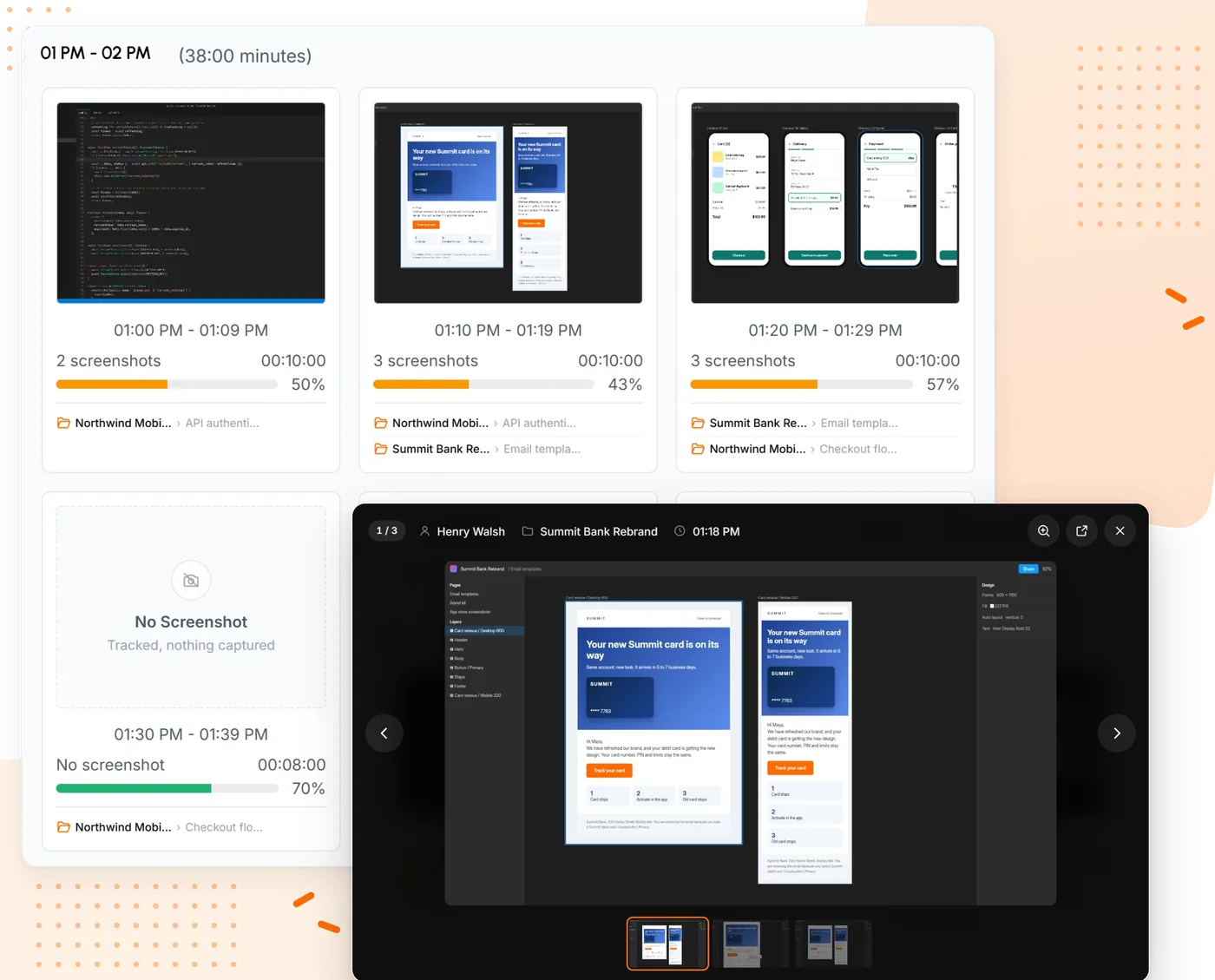
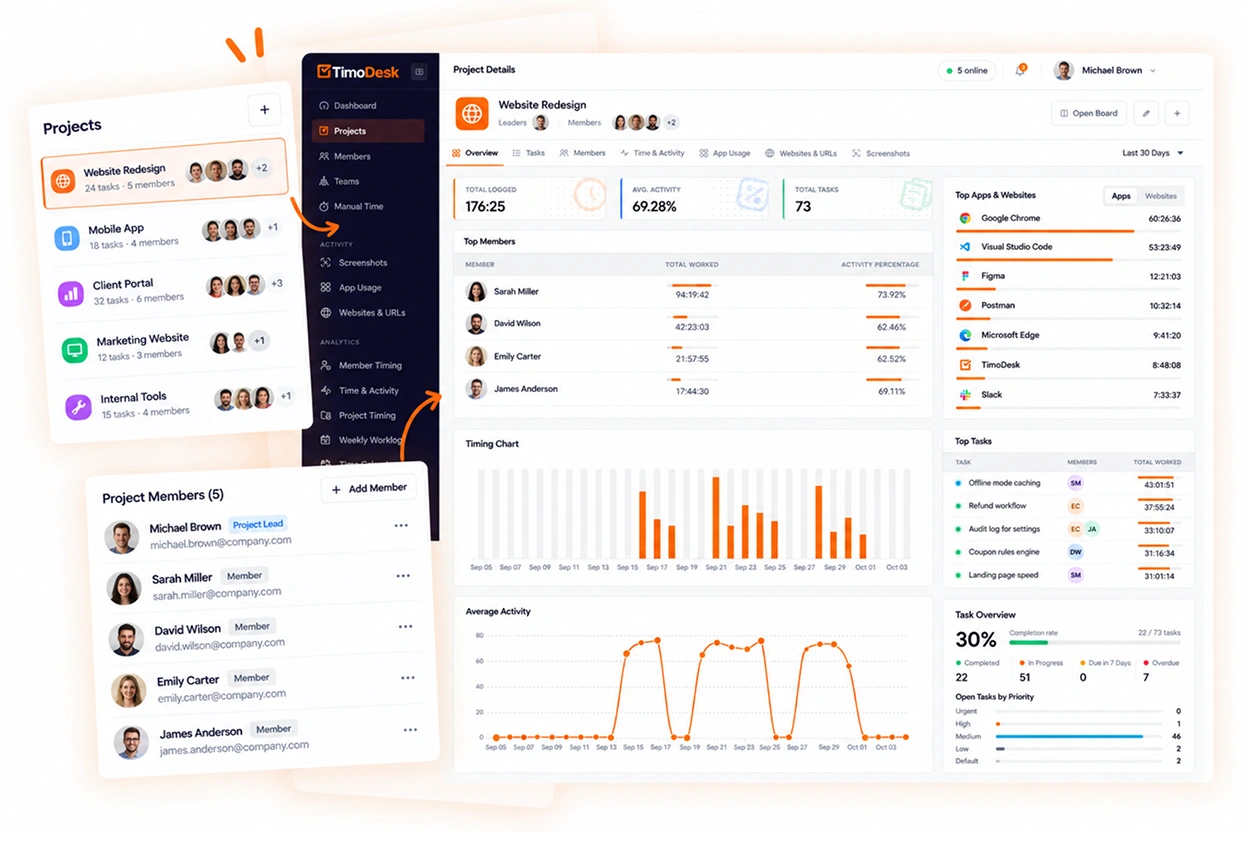
We make TimoDesk, so read this entry with that in mind. It is a time tracker first: each
member starts a timer on a project and task in the desktop app for Windows, macOS or Linux,
and while it runs TimoDesk takes screenshots at the interval you choose, measures keyboard
and mouse activity levels (never keystrokes) and records the apps and websites in use.
Nothing is captured when the timer is off, and members can see their own screenshots.
That covers the ground ActivTrak does not. Hours land on a project, so a monthly
timesheet with PDF export is ready
for a client. Screenshots sit next to the task they were taken on. A
client portal gives each person at a client a
view-only login. And there is no add-on to price: every feature is on one plan, billed only
for members who tracked time that month. See how screenshots work on the
time tracker with screenshots page.
Screenshots by hour, with activity for each.A project and the hours on each task.
Verdict: The broadest switch: real timers, screenshots and payroll, at the same per-user price as ActivTrak's entry plan.
Screenshots
Activity
Apps and sites
Projects
Client access
Free plan
hubstaff.com
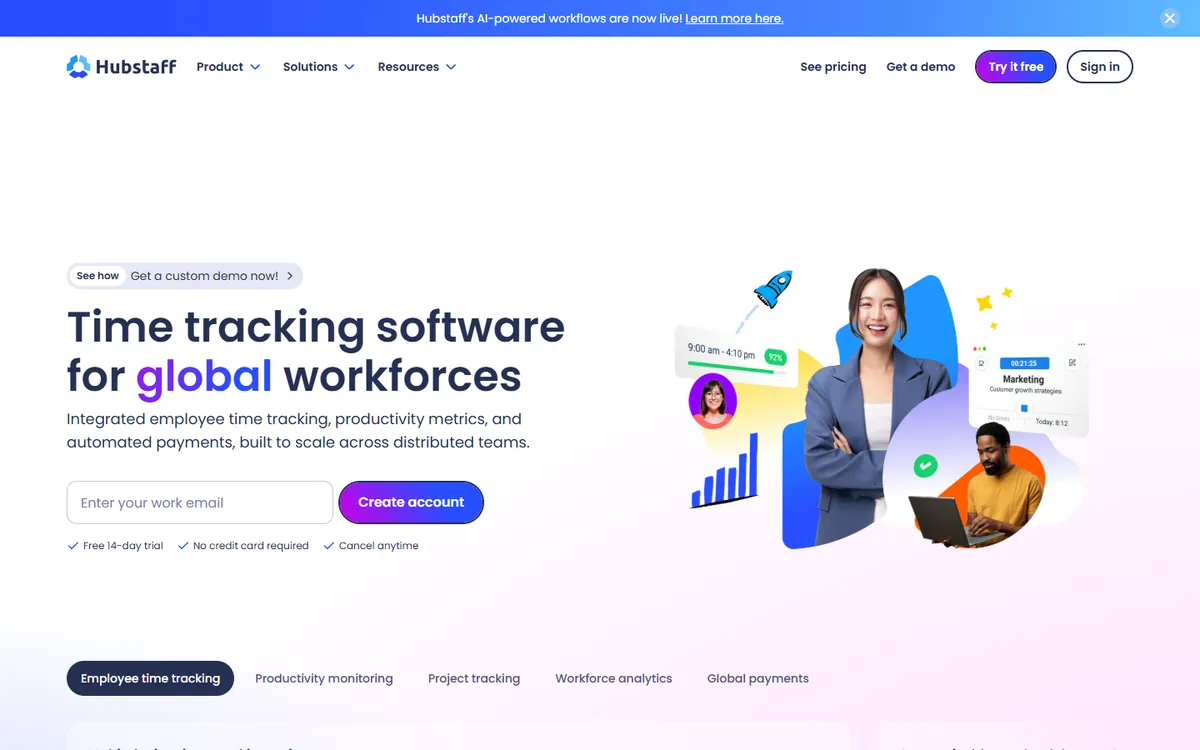
Hubstaff is what many teams mean when they say "time tracker". People start a timer against a project and a task, the app takes screenshots and records activity while it runs, and the hours flow into timesheets, payroll and invoices. That is the opposite design to ActivTrak, which watches the whole workday and sorts it into productive and unproductive time.
If your reason for leaving ActivTrak is that a client or finance team wants hours per project, Hubstaff answers it fully. You pay for that breadth with a 2-seat minimum and a feature list split over four plans.
Key features
GPS tracking and geofencing for field teams
Built-in payroll and automated payments
Shift scheduling and attendance management
A large list of integrations with project tools
Pros
Timers against projects and tasks, with screenshots
GPS, geofencing and built-in payroll
Invoices from tracked hours
Cons
A 2-seat minimum on paid plans
No video recording
Boards and approvals sit on higher plans
3
Time Doctor
Best for productivity reports with project time
$11.67Standard
Verdict: The closest mix of ActivTrak-style analytics and project timers, but app usage waits for Standard.
Screenshots
Activity
Apps and sites
Standard +
Projects
Client access
Premium
Free plan
timedoctor.com
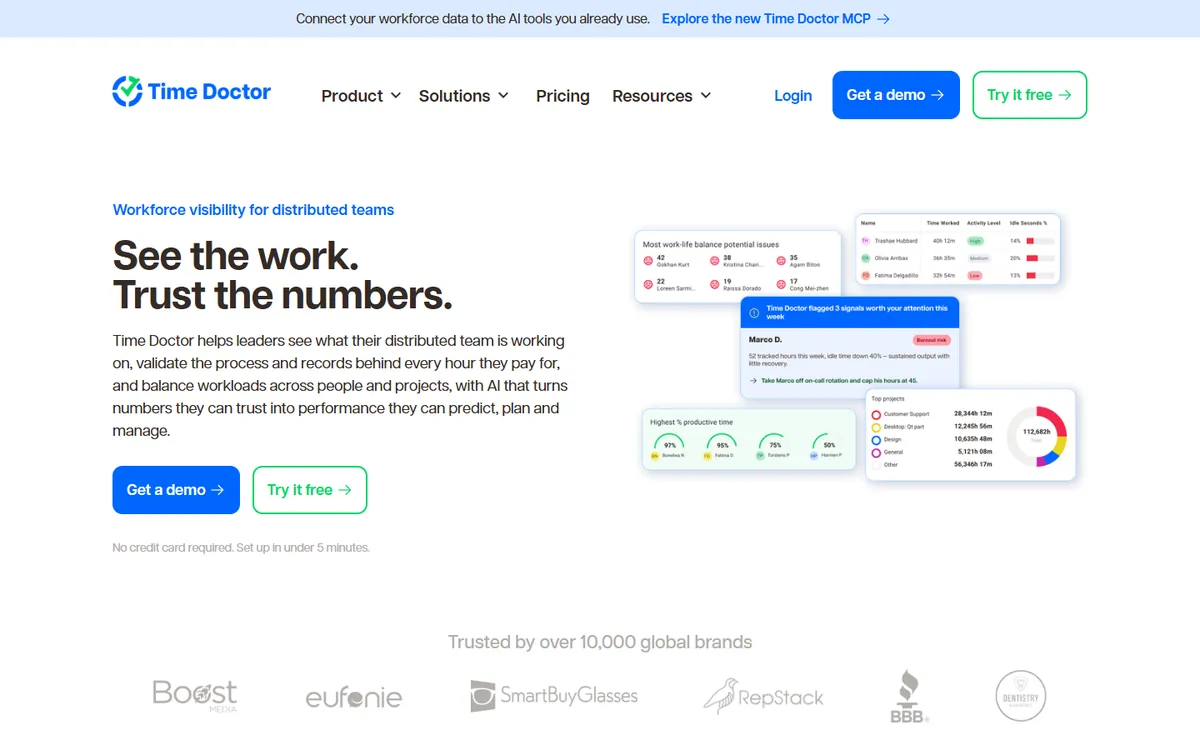
Time Doctor sits between the two worlds. It tracks time against projects and tasks like a classic tracker, and it adds the kind of productivity analytics, work-life balance reports and benchmarking that ActivTrak buyers are used to. Screenshots are on every plan, and video of the screen is on Premium.
The catch is the tiering. Basic tracks time and takes screenshots, but app and website usage and manual time approval start on Standard, so most ActivTrak switchers will compare against that plan.
Key features
Video screen recording on the Premium tier
Over 60 integrations with project and payroll tools
Work-life balance and productivity benchmarking
Longer data retention on higher tiers
Pros
Screenshots on every plan
Productivity and work-life balance reports
Video recording on Premium
Cons
App and website usage starts on Standard
No free plan
Client access only on Premium
4
Insightful
Best like-for-like analytics platform
$8Workforce Analytics
Verdict: Pick it if you like ActivTrak's analytics and want a different vendor, not a different kind of tool.
Screenshots
Activity
Apps and sites
Projects
Client access
Free plan
insightful.io
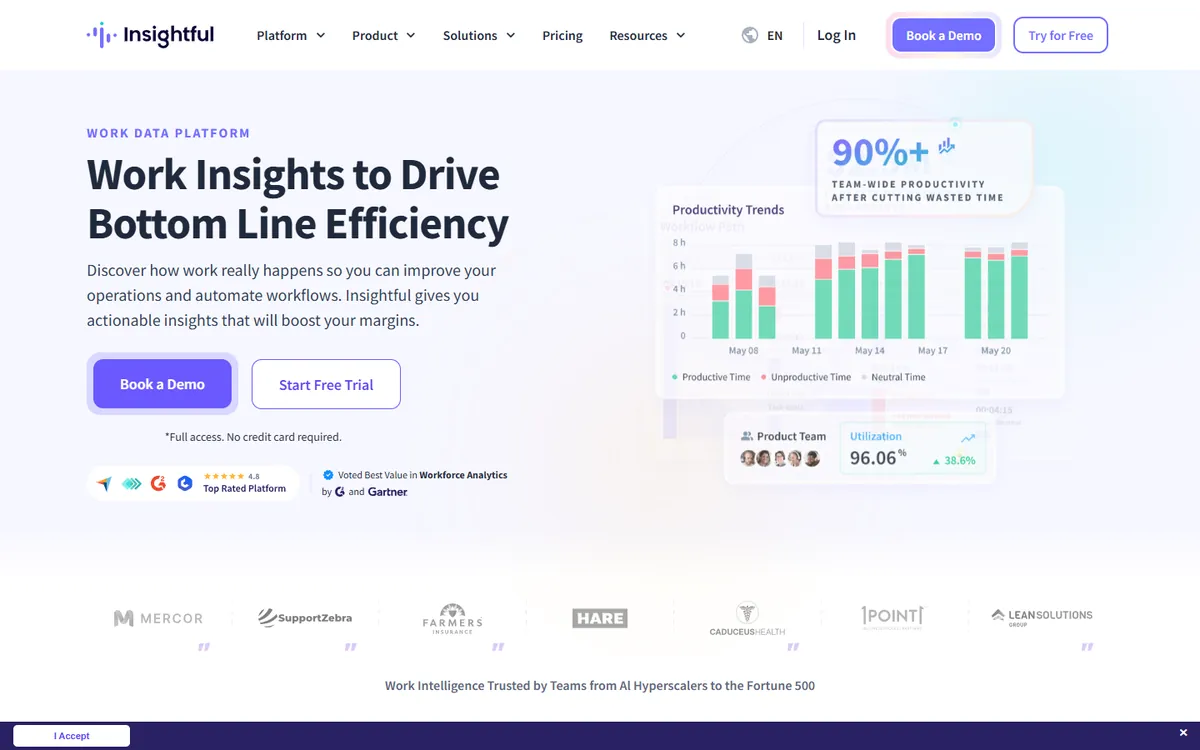
Insightful is the most direct ActivTrak competitor on this list. Both measure productivity from app and website use, both sell to large operations, and both publish compliance credentials. Insightful adds process capture and workflow analysis and can run on-premise, which ActivTrak's pricing page does not mention.
Unlike ActivTrak, it includes interval screenshots on Workforce Analytics, its entry plan. Extras such as on-demand screenshots and screen recording are add-ons with published prices, so the full cost is easy to work out.
Key features
Built for contact centers and large enterprise operations
AI process capture and workflow analysis, which TimoDesk does not offer
On-premise deployment for teams that cannot use cloud software
Published compliance: SOC 2, ISO 27001, HIPAA, GDPR
Pros
Analytics depth on par with ActivTrak
SOC 2, ISO 27001, HIPAA and GDPR
On-premise deployment
Cons
Screenshots are a paid add-on
Only a 7-day trial
Time tracking listed as coming soon on the entry plan
5
Teramind
Best for security and insider-risk teams
$14Starter
Verdict: Choose it when the screen itself is the evidence: video and live view on every plan, with keystroke logging and data loss rules higher up.
Screenshots
Activity
Partial
Apps and sites
Projects
Client access
Not stated
Free plan
teramind.co
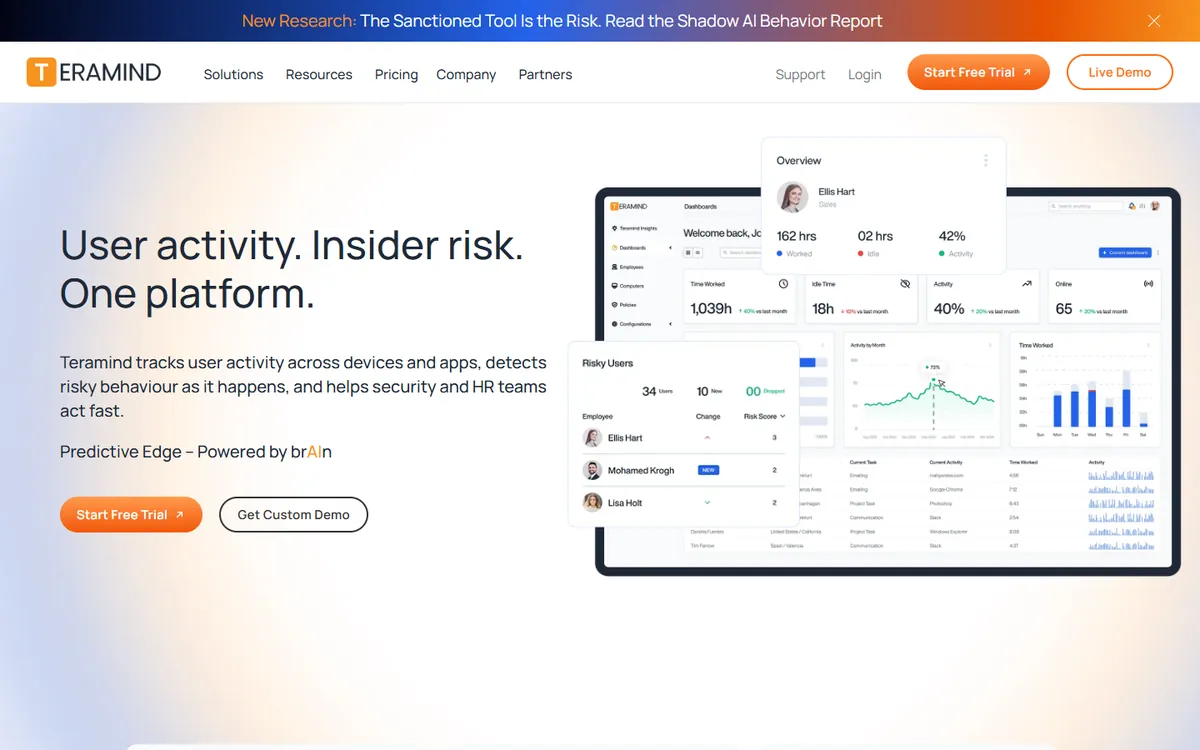
Some teams outgrow ActivTrak in the other direction. They need to see the screen, not a productivity label, and ActivTrak keeps screenshots and live view behind the Screen Details add-on. Teramind records video of the screen and shows it live on every plan, and its higher plans add keystroke logging and data loss prevention.
It is built for compliance and insider-risk work, with self-hosted and government options. For a 10-person agency that only wants proof of hours, it is far more tool than the job needs, and every paid plan has a 5-seat minimum.
Key features
Video recording of screens and live screen view on every plan
Keystroke logging and SIEM integration from the UAM plan
Data loss prevention rules with automatic blocking on DLP
OCR that searches text inside screens and recordings on Enterprise
Pros
Video and live view on every plan
Keystroke logging and data loss rules
Self-hosted and on-premise options
Cons
A 5-seat minimum
Starter costs more than ActivTrak's entry plan
Heavy for simple proof of hours
6
DeskTime
Best for automatic tracking with shifts and absences
$9.17Premium
Verdict: Feels like ActivTrak to the employee, with shifts and absences built in and screenshots on Premium.
Screenshots
Premium plan
Activity
Apps and sites
Projects
Client access
Exports only
Free plan
desktime.com
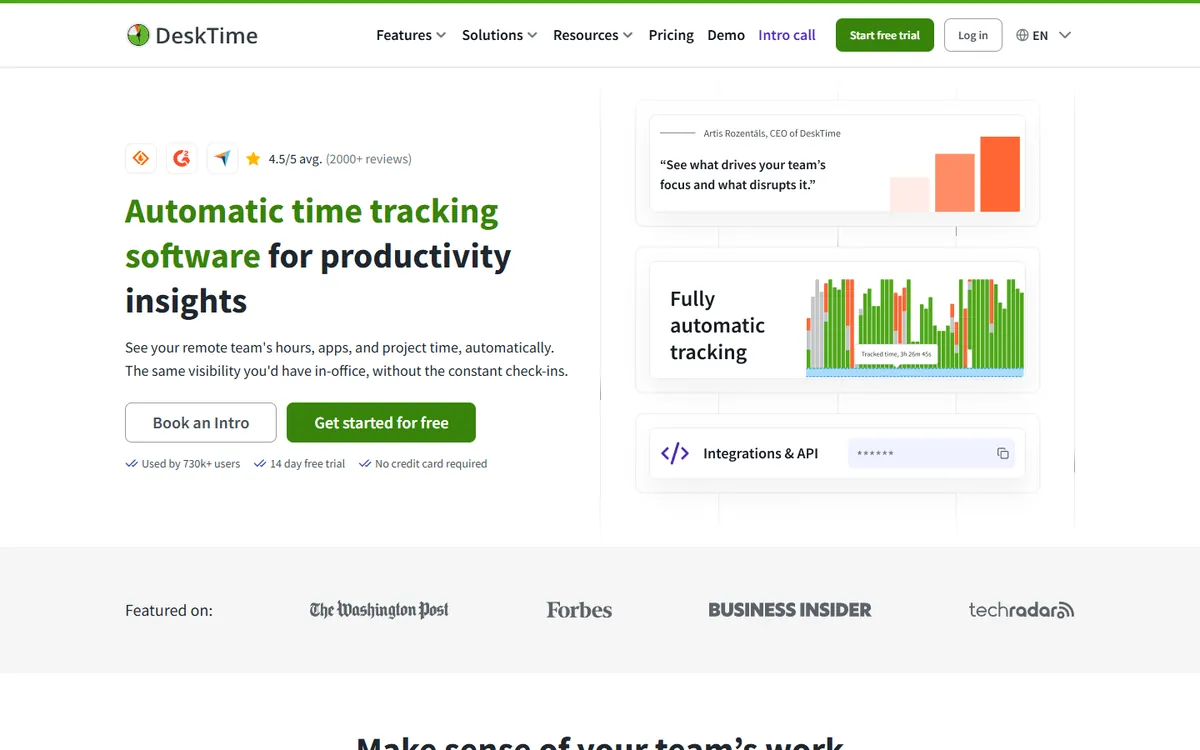
DeskTime tracks automatically with no timer to press, much like ActivTrak, and labels apps and sites as productive or not. Where it goes further is people management: shift scheduling, an absence calendar and attendance sit in the same tool.
Screenshots need the Premium plan, but unlike ActivTrak's add-on that plan has a published price. A 14-day trial lets you test it before you pay.
Key features
Shift scheduling, an absence calendar and attendance management
Productivity scores you can adjust for each team
Document title tracking inside desktop apps, on top of app and URL tracking
AI summaries, IP location and private time on higher plans
Pros
Automatic tracking with no timer to start
Shifts, absences and attendance
Premium priced publicly, unlike an add-on
Cons
Screenshots need Premium
No video recording
Enterprise starts at 200 users
7
Monitask
Best low-cost screenshot proof
$6.49Pro
Verdict: Screenshots and activity from the first paid plan, at well under ActivTrak's entry price.
Screenshots
Activity
Apps and sites
Business +
Projects
Client access
Business +
Free plan
monitask.com
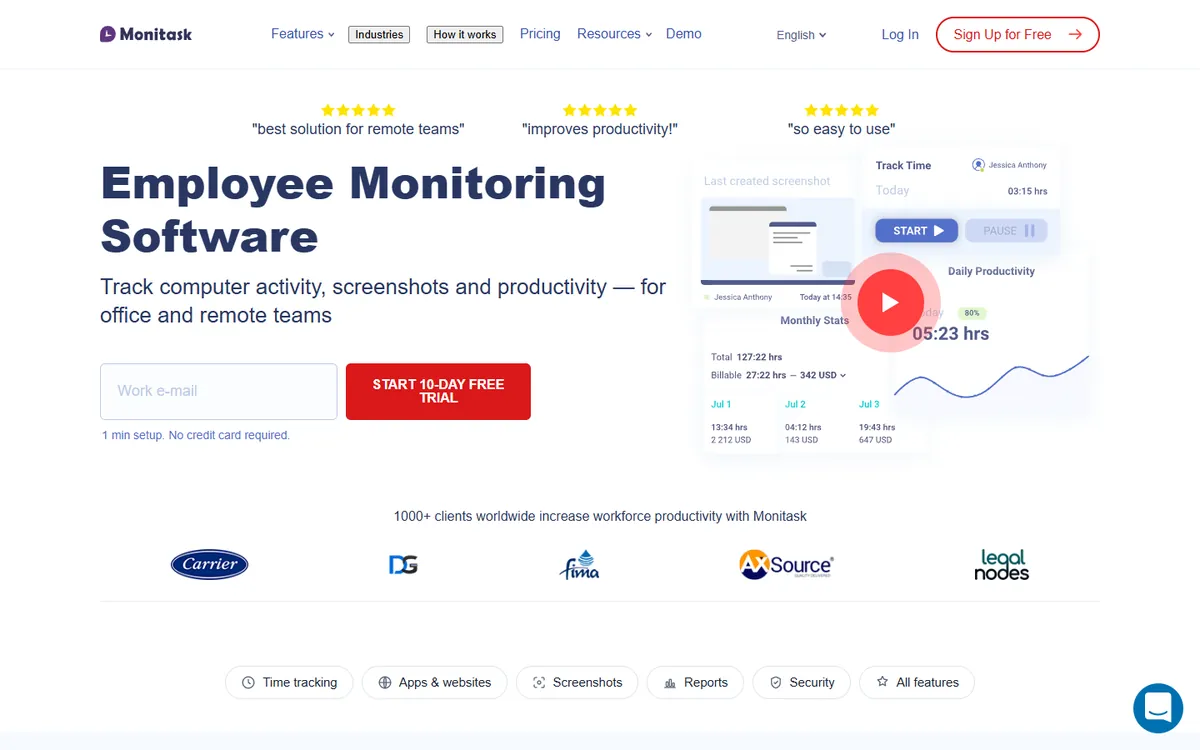
Monitask is a straightforward desktop tracker: a timer, screenshots and keyboard and mouse activity from its Pro plan, on Windows, macOS and Linux, plus Android and iOS apps. It skips the analytics layer that ActivTrak is known for and focuses on showing what happened during tracked hours.
App and website usage, client login and performance reports start on Business, so check which of those you need before you compare prices.
Key features
Mobile apps for Android and iOS
GPS or IP location tracking on Business Premium
Integrations with Jira, Asana, Trello and Zapier
More screenshots per hour as a paid add-on
Pros
Screenshots and activity on Pro
Android and iOS apps
Jira, Asana, Trello and Zapier
Cons
App and website usage from Business
GPS only on Business Premium
No free plan
8
Workstatus
Best for budgets, invoicing and leave
$7Proof
Verdict: The pick when you need hours against a budget, invoices and leave in one tool.
Screenshots
Activity
Apps and sites
Projects
Client access
Coming soon
Free plan
workstatus.io
Workstatus combines tracking and workforce management. The Proof plan includes screenshots, activity levels, app usage, shift scheduling, leave and overtime. The Profit plan adds invoicing, retainers and budget against actual hours, which is the job ActivTrak does not try to do.
GPS for field staff and session replay screen recording are sold as add-ons. Client access is listed as coming soon, so check it before you plan to share reports.
Key features
GPS, route history and geofenced clock-in with a Field Operations add-on
Invoicing, retainers and budget against actual on Profit
Shift scheduling, leave and overtime on the Proof plan
Jira, Asana, ClickUp, Trello and over 25 integrations, plus an API
Pros
Budget against actual hours on Profit
Leave, shifts and overtime on Proof
Over 25 integrations and an API
Cons
Client access is not live yet
GPS and screen recording are add-ons
Invoicing waits for Profit
9
We360.ai
Best for live screens and GPS on a budget
$5Pro
Verdict: Workforce analytics like ActivTrak, plus screenshots, video and live screens on the Pro plan.
Screenshots
Activity
Apps and sites
Projects
Client access
Not stated
Free plan
we360.ai
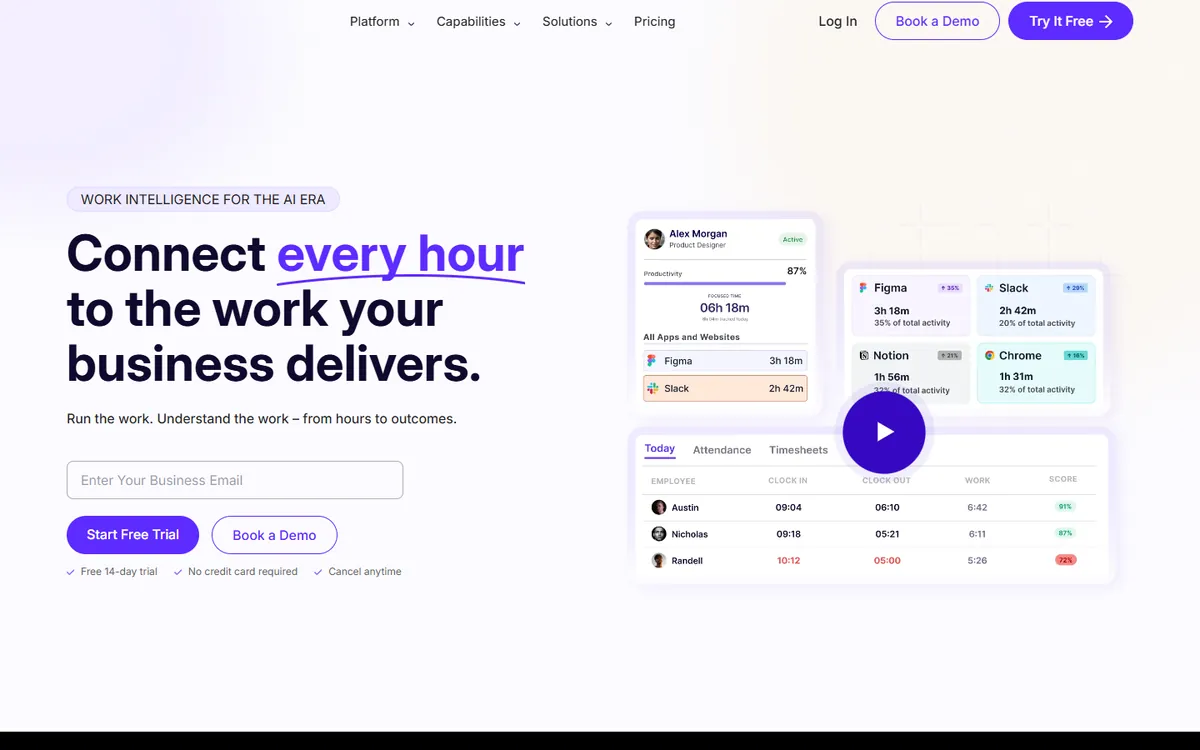
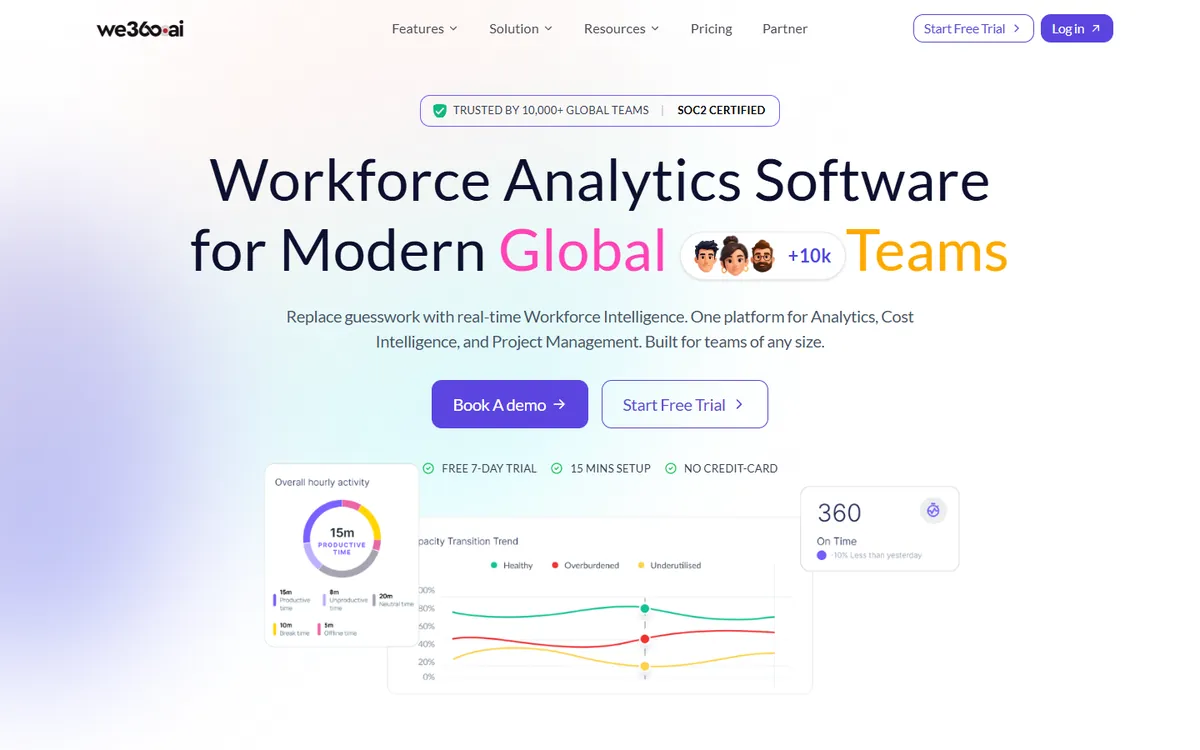
We360.ai is a workforce analytics tool, so its reports will feel familiar to ActivTrak users. The difference is how much proof it includes: screenshots, activity levels and app usage are on Pro, with video screen recording and real-time screen livestreams on top.
It also handles GPS field tracking with mobile apps and shift management. Its desktop app runs on Windows and macOS, with no Linux build listed.
Key features
GPS field tracking with geofenced clock-in and Android and iOS apps
Video screen recording alongside screenshots
Real-time livestream of screens on every plan
Scheduling, attendance and shift management
Pros
Video and live screens on Pro
GPS field tracking with mobile apps
Low per-user price
Cons
No Linux desktop app listed
Some prices shown in rupees by region
Only a 7-day trial
10
Prodoscore
Best for analytics from Microsoft 365 or Google Workspace
$19.99Basic
Verdict: For managers who want ActivTrak's insight with even less monitoring: scores from business apps, no screenshots.
Screenshots
Activity
Partial
Apps and sites
Projects
Not stated
Client access
Not stated
Free plan
Not stated
prodoscore.com
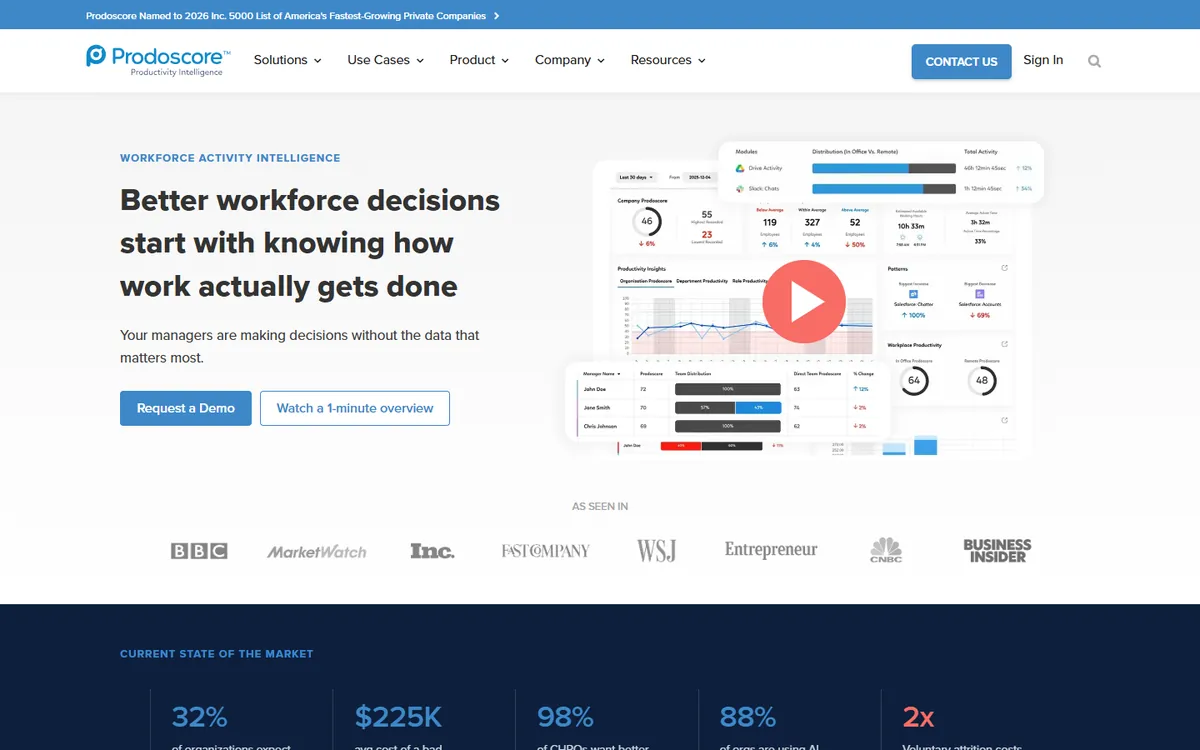
Prodoscore takes ActivTrak's idea further from the desktop. Instead of watching windows, it connects to Microsoft 365 or Google Workspace and, on Premium, to CRM, phone and ticketing systems, and turns that activity into a daily productivity score. It says plainly that it does not capture screenshots or log keystrokes.
That makes it a good fit for leaders who want trends and benchmarks, and a poor fit for anyone who needs to prove hours. Basic starts at $300 a month for up to 15 seats.
Key features
Activity analytics from Microsoft 365 or Google Workspace
Over 50 integrations, with CRM, phone and ticketing data on Premium
Flight-risk signals and role benchmarks on Premium
An AI assistant and data science services on higher plans
Pros
Scores from Microsoft 365 and Google Workspace
Over 50 integrations
No screenshots, if that is the goal
Cons
Not a timer for projects or clients
$300 a month starting point
Most features on custom-priced plans
Free and cheaper alternatives to ActivTrak
ActivTrak's own free plan covers up to 3 workers with limited features and 30 days of history, which is
hard to beat for a tiny team that only wants a rough picture. Past three people, the price question is
about the plan you actually need, not the headline. If screenshots matter, ActivTrak's real cost is
$10 plus an add-on with no public price, paid a year up front.
6 tools in this list, TimoDesk included, cost less than $10 for
their matching plan, and 8 of the 10 put screenshots on that plan
without an add-on. For a free start, Clockify is free for up to 5 users without screenshots, and ScreenshotMonitor is free
for 3 users with screenshots. Our Toggl Track alternatives
page compares the free timers in more depth.
05 · Side by side
ActivTrak alternatives: feature matrix
Ten tools and ActivTrak, on the features that decide most switches. "Not stated" means the vendor does not list it.
Prices are per user per month on yearly billing for the plan named, from each vendor's pricing page in October 2026.
06 · Head to head
ActivTrak vs TimoDesk
These two tools answer different questions, so a straight feature race is misleading. ActivTrak
explains how an organisation works. TimoDesk records what each person worked on and shows the
proof. Here is how they line up on the points buyers ask about most.
Feature
ActivTrak
TimoDesk
How time is recorded
Automatically, all day, sorted into productive and unproductive
A desktop timer against a project and task
Screenshots
Screen Details add-on, price not published
On the only plan, every 3 to 60 minutes
Projects and tasks
Not listed on its plans
Projects, tasks and a kanban board per project
Manual time
Not listed on its plans
Requests with a reason, approved by a manager
Client access
Not listed on its plans
A view-only client portal
Productivity analytics
Goals, benchmarks, workload balance, burnout and focus on higher plans
Activity levels, heatmaps and leaderboards, no productivity labels
Platforms
Windows, macOS and ChromeOS
Windows, macOS and Linux
Billing
Annual only
Monthly, only for members who tracked time
Free option
Free plan for up to 3 workers
15-day trial, no card
Price per user / month
$10 to $21 plus add-ons, yearly
$1 every feature, monthly
What a year costs, before ActivTrak's screenshot add-on
10 peopleActivTrak Work Activity Tracking$1,200TimoDesk$120
25 peopleActivTrak Work Activity Tracking$3,000TimoDesk$300
50 peopleActivTrak Work Activity Tracking$6,000TimoDesk$600
ActivTrak is paid for the year up front. TimoDesk is billed each month for members who tracked time, so a quiet month costs less. ActivTrak also requires a paid support plan for more than 50 licenses.
Choose ActivTrak if
You want productivity trends, goals and benchmarks across departments
Workload balance, burnout and focus insights matter to HR
Calendars, Entra ID or SCIM need to feed the picture
Some staff work on Chromebooks
Three people or fewer, and the free plan is enough
Choose TimoDesk if
Hours must be tied to a client, project and task
You need screenshots without a sales call for the add-on price
You prefer monthly billing to an annual contract
Some of the team works on Linux
Clients should log in and see their own reports
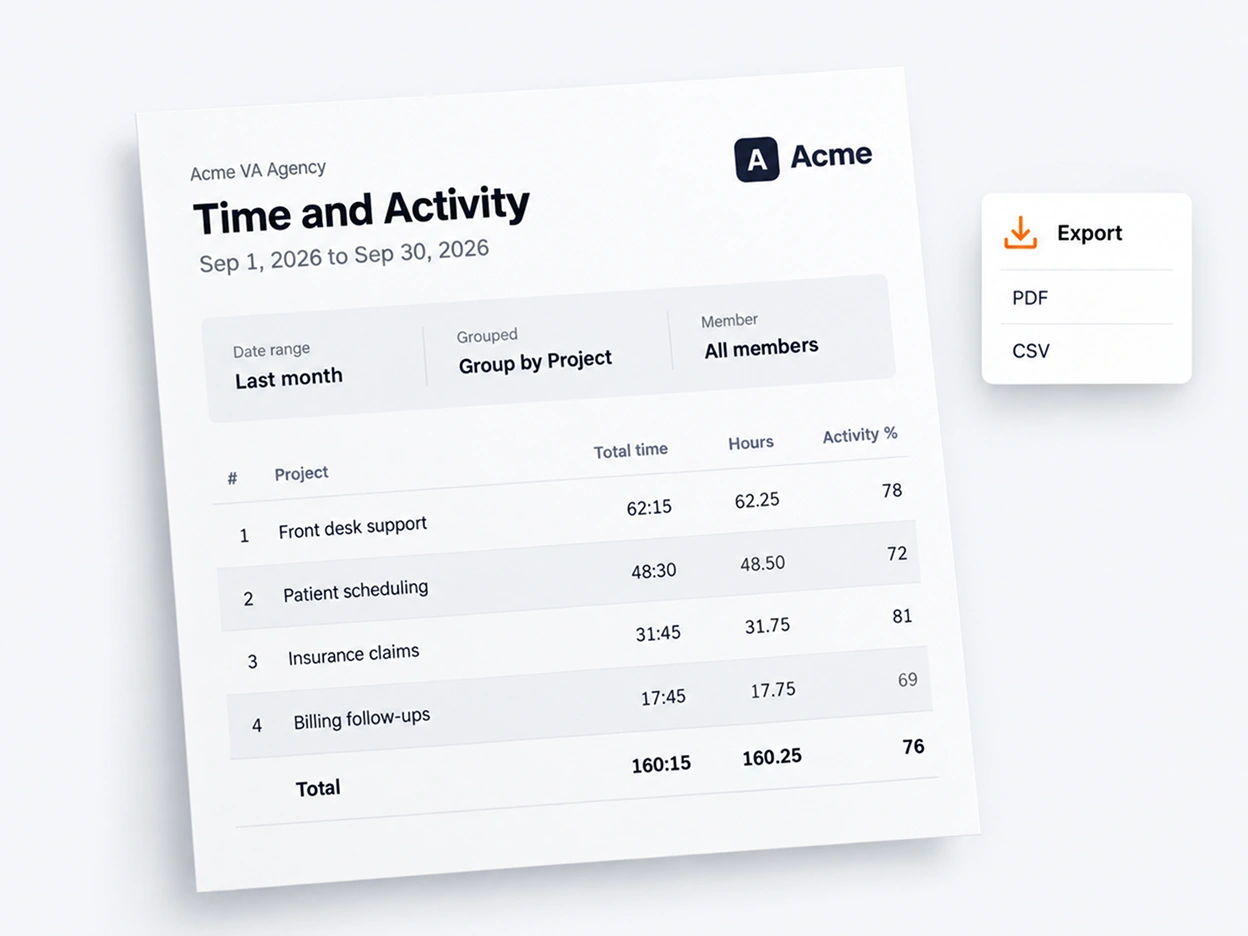
A Time and Activity report from the client portal, with your name and logo on it.
How to move from ActivTrak to TimoDesk
Check your renewal date. ActivTrak plans are annual, so plan the switch for the weeks before renewal.
Start the 15-day trial. No card needed. Create your clients' projects and tasks, and set a screenshot interval.
Install the desktop app. Each member installs it on Windows, macOS or Linux and tracks against a task.
Tell the team what changes. Tracking now runs only while the timer is on, and people can see their own screenshots.
Export from ActivTrak. Keep its reports for the history you need before the contract ends.
Bottom line
Which ActivTrak alternative should you choose?
Stay with ActivTrak if your goal is productivity analytics for a large organisation and nobody needs hours per client.
Choose TimoDesk for project time, screenshots, activity and a client portal at $1 per user, billed monthly.
Choose Insightful or Prodoscore to keep analytics with a different vendor, Teramind for screen video and insider risk, Hubstaff for payroll and GPS, and Workstatus for budgets and leave.
What managers ask when ActivTrak no longer fits the work.
01What is the best alternative to ActivTrak?
It depends on why you are leaving. For time tracked against projects with screenshots and activity levels on one plan, TimoDesk at $1 per user per month. For analytics like ActivTrak's from another vendor, Insightful. For screen video and insider-risk controls, Teramind. For payroll and GPS, Hubstaff.
02Is there a cheaper alternative to ActivTrak?
Yes. ActivTrak Work Activity Tracking is $10 per worker per month, billed annually, and screenshots cost extra through the Screen Details add-on. 6 tools on this list, TimoDesk included, cost less for their matching plan. TimoDesk is $1 per user per month with screenshots included and monthly billing.
03Is there a free ActivTrak alternative?
ActivTrak itself has a free plan for up to 3 workers with limited features. Among the alternatives, Clockify is free for up to 5 users without screenshots, and ScreenshotMonitor is free for up to 3 users with screenshots. TimoDesk has no free plan, only a 15-day trial without a card.
04Does ActivTrak take screenshots?
Only with the Screen Details add-on, which also adds live screen view. ActivTrak lists it for the Work Activity Tracking and Workforce Management plans and does not publish its price. TimoDesk, Hubstaff, Time Doctor, Monitask, Teramind and We360.ai include screenshots on the plan compared here.
05Can ActivTrak track time for projects or clients?
ActivTrak tracks time automatically and sorts it by app, website and productivity label. Projects and tasks are not listed on its plans, so it is not built for billing a client by project. Trackers such as TimoDesk and Hubstaff record time against a project and task with a desktop timer.
06Can I pay for ActivTrak monthly?
No. ActivTrak's pricing page shows every paid plan as billed annually. TimoDesk bills after each month, only for members who tracked time that month, with no annual contract.
07Which ActivTrak alternative is best for productivity analytics?
Insightful is the closest match, with productivity analytics, process capture, on-premise hosting and published compliance. Prodoscore scores activity from Microsoft 365 or Google Workspace without screenshots. Time Doctor and DeskTime combine productivity reports with time tracking.
08Is this comparison biased?
We make TimoDesk, so it is listed first. Prices come from each vendor's pricing page, and we say where ActivTrak and the others are the better choice, for example productivity analytics, calendar data, a ChromeOS agent and integrations.
Still have a question?Book a call. We'll show you TimoDesk with your own setup and answer
any question this list doesn't cover.
Talk to our team
Start tracking time this week
Create your organization and invite your team today. Tracked time shows
on the dashboard the same day, and the first full-day reports are ready the next
day. $1 per user per month, with every feature included.
 What an analytics tool shows a manager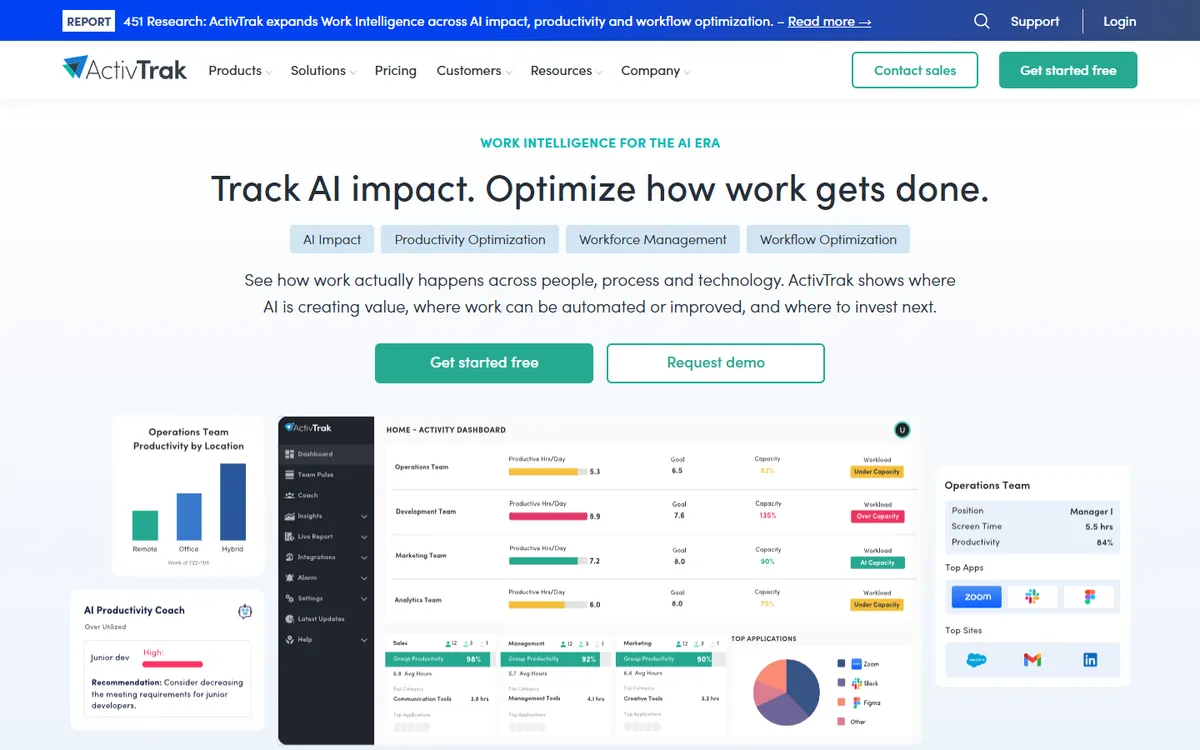
 Hubstaff
 Monitask
 Insightful
 Prodoscore
 DeskTime
 Workstatus
 Teramind
 We360.ai