10 best Toggl Track alternatives in 2026: simple timers and trackers with proof

Toggl Track is a great timer that, by design, takes no screenshots. Some teams leave it for a cheaper or free timer, others because a client wants to see the work. This page covers both, with free plans, prices, pros and cons.

  • Updated October 19, 2026
  • Prices from each vendor's own page
  • 13 min read
What a timer records
Homepage redesignWebsite project 3:20:00

A start time, a stop time and a label.

The same hours with proof
Homepage redesignWebsite project 3:20:00
20 screenshots 72% activity Figma, Chrome top apps
An illustration of the difference, not real data.

Toggl Track in 60 seconds

  • Freeplan for small teams
  • $9Starter, per user / month
  • $14Premium, per user / month
  • 100+integrations
  • Nonescreenshots or activity levels
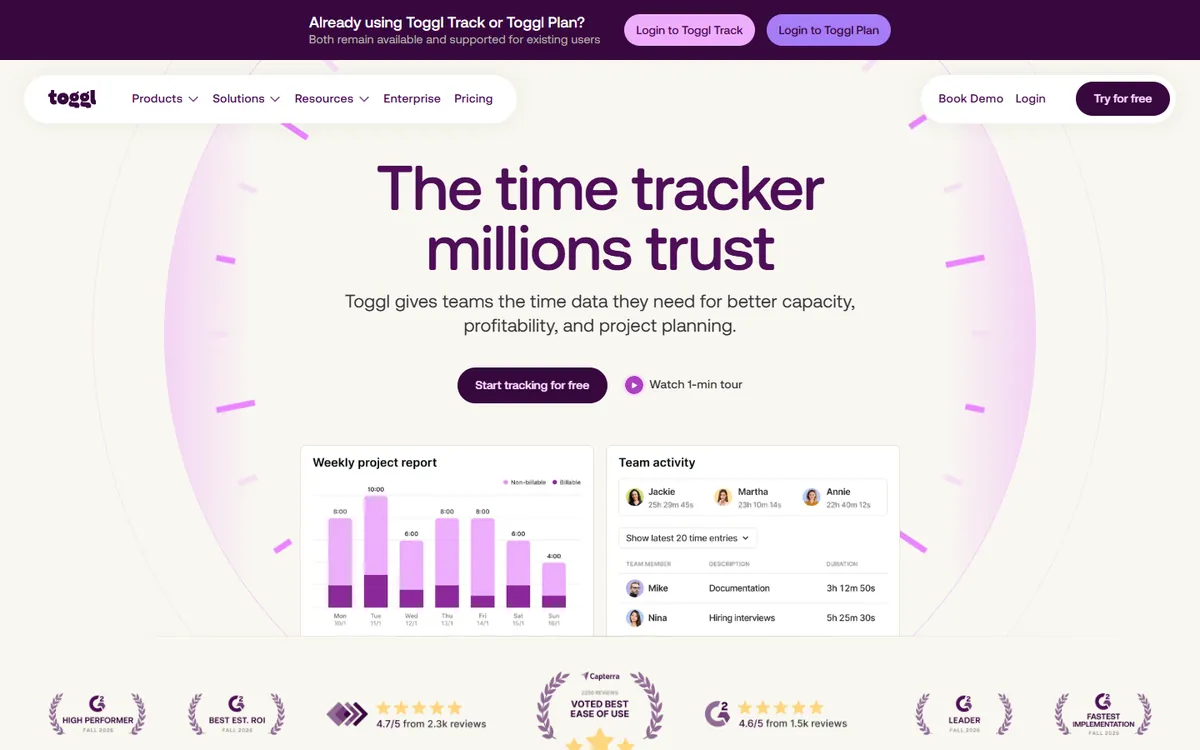
Toggl home page: the time tracker millions trust
Toggl's home page. Source: toggl.com, October 2026.

Toggl Track is a time tracker built around a one-click timer. People start it when they begin a task and stop it when they finish, and Toggl turns those entries into clean reports, with profitability and billable-rate reports on paid plans. It runs on Windows, macOS and Linux, in the browser and on phones, and connects to over 100 other tools.

What it deliberately leaves out is monitoring. There are no screenshots, no activity levels and no app tracking by default. Toggl's view is that people should be trusted, and many teams agree.

Toggl Track plans, per user per month
PlanBilled yearlyBilled monthly
Free$0$0
Starter$9$9
Premium$14$14
EnterpriseCustomCustom

30-day trial, no card required. Prices from Toggl's pricing page, checked August 2026.

Why teams look for a Toggl alternative

01

A client wants to see the work

A Toggl entry shows how long, not what was done. Agencies and contractors billing by the hour often need screenshots or activity behind the invoice.

02

The useful parts are on paid plans

Billable rates, profitability reports and deeper filters are paid features, and approving time needs Premium at $14.

03

People forget to start the timer

A manual timer is only as good as the habit behind it. Missed entries get guessed at the end of the week.

04

The free plan runs out

The free plan suits a small team. Grow past it and every seat costs at least $9 a month.

First, decide: a better timer, or proof of work?

Toggl alternatives fall into two groups. Knowing which one you need halves the list.

A simple timer, like Toggl

For teams that work on trust and want a cheaper, freer or more automatic timer.

Proof Toggl can't give

For teams that bill clients by the hour or manage remote staff and need screenshots and activity.

The 10 best Toggl Track alternatives

TimoDesk keeps the part of Toggl people like, a timer on a task, and adds what Toggl leaves out. While the timer runs, the desktop app takes screenshots at an interval you choose, measures keyboard and mouse activity and records the apps and websites in use. Everything is on one plan at $1 per user per month, less than Toggl Starter's $9.

Nothing is captured when the timer is off, keystrokes are never logged, and each member can see their own screenshots. A client portal lets clients check the work behind an invoice. See time tracking with screenshots.
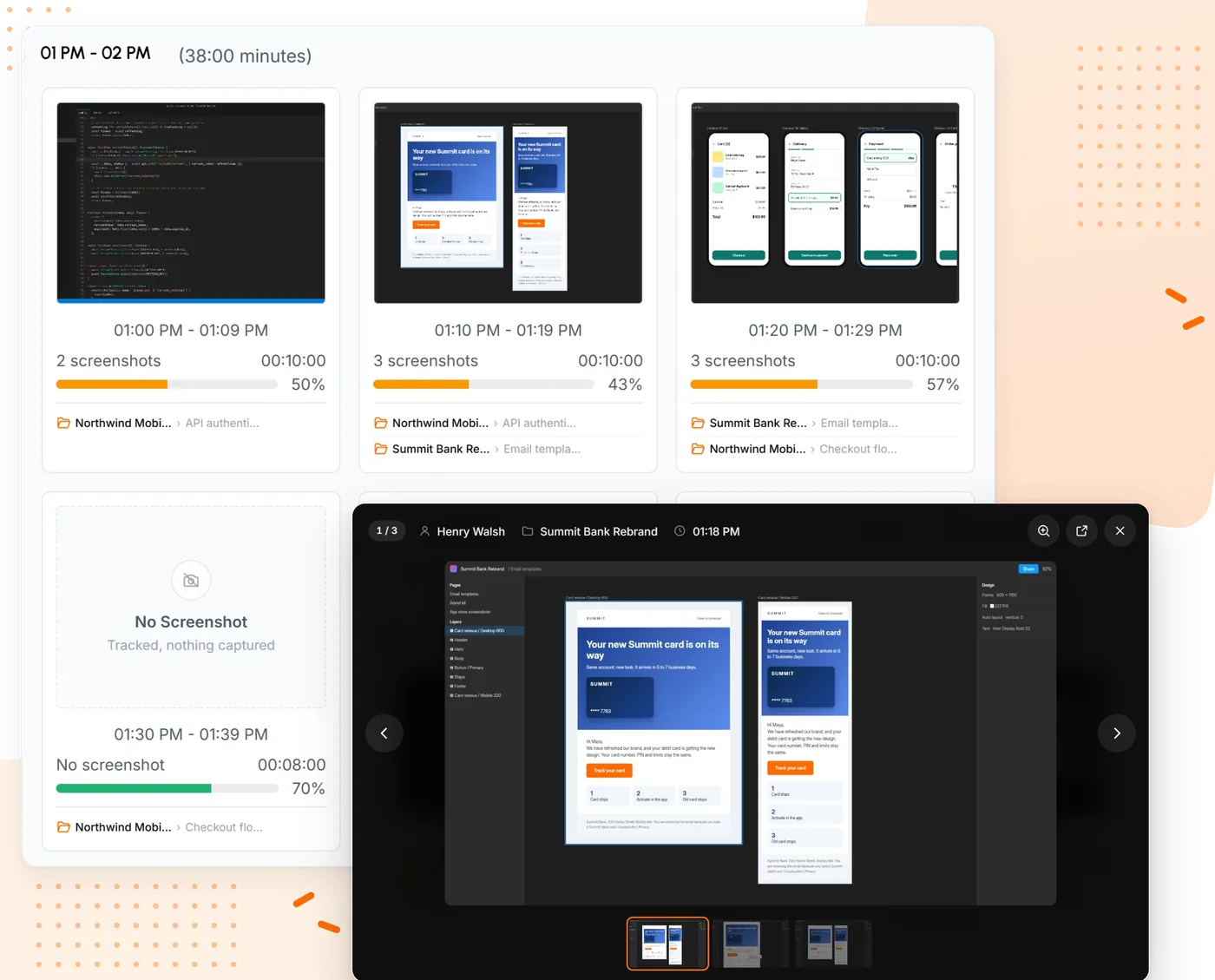
TimoDesk screenshots grouped into 10 minute blocks with tracked minutes and activity
Screenshots and activity behind every block of tracked time.

Pros

  • Screenshots, activity and app usage for $1
  • Kanban boards and manual time approval included
  • Billed only for members who tracked time that month

Cons

  • No free plan
  • No integrations or mobile app
  • Not for teams that want no monitoring
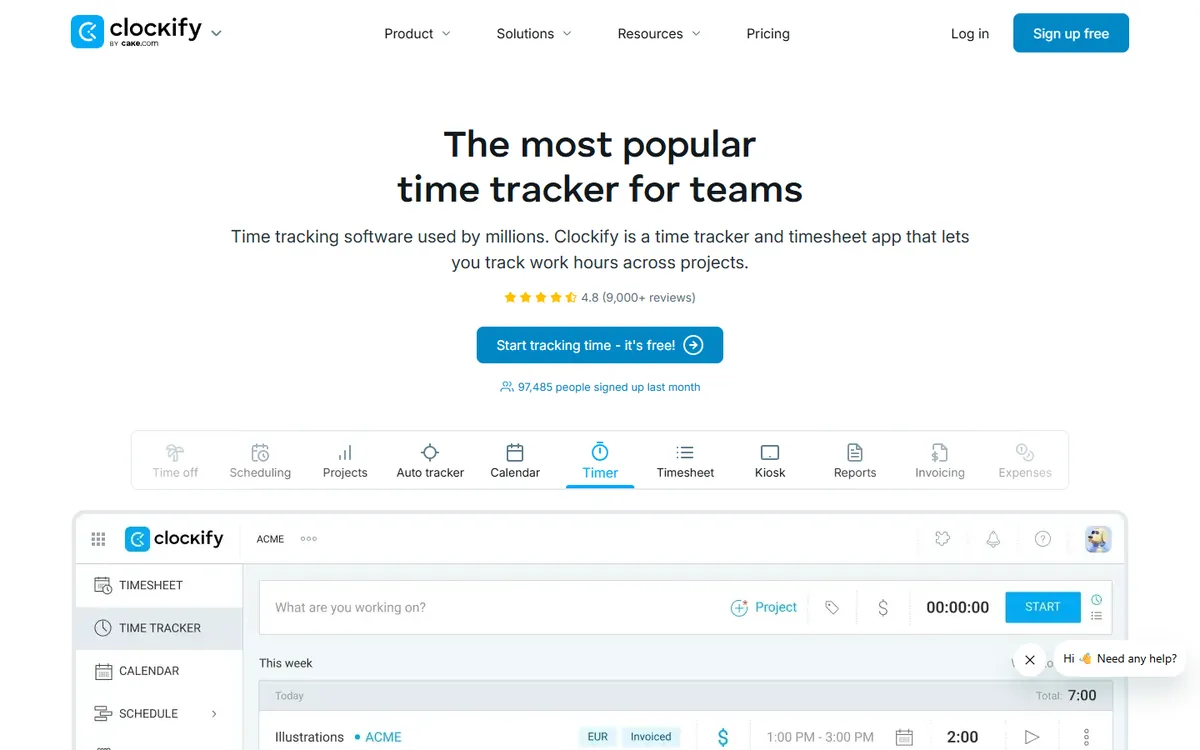
Clockify home page

Clockify is the closest thing to Toggl Track with a bigger free plan. It has the same timer-first design, it is free for up to five users with no time limit, and it records apps and websites automatically even on the free plan.

Paid plans grow into a wider product with scheduling, invoicing, GPS and payroll. If you later want screenshots, they start on Pro.

Key features

  • A free plan for up to five users, with no time limit
  • Automatic app and website tracking on every plan, including free
  • A wider product with invoicing, scheduling, GPS and payroll
  • Desktop apps for Windows, macOS and Linux, plus iOS, Android and browser extensions
  • Higher plans to move up to if you need enterprise controls

Pros

  • Free for up to 5 users, with no time limit
  • Automatic app and website tracking on every plan
  • Desktop, mobile and browser apps

Cons

  • Screenshots only on Pro
  • Manual time approval starts on Standard
  • Kanban boards live in a separate app
Pricing, per user / month, yearly
  • Free $0
  • Basic $3.99
  • Standard $5.49
  • Pro $7.99
  • Enterprise $11.99
Source: Clockify pricing, August 2026
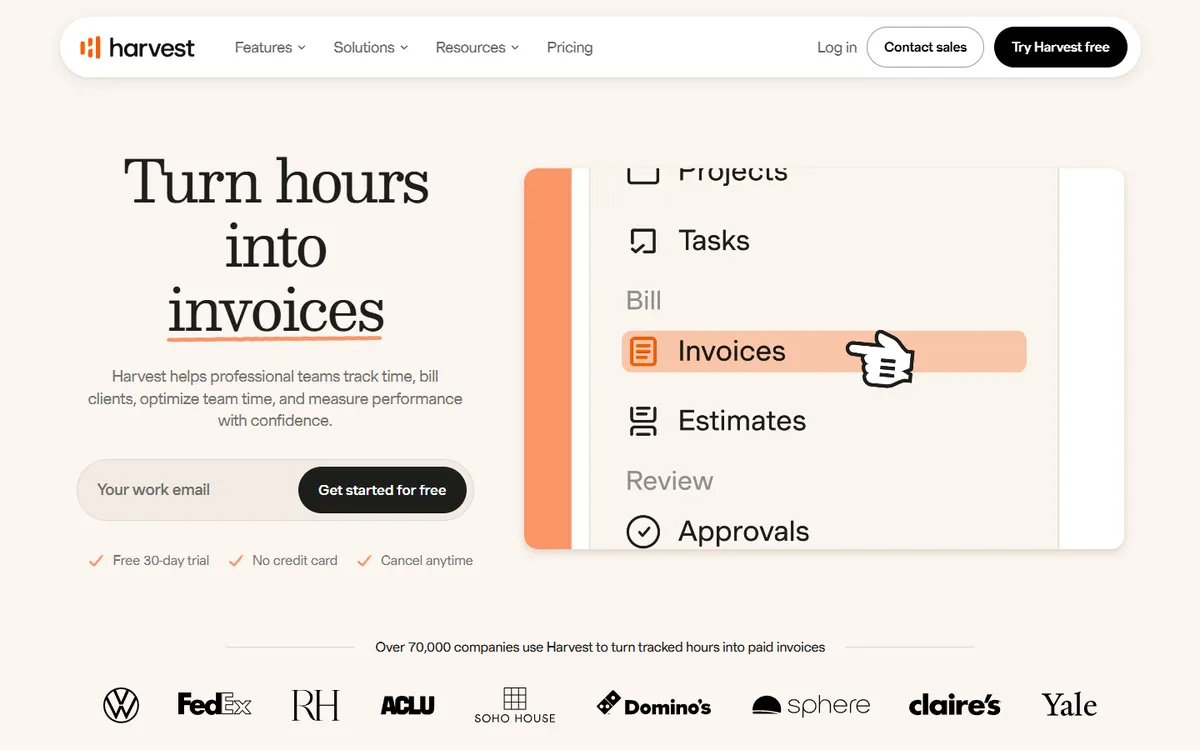
Harvest home page

Harvest is a timer built around billing. Invoices and expenses come with every plan, even Free, and Teams costs the same per seat as Toggl Starter. If you track time mainly to bill clients, it removes a step.

Like Toggl, it does no monitoring. The desktop app is for Windows and Mac, and timesheet approval sits on Enterprise.

Key features

  • Invoicing and expense tracking on every plan, even Free
  • Over 50 integrations, plus accounting and payment tools on Teams
  • A free plan for one seat and two projects
  • Profitability reports and timesheet approval on Enterprise
  • A simple timer and timesheet that people fill in themselves

Pros

  • Invoicing and expenses on every plan
  • Over 50 integrations, plus accounting tools
  • A free plan for one seat and two projects

Cons

  • No desktop app for Linux
  • Timesheet approval only on Enterprise
  • No screenshots or activity levels
Pricing, per user / month, yearly
  • Free $0
  • Teams $9
  • Enterprise $14
  • Enterprise Plus Custom
Source: Harvest pricing, October 2026
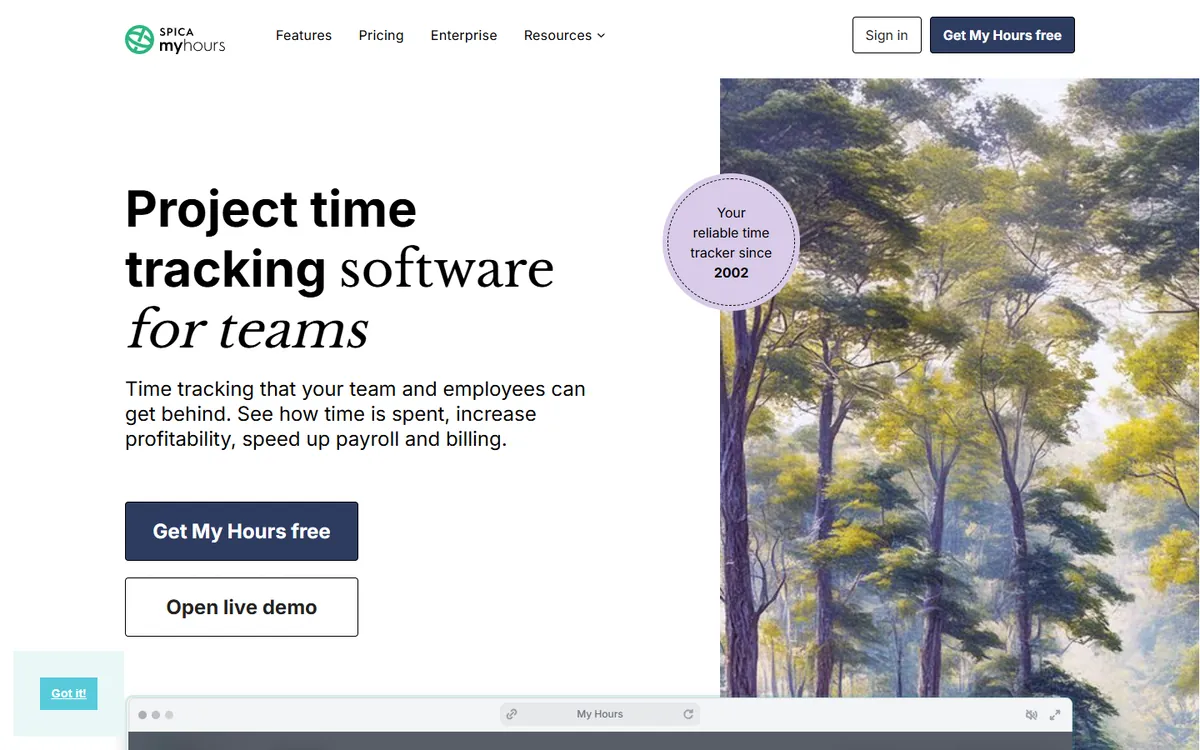
My Hours home page

My Hours keeps time tracking simple and cheap. It is free for up to five active users, Basic costs less than half of Toggl Starter, and archived users are not charged.

Mobile apps and a browser extension come with every plan. On a computer it runs in the browser rather than as a desktop app.

Key features

  • A free plan for teams of up to 5 users
  • Mobile apps and a browser extension on every plan, even Free
  • Invoicing of billable time on Pro
  • Expense logging, plus budgets with email alerts on Pro
  • Over 100 integrations, Zapier, an API and two-way Jira sync

Pros

  • Free for up to 5 users
  • Basic costs less than half of Toggl Starter
  • Over 100 integrations and two-way Jira sync

Cons

  • No desktop app, it runs in the browser
  • Invoicing and approvals need Pro
  • No screenshots or activity levels
Pricing, per user / month, yearly
  • Free $0
  • Basic $4
  • Pro $8
  • Enterprise Custom
Source: My Hours pricing, October 2026
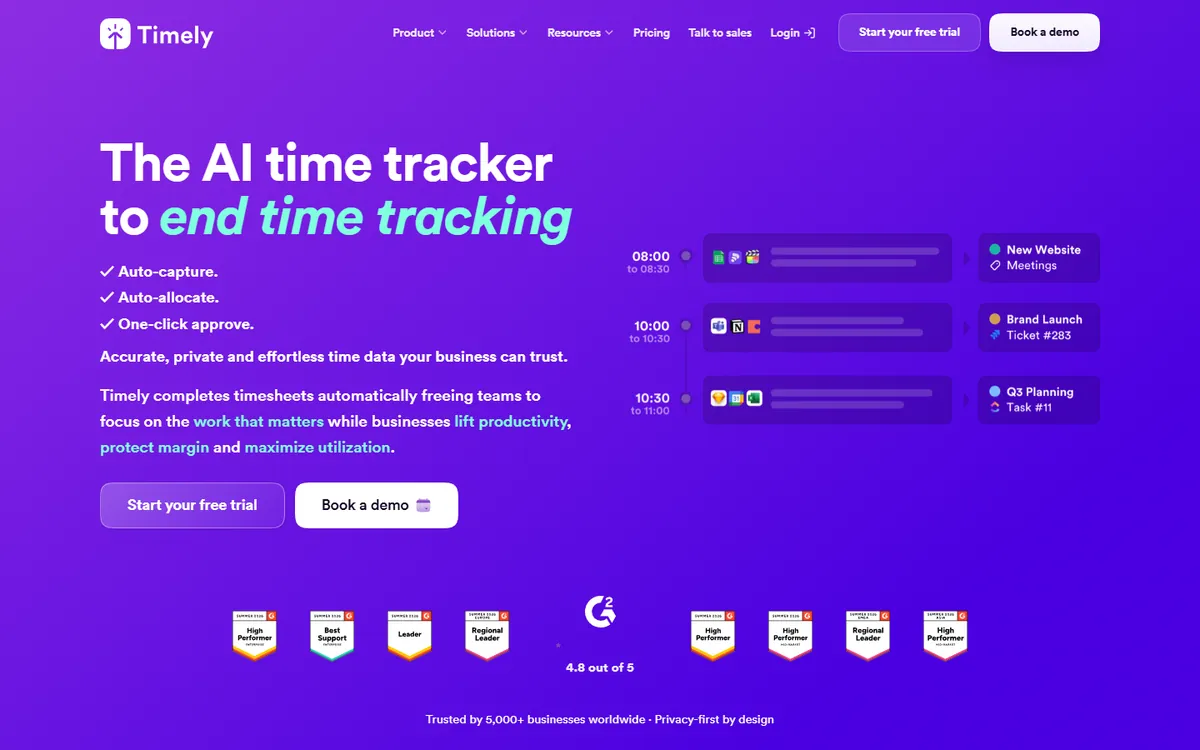
Timely home page

Timely removes the timer altogether. It captures activity in the background and uses AI to draft each person's timesheet, which they review and approve. Teams that forget to start Toggl tend to like that.

Starter is priced like Toggl Starter but is capped at 5 users and 20 projects, and there is no free plan.

Key features

  • Automatic time capture, with AI that drafts each timesheet
  • Over 90 integrations, including Asana, Jira, Google Calendar and Zoom
  • iOS and Android apps with GPS location
  • Client reports shared by private link, with live branded reports on Unlimited
  • Capacity planning and overtime tracking for teams

Pros

  • Automatic capture with AI-drafted timesheets
  • Over 90 integrations, including calendars
  • Capacity planning and overtime tracking

Cons

  • No free plan
  • Starter is capped at 5 users and 20 projects
  • No desktop app for Linux
Pricing, per user / month, yearly
  • Starter $9
  • Premium $16
  • Unlimited $22
  • Enterprise Custom
Source: Timely pricing, October 2026
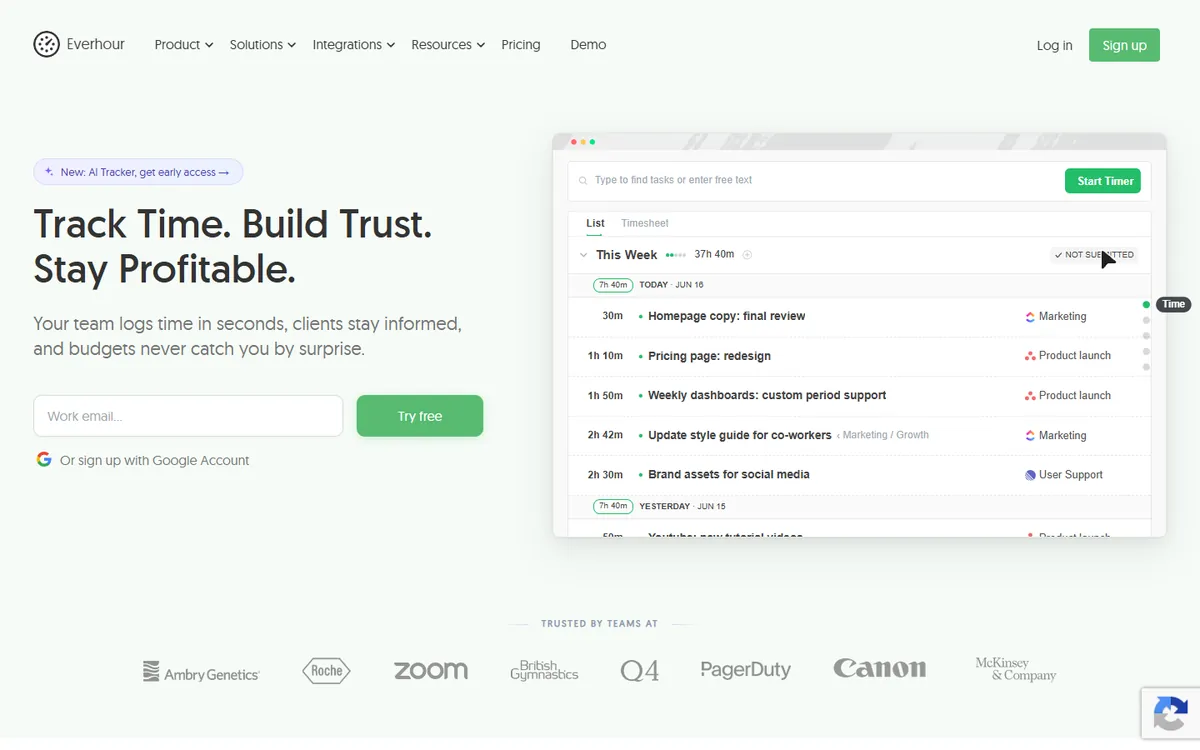
Everhour home page

Everhour puts a timer inside the tools people already use, such as Asana, Jira, Trello, ClickUp and GitHub. Budgets, invoicing and time off sit on the same Team plan, and screenshots are included too.

Team has a 5-seat minimum, so a small team pays for five. The free plan covers up to five seats.

Key features

  • A timer inside over 40 tools such as Asana, Jira, Trello, ClickUp and GitHub
  • Invoicing from tracked time and expenses, with project budgets and alerts
  • Time off with accruals, plus scheduling and resource planning
  • Expense tracking for project spending
  • A free plan for up to 5 seats, plus an iPhone app

Pros

  • A timer inside over 40 project tools
  • Every feature on the one Team plan
  • Budgets, invoicing and time off included

Cons

  • A 5-seat minimum on Team
  • No activity levels
  • No desktop app for Linux
Pricing, per user / month, yearly
  • Free $0
  • Team $8.50
  • Custom Custom
Source: Everhour pricing, October 2026
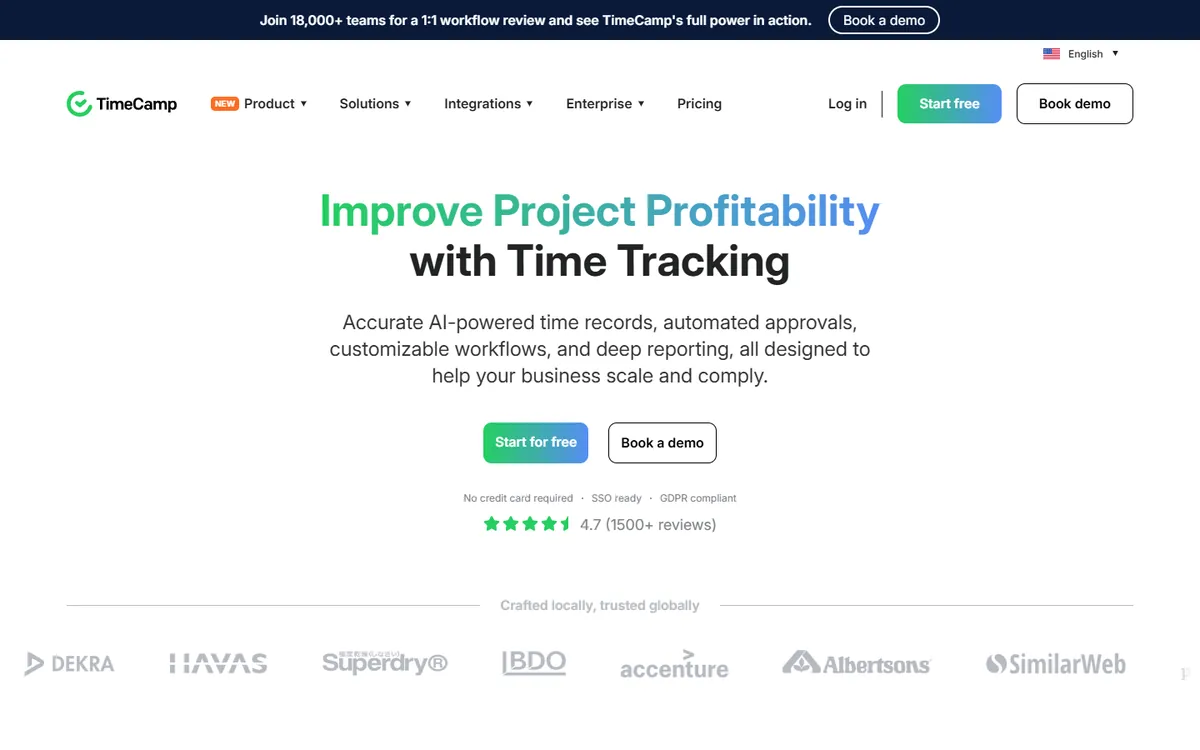
TimeCamp home page

TimeCamp is free for unlimited users and projects, which no other tool here matches. It adds activity levels on Premium and screenshots on Ultimate, so you can start free and add proof later.

It has over 100 integrations, a mobile app with GPS, and invoicing from Starter.

Key features

  • A free plan with unlimited users and projects
  • Over 100 integrations, including Asana, Jira, Slack, Trello and Zapier
  • Invoicing from Starter, plus budgets and estimates on Premium
  • A mobile app with GPS location on every plan
  • Attendance tracking, SSO and an on-premise option for larger teams

Pros

  • Free for unlimited users
  • Over 100 integrations
  • Screenshots and activity when you need them

Cons

  • Screenshots only on Ultimate
  • Activity levels start on Premium
  • Many features spread across five tiers
Pricing, per user / month, yearly
  • Free $0
  • Starter $3.99
  • Premium $6.99
  • Ultimate $9.99
  • Enterprise Custom
Source: TimeCamp pricing, October 2026
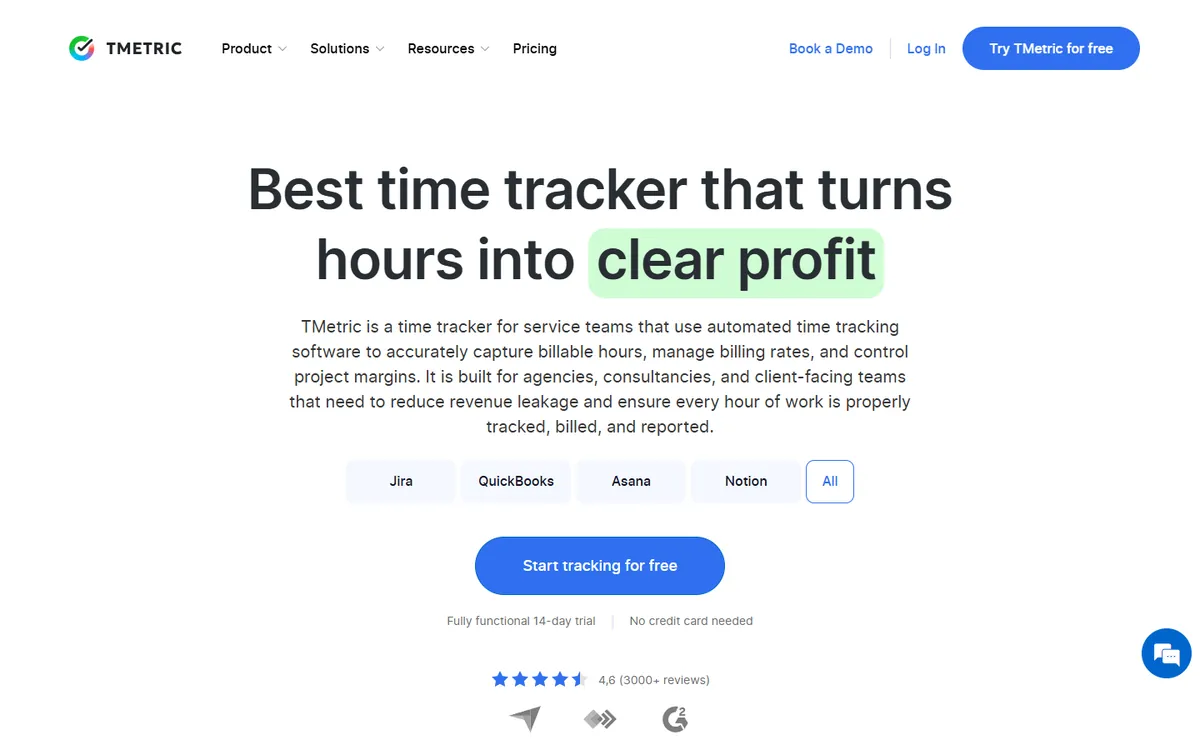
TMetric home page

TMetric mixes a Toggl-style timer with optional monitoring. Activity levels start on Professional and screenshots on Business, next to billable rates, invoicing, expenses and budgets.

It syncs both ways with QuickBooks, Jira, GitLab, Redmine and ClickUp, which helps if your team lives in one of them.

Key features

  • A free plan for up to 2 seats with unlimited projects
  • Client invoicing, billable rates, expenses and budgets from Professional
  • Time off and pay calculations on the Business plan
  • iOS and Android apps, plus a timer inside over 50 web apps
  • Two-way sync with QuickBooks, Jira, GitLab, Redmine and ClickUp

Pros

  • Screenshots on Business, still under Toggl Starter
  • Invoicing, rates and budgets from Professional
  • Two-way sync with QuickBooks and Jira

Cons

  • Screenshots need Business
  • The free plan covers only 2 seats
  • App usage starts on Business
Pricing, per user / month, yearly
  • Free $0
  • Professional $5.83
  • Business $7.50
  • Enterprise Custom
Source: TMetric pricing, October 2026
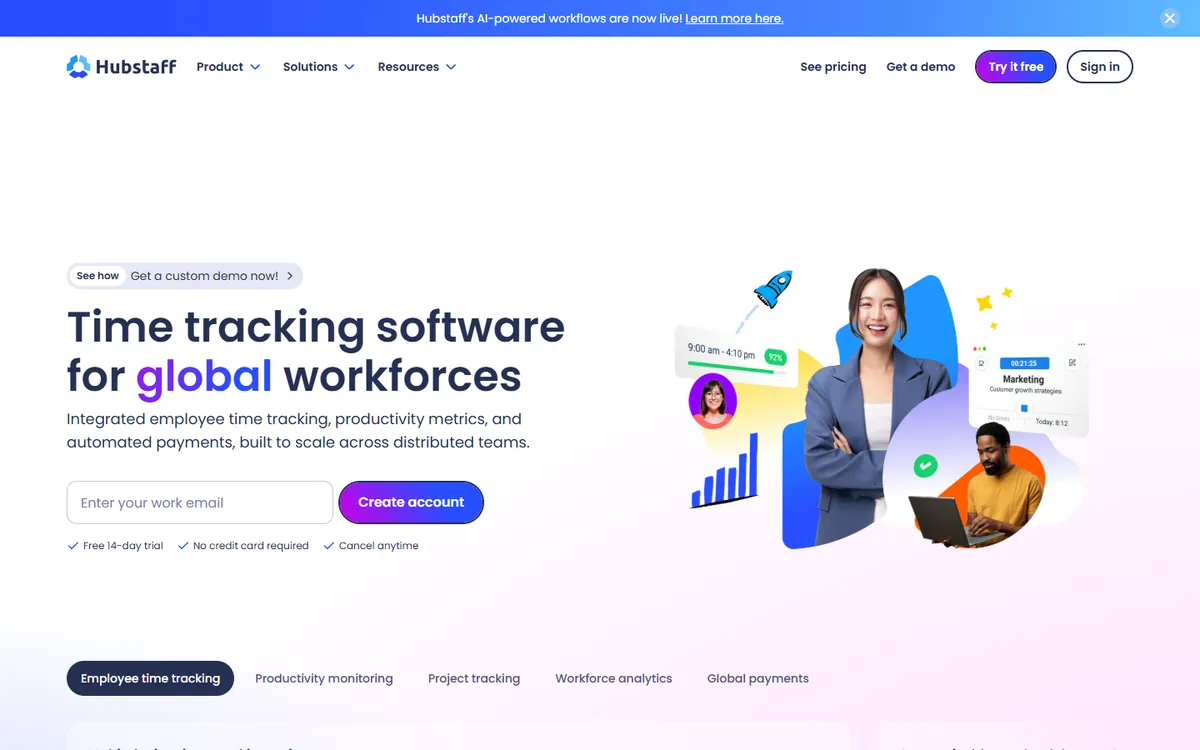
Hubstaff home page

Hubstaff is where many teams go when Toggl stops being enough. It adds screenshots, activity levels and app usage, plus GPS, geofencing and payroll for people who work away from a desk.

Team, the plan most teams need, costs a little more than Toggl Starter and has a 2-seat minimum.

Key features

  • GPS tracking and geofencing for field teams
  • Built-in payroll and automated payments
  • Shift scheduling and attendance management
  • A large list of integrations with project tools
  • A longer history and a larger support team

Pros

  • Screenshots, activity and app usage
  • GPS, geofencing and payroll
  • A long list of integrations

Cons

  • A 2-seat minimum
  • No free plan
  • Boards and approvals on higher tiers
Pricing, per user / month, yearly
  • Starter $4.99
  • Grow $7.50
  • Team $10
  • Enterprise $25
Source: Hubstaff pricing, August 2026
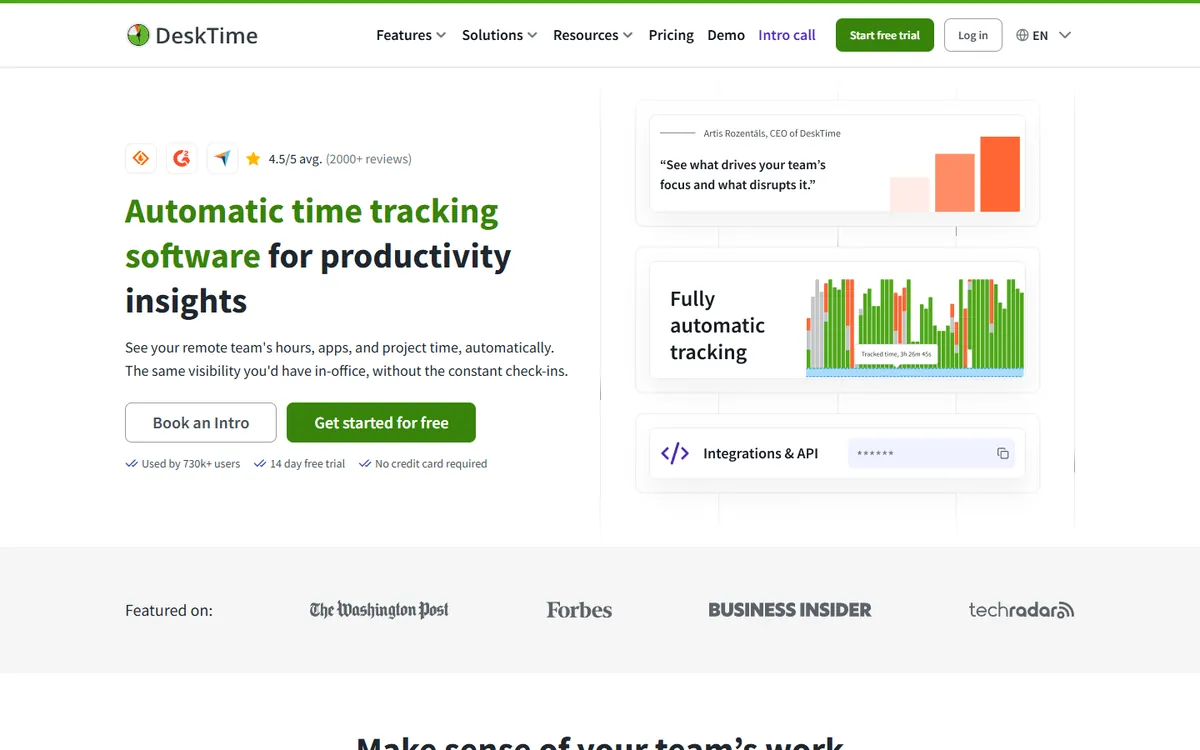
DeskTime home page

DeskTime tracks automatically, scores apps and websites for productivity and handles shifts and absences. It suits office and hybrid teams that want to stop relying on people pressing start.

Screenshots need Premium, which costs about the same as Toggl Starter.

Key features

  • Shift scheduling, an absence calendar and attendance management
  • Productivity scores you can adjust for each team
  • Document title tracking inside desktop apps, on top of app and URL tracking
  • AI summaries, IP location and private time on higher plans
  • Integrations with Jira, Asana, Trello, GitLab, Zapier and an API

Pros

  • Automatic tracking with no timer to press
  • Shifts, absences and attendance
  • Premium costs about the same as Toggl Starter

Cons

  • Screenshots need Premium
  • No free plan
  • Enterprise starts at 200 users
Pricing, per user / month, yearly
  • Pro $6.42
  • Premium $9.17
  • Enterprise Custom
Source: DeskTime pricing, October 2026

Free Toggl alternatives compared

Many people find Toggl through its free plan. These are the free plans on this list, from the most generous down. None of them include screenshots.

ToolFree forStands out forScreenshots
Toggl Track Small teams Basic timer and reports
Clockify Up to 5 users Automatic app and website tracking
TimeCamp Unlimited users Unlimited users and projects
My Hours Up to 5 users Mobile apps and browser extension
Everhour Up to 5 seats Timer inside project tools
TMetric Up to 2 seats Unlimited projects
Harvest 1 seat, 2 projects Invoices and expenses

Free plans as listed on each vendor's pricing page. If you need screenshots, the cheapest paid option here is TimoDesk at $1 per user per month.

Toggl Track alternatives at a glance

A plan name in a cell means the feature starts on that plan.

Tool Type From Screenshots Activity Invoicing Integrations
TimoDesk Proof of work $1
Toggl Track Simple timer $9 Partial 100+
Clockify Simple timer $3.99 Pro plan Not stated
Harvest Simple timer $9 50+
My Hours Simple timer $4 Pro plan 100+
Timely Simple timer $9 Partial 90+
Everhour Simple timer $8.50 Team plan Team plan 40+
TimeCamp Proof of work $3.99 Ultimate + Premium + Starter + 100+
TMetric Proof of work $5.83 Business + Professional + Professional + 50+
Hubstaff Proof of work $4.99 Extensive
DeskTime Proof of work $6.42 Premium plan Not stated
Wrap up

Which Toggl alternative should you pick?

  • Stay with Toggl if the timer works for your team, you rely on its integrations and nobody needs to see the work.
  • For a free or cheaper timer, try Clockify or My Hours, or TimeCamp if the team is large.
  • For billing, Harvest makes invoices from tracked time, and Everhour puts the timer inside your project tool.
  • For proof of work, TimoDesk gives you screenshots, activity and app usage for $1, less than Toggl Starter.

Keep comparing

FAQ

Questions about Toggl Track alternatives

What people ask before they move away from Toggl Track.

What is the best alternative to Toggl Track?

If you want another simple timer, Clockify is the closest swap with a free plan for up to 5 users. If you need proof of the hours, such as screenshots and activity levels, TimoDesk does that for $1 per user per month with every feature on one plan.

Is there a free alternative to Toggl Track?

Yes, several. TimeCamp is free for unlimited users, Clockify and My Hours for up to 5 users, Everhour for up to 5 seats, TMetric for 2 seats and Harvest for 1 seat. TimoDesk has no free plan but offers a 15-day trial with no card.

Is there a cheaper alternative to Toggl Track?

Toggl Starter is $9 per user per month. My Hours Basic is $4, and TimoDesk is $1 with screenshots and activity levels included, which Toggl does not offer on any plan.

Does Toggl Track take screenshots?

No. Toggl Track takes no screenshots and records no activity levels on any plan, by design. If you need visual proof of work, look at TimoDesk, TimeCamp Ultimate, TMetric Business, Hubstaff or DeskTime Premium.

Toggl or Clockify: which is better?

They are close. Clockify has a larger free plan, up to 5 users with automatic app tracking, and a wider product with scheduling and payroll. Toggl has over 100 integrations and simpler, cleaner reports. Neither takes screenshots on its cheapest paid plan.

Which Toggl alternative tracks time automatically?

Timely captures activity in the background and drafts timesheets with AI, and DeskTime tracks automatically from the desktop. Clockify also records apps and websites automatically, next to its timer.

How do I move from Toggl Track to TimoDesk?

Start a free trial, install the desktop app, invite your team and add your projects. Run both for a week, then cancel Toggl and keep its exports for past records. Tell your team before screenshots start, since Toggl took none.

Is this comparison biased?

We make TimoDesk, so it is on this list. Every price comes from the vendor's own pricing page, and we split the list so that teams who only want a simple timer can skip us and find a better fit.

Still have a question? Book a call. We'll show you TimoDesk with your own setup and answer any question this list doesn't cover. Talk to our team

Start tracking time this week

Create your organization and invite your team today. Tracked time shows on the dashboard the same day, and the first full-day reports are ready the next day. $1 per user per month, with every feature included.

  • $1 per user / month
  • 15-day free trial, no card
  • Stop anytime. No contract.
Need help? Book a one-hour TimoDesk demo Book a meeting