
Teramind alternatives, 2026

How much monitoring do you actually need? 9 Teramind alternatives, from light to heavy

Teramind records video of every screen, logs keystrokes and blocks data leaks. That is the right depth for a security team and far too much for a manager who only wants to know where the hours went. This guide places each alternative on one scale, so you can pick the lightest tool that still does the job.

  • Updated October 19, 2026
  • Prices from each vendor's own page
  • 18 min read
Light Time and proof of work
Medium Productivity analytics
Heavy Security and insider risk
Where each tool sits, based on what it can record on its fullest plan. Our reading of each vendor's own pages.
01
The tool you are replacing

What is Teramind, and what do you pay for?

Teramind is an employee monitoring and insider-risk platform. An agent on each computer records the screen as video, logs the apps, websites, emails and files people touch, and checks all of it against rules you write. Security teams use it to spot data theft, fraud and policy breaks, and to replay exactly what happened afterwards.

Productivity tracking is part of the package, but it is not the centre of it. Each plan adds a deeper layer of recording: keystrokes on UAM, data loss prevention on DLP, and OCR on the Enterprise tier. There are also self-hosted and on-premise options, plus government clouds.

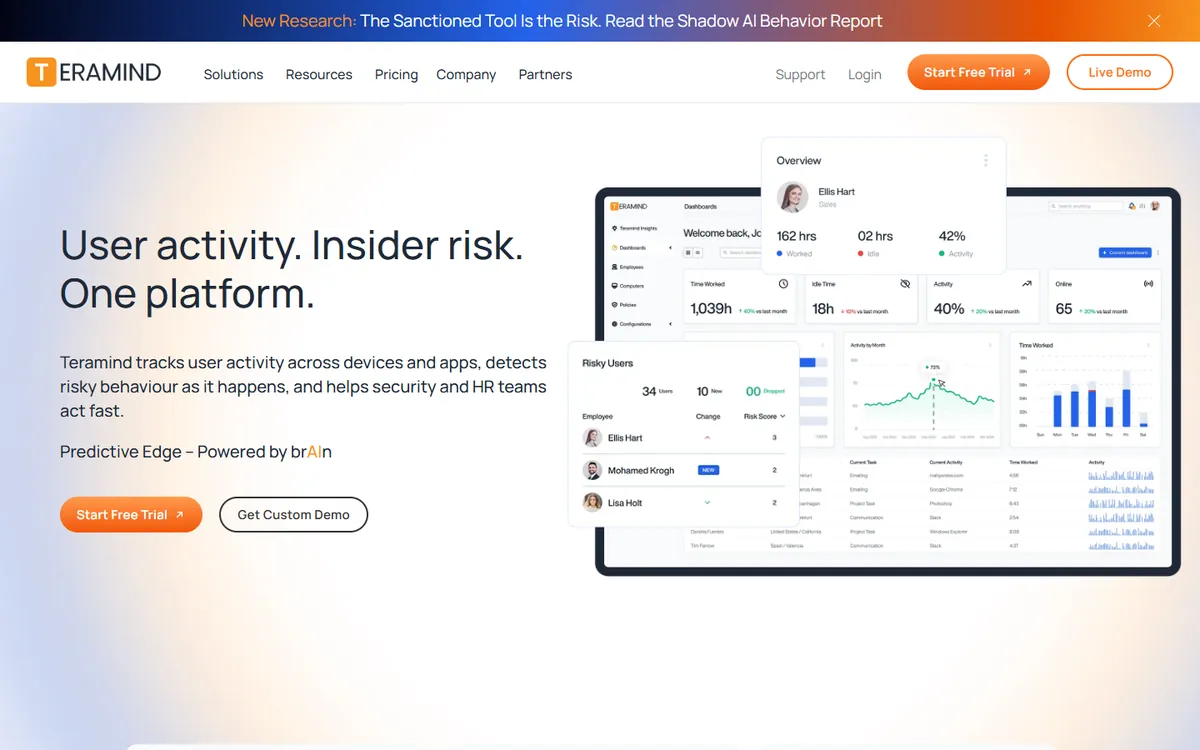
Teramind home page
Teramind's home page. Source: teramind.co, October 2026.
Teramind plans and what each one adds, per seat per month
PlanYearlyMonthlyWhat it adds
Starter $14 $15 Screen recording, live view, activity and productivity tracking, a BI dashboard
UAM $28 $30 Keystroke logging and SIEM integration
DLP $32 $35 Data loss prevention rules that block risky actions
Enterprise & Government Custom Custom OCR that searches text on screens and recordings, custom terms

5-seat minimum on all paid plans. 7-day free trial on cloud, no card required. Prices from Teramind's pricing page, checked October 2026.

What it does better than anything else here

  • Video recording of screens and live screen view on every plan
  • Keystroke logging and SIEM integration from the UAM plan
  • Data loss prevention rules with automatic blocking on DLP
  • OCR that searches text inside screens and recordings on Enterprise
  • Self-hosted and on-premise options, plus government clouds
02
Why teams switch

Why teams look for a Teramind alternative

Teramind is strong at what it does. The reasons teams leave are about everything around that: the bill, the setup, and how it feels to the people being watched.

  1. Price

    It costs more than most teams need

    Starter is $14 per seat per month on annual billing, and keystrokes need UAM at $28. For 25 people on Starter that is $4,200 a year before any upgrade.

  2. Seat minimum

    Small teams pay for empty seats

    Every paid plan starts at 5 seats. A founder with two contractors still buys five.

  3. Complexity

    It takes real work to set up and run

    Rules, alerts, behaviour policies and agent deployment are powerful, but someone has to own them.

  4. Too many features

    Most of the product goes unused

    If your question is "who worked on what, and for how long", most of the insider-risk tooling is weight you pay for and never use.

  5. Privacy

    It can feel invasive to staff

    Video of every screen and a record of what was typed is a lot to ask of people who are simply doing their jobs, especially remote staff on their own machines.

03
An honest check first

Who should stay with Teramind

Keep Teramind if

  • You work in a regulated industry such as finance, insurance, healthcare or government, and auditors expect a record of what users did on sensitive systems.
  • Insider risk is the real problem. You need alerts when someone uploads client files, prints in bulk or visits job boards, and video to investigate afterwards.
  • You need data loss prevention that blocks an action as it happens, not a report the next morning.
  • Keystroke records are a requirement, for example to investigate fraud, and your staff have been told about it.
  • Data cannot leave your network, so a self-hosted or government cloud install is a must.

For these jobs, none of the light tools below are a real replacement. If price is the issue, look at Controlio or Kickidler.

You probably need less if

  • You bought it to see who is working, not to catch data theft.
  • Nobody has watched a recording in the last month.
  • The keystroke and DLP settings are switched off, or you never upgraded past Starter.
  • You bill clients by the hour and need timesheets and proof of work they can check.
  • Your team is small, and the 5-seat minimum means paying for people you do not have.
  • Staff have asked what exactly is being recorded, and the answer made the room quiet.

Then a time tracker with screenshots and activity levels covers what you use, at a fraction of the cost. Start with the light tier.

04
Privacy and trust

Less invasive Teramind alternatives: what each tool records

The difference between these tools is not only price. It is what ends up stored about each person. A screenshot every ten minutes is a sample. Video of the whole day is a full record. A count of keystrokes says someone was typing. A keystroke log says what they typed, passwords and private messages included.

The grid below shows what each tool can record on its fullest plan. A plan name means the feature starts there. Most tools let you switch features off, so the question is also what your team will see switched on, and whether people can see their own data.

Tool Screenshots Screen video Live view Keystroke content Apps and web Where data lives
Teramind UAM plan Cloud or self-hosted
TimoDesk Cloud
Monitask Not stated Not stated Not stated Business + Cloud
DeskTime Premium plan Not stated Not stated Not stated Cloud
Hubstaff Not stated Cloud
ActivTrak Paid add-on Not stated Paid add-on Cloud
Time Doctor Premium Not stated Standard + Cloud
Insightful Not stated Not stated Not stated Cloud or on-premise
Controlio Optional Cloud, on-premise or private cloud
Kickidler Employee Monitoring Employee Monitoring Employee Monitoring Your own server

"Not stated" means we could not find it on the vendor's pricing or help pages. Keystroke sources: Teramind pricing, Controlio pricing, Kickidler pricing, Hubstaff help, Time Doctor help and ActivTrak help. Checked October 2026.

Five questions to ask any monitoring vendor

  1. Does it record anything when the person is not working, or not clocked in?
  2. Does it record what is typed, or only that typing happened?
  3. Can it be installed hidden, and will we use that?
  4. Can each person see what was recorded about them?
  5. Where is the data stored, and who at the vendor can reach it?
How TimoDesk answers them
  • Only while the timer runs. Nothing is captured when the timer is off.
  • Counts, never content. Keyboard and mouse activity give an activity level; keys are never logged.
  • Visible on purpose. You can turn on an alert so the member is told each time a screenshot is taken.
  • People see their own data. Members can open their own screenshots and tracked time.
  • Samples, not video. Screenshots every 3 to 60 minutes, set for the team or for one person.
05
Reviewed one by one

The 9 best Teramind alternatives in 2026

The list runs from the lightest tool to the heaviest. Start at the top and stop at the first tier that covers what you actually use. Each entry links to a full side-by-side comparison with TimoDesk.

Light monitoring

Time and proof of work

Tracked time, screenshots at an interval, activity levels, apps and websites.

TimoDesk logo

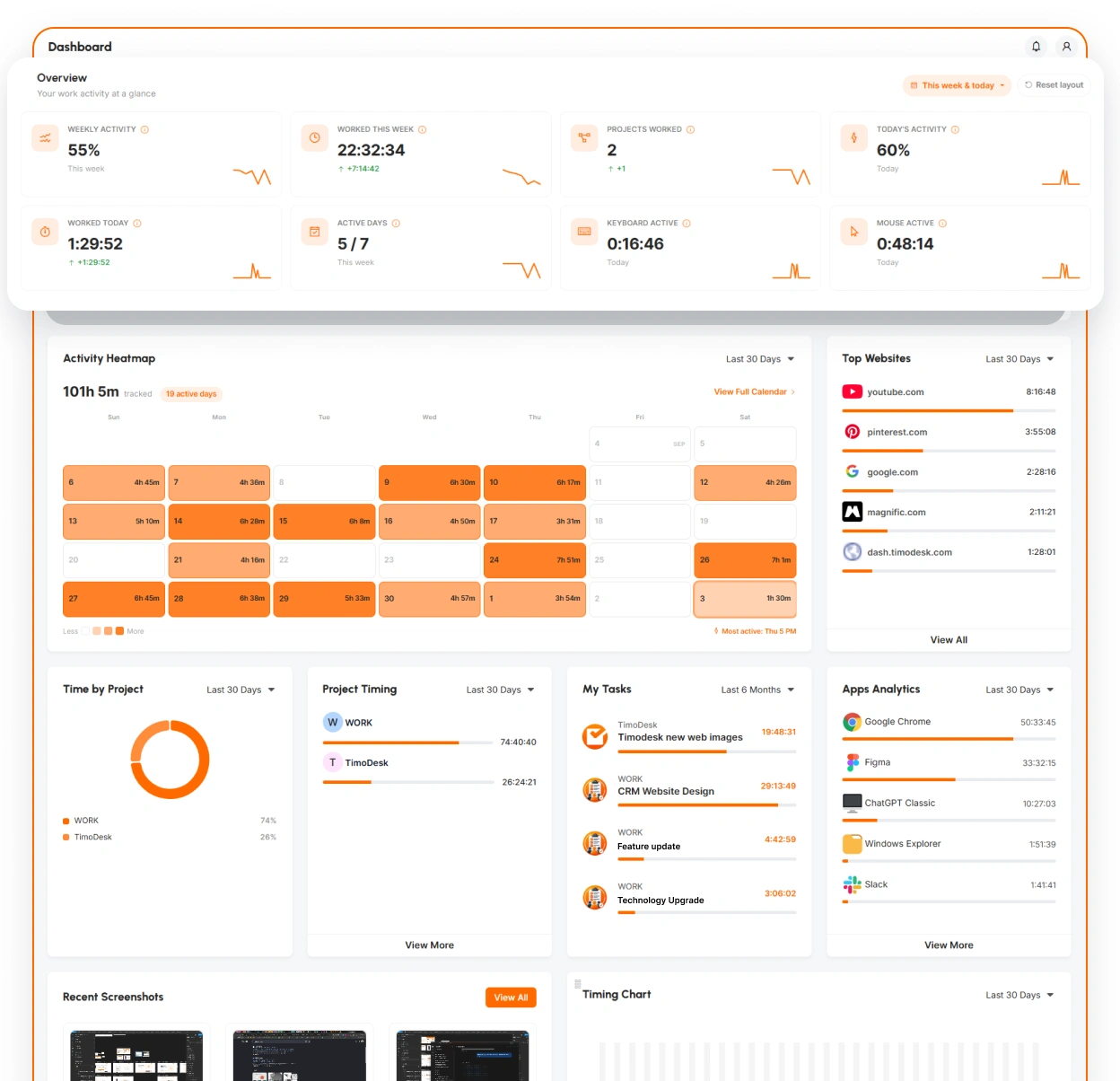
1. TimoDesk

Best for proof of work without surveillance
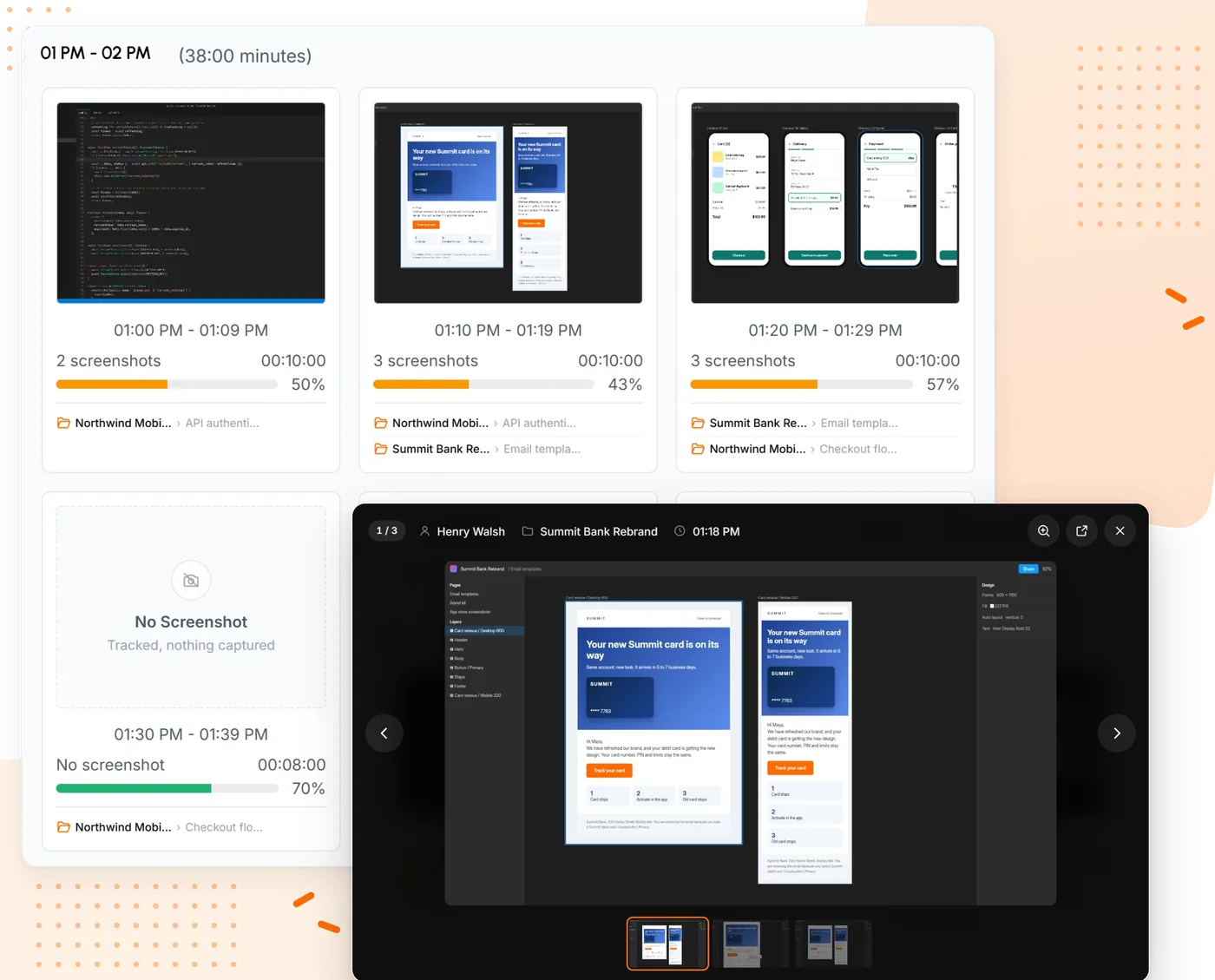
TimoDesk screenshots grouped into 10 minute blocks with tracked minutes and activity
Monitoring level Light
Price
$1 per user / month
Minimum
None
Trial
15 days, no card

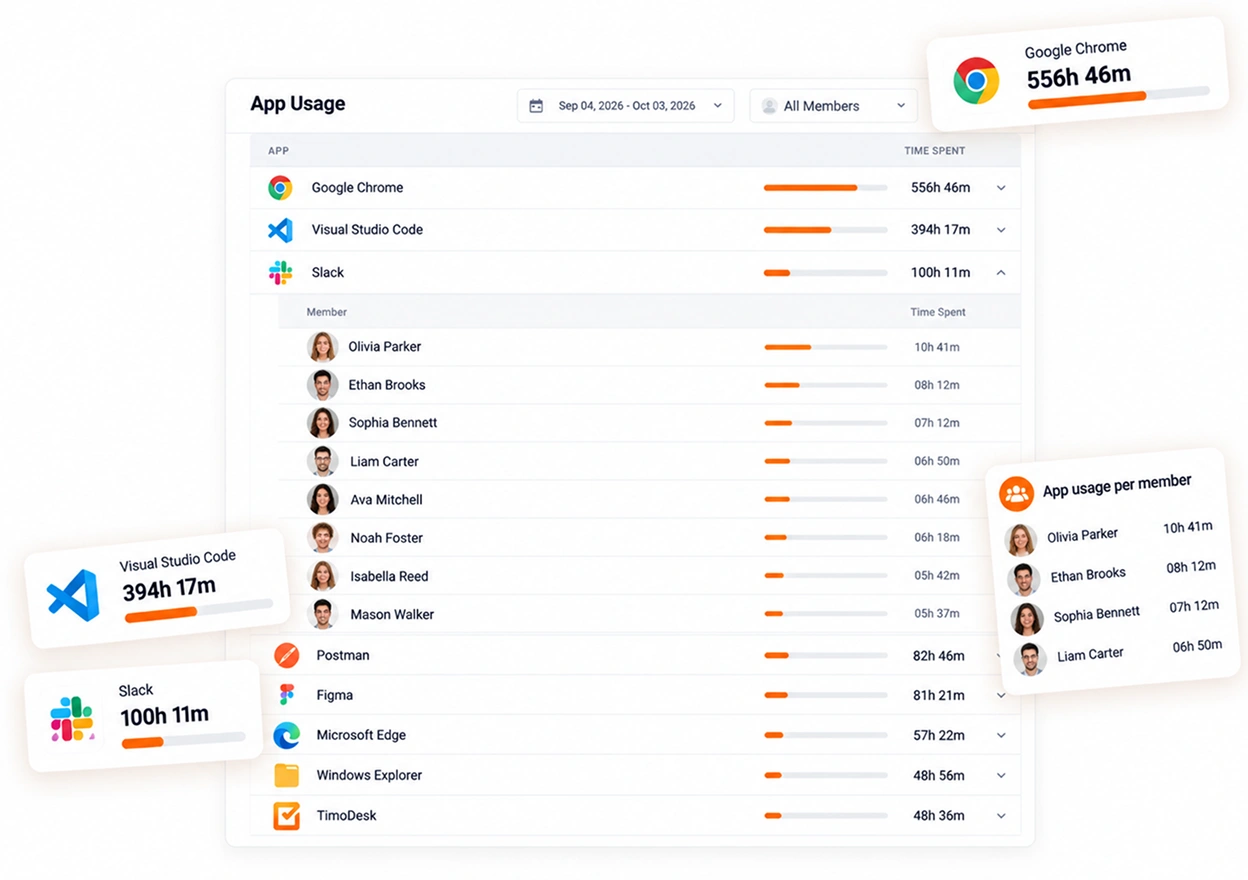
TimoDesk is a time tracker with proof of work, built for staffing agencies and remote teams. People start a timer on a project or task. While it runs, the desktop app for Windows, macOS or Linux takes screenshots at the interval you choose, measures keyboard and mouse activity and records the apps and websites in use. When the timer stops, recording stops.

Against Teramind it is a deliberate step down in depth: no video, no keystroke content, no data loss rules. What you get instead is the part most managers actually open, at $1 per user per month instead of $14, with projects, kanban boards, timesheets and a client portal on the same plan. See time tracking with screenshots and how activity levels work.

ScreenshotsActivity levelsApps and websitesOnly while the timer runs
Key features
  • Screenshots every 3 to 60 minutes, with an optional alert to the member
  • Activity levels from keyboard and mouse counts, never keystrokes
  • App and website usage for each person and the team
  • Projects, tasks and kanban boards, with time on every card
  • Manual time requests with approval, timesheets and PDF export
  • A client portal and a team dashboard
  • Every feature on one plan for $1
  • No seat minimum, billed only for members who tracked time that month
  • Members can see their own screenshots
  • No video, keystroke logs or data loss prevention
  • No integrations or mobile app yet
  • No free plan, only a 15-day trial
Monitask logo

2. Monitask

Closest desktop tracker with mobile apps
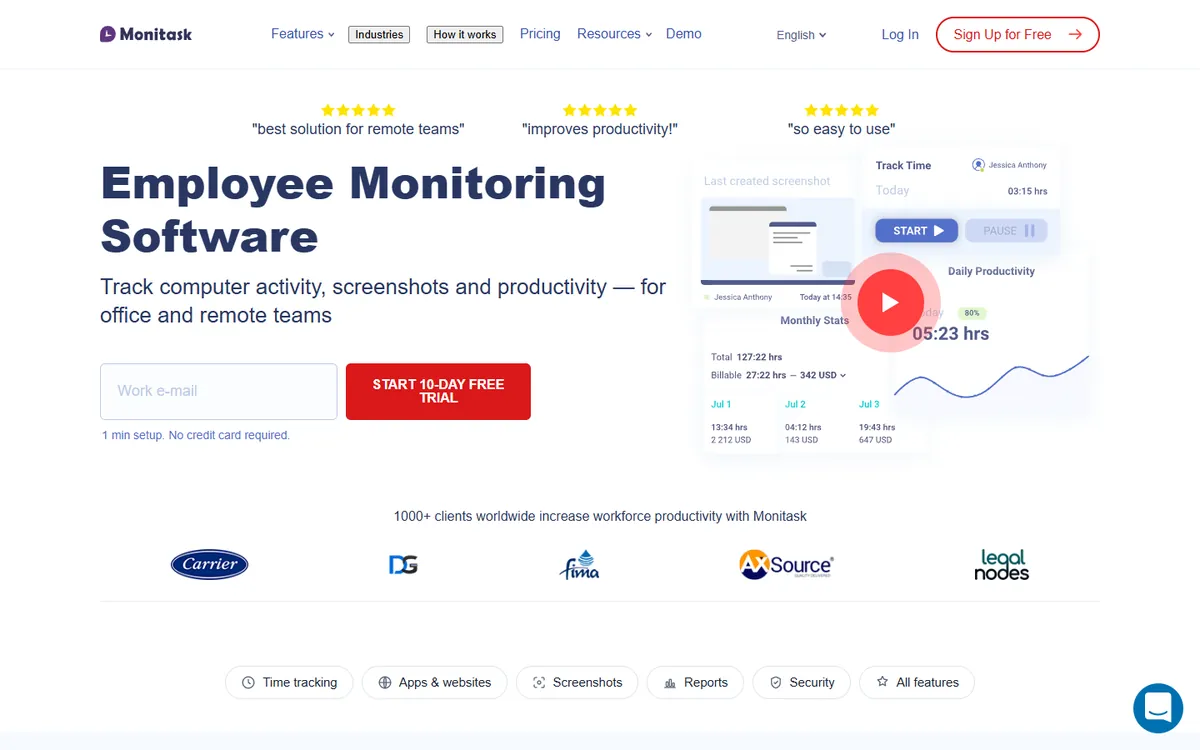
Monitask home page
Monitoring level Light
From
$6.49 per user / month
Minimum
No seat minimum stated, and Enterprise is for 100 or more employees
Trial
10-day free trial, no card required

Monitask is a straightforward desktop tracker for Windows, macOS and Linux. People clock in, it takes screenshots and measures keyboard and mouse activity, and that is about it. It records nothing like video or keystroke content, so it sits near the light end of the scale.

For a Teramind buyer it is a big step down in both price and depth. Pro already has screenshots. App and website usage, client logins and performance reports start on Business, and GPS location on Business Premium.

Screenshots Activity levels Apps and URLs on Business
Key features
  • Mobile apps for Android and iOS
  • GPS or IP location tracking on Business Premium
  • Integrations with Jira, Asana, Trello and Zapier
  • More screenshots per hour as a paid add-on
  • Search query, full URL and document tracking on Business Premium
  • Screenshots on the cheapest plan
  • Mobile apps for Android and iOS
  • Works on Linux as well as Windows and macOS
  • App and website usage needs Business
  • No screen video or data loss rules
  • Several tiers to compare
Pricing per user / month, billed yearly
  • Pro $6.49
  • Business $8.99
  • Business Premium $12.99
  • Enterprise $15.99
Source: Monitask pricing, October 2026
DeskTime logo

3. DeskTime

Automatic tracking for office teams
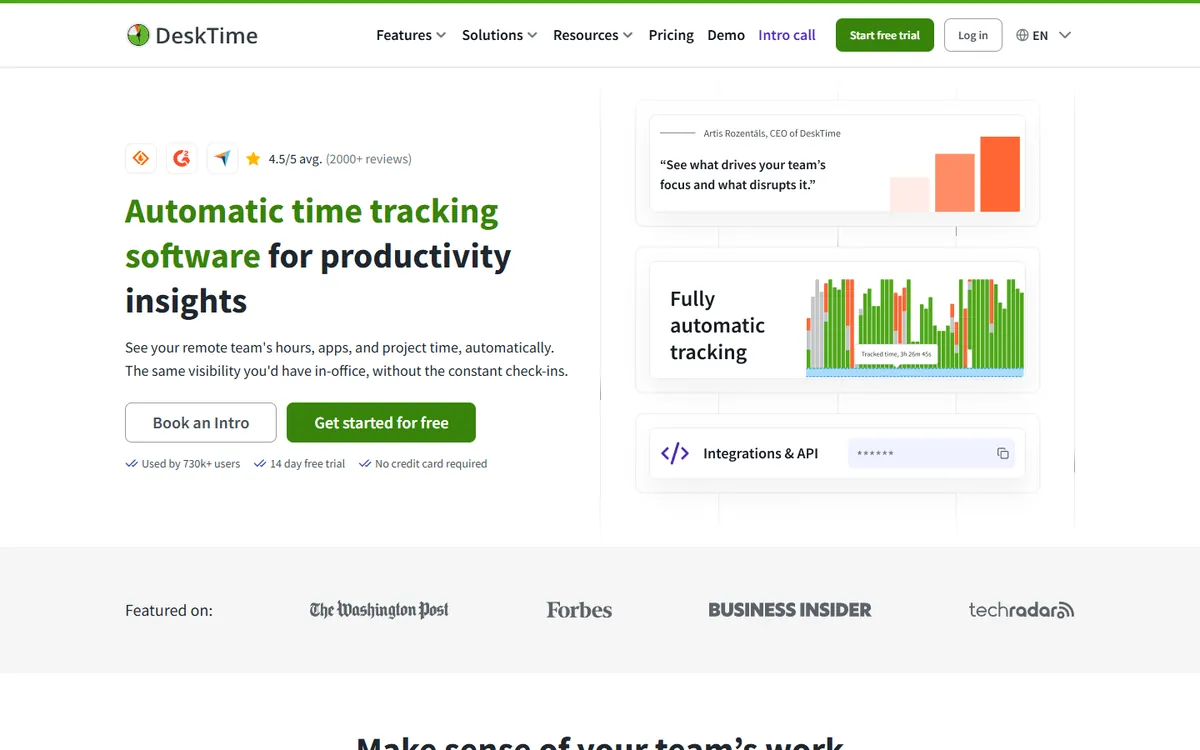
DeskTime home page
Monitoring level Light
From
$6.42 per user / month
Minimum
No free plan; Enterprise requires 200+ users
Trial
14-day free trial

DeskTime tracks automatically once its app is running, so nobody has to remember a timer. It sorts apps and websites into productive and unproductive, records document titles inside desktop apps and adds shift scheduling and absence management on top.

It is more automatic than a timer but far less invasive than Teramind: no video, no keystroke logs. Screenshots are on Premium. If your team works from an office and you want attendance next to tracking, it is a calm middle ground.

Apps, URLs and document titles Screenshots on Premium Productivity scores
Key features
  • Shift scheduling, an absence calendar and attendance management
  • Productivity scores you can adjust for each team
  • Document title tracking inside desktop apps, on top of app and URL tracking
  • AI summaries, IP location and private time on higher plans
  • Integrations with Jira, Asana, Trello, GitLab, Zapier and an API
  • Tracks on its own, with no timer to start
  • Shifts, absences and attendance built in
  • A free plan for a single user
  • Screenshots need Premium
  • Productivity labels need tuning
  • Enterprise starts at 200 users
Pricing per user / month, billed yearly
  • Pro $6.42
  • Premium $9.17
  • Enterprise Custom
Source: DeskTime pricing, October 2026
Hubstaff logo

4. Hubstaff

Best for field and mixed teams
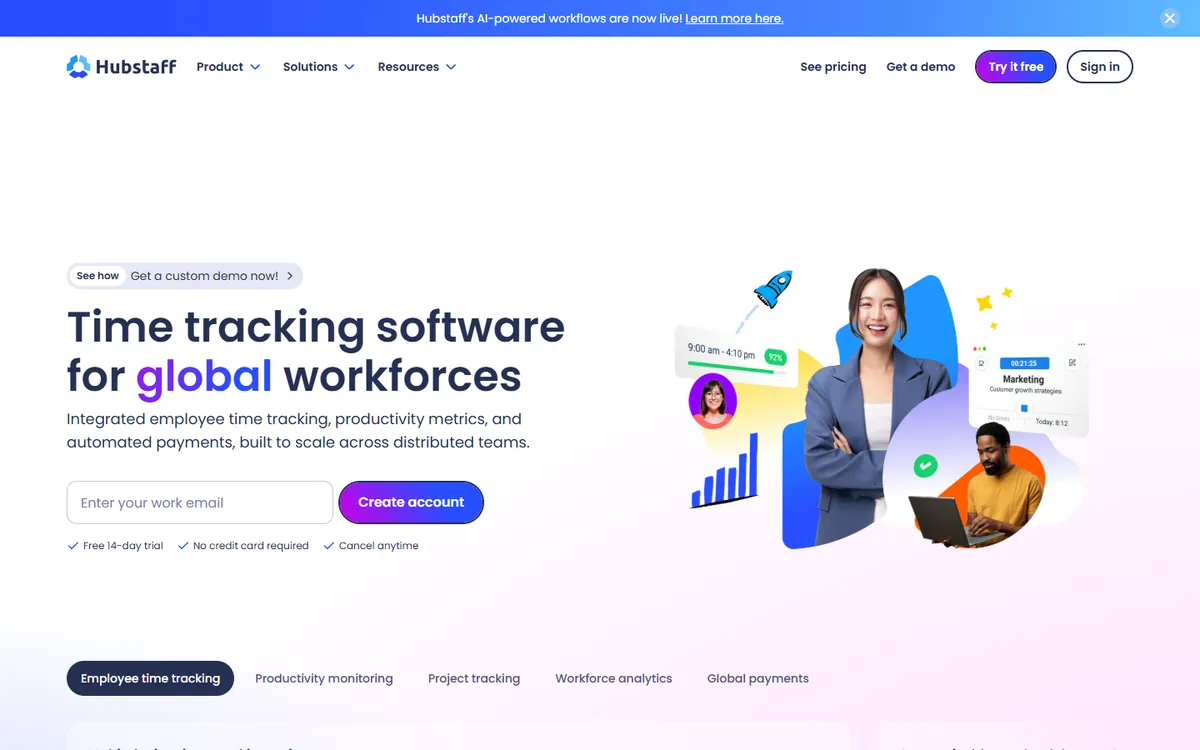
Hubstaff home page
Monitoring level Light
From
$4.99 per user / month
Minimum
2-seat minimum on paid plans
Trial
14-day free trial, no card required

Hubstaff is the long-standing name in time tracking with screenshots. It measures activity, records apps and websites and, for people away from a desk, adds GPS, geofencing and payroll. Hubstaff says in its help center that it does not log which keys are pressed.

If you came to Teramind for proof of work rather than security, Hubstaff covers that part for less, with a bigger integration list. Team, the plan most teams pick, has a 2-seat minimum.

Screenshots Activity levels Apps and URLs GPS on mobile
Key features
  • GPS tracking and geofencing for field teams
  • Built-in payroll and automated payments
  • Shift scheduling and attendance management
  • A large list of integrations with project tools
  • A longer history and a larger support team
  • Screenshots, activity and app usage
  • GPS, geofencing and payroll for field staff
  • A long list of integrations
  • A 2-seat minimum on paid plans
  • Approvals and boards on higher tiers
  • No video or data loss tools
Pricing per user / month, billed yearly
  • Starter $4.99
  • Grow $7.50
  • Team $10
  • Enterprise $25
Source: Hubstaff pricing, August 2026
Medium monitoring

Productivity analytics

Everything in light, plus productivity scoring, workflow analysis and, on top plans, some screen video.

ActivTrak logo

5. ActivTrak

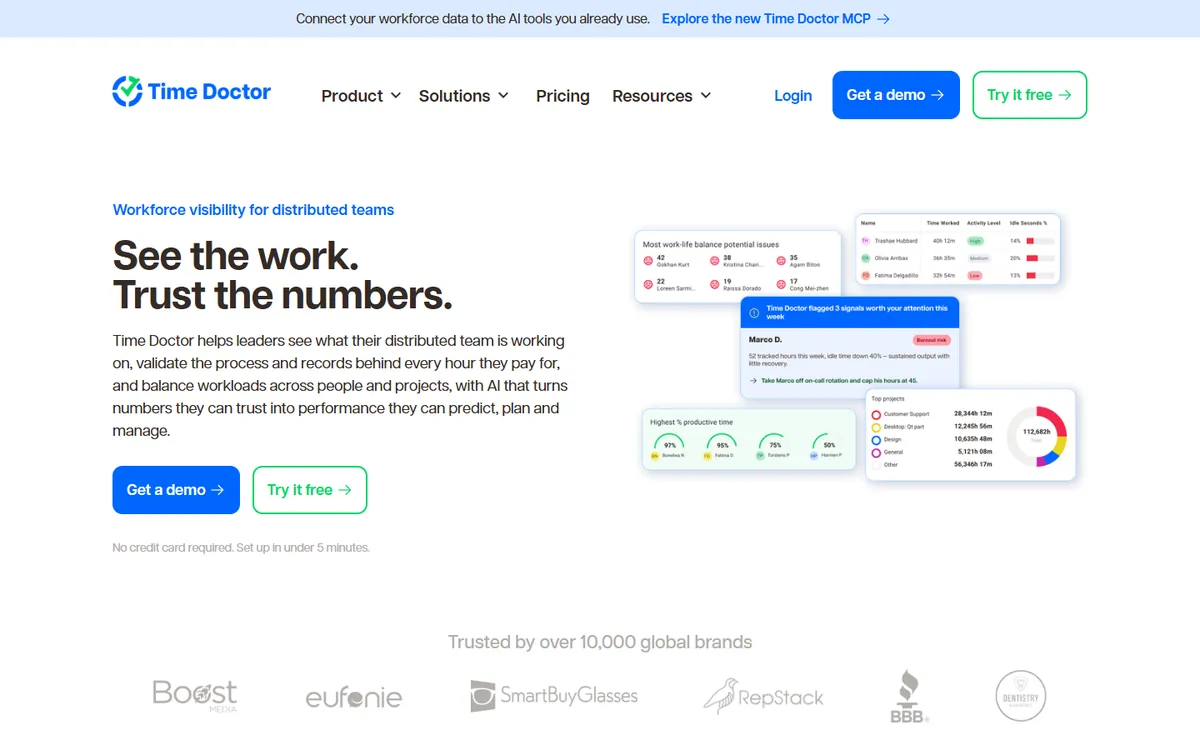
Best privacy-first analytics
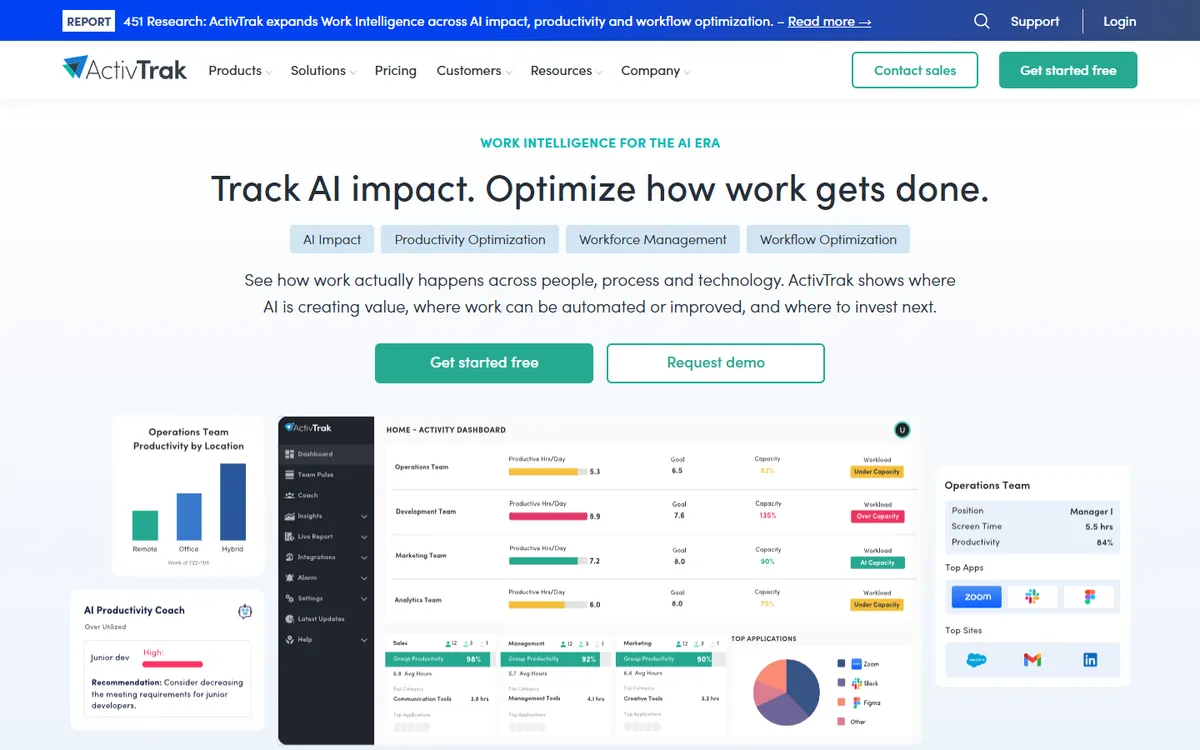
ActivTrak home page
Monitoring level Medium
From
$10 per user / month
Minimum
Free plan for up to 3 workers, and paid plans are annual only
Trial
14-day free trial of the Workforce Management and Productivity Optimization bundle

ActivTrak measures how work happens from app and website use, then turns it into productivity reports for each person and team. It is often the tool people move to when Teramind feels too intrusive: ActivTrak says it does not log keystrokes, and screen captures come only with its Screen Details add-on.

The catch is the buying model. Plans are sold annually only, and the screen add-on has no published price. There is a free plan for up to 3 workers if you want to try it small first.

Apps and websites Productivity analytics Screens only with an add-on
Key features
  • A free plan for up to 3 workers
  • A ChromeOS agent for Chromebooks
  • Outlook and Google Calendar integrations that add meetings and time off
  • User provisioning with Microsoft Entra ID and SCIM
  • Work location insights and an AI Insights add-on
  • A privacy-first design with no keystroke logging
  • Free for up to 3 workers
  • Calendar data and a ChromeOS agent
  • Annual plans only
  • Screenshots need a paid add-on
  • Sites must be labelled productive or not
Pricing per user / month, billed yearly
  • Free $0
  • Work Activity Tracking $10
  • Workforce Management $15
  • Productivity Optimization $17
  • Workflow $21
Source: ActivTrak pricing, October 2026
Time Doctor logo

6. Time Doctor

Best for productivity reporting
Time Doctor home page
Monitoring level Medium
From
$6.67 per user / month
Minimum
No published seat minimum
Trial
14-day free trial of Premium, no card required

Time Doctor tracks time against tasks, takes screenshots, and on Standard adds app and website usage and productivity reports. Premium adds screen video, which puts it closer to Teramind than most trackers. Its help pages say it counts keystrokes but never records which keys were pressed.

Teams that liked Teramind's video but not its security tooling or price often land here. It has over 60 integrations and benchmarking reports for managers.

Screenshots Apps and URLs on Standard Screen video on Premium
Key features
  • Video screen recording on the Premium tier
  • Over 60 integrations with project and payroll tools
  • Work-life balance and productivity benchmarking
  • Longer data retention on higher tiers
  • Experienced support and onboarding for large teams
  • Screen video on Premium
  • Over 60 integrations
  • Detailed productivity and work-life reports
  • App and website usage needs Standard
  • Video needs the top tier
  • No data loss prevention
Pricing per user / month, billed yearly
  • Basic $6.67
  • Standard $11.67
  • Premium $16.67
Source: Time Doctor pricing, August 2026
Insightful logo

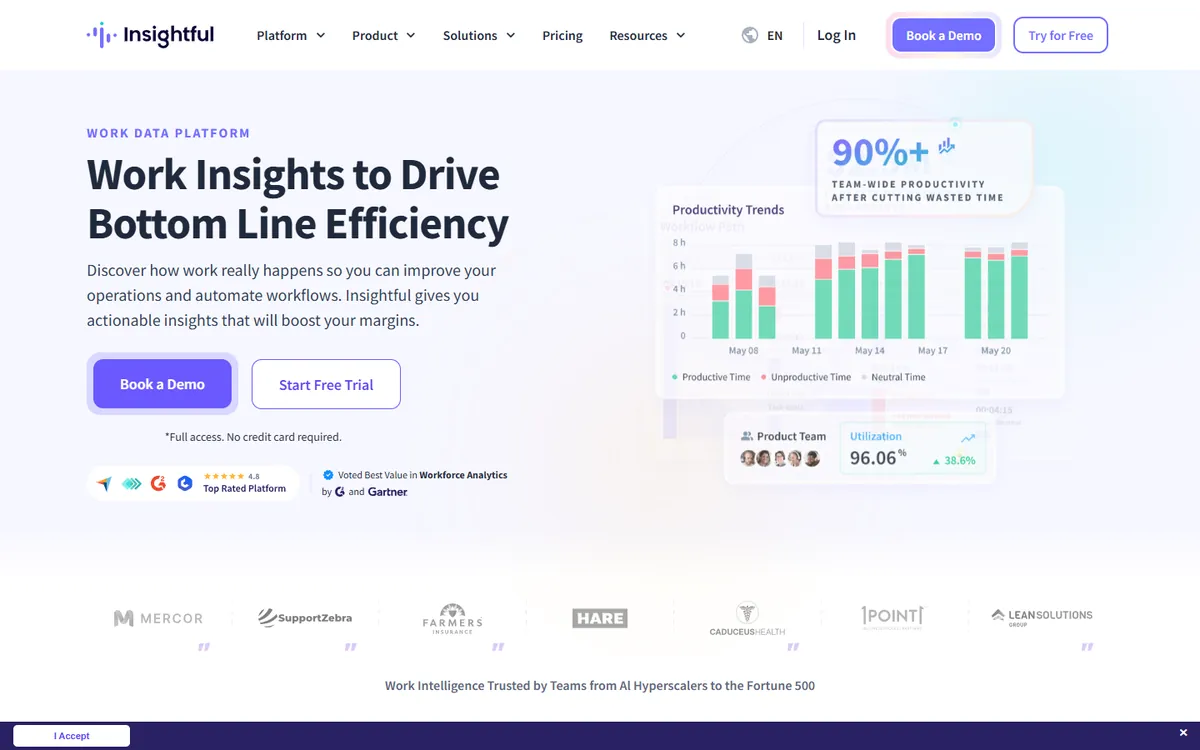
7. Insightful

Best for large operations
Insightful home page
Monitoring level Medium
From
$8 per user / month
Minimum
No published seat minimum below Enterprise; on-premise starts at 250 seats
Trial
7-day free trial, no card required

Insightful sells workforce analytics to contact centers and large operations. It goes deeper than a tracker into how work flows between apps, with AI process capture and workflow analysis, and it can run on premise for organizations that cannot use the cloud.

It keeps several things Teramind buyers care about, such as on-premise hosting and published compliance (SOC 2, ISO 27001, HIPAA, GDPR), without the insider-risk tooling. Interval screenshots come with the entry plan; screen recording is a paid add-on.

Apps and websites Interval screenshots Process and workflow data
Key features
  • Built for contact centers and large enterprise operations
  • AI process capture and workflow analysis, which TimoDesk does not offer
  • On-premise deployment for teams that cannot use cloud software
  • Published compliance: SOC 2, ISO 27001, HIPAA, GDPR
  • Agents for Windows, macOS and Linux that IT can install remotely
  • On-premise deployment, from 250 seats
  • Published compliance certifications
  • Process and workflow analysis
  • On-demand screenshots and screen video cost extra
  • Built for large teams
  • Invoicing and budgeting still listed as coming soon
Pricing per user / month, billed yearly
  • Workforce Analytics $8
  • Workflow Optimization $12
  • Combo $16
  • Enterprise Custom
Source: Insightful pricing, October 2026
Heavy monitoring

Security and insider risk

Continuous screen video, live view, keystroke logs, file and USB rules, data loss prevention.

Controlio logo

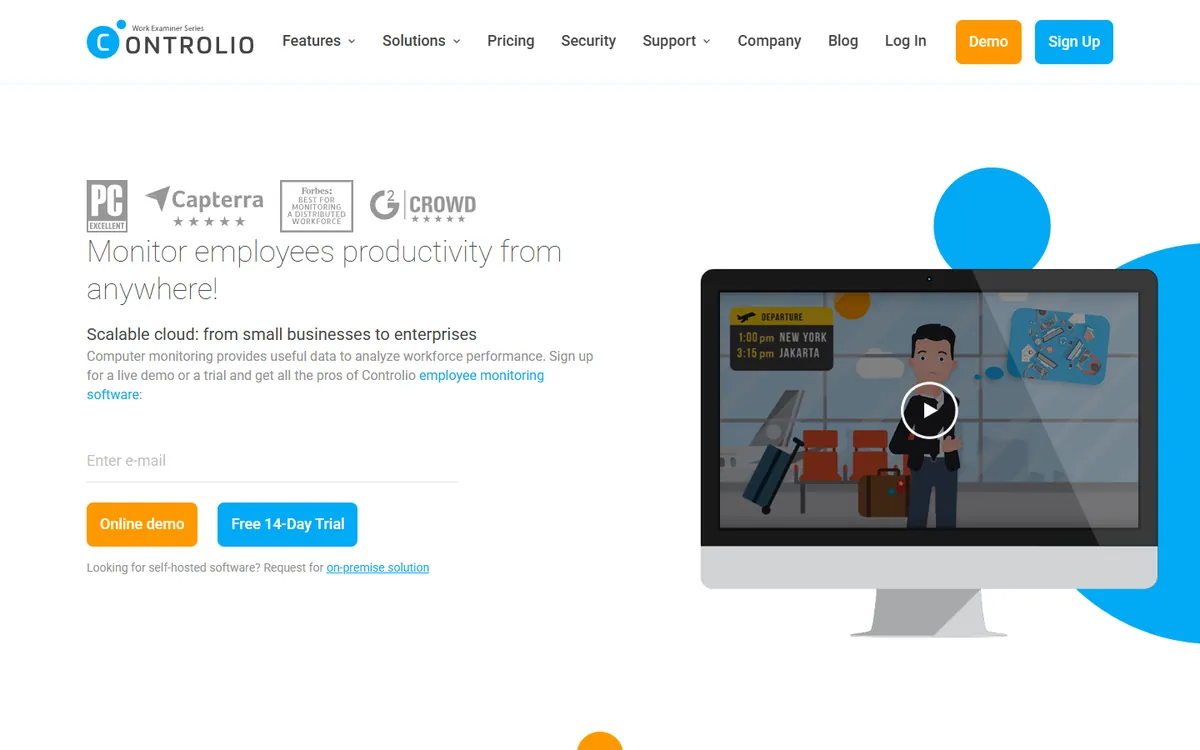
8. Controlio

Cheapest like-for-like Teramind swap
Controlio home page
Monitoring level Heavy
From
$6.67 per user / month
Minimum
5-user minimum on Basic and Advanced, and Enterprise is for 100 or more users
Trial
14-day free trial

Controlio is the nearest thing on this list to a cheaper Teramind. It records the screen continuously as video, streams it live, filters websites, controls USB drives and can capture keystrokes if you switch that on. It can run in the cloud, on premise or in a private cloud.

Basic costs about half of Teramind Starter and has a 5-user minimum, the same shape as Teramind. It does not take screenshots, and its agent runs on Windows and macOS only.

Continuous screen video Live screen view Keystrokes, optional Web and USB rules
Key features
  • Continuous screen video and live screen streaming on every plan
  • Rules for web filtering, app control, USB drives and keystrokes
  • Cloud, on-premise and private cloud deployment
  • A REST API and SAML single sign-on on Advanced
  • Mouse jiggler detection and location tracking on Advanced
  • Screen video and live view on every plan
  • Web, app and USB rules
  • Cloud, on-premise or private cloud
  • A 5-user minimum
  • No screenshots, only video
  • No Linux agent
Pricing per user / month, billed yearly
  • Basic $6.67
  • Advanced $9.99
  • Enterprise Custom
Source: Controlio pricing, October 2026
Kickidler logo

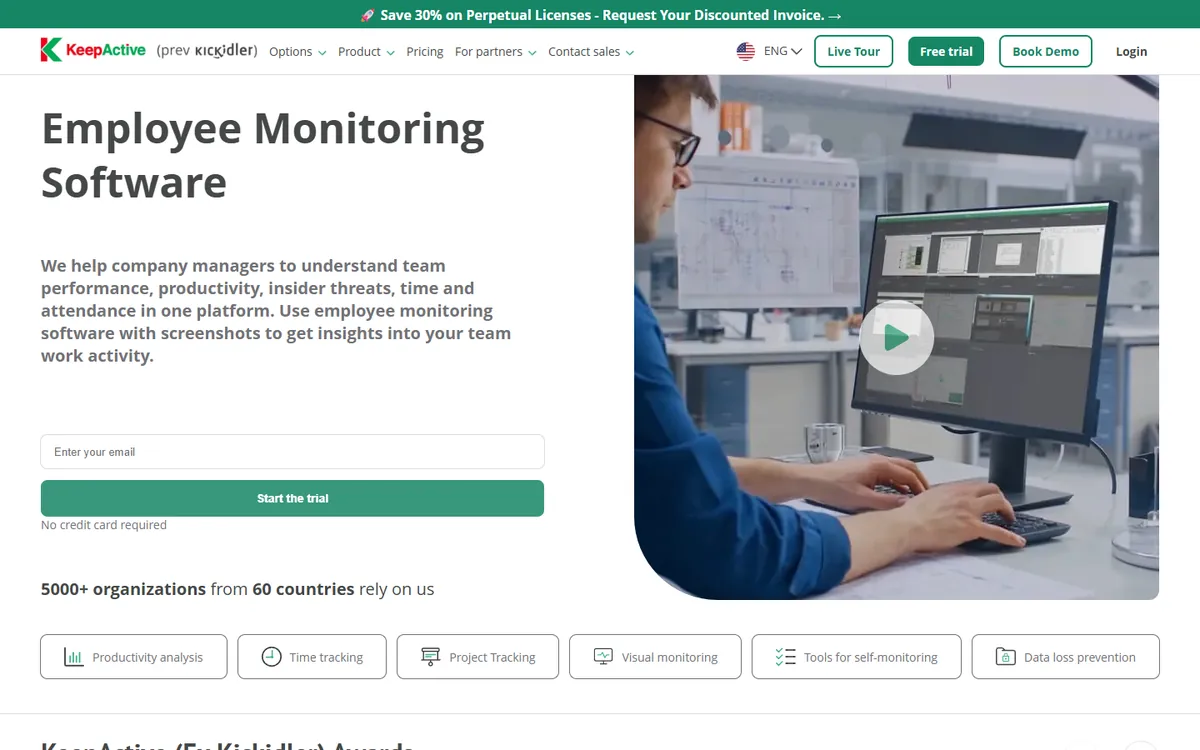
9. Kickidler

Best if data must stay on your server
Kickidler home page
Monitoring level Heavy
From
$4.17 per user / month
Minimum
No seat minimum, and a free mode for one computer with limited features
Trial
7-day free trial, or 14 days with a phone number, no card required

Kickidler, now branded KeepActive, is installed on your own server and licensed per computer, for a term or as a one-time purchase. Employee Monitoring adds screen video, audio recording, live viewing, a keylogger and remote access, and a separate DLP product handles USB and file transfer control.

If on-premise was the reason you chose Teramind, Kickidler keeps that and costs far less per computer. The trade-off is that you run the server yourself.

Screenshots Screen video and audio Keystrokes on Employee Monitoring Remote access
Key features
  • Runs on your own server, so the data stays with you
  • One-time licenses that you buy once, as well as term licenses
  • Screen video, audio recording and live viewing on Employee Monitoring
  • Remote access to employee computers
  • A data loss prevention product with USB and file transfer control
  • Runs on your own server
  • One-time licenses as well as term licenses
  • Video, live view and remote access
  • You host and maintain the server
  • Setup takes effort
  • Very invasive if fully switched on
Pricing per user / month, billed yearly
  • Time Tracking $4.17 ($50 a year)
  • Employee Monitoring $5.50 ($66 a year)
  • DLP $8.25 ($99 a year)
Source: Kickidler pricing, October 2026
06
The yearly bill

Cheaper alternatives to Teramind: the cost for 25 and 100 users

Per-seat prices look close until you multiply them. This is a year of each tool for a team of 25 and a team of 100, on the plan that includes screenshots or comes closest to Teramind Starter. Prices are yearly-billing rates from each vendor's page, except TimoDesk, which bills monthly.

  1. TimoDeskOne plan, billed monthly
    $1
    $300
    $1,200
  2. KickidlerTime Tracking, per computer, one-year license
    $4.17
    $1,250
    $5,000
  3. MonitaskPro
    $6.49
    $1,947
    $7,788
  4. ControlioBasic
    $6.67
    $2,001
    $8,004
  5. InsightfulWorkforce Analytics
    $8
    $2,400
    $9,600
  6. DeskTimePremium
    $9.17
    $2,751
    $11,004
  7. HubstaffTeam
    $10
    $3,000
    $12,000
  8. ActivTrakWork Activity Tracking, before the screen add-on
    $10
    $3,000
    $12,000
  9. Time DoctorStandard
    $11.67
    $3,501
    $14,004
  10. TeramindStarter, 5-seat minimum
    $14
    $4,200
    $16,800
  11. TeramindUAM, with keystrokes, 5-seat minimum
    $28
    $8,400
    $33,600

ActivTrak's screen captures need the Screen Details add-on, which has no published price, so its real cost with screens is higher. Insightful includes interval screenshots on Workforce Analytics. Kickidler is priced per computer on a one-year license and runs on your own server, so add hosting. For 25 users, TimoDesk saves $3,900 a year against Teramind Starter. See TimoDesk pricing.

07
Head to head

Teramind vs TimoDesk: which one fits the job?

These two tools answer different questions. Teramind asks "is anyone putting the company at risk?" TimoDesk asks "where did the hours go, and can I show the client?" Here is how that plays out in four common situations.

  • A client disputes an invoice TimoDesk

    Screenshots, activity and apps sit behind every block of time, and the client can check them in the client portal.

  • A remote contractor seems idle Either, TimoDesk for less

    Activity levels and screenshots show it quickly. Video adds detail you rarely need for this question.

  • Someone may be copying client data Teramind

    File, upload and USB rules with video to replay are what an investigation needs. TimoDesk does not do this.

  • An auditor asks for user activity records Teramind

    Keystroke logs, SIEM integration and on-premise hosting are built for audits. TimoDesk is not.

Feature TimoDesk Teramind
Price per user / month $1 $14 Starter
Seat minimum None 5 seats
Free trial 15 days, no card 7 days on cloud, no card
Screenshots
Screen video and live view
Keystroke content UAM plan
Activity levels Partial
App and website usage
Projects and kanban boards
Manual time with approval Not stated
Client access Not stated
Data loss prevention DLP plan
On-premise hosting
Integrations Not yet

Moving from Teramind to TimoDesk

  1. Decide what you keep. Export any Teramind recordings or reports you must retain before the subscription ends.
  2. Start the trial. It runs 15 days with no card. Install the desktop app on one machine first.
  3. Set the rules. Pick a screenshot interval and turn on the screenshot alert if you want people told each time.
  4. Tell the team what changed. No video, no keystrokes, nothing recorded outside the timer. People tend to welcome it.
  5. Run both for a week, then remove the Teramind agent from every computer and cancel.
The short version

Which Teramind alternative should you choose?

  • Stay with Teramind if you need insider-risk tools: video to investigate, keystroke logs, data loss prevention or self-hosting.
  • For the same depth for less, try Controlio in the cloud or Kickidler on your own server.
  • For productivity analytics, ActivTrak is the privacy-first pick, Insightful suits large operations, and Time Doctor keeps optional video.
  • For hours with proof of work, TimoDesk gives you screenshots, activity levels and app usage for $1 per user, with no seat minimum.

Keep comparing

FAQ

Questions about Teramind alternatives

What people ask before they move away from Teramind.

What is the best alternative to Teramind?

It depends on why you bought Teramind. For security and insider risk, Controlio and Kickidler keep screen video and live view for less. For productivity analytics, ActivTrak and Insightful. For tracked hours with screenshots and activity levels, TimoDesk does it for $1 per user per month.

Is there a cheaper alternative to Teramind?

Yes. Teramind Starter is $14 per seat per month on annual billing, with a 5-seat minimum. Every tool on this page costs less for its comparable plan. TimoDesk is $1, Kickidler Time Tracking works out to $4.17 per computer, and Controlio Basic is $6.67.

Which Teramind alternative is the least invasive?

Tools at the light end of the scale record the least: TimoDesk, Monitask, DeskTime and Hubstaff take screenshots and measure activity but do not record video. ActivTrak says it does not log keystrokes and takes screen captures only with an add-on. TimoDesk records nothing while the timer is off and lets each member see their own screenshots.

Does TimoDesk record keystrokes or video like Teramind?

No to both. TimoDesk counts keyboard and mouse activity to work out activity levels, but never records which keys are pressed, and it does not record screen video. It takes screenshots at an interval you choose, every 3 to 60 minutes, only while the timer runs.

Which alternative to Teramind can run on premise?

Kickidler is installed on your own server, Controlio offers on-premise and private cloud installs, and Insightful offers on-premise from 250 seats. TimoDesk, ActivTrak, Hubstaff, Time Doctor, DeskTime and Monitask are cloud services.

Is there a Teramind alternative with data loss prevention?

Kickidler sells a separate DLP product with USB and file transfer control, and Controlio has rules for web filtering, apps, USB drives and keystrokes. Most time trackers, TimoDesk included, have no data loss prevention.

How do I switch from Teramind to TimoDesk?

Start the 15-day trial, which needs no card, install the desktop app and invite your team. Tell people what changes: screenshots at a set interval instead of video, and nothing recorded while the timer is off. Run both for a week, then remove the Teramind agent from every computer before you cancel.

Is this comparison biased?

We make TimoDesk, so it is on this list. Every price comes from the vendor's own pricing page, and the page says plainly when Teramind or another tool is the better choice. If you need insider-risk tools, TimoDesk is not the right fit.

Still have a question? Book a call. We'll show you TimoDesk with your own setup and answer any question this list doesn't cover. Talk to our team

Start tracking time this week

Create your organization and invite your team today. Tracked time shows on the dashboard the same day, and the first full-day reports are ready the next day. $1 per user per month, with every feature included.

  • $1 per user / month
  • 15-day free trial, no card
  • Stop anytime. No contract.
Need help? Book a one-hour TimoDesk demo Book a meeting