


8 best Time Doctor alternatives in 2026: cheaper tools and better fits

Time Doctor Standard, its first plan with app and website usage, costs $11.67 per user per month, and video recording needs Premium at $16.67. Here are 8 alternatives, what each one costs your team and when Time Doctor is still the better choice.

  • Updated October 19, 2026
  • Prices from each vendor's own page
  • 12 min read
What would your team pay in a year?
  • Time Doctor Premium $16.67 / user $2,000.40
  • Time Doctor Standard $11.67 / user $1,400.40
  • Hubstaff Team $10 / user $1,200
  • DeskTime Premium $9.17 / user $1,100.40
  • TimoDesk $1 / user $120

TimoDesk saves $1,280.40 a year against Time Doctor Standard.

The short answer

Most people search for a Time Doctor alternative for one of two reasons: the price climbs once you need app tracking or video, or the tool is more than the team wants. Pick by what you need most.

What is Time Doctor?

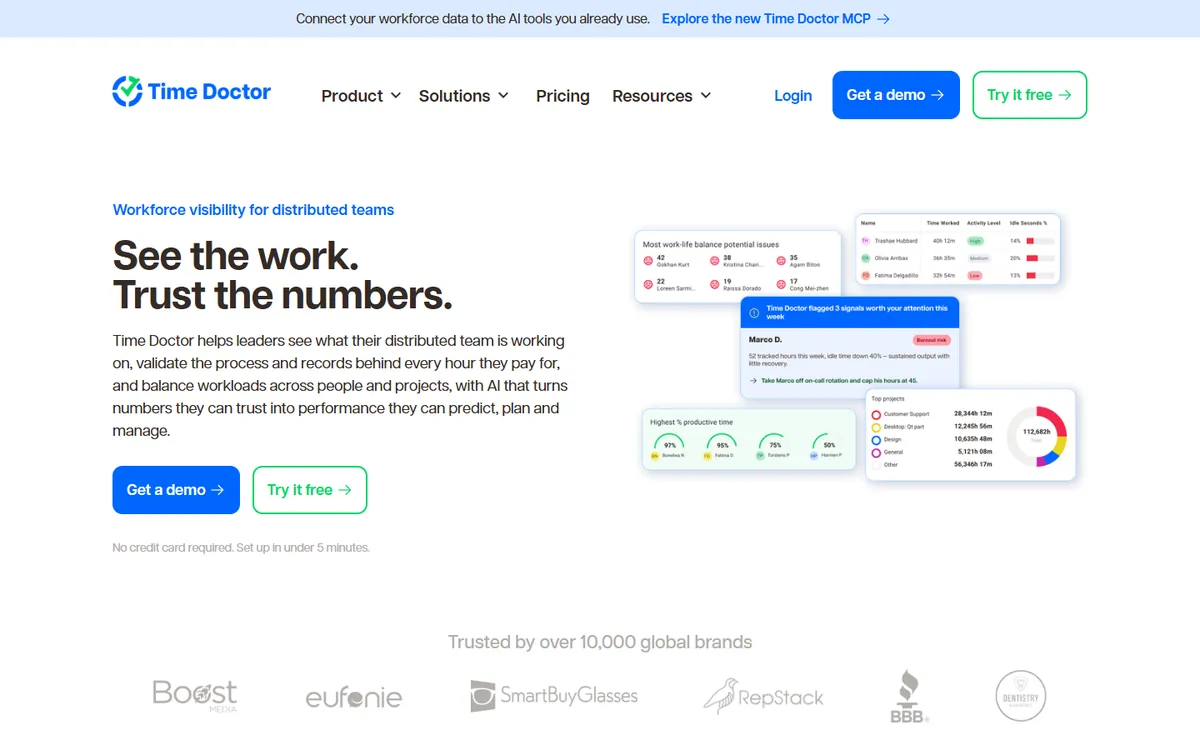
Time Doctor home page: see the work, trust the numbers
Time Doctor's home page. Source: timedoctor.com, October 2026.

Time Doctor is employee time tracking and productivity software for remote and distributed teams. It tracks time against projects and tasks, takes screenshots, measures activity and adds productivity analytics, with desktop apps for Windows, macOS and Linux and over 60 integrations. It is a mature, well-reviewed product, especially with larger teams.

Key features

  • Video screen recording on the Premium tier
  • Over 60 integrations with project and payroll tools
  • Work-life balance and productivity benchmarking
  • Longer data retention on higher tiers
  • Experienced support and onboarding for large teams

Time Doctor pricing

Time Doctor plans, per user per month
PlanBilled yearlyBilled monthlyWhat it adds
Basic $6.67 $8 Time, screenshots and activity
Standard $11.67 $14 App and website usage, manual time approval, reports
Premium $16.67 $20 Video recording, client access

14-day free trial of Premium, no card required. Prices from Time Doctor's pricing page, checked August 2026.

Where Time Doctor falls short

Time Doctor does its core job well. These are the gaps that send teams looking elsewhere.

01

App tracking is not on the entry plan

Basic at $6.67 tracks time and takes screenshots, but app and website usage, manual time approval and most reports start on Standard at $11.67. For most teams, Standard is the real price.

02

Video and client access cost the most

Screen video and client access are both on Premium at $16.67 per user. For 10 people that is $2,000.40 a year.

03

No free plan

There is a 14-day trial of Premium, then you pay for every user. Small teams and freelancers have no free way to stay on it.

04

Tracking does not always match the work

Some reviewers report time logged as a break while they were working, and screenshots that come back black on remote desktop sessions.

1

TimoDesk

Best Time Doctor alternative for the price
$1per user / month, every feature

TimoDesk covers what most teams use Time Doctor for, and puts all of it on one plan. Where Time Doctor splits features across Basic, Standard and Premium, TimoDesk has one price of $1 per user per month, about 12 times less than Standard. Here is the comparison, row by row.

ScreenshotsEvery 3 to 60 minutes, per team or per person
Activity levelsKeyboard and mouse activity, never keystrokes
App and website usageBy member, project and task
Standard +
Manual time with approvalRequests with a reason, approved by a manager
Standard +
Kanban boardsA board, list and calendar for every project
Not stated
Client accessA view-only login for each person at a client
Premium
Performance reportsLeaderboards and activity heatmaps
Standard +
Video screen recordingTimoDesk takes still screenshots only
Premium
IntegrationsTimoDesk has none yet
60+
Price for all of the abovePer user per month, yearly billing
$16.67 Premium
$1 One plan

App and website usage on the only plan

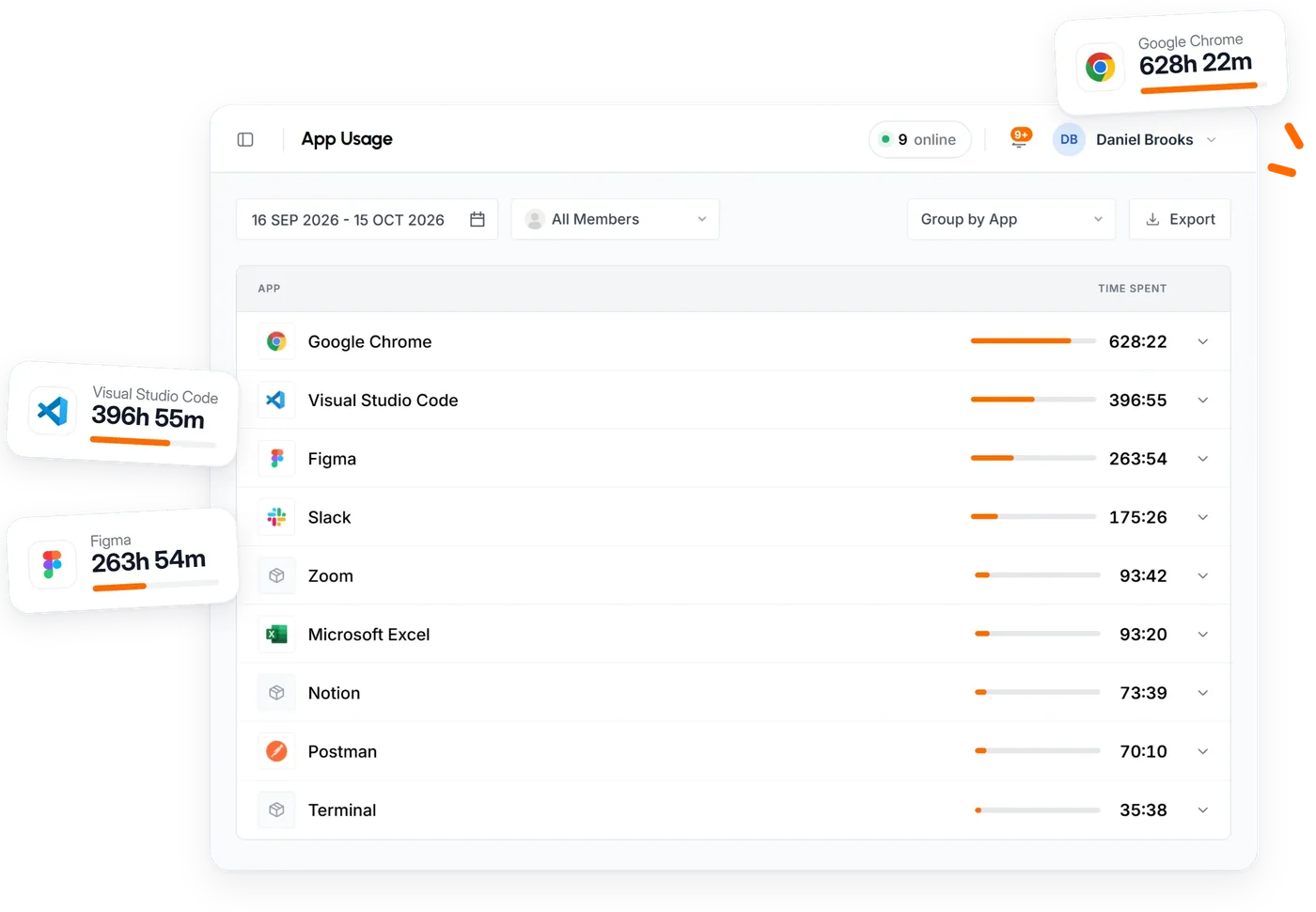
Time Doctor holds app and website usage back for Standard. In TimoDesk every member's apps and sites are recorded by project and task, next to their screenshots and activity, at the base price. See app and website usage.

TimoDesk application breakdown showing time spent in each app for a member
App usage for one member, in TimoDesk.

Client access without Premium

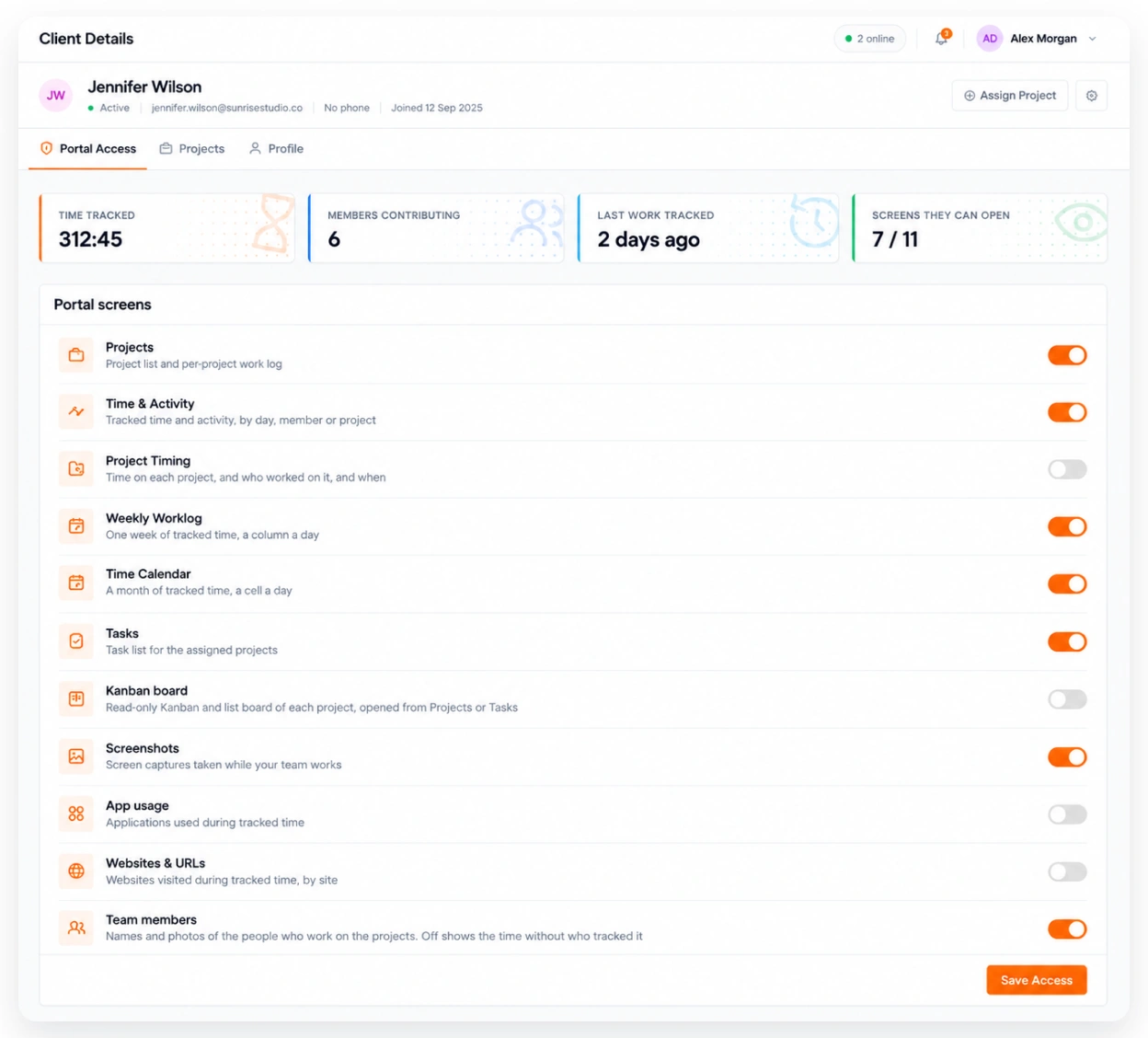
On Time Doctor, client access is a Premium feature. TimoDesk includes a client portal: each person at a client gets a view-only login to their projects, and you decide whether they see screenshots. See the client portal.

What a client sees in the TimoDesk client portal
The client portal, with the switches that control what a client sees.

Where Time Doctor is the better pick

If you need video of the screen, or one of Time Doctor's 60+ integrations, TimoDesk is not a match today. It takes still screenshots and has no integrations. Time Doctor also has more years of enterprise support behind it.

Pros

  • App usage and client access at $1, not on a top tier
  • Billed only for members who tracked time that month
  • Kanban boards and manual time approval included

Cons

  • No video recording
  • No integrations or mobile app
  • No free plan, only a 15-day trial

7 more Time Doctor alternatives

Each of these beats Time Doctor on something specific. The price shown is the plan that matches what TimoDesk includes.

2

Hubstaff

Best like-for-like switch
$10Team
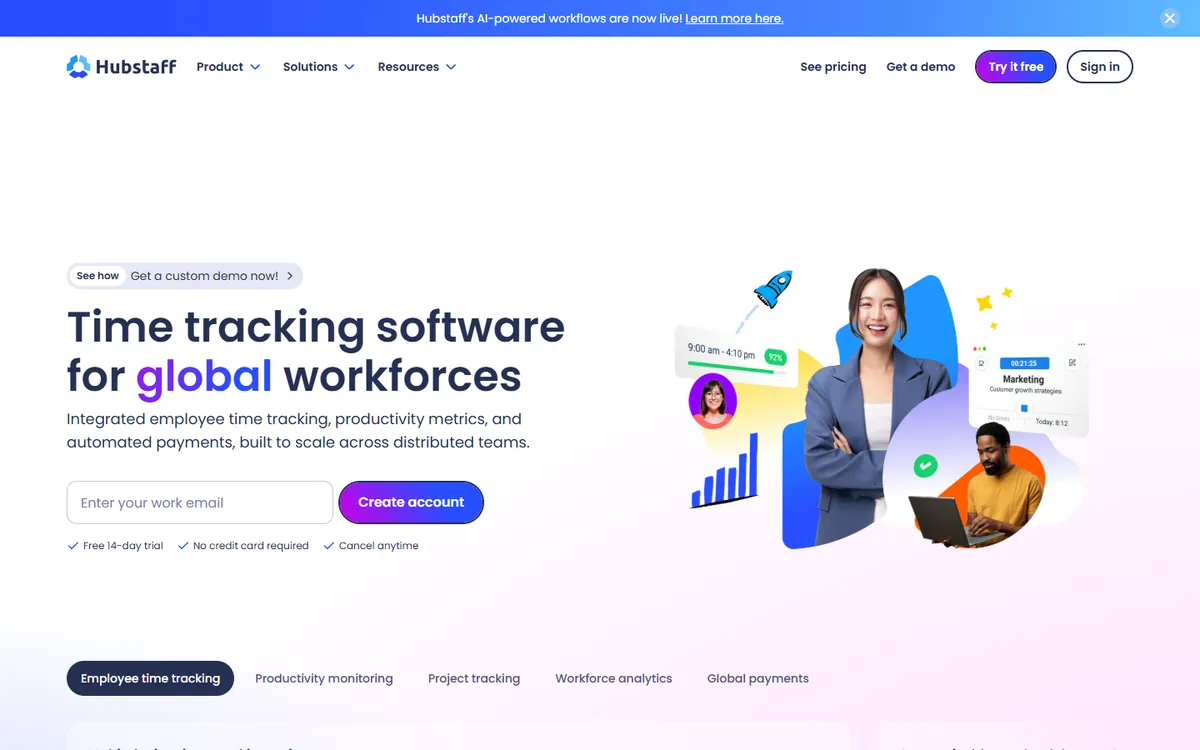
Hubstaff home page

Hubstaff covers the same ground as Time Doctor, screenshots, activity levels and app usage, and adds GPS, geofencing and payroll for field staff. Its Team plan is a little cheaper than Time Doctor Standard, but it has a 2-seat minimum and no video recording.

Trial
14-day free trial, no card required
Seats
2-seat minimum on paid plans

Pros

  • GPS, geofencing and built-in payroll
  • A long list of integrations
  • Team plan costs less than Time Doctor Standard

Cons

  • No video recording on any plan
  • A 2-seat minimum on paid plans
  • Boards and approvals sit on higher tiers
Pricing, per user / month, yearly
  • Starter $4.99
  • Grow $7.50
  • Team $10
  • Enterprise $25
Source: Hubstaff pricing, August 2026
3

Teramind

Best if you need video recording
$14Starter
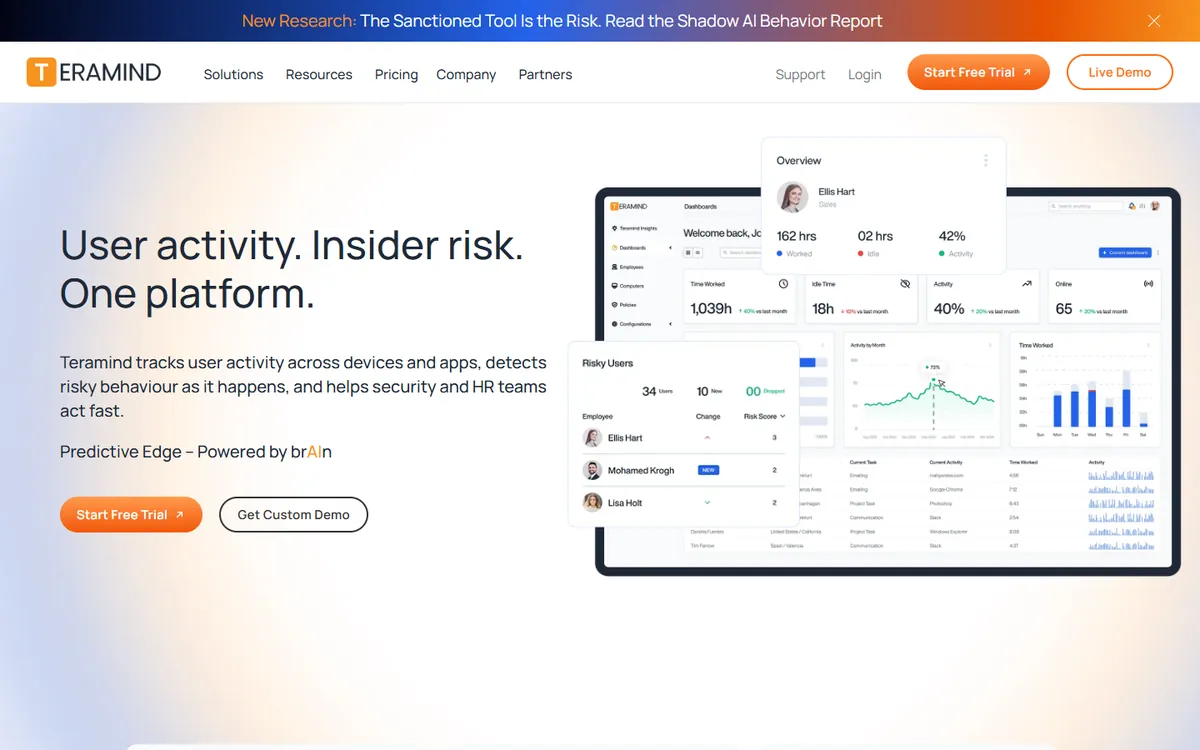
Teramind home page

If video is why you looked at Time Doctor Premium, Teramind records the screen on every plan, with live view on top. It goes much further into security too, with keystroke logging, data loss prevention and on-premise hosting. It is built for insider risk, not for proving hours to clients.

Trial
7-day free trial on cloud, no card required
Seats
5-seat minimum on all paid plans

Pros

  • Video recording and live view on every plan
  • Data loss prevention and keystroke logging
  • Self-hosted and on-premise options

Cons

  • A 5-seat minimum on all paid plans
  • Starter already costs more than Time Doctor Standard
  • Heavy for a team that only needs timesheets
Pricing, per user / month, yearly
  • Starter $14
  • UAM $28
  • DLP $32
  • Enterprise & Government Custom
Source: Teramind pricing, October 2026
4

Insightful

Best for analytics at scale
$8Workforce Analytics
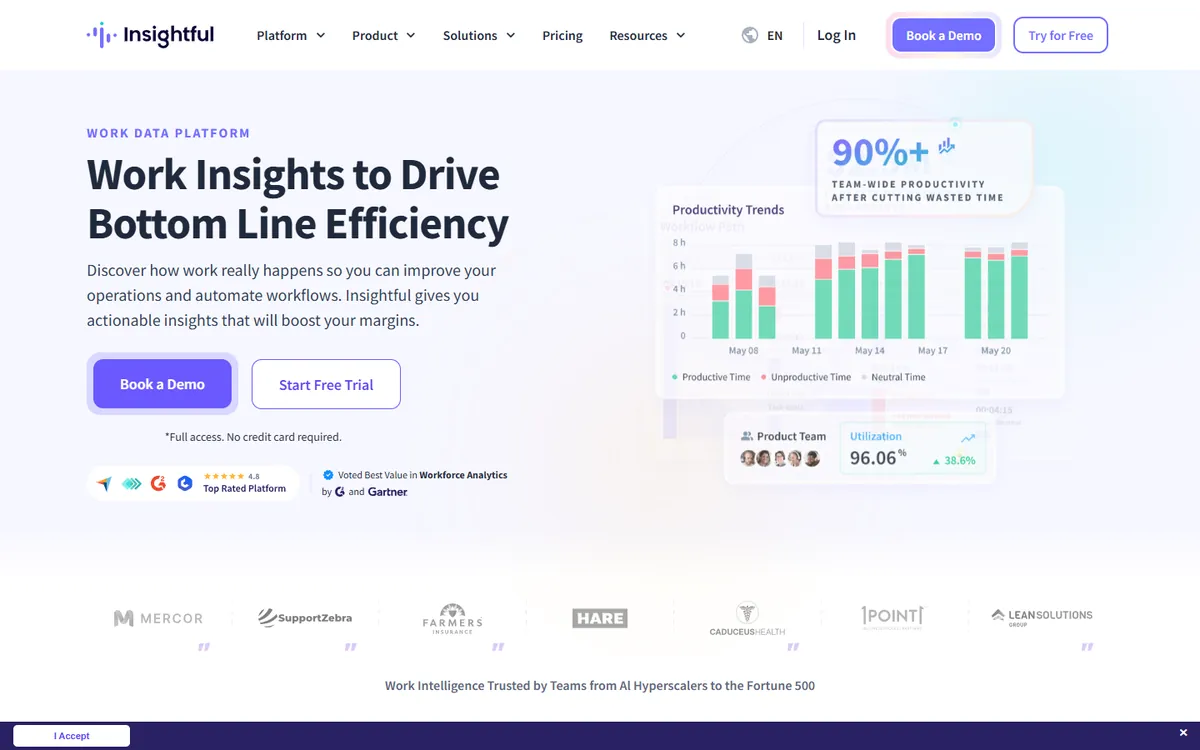
Insightful home page

Insightful competes with Time Doctor for large operations such as contact centers and outsourcing firms. It adds process capture and workflow analysis, publishes SOC 2 and HIPAA compliance and can run on-premise. Interval screenshots come with the analytics plan, and screen recording is a paid add-on.

Trial
7-day free trial, no card required
Seats
No published seat minimum below Enterprise; on-premise starts at 250 seats

Pros

  • Process and workflow analytics
  • SOC 2, ISO 27001, HIPAA and GDPR
  • On-premise deployment

Cons

  • Screen recording is a paid add-on
  • Only a 7-day free trial
  • More platform than a small team needs
Pricing, per user / month, yearly
  • Workforce Analytics $8
  • Workflow Optimization $12
  • Combo $16
  • Enterprise Custom
Source: Insightful pricing, October 2026
5

DeskTime

Best for shift-based office teams
$9.17Premium
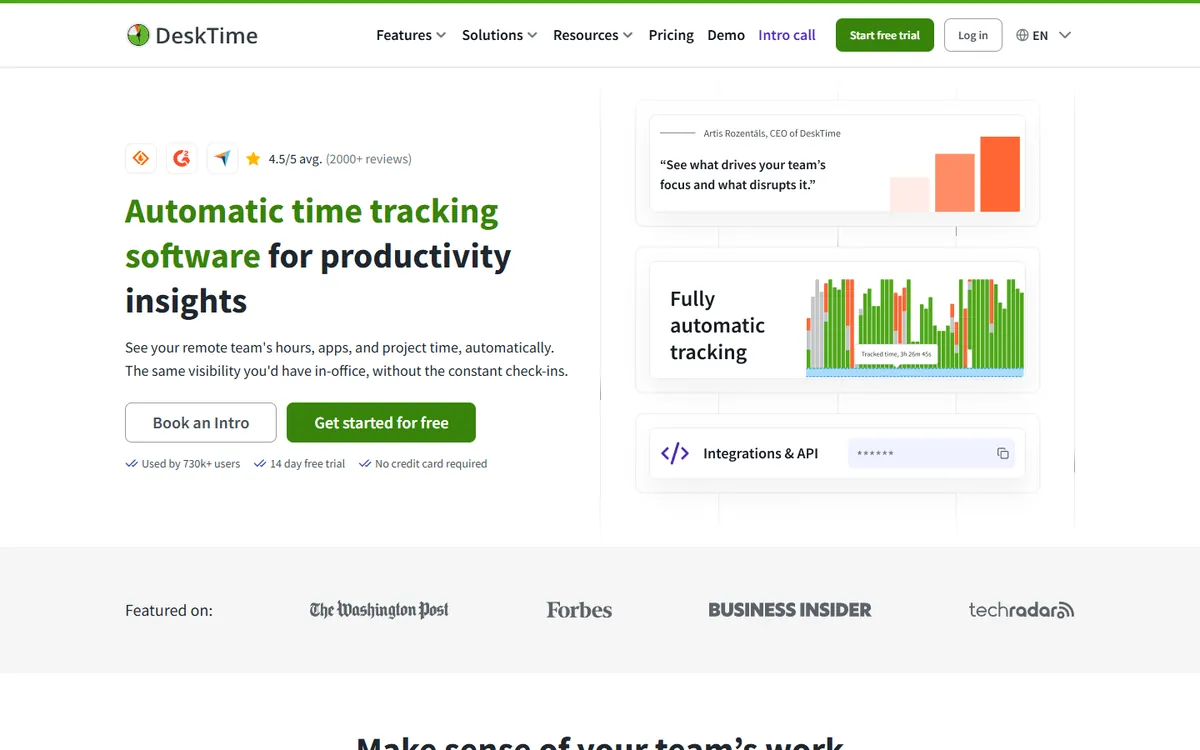
DeskTime home page

DeskTime tracks automatically, with no timer to press, which suits teams that forget to start one. It also handles shift scheduling, absences and attendance. Screenshots are on Premium, which still comes in under Time Doctor Standard.

Trial
14-day free trial
Seats
No free plan; Enterprise requires 200+ users

Pros

  • Automatic tracking with no timer to start
  • Shifts, absences and attendance built in
  • Premium costs less than Time Doctor Standard

Cons

  • Screenshots need Premium
  • No video recording
  • Enterprise starts at 200 users
Pricing, per user / month, yearly
  • Pro $6.42
  • Premium $9.17
  • Enterprise Custom
Source: DeskTime pricing, October 2026
6

Monitask

Best for screenshots with mobile apps
$6.49Pro
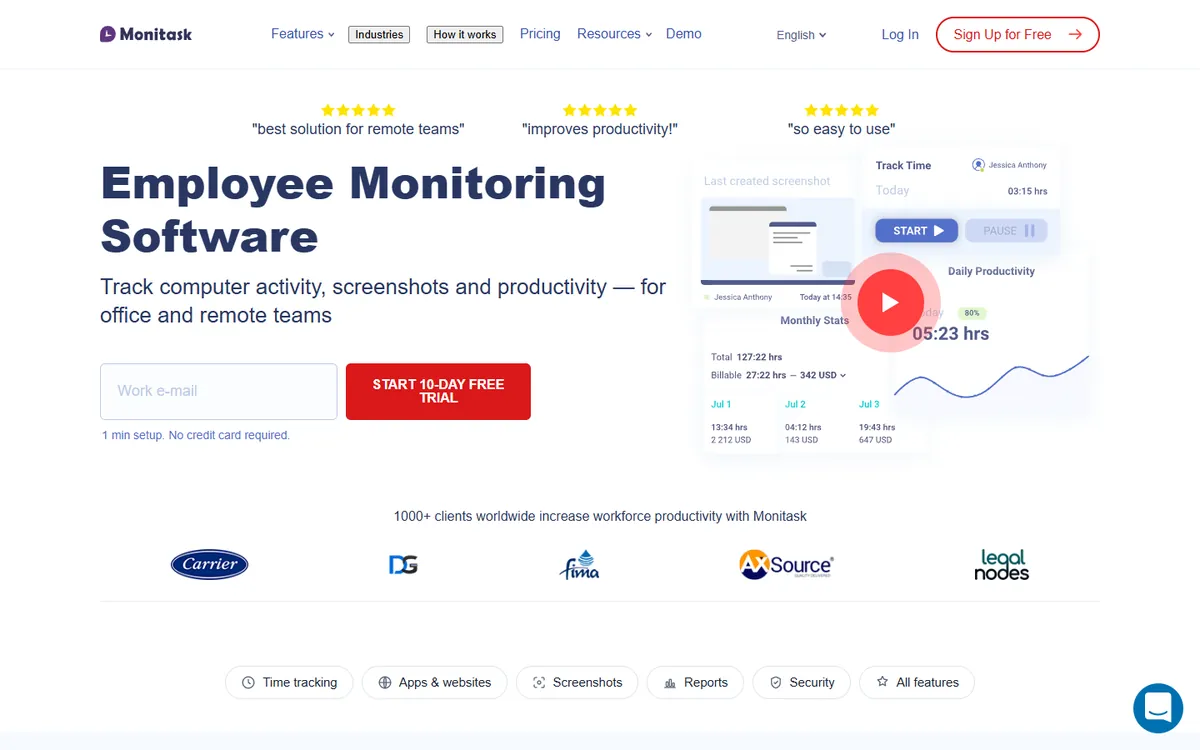
Monitask home page

Monitask is a simpler, cheaper take on the same idea: screenshots and activity levels from the Pro plan, plus apps for Android and iOS. Like Time Doctor, it keeps app and website usage on a higher tier.

Trial
10-day free trial, no card required
Seats
No seat minimum stated, and Enterprise is for 100 or more employees

Pros

  • Screenshots and activity on Pro
  • Android and iOS apps
  • Jira, Asana, Trello and Zapier integrations

Cons

  • App and website usage starts on Business
  • GPS only on Business Premium
  • Extra screenshots per hour cost more
Pricing, per user / month, yearly
  • Pro $6.49
  • Business $8.99
  • Business Premium $12.99
  • Enterprise $15.99
Source: Monitask pricing, October 2026
7

Clockify

Best free timer to start with
$7.99Pro
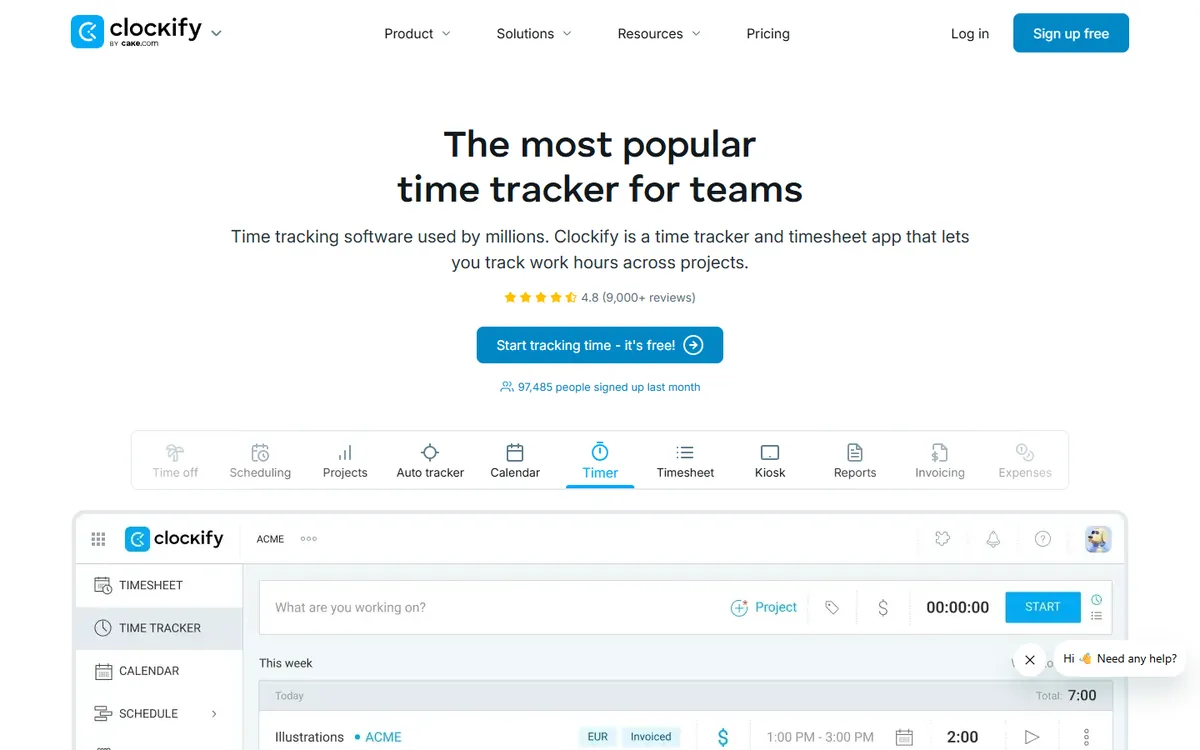
Clockify home page

Clockify is free for up to five users with no time limit, and it records apps and websites even on the free plan. Screenshots only arrive on Pro, so for proof of work you still pay, though less than Time Doctor Standard.

Trial
7-day free trial, no card required
Seats
Free plan capped at 5 active users

Pros

  • Free for up to 5 users
  • App and website tracking on every plan
  • Desktop, mobile and browser apps

Cons

  • Screenshots start on Pro
  • Kanban boards are a separate app
  • Approvals start on Standard
Pricing, per user / month, yearly
  • Free $0
  • Basic $3.99
  • Standard $5.49
  • Pro $7.99
  • Enterprise $11.99
Source: Clockify pricing, August 2026
8

ScreenshotMonitor

Best free plan with screenshots
$4.99Standard
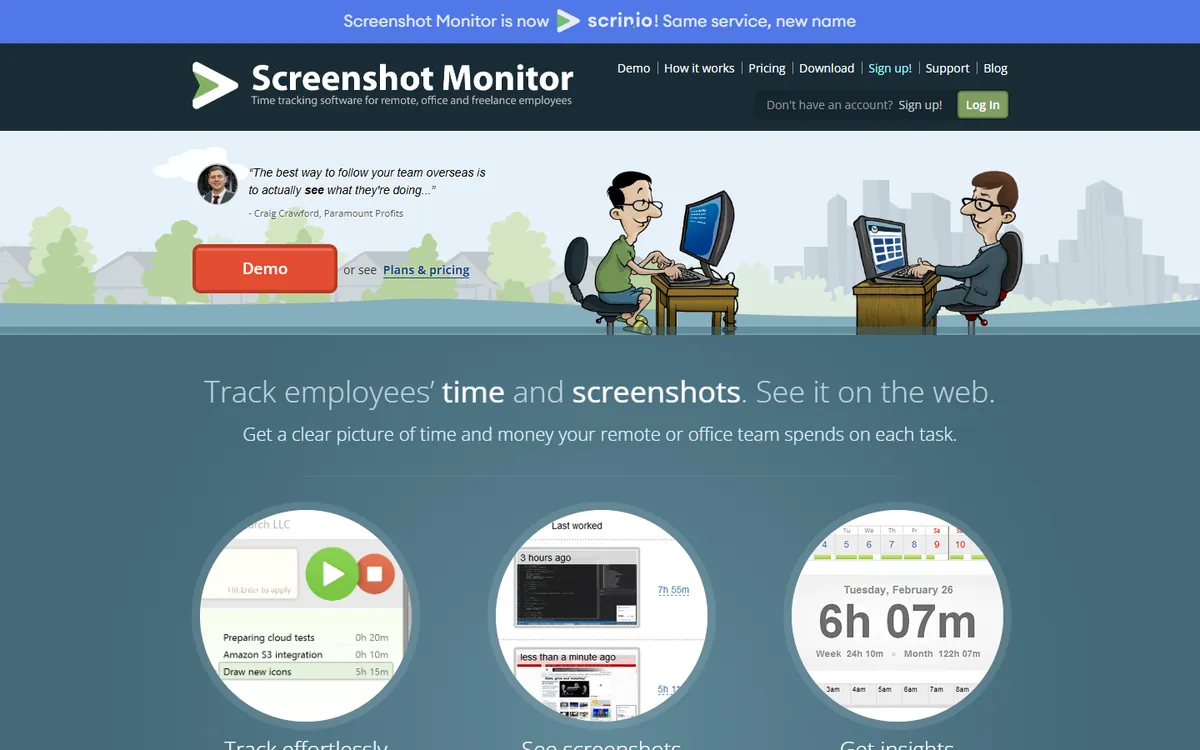
ScreenshotMonitor home page

ScreenshotMonitor, now also called Scrinio, gives up to 3 users screenshots and activity levels for free. Paid plans are billed monthly and stay cheap. It is a narrow tool, so project work has to live elsewhere.

Trial
14-day free trial of Professional, no card required
Seats
Free plan for up to 3 users

Pros

  • Free for 3 users, screenshots included
  • Owners who do not track are not billed
  • A 30-day money-back guarantee

Cons

  • No kanban boards
  • Basic manual time handling
  • No yearly price published
Pricing, per user / month, yearly
  • Free $0
  • Standard $4.99 monthly
  • Professional $6.99 monthly
Source: ScreenshotMonitor pricing, October 2026

Time Doctor alternatives at a glance

The features that usually decide it. A plan name means the feature starts on that plan.

Tool Matching plan App usage Video Client access Free plan
TimoDesk $1
Time Doctor $11.67 Standard Standard + Premium Premium
Hubstaff $10 Team
Teramind $14 Starter Not stated
Insightful $8 Workforce Analytics Not stated
DeskTime $9.17 Premium Not stated Exports only
Monitask $6.49 Pro Business + Not stated Business +
Clockify $7.99 Pro Not stated Partial Up to 5
ScreenshotMonitor $4.99 Standard Not stated Up to 3 users

How to switch from Time Doctor to TimoDesk

  1. Start the free trial. 15 days with every feature and no card. Set the screenshot interval you used in Time Doctor.
  2. Add your projects and invite the team. Invite people by email or link, then create the projects and tasks they track against.
  3. Install the desktop app. Each member installs it on Windows, macOS or Linux and signs in.
  4. Run both for a week. Compare hours and screenshots. When they match, cancel Time Doctor and keep its exports for past records.
Wrap up

Which Time Doctor alternative is right for you?

  • Keep Time Doctor if you need video recording together with its integrations and analytics, and the Premium price is fine.
  • Choose TimoDesk if you want screenshots, activity, app usage and client access for $1 instead of $11.67 to $16.67.
  • Choose Teramind for video and insider-risk tools, Hubstaff for GPS and payroll, and Insightful for large, regulated operations.
  • Start free with ScreenshotMonitor for 3 people or Clockify for 5.

Keep comparing

FAQ

Questions about Time Doctor alternatives

What teams ask before they move away from Time Doctor.

What is the best Time Doctor alternative?

For screenshots, activity levels and app usage at the lowest price, TimoDesk at $1 per user per month, with every feature on one plan. For video recording, Teramind. For a like-for-like switch with GPS and payroll, Hubstaff. For a free start, Clockify or ScreenshotMonitor.

Is there a cheaper alternative to Time Doctor?

Yes. Time Doctor Standard, its first plan with app and website usage, is $11.67 per user per month. 6 of the tools here cost less for a plan with screenshots. TimoDesk is $1, about 12 times less.

Is there a free alternative to Time Doctor?

Time Doctor has no free plan. ScreenshotMonitor is free for up to 3 users with screenshots and activity levels, and Clockify is free for up to 5 users without screenshots. TimoDesk has a 15-day free trial with no card needed.

Which Time Doctor alternative records screen video?

Teramind records video on every plan, starting at $14 per seat with a 5-seat minimum. Time Doctor keeps video on Premium at $16.67. TimoDesk and Hubstaff take still screenshots and do not record video.

Does Time Doctor track apps and websites on every plan?

No. App and website usage starts on Standard at $11.67, so Basic at $6.67 tracks time and screenshots without it. TimoDesk, Hubstaff and Clockify include app and website usage on the plan compared here.

Is Time Doctor or Hubstaff better?

They are close. Time Doctor has video recording on Premium and more productivity analytics. Hubstaff has GPS, geofencing and payroll for field teams, and its Team plan is $10 against $11.67 for Time Doctor Standard.

How do I move from Time Doctor to TimoDesk?

Start a free trial, install the desktop app on Windows, macOS or Linux, invite your team and add your projects. Run both for a week to compare hours and screenshots, then cancel Time Doctor and keep its exports for past records.

Is this comparison biased?

We make TimoDesk, so we put it first. Every price comes from the vendor's own pricing page, each tool gets its own pros and cons, and we say plainly where Time Doctor and the others do more than TimoDesk, such as video recording and integrations.

Still have a question? Book a call. We'll show you TimoDesk with your own setup and answer any question this list doesn't cover. Talk to our team

Start tracking time this week

Create your organization and invite your team today. Tracked time shows on the dashboard the same day, and the first full-day reports are ready the next day. $1 per user per month, with every feature included.

  • $1 per user / month
  • 15-day free trial, no card
  • Stop anytime. No contract.
Need help? Book a one-hour TimoDesk demo Book a meeting