9 best DeskTime alternatives in 2026, with a closer look at each
DeskTime tracks time on its own and scores every app for productivity, but screenshots only
come with Premium at $9.17 per user. We start with a full tour of TimoDesk,
the tool we build, then compare 8 other DeskTime competitors on price
and features.
DeskTime in brief: plans, prices and why teams look elsewhere
DeskTime is an automatic time tracker from Latvia. Once the desktop app is installed it starts
with the computer, so nobody has to press a start button. It records the apps, websites and
document titles in use, sorts them into productive, unproductive and neutral, and turns that
into a productivity score for each person and team. Around the tracking it adds shift scheduling,
an absence calendar, IP location for office or remote work, and a private time switch for
personal use of a work computer.
It is a good product, and of all the DeskTime competitors on this page TimoDesk is the most
similar in what it records. The big difference is the plan ladder. Screenshots, shifts and the
absence calendar all wait on Premium, so the price on the first card is rarely the price a team
pays.
desktime.com
DeskTime's home page. Source: desktime.com, October 2026.
Step 1Pro$6.42per user / month, yearlyIncludes
Automatic time tracking
URL and app tracking
Productivity calculations
Document title tracking
Idle, offline and private time
Project tracking and exports
Step 2Premium$9.17per user / month, yearlyAdds
Screenshots
Shift scheduling
Absence calendar
IP location
AI summary
Integrations and API
Step 3EnterpriseCustom200 or more usersAdds
Custom API on request
Account manager
Employee training
14-day free trial. Prices from DeskTime's pricing page,
checked October 2026; plan contents read from the same page in October 2026. Monthly prices are not published on the page.
Why teams search for a DeskTime alternative
Screenshots cost a plan upgrade
Pro at $6.42 tracks apps and time, but proof of work needs Premium at $9.17. For 10 people that is $330 a year more.
Productivity labels need upkeep
Every new app or site starts somewhere on the productive scale. When it lands in the wrong group, people's scores drop until an admin fixes it.
Always-on tracking does not suit everyone
Tracking that starts with the computer is convenient, but some teams and freelancers would rather decide when the clock runs.
Clients cannot look in
DeskTime shares work with clients through exports. Agencies that bill by the hour often want clients to open the hours and screenshots themselves.
Part 02
TimoDesk: the DeskTime alternative we build, feature by feature
TimoDesk is a desktop time tracker for remote teams and agencies. It records the same
kind of evidence as DeskTime Premium, screenshots, activity and the apps and sites in
use, and puts every feature on one plan at $1 per user per month.
Below are eight parts of it, each with an honest note on how it compares to DeskTime.
$1per user / month, every feature
15 daysfree trial, no card
3desktop apps: Windows, macOS, Linux
0seat minimum; billed only for members who tracked time
1 / 8
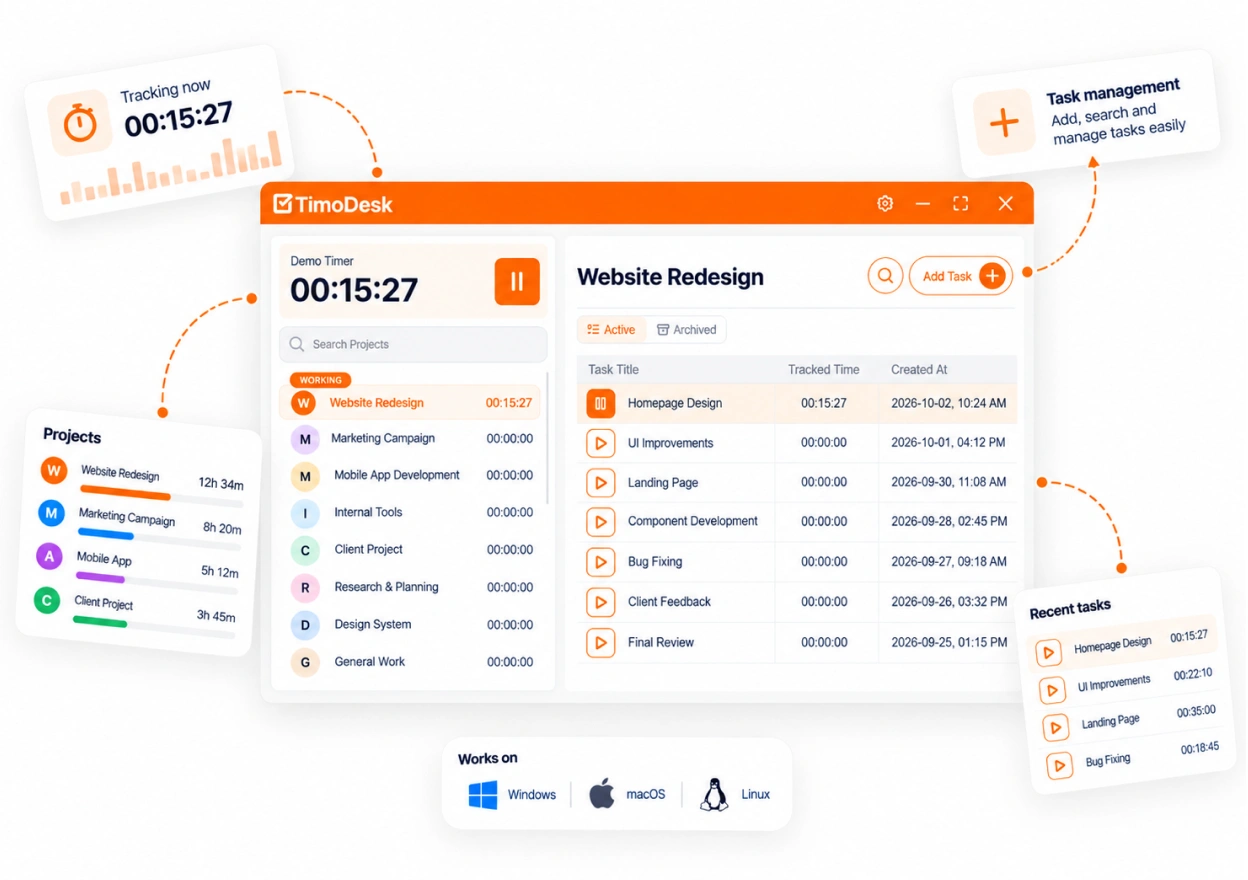
Time tracking that starts when the member says so
This is the biggest difference from DeskTime, so it comes first. In TimoDesk a member
picks a project and task in the desktop app and presses start. Every session is saved to
that task. When the timer is off, TimoDesk captures nothing at all: no screenshots, no
apps, no activity.
If someone walks away with the timer running, the idle time is taken out after a timeout
you choose: 3, 5, 10, 15, 20, 30, 45 or 60 minutes without keyboard or mouse use, set for
the organization and changed per member if needed. The app keeps tracking offline and
syncs when it reconnects, as long as that is within 30 days. Nobody can edit a tracked
session, including its owner.
DeskTime
Starts with the computer and tracks until it shuts down, with a private time switch for personal use.
TimoDesk
Starts with the timer on a task. Off means nothing is recorded, so there is no private mode to remember.
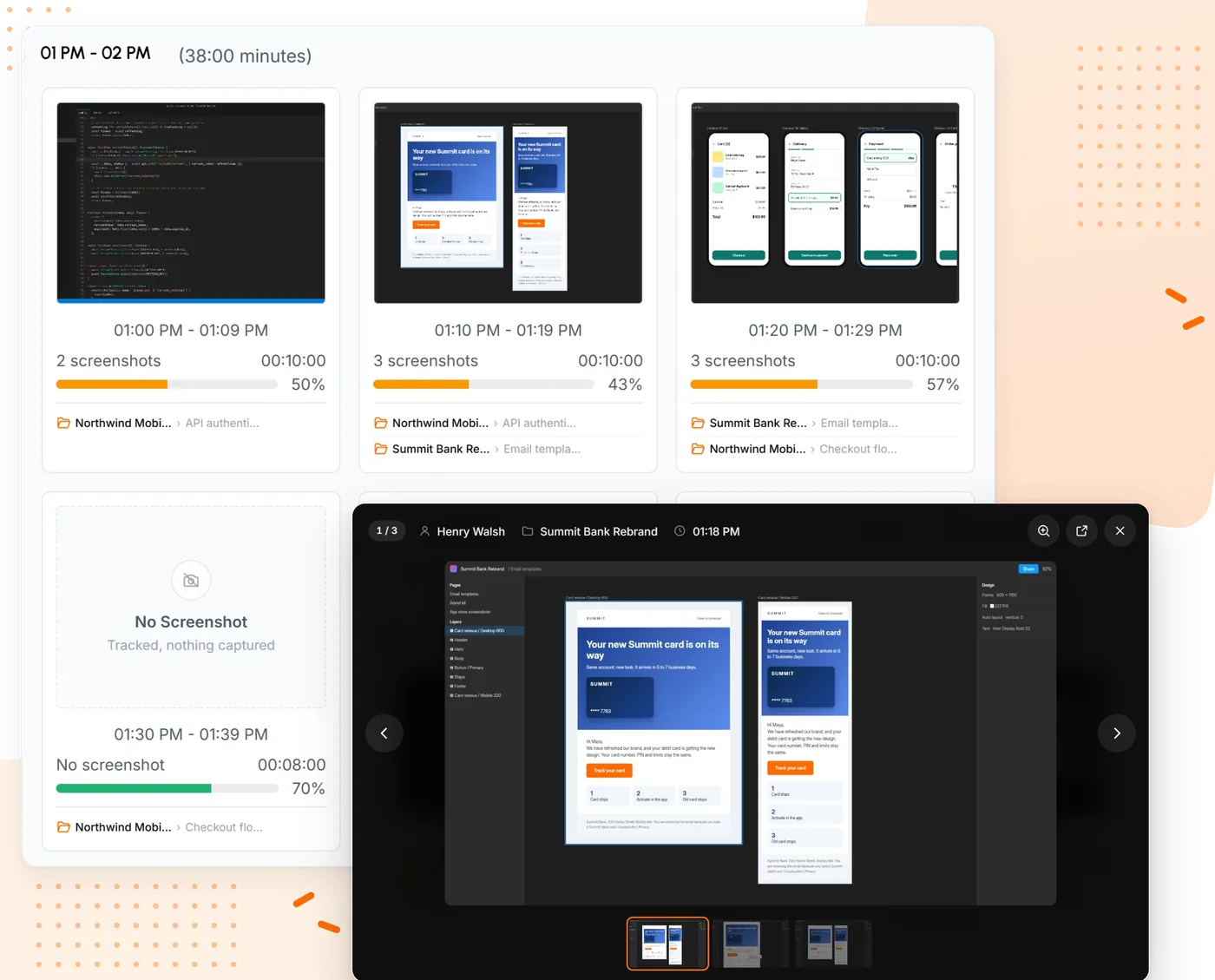
While the timer runs, the desktop app takes screenshots at the interval you set, from
every 3 to every 60 minutes. Set it for the whole organization, then change it for one
member. Each member can also get a screenshot alert so a capture never comes as a
surprise, and members can see their own screenshots.
Screenshots are grouped into ten-minute blocks with the tracked minutes and activity
level beside them, and each one links to the task it was taken on. If you would rather
keep the files yourself, the organizer can send them to your own S3 bucket or FTP server.
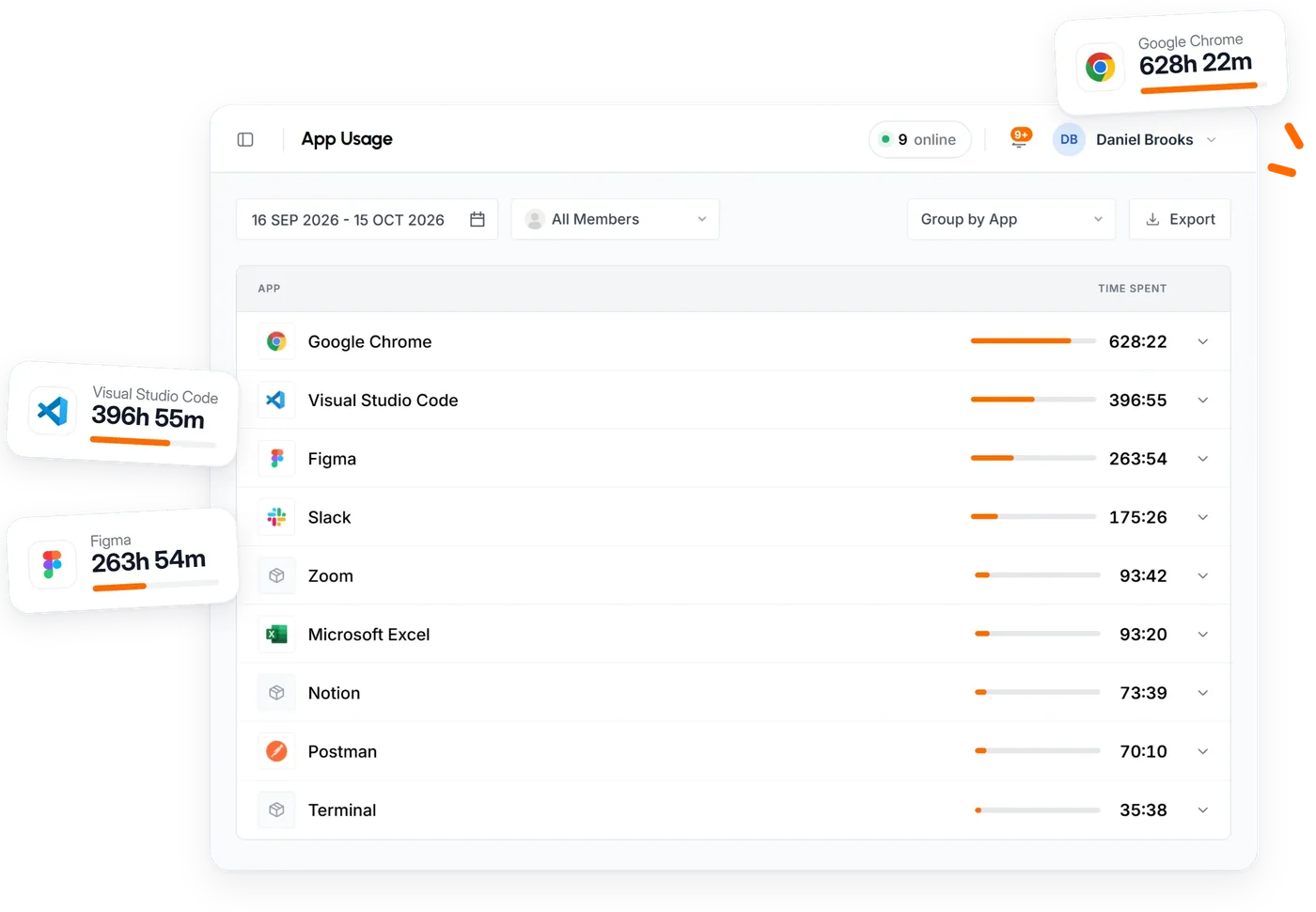
TimoDesk records which app was in use and, for websites, the site, page address, page
title and browser. You see it per member, per project and per task, and for the whole
team, and you can download it as PDF or CSV. It never records what was on the page or in
the document.
What it does not do is label apps as productive or unproductive. That is a real
difference. DeskTime's productivity score is useful when you want one number per person,
but it depends on every app being in the right group, a complaint that comes up
again and again in its reviews. TimoDesk shows the breakdown and leaves the judgment to the person who
knows the job.
DeskTime
Apps, URLs and document titles, scored as productive, unproductive or neutral.
TimoDesk
Apps and URLs by member, project and task, with no productivity labels.
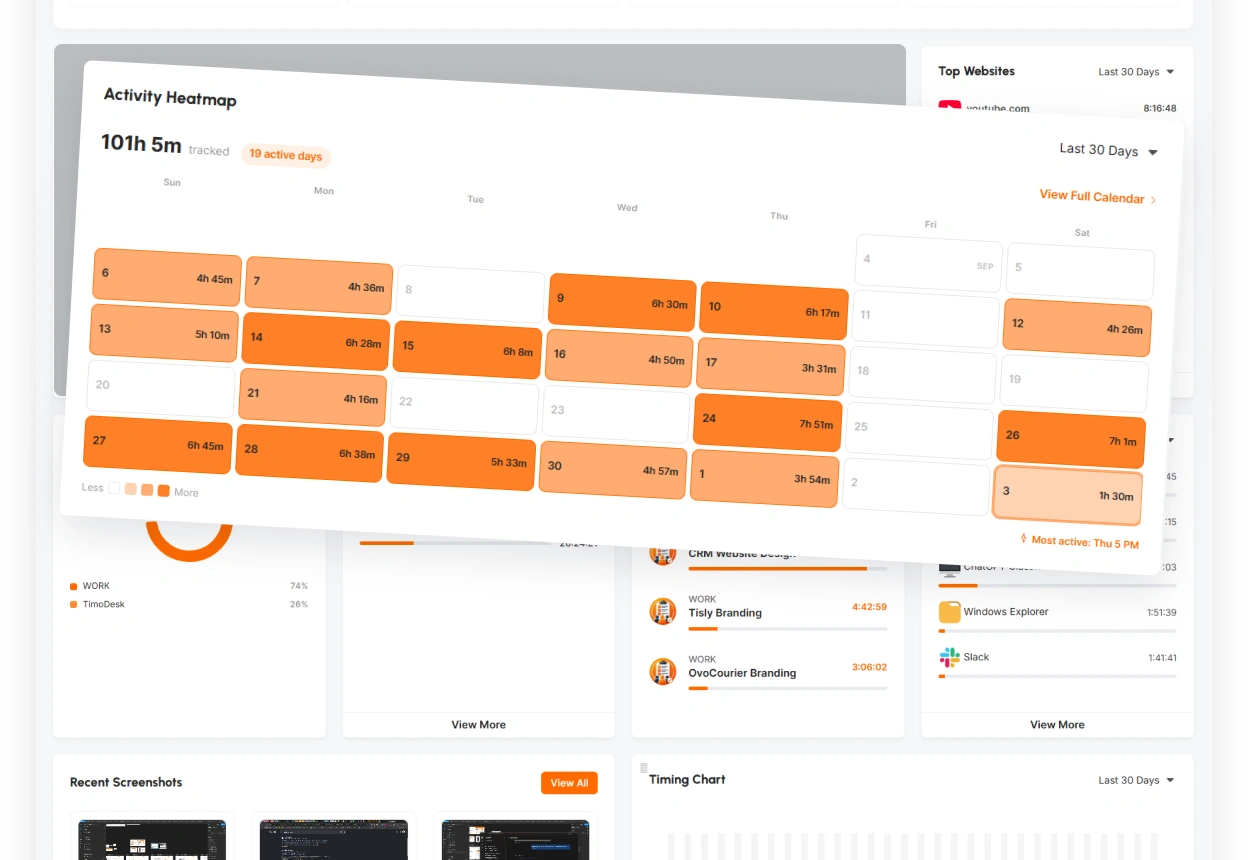
Activity levels and heatmaps instead of a productivity percentage
Every tracked session has an activity level: the share of tracked time with any keyboard
or mouse input. What is typed is never recorded, and there is no keystroke logging
anywhere in TimoDesk. Each member gets an activity heatmap of their own work, and
managers see the same for the team.
A monthly leaderboard and a performance view rank members by tracked hours and activity.
Treat activity as context, not a grade: reading, calls and careful thinking all use the
keyboard very little, and members see the same number you do.
DeskTime
Productivity calculations from labelled apps, from Pro.
TimoDesk
Activity levels, heatmaps and a leaderboard, all on the one plan.
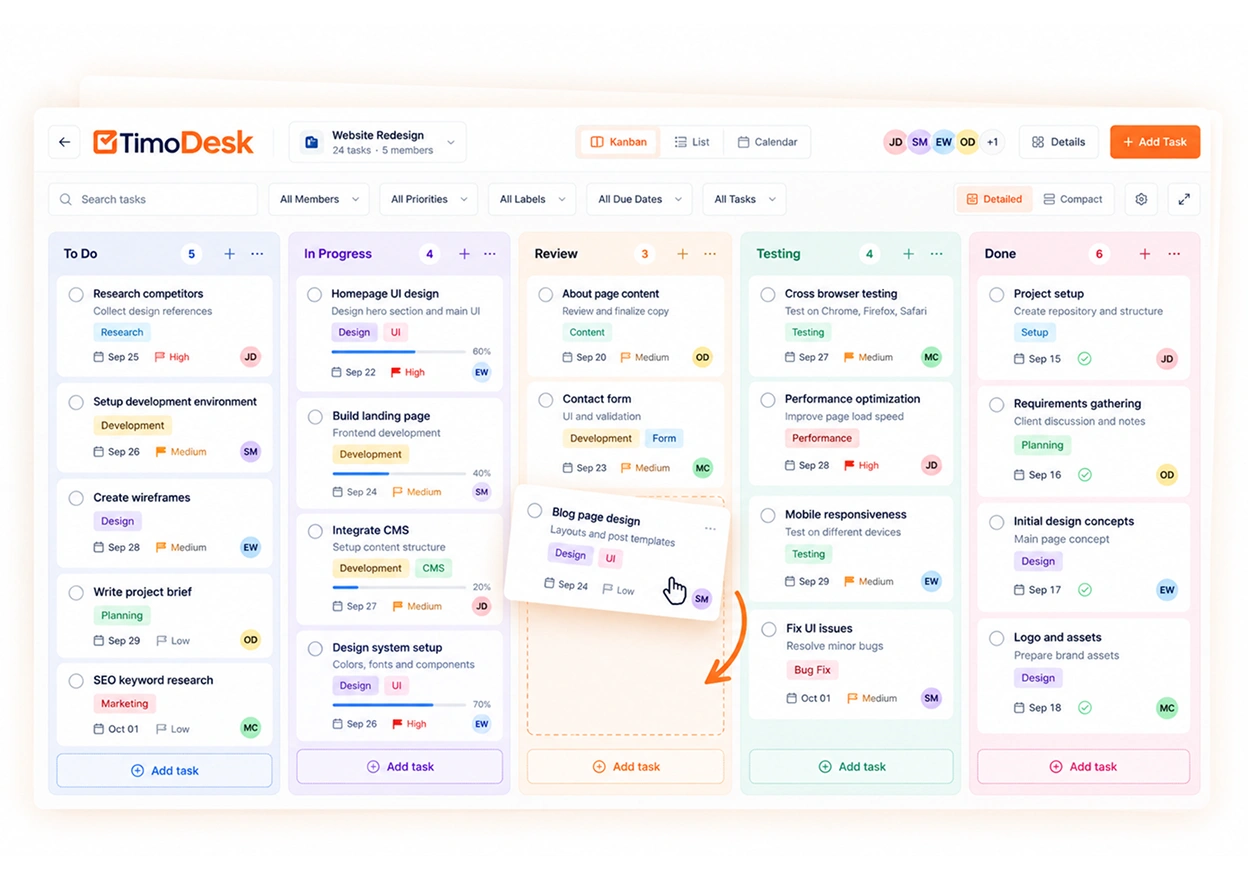
Projects, tasks and a kanban board for each project
Because time is tracked against a task, TimoDesk needs somewhere to keep those tasks.
Every project has a board, a list and a calendar view. Cards carry assignees, due dates,
estimates and comments, and the time tracked on each card adds up as people work. An
@mention in a comment notifies the person.
For many small teams this replaces a separate task tool. DeskTime tracks time to projects
and tasks too, and connects to Jira, Asana and Trello on Premium, which is the better route
if your tasks already live in one of those.
DeskTime
Project tracking, plus integrations with project tools on Premium.
TimoDesk
Built-in boards with time on every card, and no integrations yet.
Manual time with approval, and timesheets you can send
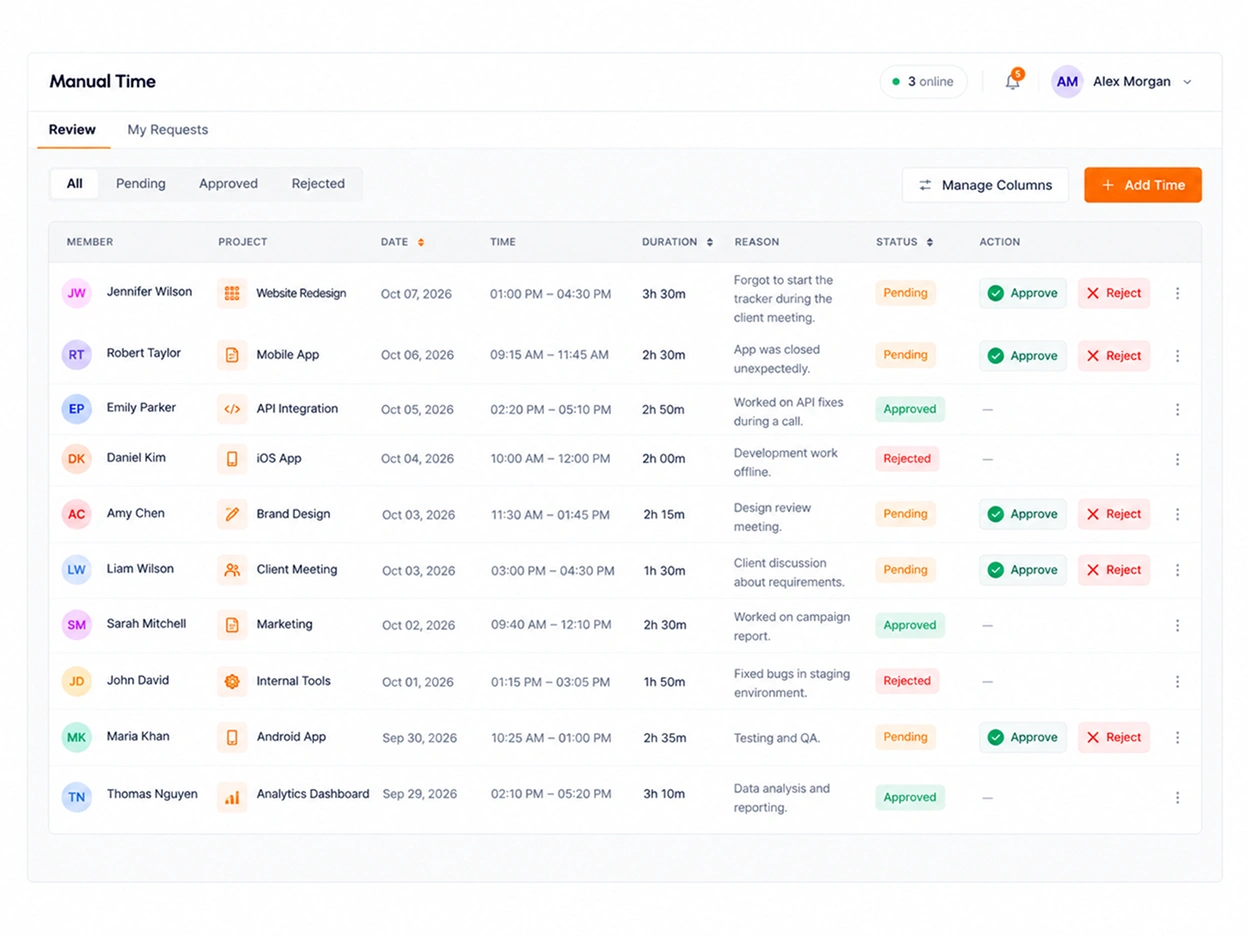
Work happens away from the computer too. Manual time is off until the organizer turns it
on. Then members request time with a reason, a manager approves or rejects it, and the
approved time stays marked as manual and out of activity averages. You can cap a single
entry and limit how far back a request can go.
Monthly timesheets show every member's hours day by day and export to PDF, ready to send
to finance or attach to a client invoice you make elsewhere.
DeskTime
Offline time for work away from the computer, with exports.
TimoDesk
Requests with a reason, an approver, limits and PDF timesheets.
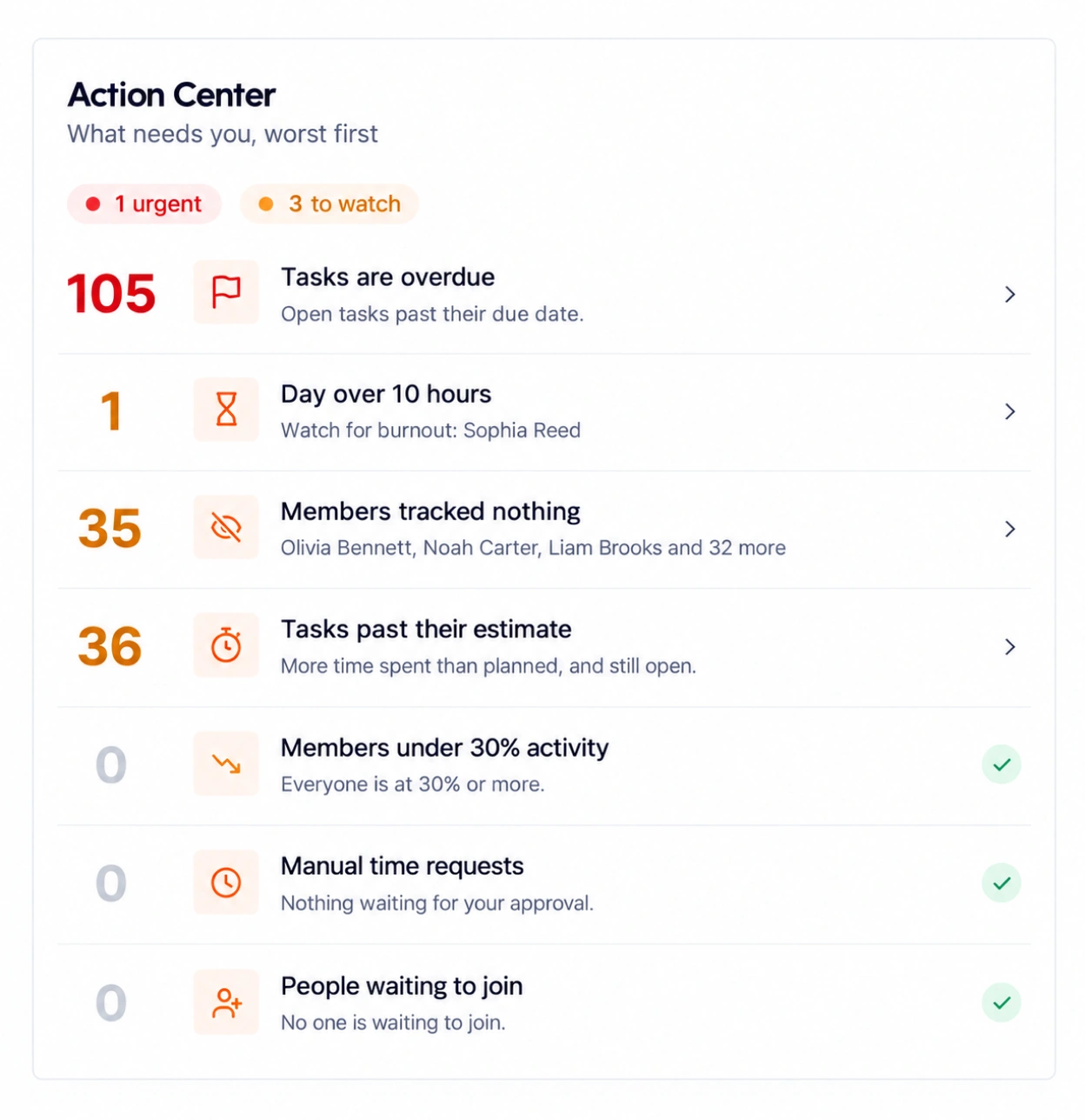
The dashboard opens on six key figures and a timeline of each member's day, with who is
online now. Its Action Center flags what needs a manager: overdue tasks, members under
30% activity, days over 10 hours, people with tracking on who tracked nothing, tasks past
their estimate and manual time waiting for approval.
Team managers see only the teams they manage, and members see only their own day, top
apps, heatmap and latest screenshots.
DeskTime
Admin and user dashboards, with an AI summary of the day on Premium.
TimoDesk
Key figures, a team timeline and an Action Center, on the one plan.
A client portal for the people who pay for the hours
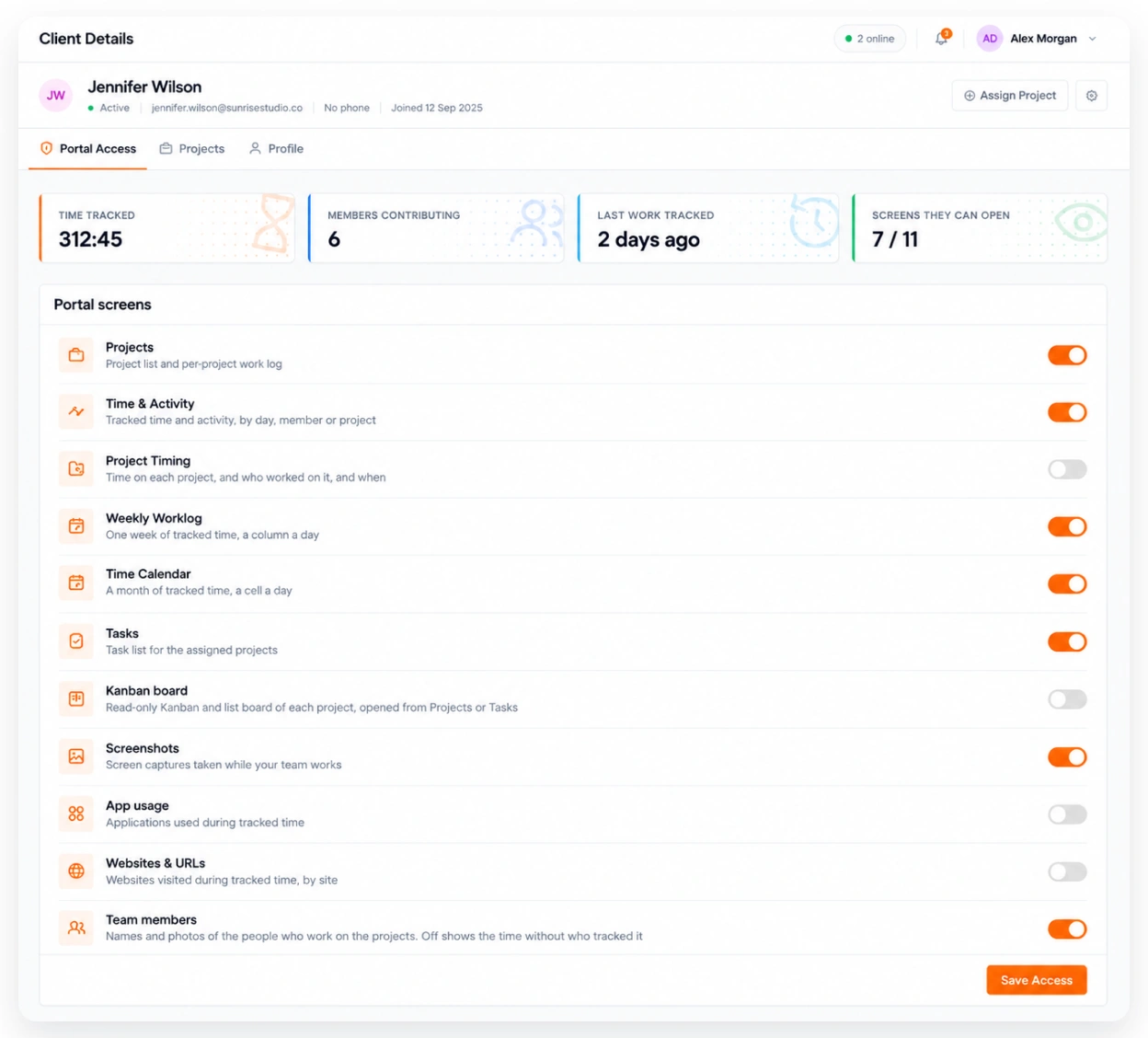
This is the part DeskTime has no direct match for. You invite a person at a client, choose
which projects they can see and whether screenshots are included, and they get a
view-only login with the hours, reports and work behind them.
For staffing agencies and contractors it removes the monthly back and forth of exports
and screenshots by email.
DeskTime
Clients get what you export and send.
TimoDesk
Clients log in and see their own projects, with the switches you set.
Most lists of apps like DeskTime jump straight to logos. These five checks will cut the list down
before you read a single review. They are the same five we used to score the tools below.
Automatic or timer-based tracking
Decide this first, because it changes the feel of the whole tool. Automatic trackers like
DeskTime record the workday from the moment the computer is on. Timer-based tools like
TimoDesk and Hubstaff record only what someone chooses to track, and tie it to a task. Offices measuring attendance tend to prefer the first;
agencies billing clients by task tend to prefer the second.
Which plan has screenshots
Screenshots are where pricing gets slippery. DeskTime keeps them on Premium, TimeCamp on
Ultimate, Clockify on Pro, and ActivTrak sells them as an add-on. Always
compare the price of the plan that has screenshots, not the first price on the page.
Productivity labels, or raw data
Labels turn app usage into a score, which is quick to read and quick to get wrong. If you
want a score, look at DeskTime or ActivTrak and budget time to keep the categories right.
If you would rather read the breakdown yourself, TimoDesk shows apps and sites by member,
project and task without judging them.
Privacy your team can live with
Ask what is captured, when, and who can see it. Can members see their own screenshots?
Is anything recorded when they are off the clock? Are keystrokes logged? Teramind logs
keystrokes on its UAM plan. TimoDesk never does, records nothing with the timer off and
shows every member their own data.
The price at your team size
Per-user prices look small until you multiply them. Seat minimums matter for small teams
(Hubstaff has 2, Teramind 5) and user thresholds matter for big ones: DeskTime moves you to
Enterprise, priced by quote, at 200 users.
Yearly cost by team size
Plan
Per user
10 people
50 people
150 people
DeskTime ProNo screenshots
$6.42
$770
$3,852
$11,556
DeskTime PremiumWith screenshots
$9.17
$1,100
$5,502
$16,506
Hubstaff Team2-seat minimum
$10
$1,200
$6,000
$18,000
ActivTrak Work Activity TrackingBefore screenshot add-on
$10
$1,200
$6,000
$18,000
TimoDeskEvery feature
$1
$120
$600
$1,800
Yearly cost on annual billing, per user per month times 12, rounded to the dollar. At 200 users and above DeskTime moves to Enterprise, which has no published price.
Free DeskTime alternatives
DeskTime's pricing page shows paid plans and a 14-day trial. If cost has to be zero, three tools
here have a free plan: TimeCamp for unlimited users,
Clockify for up to 5 users and
ActivTrak for up to 3 workers. None of the three
take screenshots on the free plan. TimoDesk has no free plan, but at $1 a
person, a team of 10 pays $10 a month with screenshots included.
Part 04
The best DeskTime alternatives, scored side by side
First the feature matrix, then a scorecard for each tool. A plan name in a cell means the feature
starts on that plan. The matching plan is the cheapest one that includes screenshots, or the
closest match where screenshots are an add-on.
How the bars work: matching plan is the price per user per month on yearly billing, shorter is
cheaper. Coverage counts seven features from the matrix (screenshots, activity, app usage, manual
time approval, kanban boards, client access and a Linux app): a full point when the feature is
included, half a point when it needs a higher plan, an add-on or is partial.
Part 05
8 more apps like DeskTime, reviewed
Each of these DeskTime competitors is better than DeskTime at something specific. The price
shown is the matching plan from the table above.
2
ActivTrak
Best for productivity analytics
$10Work Activity Tracking
ScreenshotsPaid add-on
Free planUp to 3 workers
Trial14 days
vs DeskTime PremiumCosts more
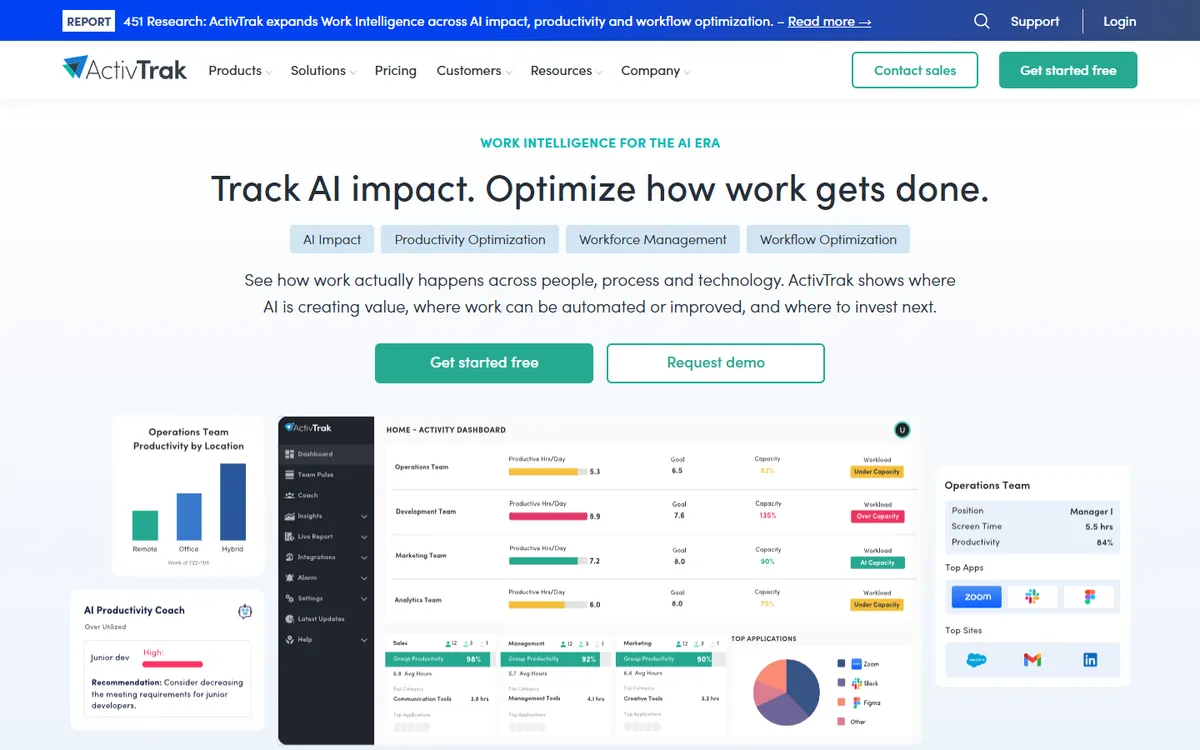
ActivTrak is the tool closest to the productivity side of DeskTime. It measures productivity from the apps and websites people use, lets you label them, and pulls meetings and time off in from Outlook and Google Calendar. A free plan covers up to 3 workers, which DeskTime does not offer today.
The catch is screenshots. They are not on any base plan: they come with the Screen Details add-on, which has no published price, and ActivTrak sells annual plans only. If screenshots were the reason you looked at DeskTime Premium, price that add-on before you decide.
Pick it over DeskTime for deeper productivity analytics on a large team. Skip it if screenshots must be on the plan.
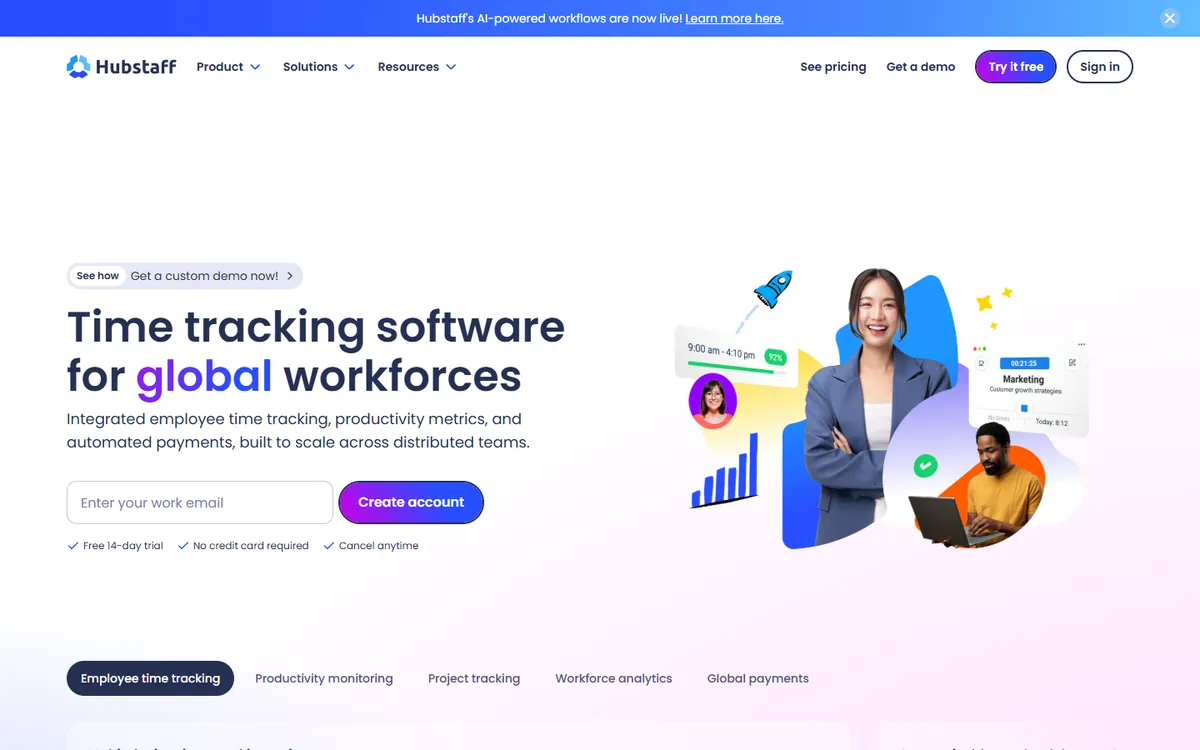
Hubstaff covers the same monitoring as DeskTime Premium, with screenshots, activity levels and app usage, and then goes further for people who work away from a desk: GPS, geofencing, payroll and shift scheduling with attendance.
Its Team plan costs a little more than DeskTime Premium and has a 2-seat minimum. Hubstaff is timer based, so people start tracking themselves, which some teams prefer to always-on tracking.
Pick it over DeskTime if part of the team works in the field or you want payroll in the same tool.
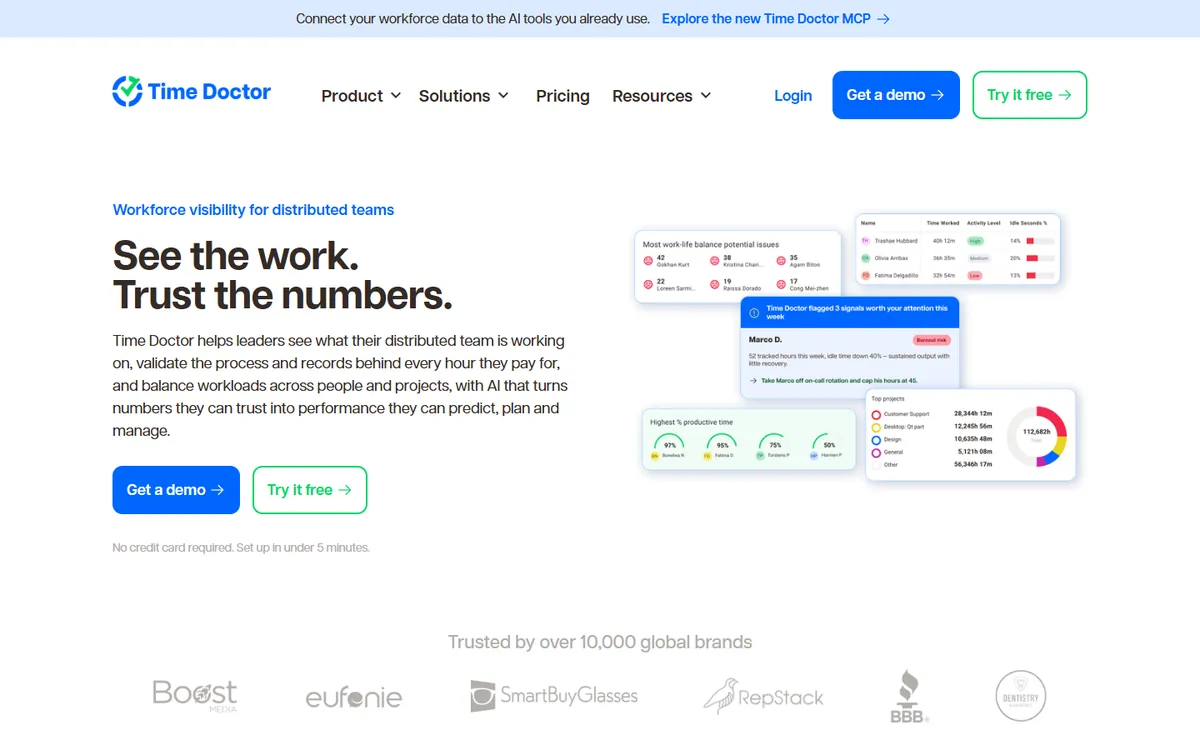
Time Doctor is a productivity platform for remote teams with screenshots, activity, productivity benchmarking and over 60 integrations. It is one of the few tools here that can record video of the screen, on its Premium tier.
It costs more than DeskTime. App and website usage starts on Standard, and client access and video sit on Premium, so most teams end up above the DeskTime Premium price.
Pick it over DeskTime if still screenshots are not enough and you want video.
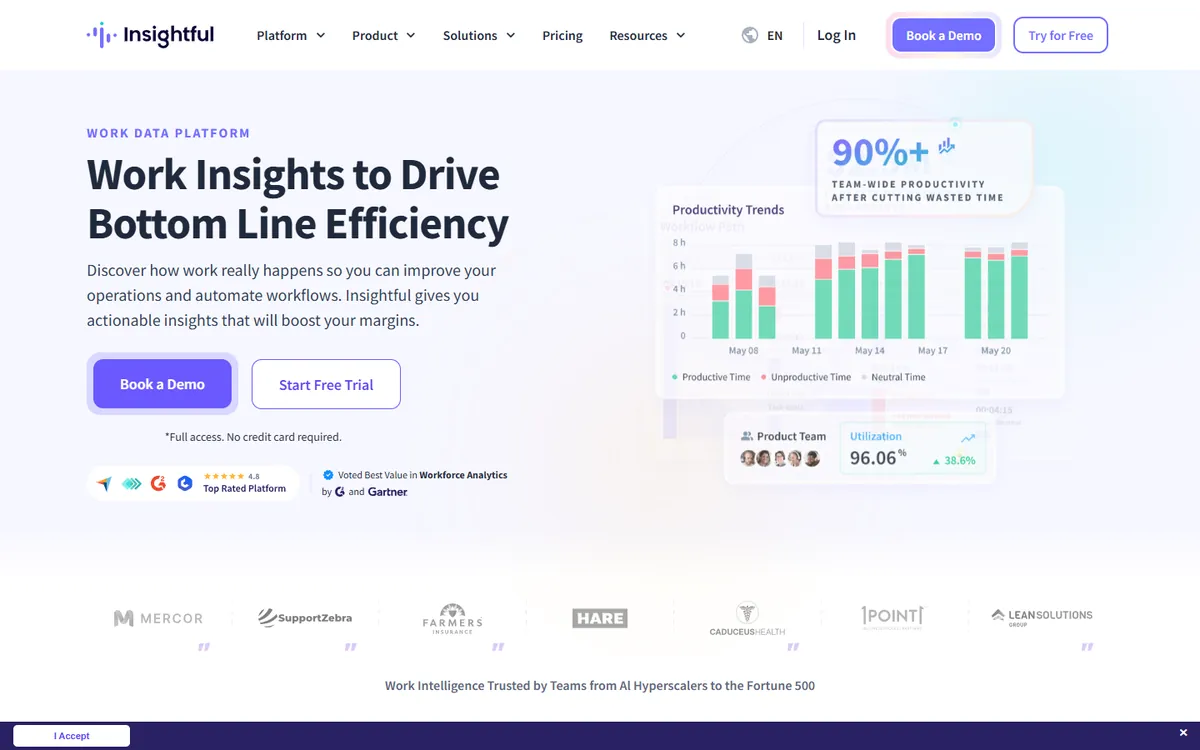
Insightful is workforce analytics for contact centers and big operations teams. It adds process capture and workflow analysis, publishes SOC 2, ISO 27001, HIPAA and GDPR compliance, and can run on-premise from 250 seats.
Interval screenshots come with Workforce Analytics, its entry plan, while on-demand screenshots and screen recording are paid add-ons. For a 20-person agency it is more platform than you need.
Pick it over DeskTime when compliance paperwork or on-premise hosting is a requirement.
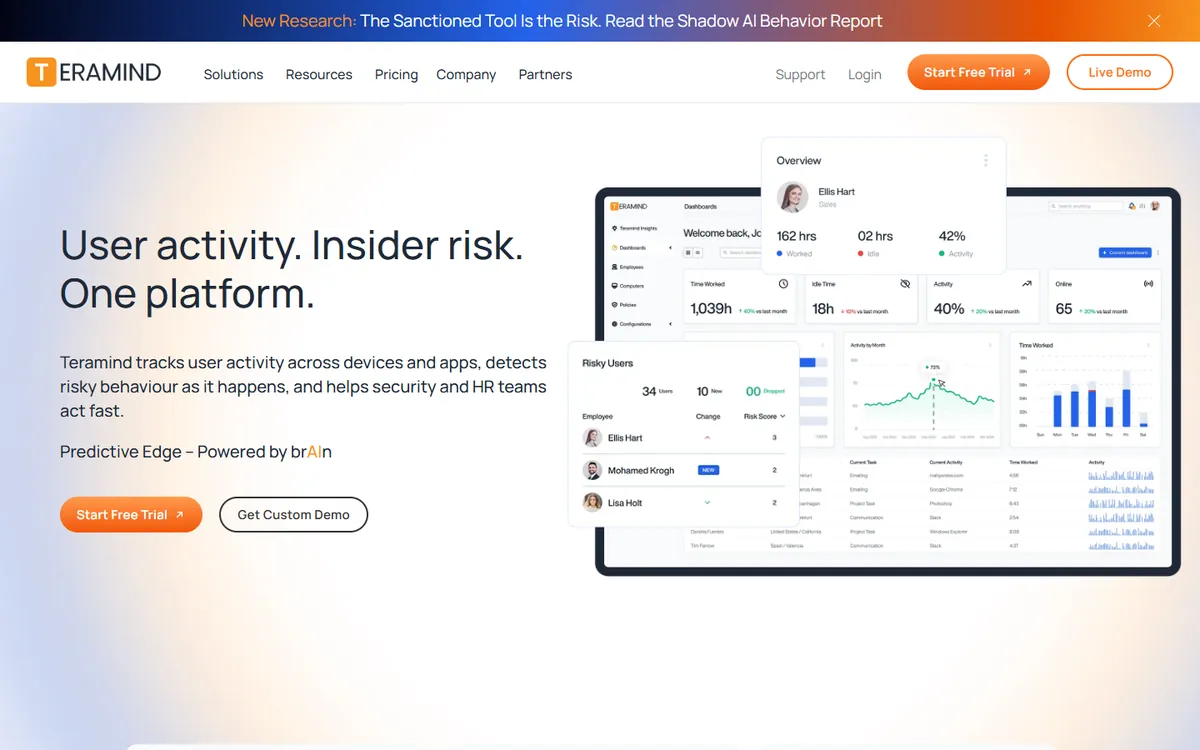
Teramind is monitoring built for security teams. It records screen video on every plan, logs keystrokes from its UAM plan and blocks data leaks on DLP. Self-hosted and government cloud options exist for teams that cannot use a shared cloud.
It is the most expensive tool here and has a 5-seat minimum. If you liked DeskTime because it felt light and fair to staff, Teramind goes the other way.
Pick it over DeskTime only when insider risk, not time, is the problem you are solving.
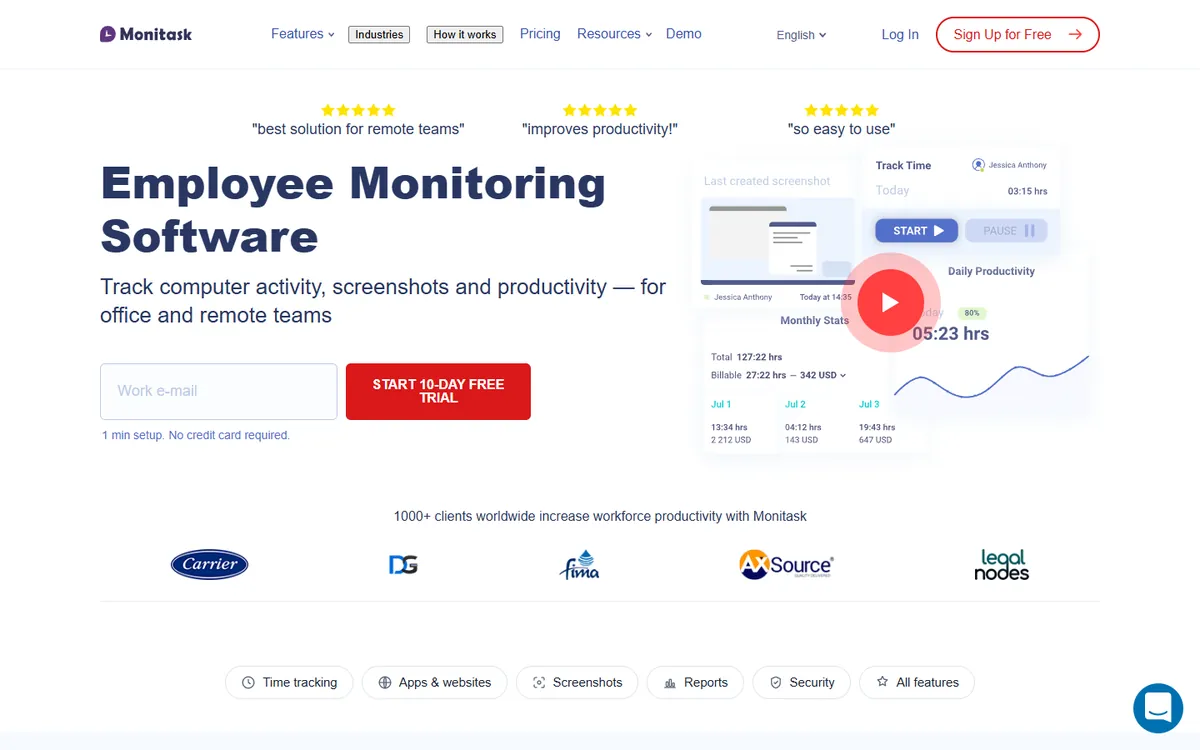
Monitask is a straightforward screenshot tracker for Windows, macOS and Linux, with Android and iOS apps. Screenshots and activity levels are on Pro, which costs about the same as DeskTime Pro, the plan where DeskTime takes no screenshots.
App and website usage, client login and performance reports start on Business, and GPS sits on Business Premium. More screenshots per hour are sold as an add-on.
Pick it over DeskTime if you want screenshots for less than Premium and need a phone app.
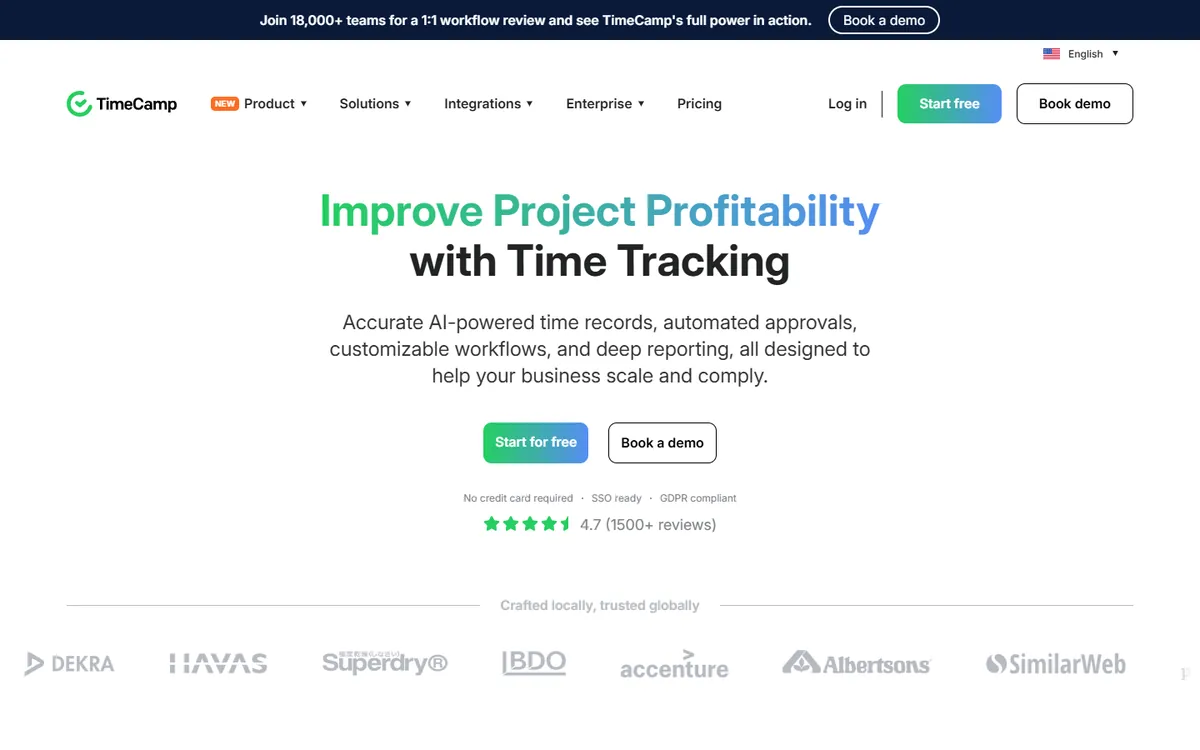
TimeCamp is free for unlimited users and projects, which no other tool here matches. Activity levels and app usage arrive on Premium, and screenshots and timesheet approval on Ultimate.
It also does attendance tracking, invoicing from Starter and over 100 integrations, and it runs on Linux. Ultimate costs about the same as DeskTime Premium.
Pick it over DeskTime if you want to start free and add proof of work later.
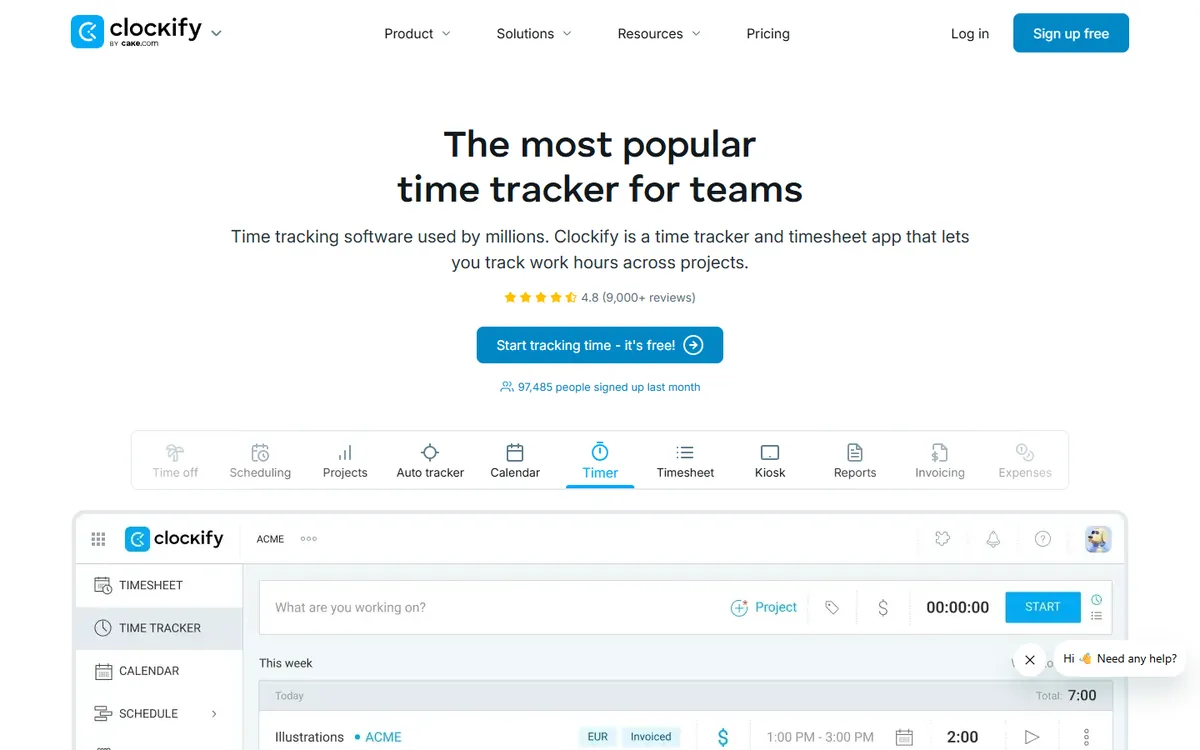
Clockify is free for up to five users with no time limit, and it records apps and websites automatically even on the free plan, the part of DeskTime many small teams like most.
Paid plans add scheduling, invoicing, GPS and payroll. Screenshots start on Pro, which is cheaper than DeskTime Premium. Kanban boards live in a separate Clockify app.
Pick it over DeskTime if you are five people or fewer and want to pay nothing.
Stay with DeskTime if automatic tracking, productivity scores, shifts and absences in one tool are what you need, and Premium fits the budget.
Choose TimoDesk for screenshots, activity, app usage, kanban boards and a client portal at $1 per user, about 9 times less than DeskTime Premium.
Choose ActivTrak for deeper productivity analytics, Hubstaff for field teams and payroll, and Teramind or Insightful when security or compliance drives the decision.
Start free with Clockify for up to 5 people or TimeCamp for any number, and add screenshots later.
What teams ask before they move away from DeskTime.
01What is the best alternative to DeskTime?
For screenshots, activity levels and app usage at the lowest price, TimoDesk at $1 per user per month, with every feature on one plan. For productivity analytics, ActivTrak. For field teams with GPS and payroll, Hubstaff. For a free start, Clockify for up to 5 users or TimeCamp for unlimited users.
02Is there a cheaper alternative to DeskTime?
Yes. DeskTime takes screenshots only on Premium, at $9.17 per user per month on annual billing. 3 of the other tools here are cheaper on their matching plan, and TimoDesk is $1, about 9 times less, with screenshots included.
03Is there a free alternative to DeskTime?
DeskTime's pricing page lists paid plans and a 14-day trial. TimeCamp is free for unlimited users, Clockify for up to 5 users and ActivTrak for up to 3 workers, but none of those free plans take screenshots. TimoDesk has no free plan either, only a 15-day trial with no card.
04Does TimoDesk track time automatically like DeskTime?
No, and that is on purpose. DeskTime starts tracking when the computer starts. In TimoDesk the member starts the timer on a task, and nothing is captured while it is off. Idle time is removed after the timeout you choose, from 3 to 60 minutes.
05Does TimoDesk label apps as productive or unproductive?
No. TimoDesk records the apps and websites used while the timer runs, by member, project and task, and leaves the judgment to you. DeskTime scores apps and sites as productive, unproductive or neutral, which suits teams that want a single productivity number.
06DeskTime or Hubstaff: which is better?
DeskTime suits office and hybrid teams that want automatic tracking, productivity scores and an absence calendar. Hubstaff suits teams with field staff, with GPS, geofencing and payroll. Hubstaff Team is $10 per user against $9.17 for DeskTime Premium.
07How do I switch from DeskTime to TimoDesk?
Start the 15-day trial, add your projects and tasks, and invite the team. Each member installs the desktop app on Windows, macOS or Linux. Run both for a week, then cancel DeskTime and keep its exports. Tell the team that tracking now starts with the timer, not when the computer starts.
08Is this comparison biased?
We make TimoDesk, so we cover it first and in the most depth. Every competitor price comes from the vendor's own pricing page, the scores are built from the same feature table for every tool, and we say plainly where DeskTime and the others do more than TimoDesk.
Still have a question?Book a call. We'll show you TimoDesk with your own setup and answer
any question this list doesn't cover.
Talk to our team
Start tracking time this week
Create your organization and invite your team today. Tracked time shows
on the dashboard the same day, and the first full-day reports are ready the next
day. $1 per user per month, with every feature included.
 DeskTime Premium
 TimoDesk One plan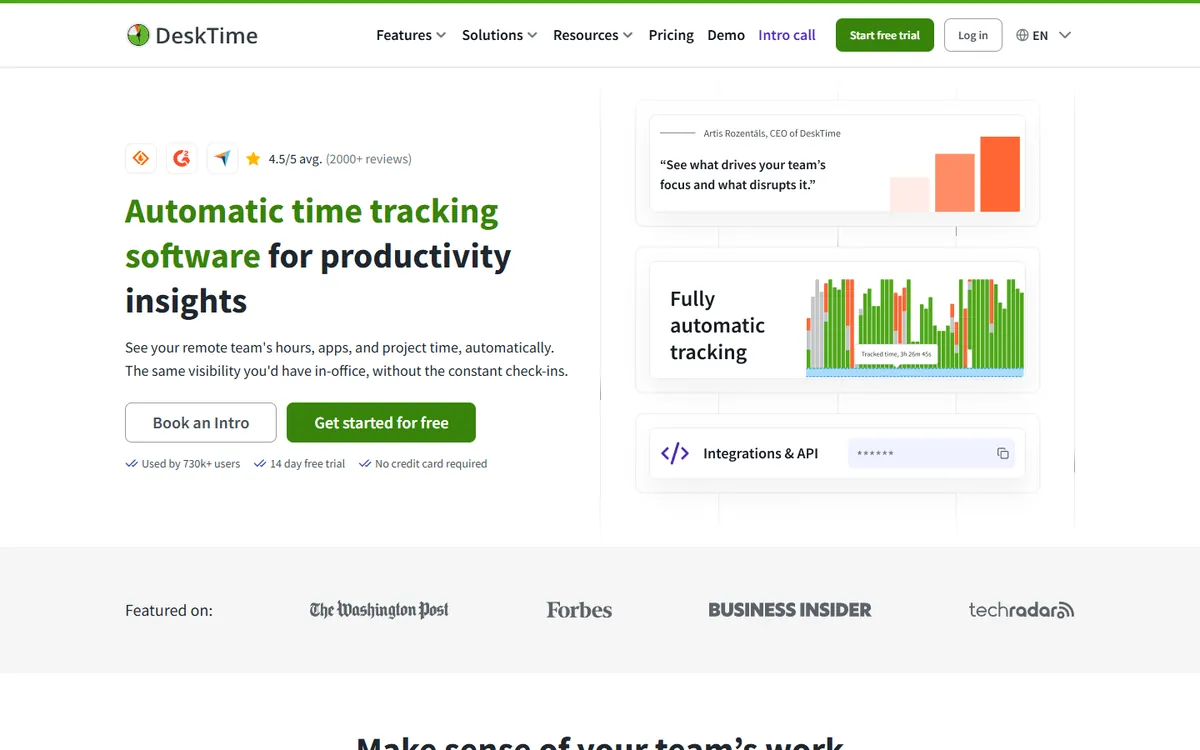

 Time Doctor
 Insightful
 Teramind
 Monitask
 TimeCamp
 Clockify